Minecraft version
Back to mods 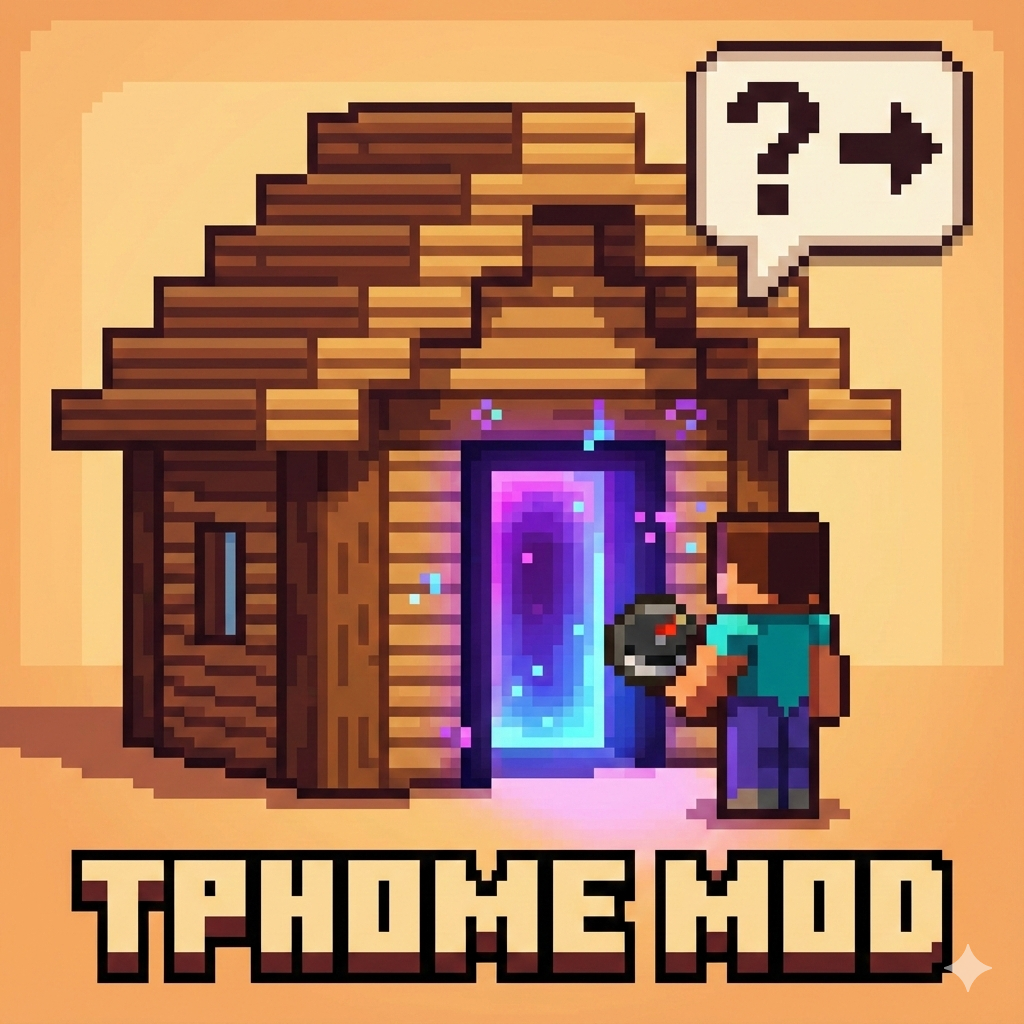
CurseForge · Minecraft mod
TP HOME
set home and go home anytime you want
Choose a version Pick your version below, then grab the matching file.
Quick answer
Which TP HOME release matches Fabric?
Best match for your filters tphome-2.0.7+fabric+26.2.jar
Game version 26.2
Loader Fabric
TP HOME tphome-2.0.7+fabric+26.2.jar targets 26.2 with Fabric. The project page does not say whether this file belongs on the client, dedicated server, or both. No extra mods listed for this file.
Where it goes
Is TP HOME required on the client, server, or both?
The project page does not say whether this file belongs on the client, dedicated server, or both.
Client Source doesn’t say
Dedicated server Source doesn’t say
Loader for this release Fabric
Required install it here Optional supported, not mandatory Not supported do not install here Source doesn’t say do not assume
The source does not explicitly classify this release as client-only or server-only.
What else does TP HOME tphome-2.0.7+fabric+26.2.jar need?
tphome-2.0.7+fabric+26.2.jar on Fabric. Every mod below is checked against that same setup.
This file does not list any required mods. Do not add a library just because a different file uses it.
This file does not list any required or optional mods.
Before you install it
Add TP HOME without breaking your instance.
Built for TP HOME tphome-2.0.7+fabric+26.2.jar on Fabric. Pick another file and the loader, install side or required mods may change.
- 01
Stick to this file
Use tphome-2.0.7+fabric+26.2.jar. It targets 26.2 with Fabric; another release may have different loader, side or dependency requirements.
- 02
Bring the mods it needs
This file does not list any required mods. Do not add a library just because a different file uses it.
- 03
Put it on the correct side
The project page does not say whether this file belongs on the client, dedicated server, or both.
- 04
Pick the file you checked
Use the “Get this file” button beside tphome-2.0.7+fabric+26.2.jar. It opens that exact file at the source.
About this project
What does TP HOME add?
TP Home - Advanced Home Teleportation System
A comprehensive home management plugin featuring intelligent cooldown systems, acceleration mechanics, and emergency teleportation options. Set multiple homes, teleport between them, and manage cooldowns with an intuitive GUI interface.
Key Features:
- Multi-Home System: Create and manage multiple home locations with configurable limits
- Smart Cooldown Management: Persistent cooldown system that survives server restarts
- Acceleration System: Reduce cooldowns using in-game items (Ender Pearls, Gold Ingots, Amethyst Shards)
- Emergency Teleport: Bypass cooldowns instantly using diamonds with temporary debuffs
- Player Teleportation: Send and accept teleport requests between players
- Death Recovery: Teleport back to your last death location
- Interactive GUIs: User-friendly inventory-based menus for all features
- Teleport Delays: Configurable countdown with movement cancellation
- Permission Support: Flexible permission system for different player groups
- Persistent Data: JSON-based storage for homes and cooldowns
Perfect for survival servers looking to enhance player convenience while maintaining balanced gameplay through cooldown mechanics and resource costs.
Paper/Bukkit Plugin Version: https://www.curseforge.com/minecraft/bukkit-plugins/tp-home-plugin-version
Project description from CurseForge.
Pick your setup
TP HOME by Minecraft version and loader
Choose the version and loader you play, then open the matching release.
Minecraft version
26.1.2
2 loader buildsMinecraft version
26.1.1
2 loader buildsMinecraft version
26.1
2 loader buildsMinecraft version
1.21.11
1 loader buildMinecraft version
1.21.10
1 loader buildMinecraft version
1.21.9
1 loader buildMinecraft version
1.21.8
1 loader buildMinecraft version
1.21.7
1 loader buildMinecraft version
1.21.6
1 loader buildMinecraft version
1.21.5
1 loader buildMinecraft version
1.21.4
1 loader buildShowing the newest 12 of 16 game versions. Older files are in the list below.
Check the dependencies, then try the file in a copied instance before changing a world you care about.
Recent files
TP HOME versions and loaders
tphome-2.0.7+fabric+26.2.jar
30 Jul 2026
Client Source doesn’t say Server Source doesn’t say Dependencies No extras listed Listed on Release listing
Check the 26.2 · Fabric setup Fabric26.2 release
tphome-2.0.7+fabric+1.21.1.jar
30 Jul 2026
Client Source doesn’t say Server Source doesn’t say Dependencies No extras listed Listed on Release listing
Check the 1.21.1 · Fabric setup Fabric1.21.1 release
tphome-2.0.6.jar
20 Jun 2026
Client Source doesn’t say Server Source doesn’t say Dependencies No extras listed Listed on Release listing
Check the 26.2 · Fabric setup Fabric26.2 release
tphome-2.0.6.jar
3 Jun 2026
Client Source doesn’t say Server Source doesn’t say Dependencies No extras listed Listed on Release listing
Check the 26.1.2 · Fabric setup Fabric26.126.1.126.1.2 release
tphome-2.0.6.jar
3 Jun 2026
Client Source doesn’t say Server Source doesn’t say Dependencies No extras listed Listed on Release listing
Check the 1.21.1 · Fabric setup Fabric1.21.1 release
Looking for an older file? The official CurseForge project page is in Resources.
 mod
mod CurseForge · Minecraft
First Aid New
A port of First Aid with more realistic mechanism
 mod
mod CurseForge · Minecraft
Easy Shulker Boxes
Supercharge shulker boxes with browsing, inserting and extracting contents directly from your inventory.
 mod
mod CurseForge · Minecraft
Bag Of Holding
Fancy storage for fancy folks. A unique alternatives to your average backpack mod.