Minecraft version
Back to mods 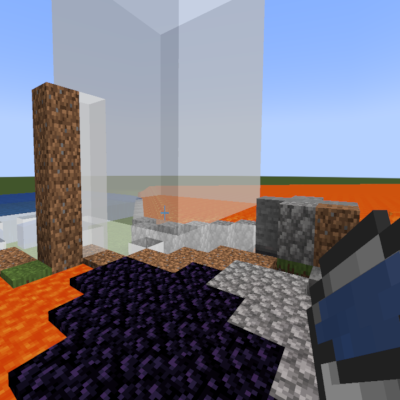
CurseForge · Minecraft mod
Functional Fluids
Fluid tutorial mod - adds a few useful fluids to Minecraft. Check the repo to see how!
Choose a version Pick your version below, then grab the matching file.
Quick answer
Which Functional Fluids release matches 1.21.1 NeoForge?
Best match for your filters fun_fluids-1.0.0.jar
Game version 1.21.1
Loader NeoForge
Functional Fluids fun_fluids-1.0.0.jar targets 1.21.1 with NeoForge. The project page does not say whether this file belongs on the client, dedicated server, or both. No extra mods listed for this file.
Where it goes
Is Functional Fluids required on the client, server, or both?
The project page does not say whether this file belongs on the client, dedicated server, or both.
Client Source doesn’t say
Dedicated server Source doesn’t say
Loader for this release NeoForge
Required install it here Optional supported, not mandatory Not supported do not install here Source doesn’t say do not assume
The source does not explicitly classify this release as client-only or server-only.
What else does Functional Fluids fun_fluids-1.0.0.jar need?
fun_fluids-1.0.0.jar on 1.21.1 NeoForge. Every mod below is checked against that same setup.
This file does not list any required mods. Do not add a library just because a different file uses it.
This file does not list any required or optional mods.
Before you install it
Add Functional Fluids without breaking your instance.
Built for Functional Fluids fun_fluids-1.0.0.jar on 1.21.1 NeoForge. Pick another file and the loader, install side or required mods may change.
- 01
Stick to this file
Use fun_fluids-1.0.0.jar. It targets 1.21.1 with NeoForge; another release may have different loader, side or dependency requirements.
- 02
Bring the mods it needs
This file does not list any required mods. Do not add a library just because a different file uses it.
- 03
Put it on the correct side
The project page does not say whether this file belongs on the client, dedicated server, or both.
- 04
Pick the file you checked
Use the “Get this file” button beside fun_fluids-1.0.0.jar. It opens that exact file at the source.
About this project
What does Functional Fluids add?
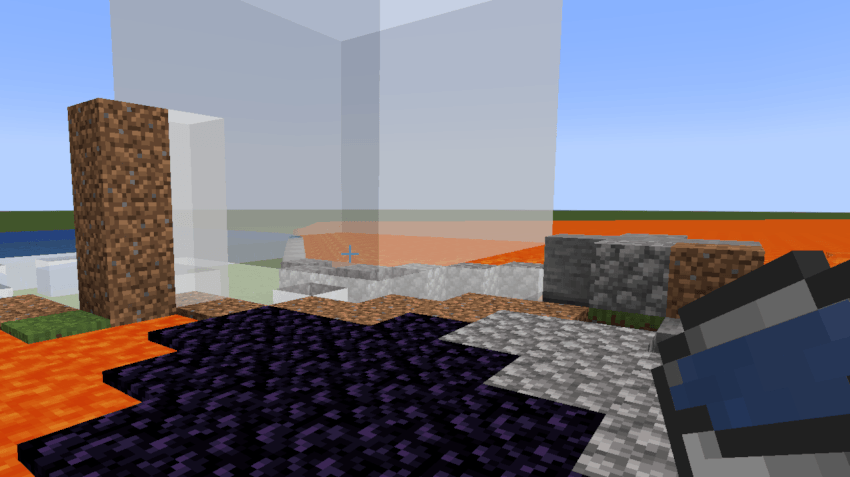
Functional Fluids is a tutorial mod, designed to fill in the gap in (Neo)Forge documentation. Like any good tutorial, it has fun examples:
- Cool Lava - Tired of cobble gens that burn your cobble? Want to live in a fire lake, but don't want to burn down your base or guzzle fire resistance potions? Cool lava is the stuff for you - all the properties of real lava, with none of the burn. Supports boats.
- Thick Air - A balanced alternative to creatived flight. Invisible by default, thick air can be walked through just like the regular stuff. However, when you start sprinting, (or leave the ground for any reason) you'll start swimming! Safe to breathe; can fall, but doesn't flow sideways. Ideal for invisible paths and airlocks. Most mobs are afraid to touch it, but can be pushed through.
- Configurable Fluid - Need a custom fluid for your modpack, but not sure how to add it? The configurable fluid has (most) of its properties controlled by the config file. Push strength up to max for a fast transit system, or change the color with the season for automatic festive decorations. Change the fall damage multiplier to 100 and make compact death pits or disable drowning and build an underwater base.
- River of Time - Children flow up the timestream, adults flow down. Timeless entities (players, golems, and inanimates) don't flow at all.
- Flood - Grows to fill any container. Perfect for swimming pools, watery megafarms, and artificial lakes. This is dangerous (CAUTION: don't use on top of a mountain!), so there's no default recipe. It can flood your world.
I'll probably make the fluids individually disableable at some point - for now, you can use a datapack or crafttweaker/kubejs to manually remove the recipes.
Now with Wiki! (A fluid API wiki, that is. This is an example mod.)
Project description from CurseForge.
Pick your setup
Functional Fluids by Minecraft version and loader
Choose the version and loader you play, then open the matching release.
Minecraft version
1.21.1
1 loader buildCheck the dependencies, then try the file in a copied instance before changing a world you care about.
Recent files
Functional Fluids versions and loaders
fun_fluids-1.0.0.jar
9 Nov 2025
Client Source doesn’t say Server Source doesn’t say Dependencies No extras listed Listed on Release listing
Check the 1.21.1 · NeoForge setup 1.21.1NeoForge release
fun_fluids-0.1.0.jar
8 Nov 2025
Client Source doesn’t say Server Source doesn’t say Dependencies No extras listed Listed on Release listing
Check the 1.21.1 · NeoForge setup NeoForge1.21.1 beta
fun_fluids-0.0.7.jar
31 Oct 2025
Client Source doesn’t say Server Source doesn’t say Dependencies No extras listed Listed on Release listing
Check the 1.21.1 · NeoForge setup NeoForge1.21.1 beta
fun_fluids-0.0.5.jar
28 Oct 2025
Client Source doesn’t say Server Source doesn’t say Dependencies No extras listed Listed on Release listing
Check the 1.21.1 · NeoForge setup NeoForge1.21.1 beta
Looking for an older file? The official CurseForge project page is in Resources.
 mod
Modrinth · Minecraft
INVTOOLS - Inventory Rollback
Inventory, accessory, backpack, and backup administration for Minecraft servers.
 mod
Modrinth · Minecraft
Eslium
Simulates zero latency by predicting server actions
 mod
CurseForge + Modrinth · Minecraft
Villager API
An API to add custom villager professions and villager biome types with custom trades without writing code.