💵 Help out the project:
Any small donation really helps me out maintaining these projects. It means a lot to me. https://buymeacoffee.com/theblackswitch
👍 My other projects:
Also Check Out my other projects at theblackswitch.com!
📝Pack Explanation:
Have you ever wanted to design something in your survival world but are you to lazy to save your world and switch to a creative world? Or are you playing with friends on a server and want to design something together? Well than I have the perfect solution for you: desginer pack!
Designer pack is a datapack which allows you to design a build directly in your survival playthrough! This pack has 5 different types of super flat creative worlds where you can freely design your builds alone and together! Just type /trigger designer set <1-5> to go to the desired plot!
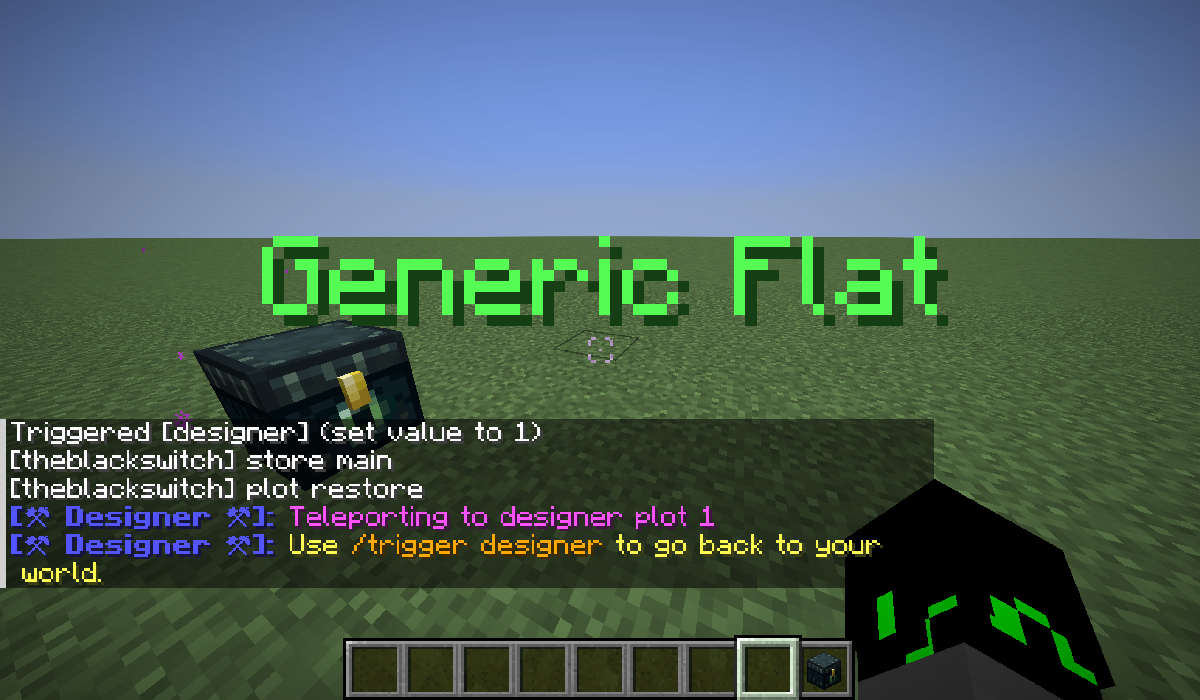 Here is an overview of every world type and their plot number:
| Plot |
World Type |
| Plot 1 |
Default Super Flat |
| Plot 2 |
Quartz World |
| Plot 3 |
Redstone Ready |
| Plot 4 |
Empty Void |
| Plot 5 |
Generic Overworld |
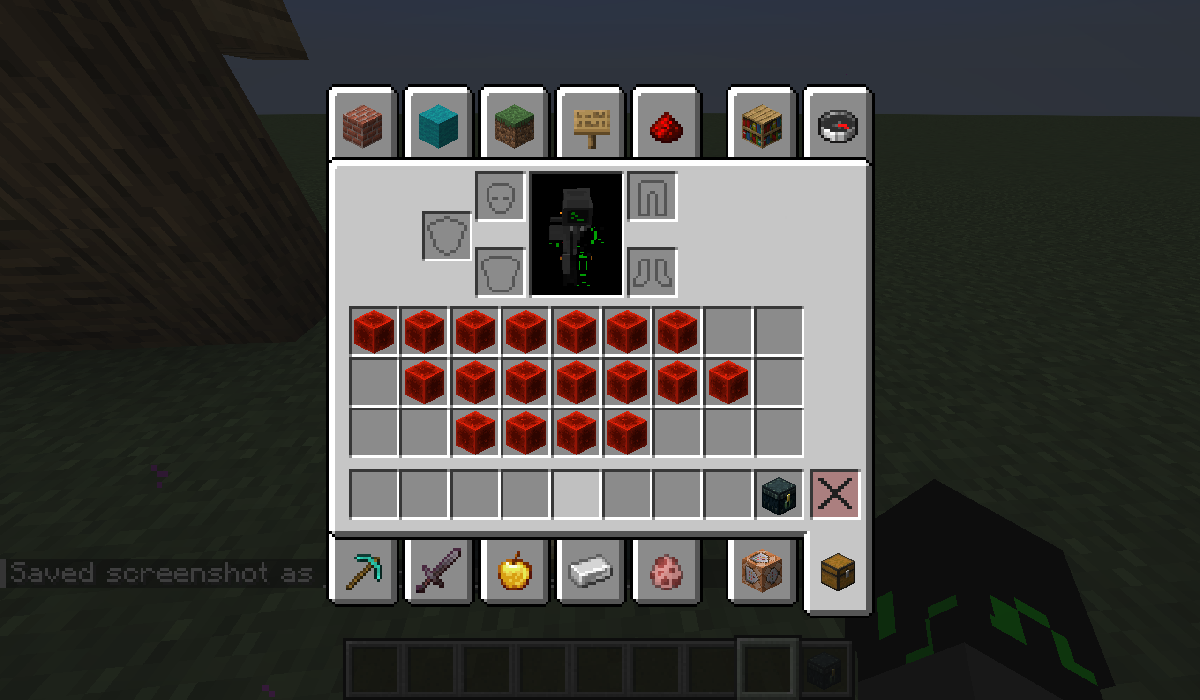
And that without interfering with your survival world! When you trigger designer, your inventory will be stored aswell as your xp points! Then when you've decided to hop back into survival, your inventory and xp will be given back to you, even in the right slots!
Inventory before teleportation (in my survival world):
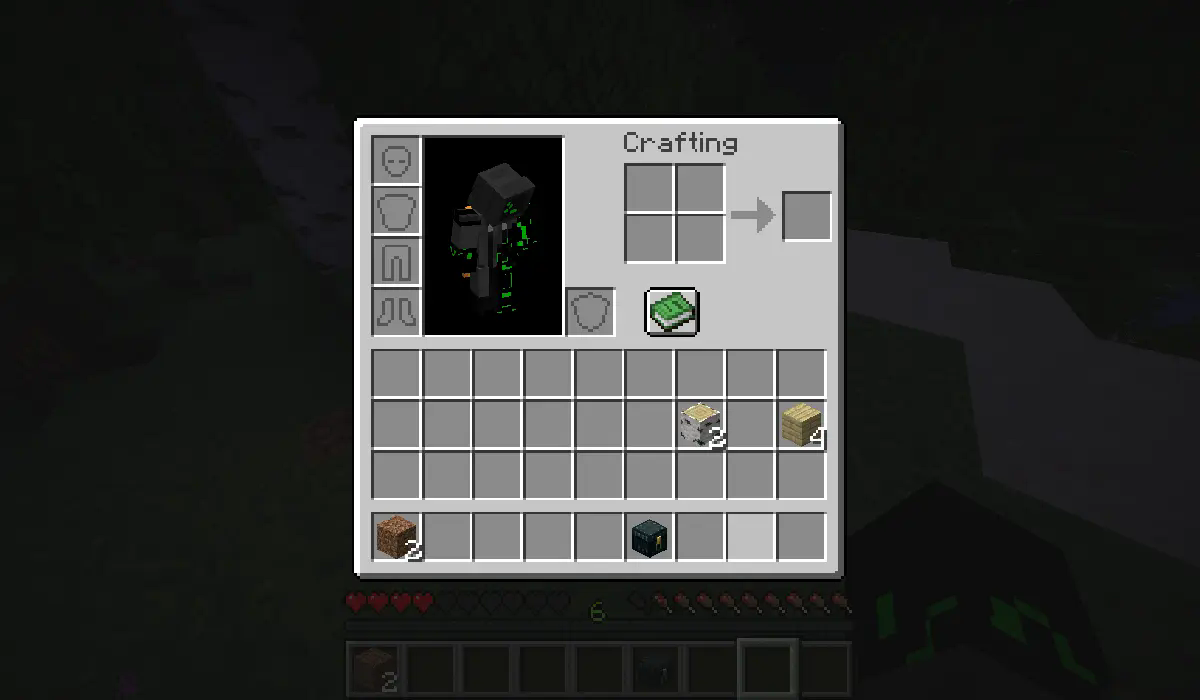
Inventory after teleportation (on my plot 1):
⚙️Configs:
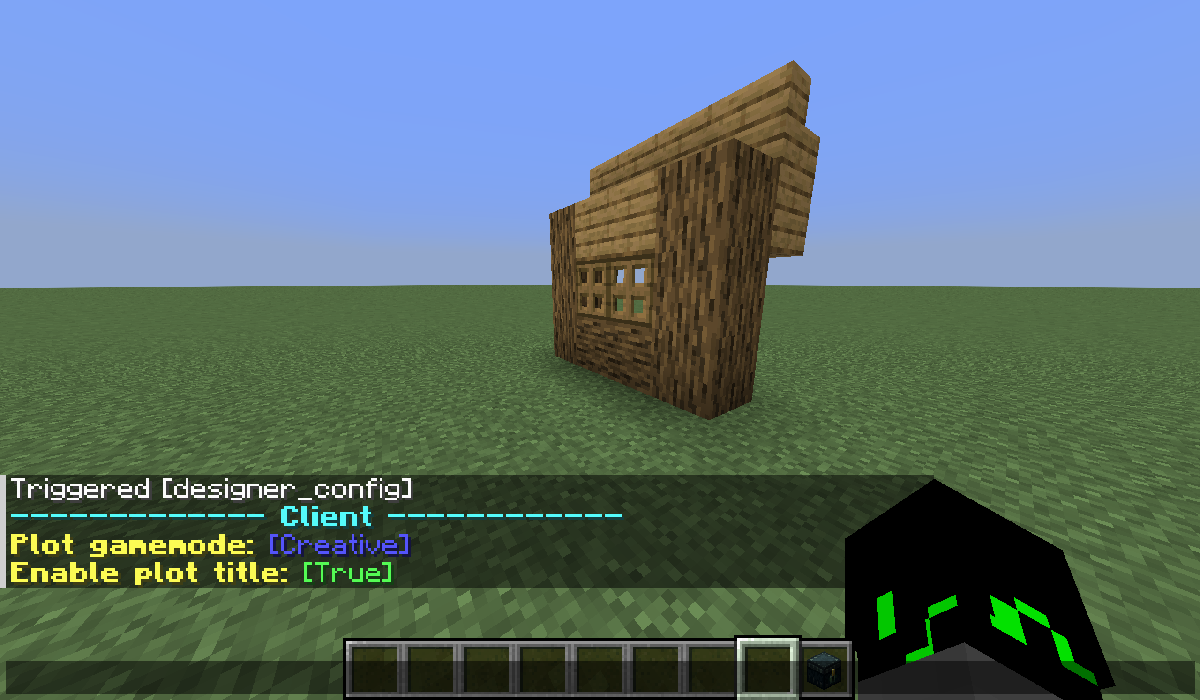
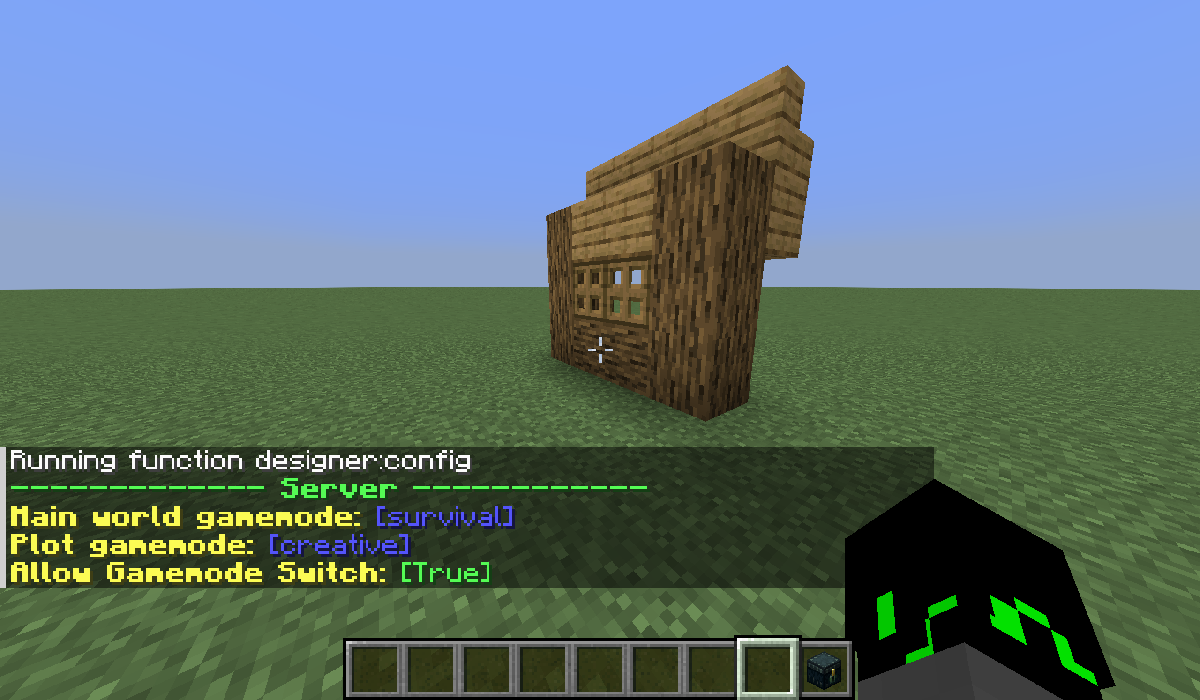
Designer pack also has a settings menu where you can change your gamemode on the plot and other settings like the visibility of the plot title by typing /trigger designer_config! The operator can easily change the default gamemode on the main world or on plots! And disable players from changing their gamemodes on plots by typing /function designer:config!
Client setting menu (individual per players):
Server setting menu (common for every player) (can only be changed by the OP):
❓Frequently Asked Questions:
Q: Can I use this pack in my modpack?
A: Yes ofcorse! Can you please credit me and link this page, it's really difficult to share datapacks :)
Q: Is this pack compatible with mod X?
A: Idk, try if any features don't work or you can bring items to the survival world, and comment to ask for any compat!
Q: Can you update this pack for version X?
A: I'm trying my best to update the pack to the newest versions, backports earlier than 1.18.2 are not possible. And as of V1.2 backports to earlier than minecraft 1.21 are also impossible.
✨Upcomming Features:
I've decided to put these features into a seporate datapack:
- Something Like world edit:
- Fill command but for players without OP
- Easy Teleport command
- generic shape filler (like ball)
- Noise tool to easily create some variations in flat walls
- Something like a schematic to easily bring your builds into your survival world
- AND MUCH MORE! (but I don't have the ideas worked out decently yet :P)
🖥️Installation:
You basically have 2 options:
Download the mod version:\ You need any of the supported mod loaders for this:
- dowload the file
- put it in your mods folder
- If you're on a server, you have to put it in the server's mods folder too!
Download the datapack version:\ There is no need of any software, it runs on just vanilla and if you're on a server, your players don't need to install it.
- download the datapack version
- put it in you datapacks folder of your world:
saves/<your_world>/datapacks/<put_the_file_here>
📜License:
Designer Pack © 2025 by theblackswitch is licensed under CC-BY-NC-SA
An exception is made for video content, which can be monetized. However, video creators must give appropriate credit by leaving a link to this page in the video
Additional condition: The content of this work, as a whole or in parts, may not be used for training, fine-tuning, or enhancement of artificial intelligence systems, machine learning models or similar technologies. This includes for commercial, non-commercial, educational, research, or personal projects.
Project description from CurseForge.