Minecraft version
Back to mods 
CurseForge · Minecraft mod
[TACZ] Suppressing
This mod adds suppression like in popular games.
Choose a version Pick your version below, then grab the matching file.
Quick answer
Which [TACZ] Suppressing release should I use?
Latest stable file [TAGZ] Supressing-1.1.jar
Game version 1.20.1
Loader Forge
[TACZ] Suppressing [TAGZ] Supressing-1.1.jar targets 1.20.1 with Forge. The project page does not say whether this file belongs on the client, dedicated server, or both. No extra mods listed for this file.
Where it goes
Is [TACZ] Suppressing required on the client, server, or both?
The project page does not say whether this file belongs on the client, dedicated server, or both.
Client Source doesn’t say
Dedicated server Source doesn’t say
Loader for this release Forge
Required install it here Optional supported, not mandatory Not supported do not install here Source doesn’t say do not assume
The source does not explicitly classify this release as client-only or server-only.
What else does [TACZ] Suppressing [TAGZ] Supressing-1.1.jar need?
[TAGZ] Supressing-1.1.jar. Change the file and its required mods may change too.
This file does not list any required mods. Do not add a library just because a different file uses it.
This file does not list any required or optional mods.
Before you install it
Add [TACZ] Suppressing without breaking your instance.
Built for [TACZ] Suppressing [TAGZ] Supressing-1.1.jar. Pick another file and the loader, install side or required mods may change.
- 01
Stick to this file
Use [TAGZ] Supressing-1.1.jar. It targets 1.20.1 with Forge; another release may have different loader, side or dependency requirements.
- 02
Bring the mods it needs
This file does not list any required mods. Do not add a library just because a different file uses it.
- 03
Put it on the correct side
The project page does not say whether this file belongs on the client, dedicated server, or both.
- 04
Pick the file you checked
Use the “Get this file” button beside [TAGZ] Supressing-1.1.jar. It opens that exact file at the source.
About this project
What does [TACZ] Suppressing add?
Immerse yourself in a real fight with the suppression effect! 🔥
This addon for TACZ adds a powerful suppression effect. When the enemy's bullets hit the cover next to you, you'll really feel the pressure of combat! 💥
How it works:
Enemy fire creates visual interference — the screen becomes blurred and the view deteriorates. Now you need to think about tactics, and not just stand under fire!
Important for installation: , A prerequisite: You must have the TACZ base game installed. ✅
Project description from CurseForge.
Pick your setup
[TACZ] Suppressing by Minecraft version and loader
Choose the version and loader you play, then open the matching release.
Check the dependencies, then try the file in a copied instance before changing a world you care about.
Recent files
[TACZ] Suppressing versions and loaders
[TAGZ] Supressing-1.1.jar
[TAGZ] Supressing-1.0.jar
8 Nov 2025
Client Source doesn’t say Server Source doesn’t say Dependencies No extras listed Listed on Release listing
Check the 1.20.1 · Forge setup 1.20.1Forge release
[TACZ] Suppressing-1.0.jar
[TAGZ] Supressing-1.0.jar
4 Nov 2025
Client Source doesn’t say Server Source doesn’t say Dependencies No extras listed Listed on Release listing
Check the 1.20.1 · Forge setup 1.20.1Forge beta
Looking for an older file? The official CurseForge project page is in Resources.
 mod
CurseForge · Minecraft
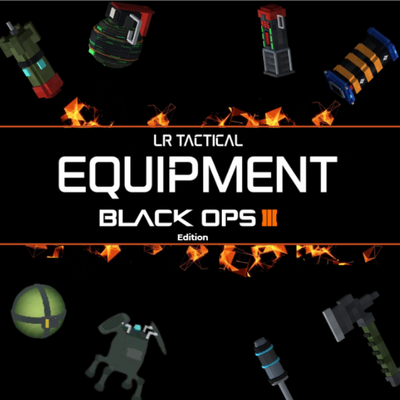
COD Equipment [TACZ-LRtactical]
This mod implements the lethal and tactical equipment, featuring iconic items such as the Tomahawk, Semtex, Shock Charge, Thermite, Tripmine, Concussion, trophy etc—along with classics like C4, flashbangs, etc. identical to those in BO3.
 mod
CurseForge + Modrinth · Minecraft
Entangled
Entangled allows you to 'entangle' two blocks together!
 mod
CurseForge · Minecraft
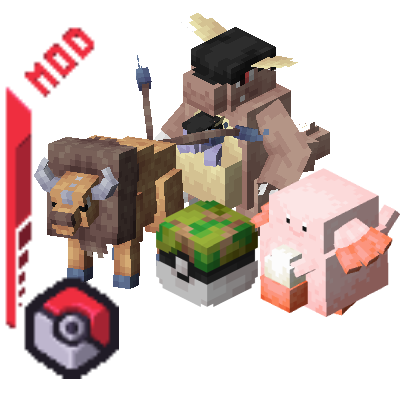
Cobblemon Safari
Hunt rare Pokémon against the clock in a Safari Zone of your own. Adds a daily-changing island with its own habitats, timed hunts with Safari Balls, specials of the day, missions, rest houses and a shop, all configurable.