Fabric API Needed by Core Utilities 2.0.0 (Fabric 26.2)
requiredMatching file found Matched file: [26.2] Fabric API 0.161.0+26.2
CurseForge · Minecraft mod
A futuristic tech-meets-automation mod for Minecraft, designed to expand the game’s core functionality with high-efficiency tools, modular machines, and directional logic systems.
Quick answer
Core Utilities 2.0.0 (Fabric 26.2) targets 26.2 with Fabric. The project page does not say whether this file belongs on the client, dedicated server, or both. All 1 required mods have matching files.
Where it goes
The project page does not say whether this file belongs on the client, dedicated server, or both.
The source does not explicitly classify this release as client-only or server-only.
Core Utilities 2.0.0 (Fabric 26.2). Change the file and its required mods may change too.
Install Fabric API first. We found matching files for this game-version and loader setup.
We only count dependency files that match this setup. A file for another loader does not fill the gap.
Before you install it
Built for Core Utilities 2.0.0 (Fabric 26.2). Pick another file and the loader, install side or required mods may change.
Use Core Utilities 2.0.0 (Fabric 26.2). It targets 26.2 with Fabric; another release may have different loader, side or dependency requirements.
Install Fabric API first. We found matching files for this game-version and loader setup.
The project page does not say whether this file belongs on the client, dedicated server, or both.
Use the “Get this file” button beside Core Utilities 2.0.0 (Fabric 26.2). It opens that exact file at the source.
About this project
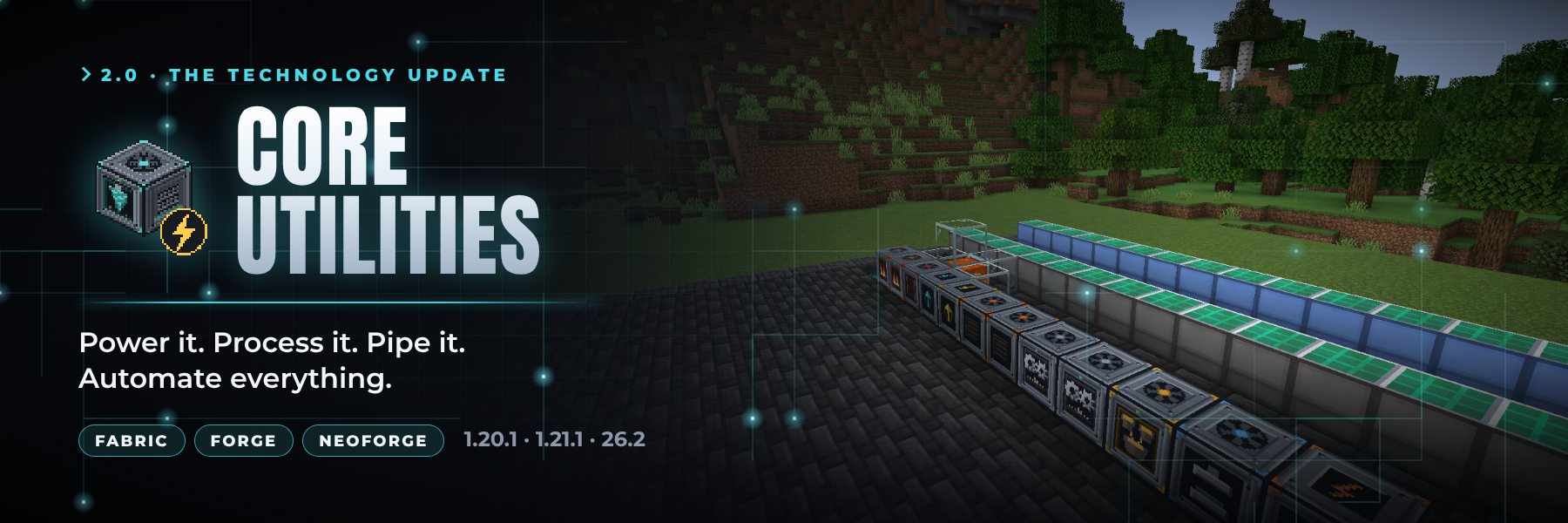
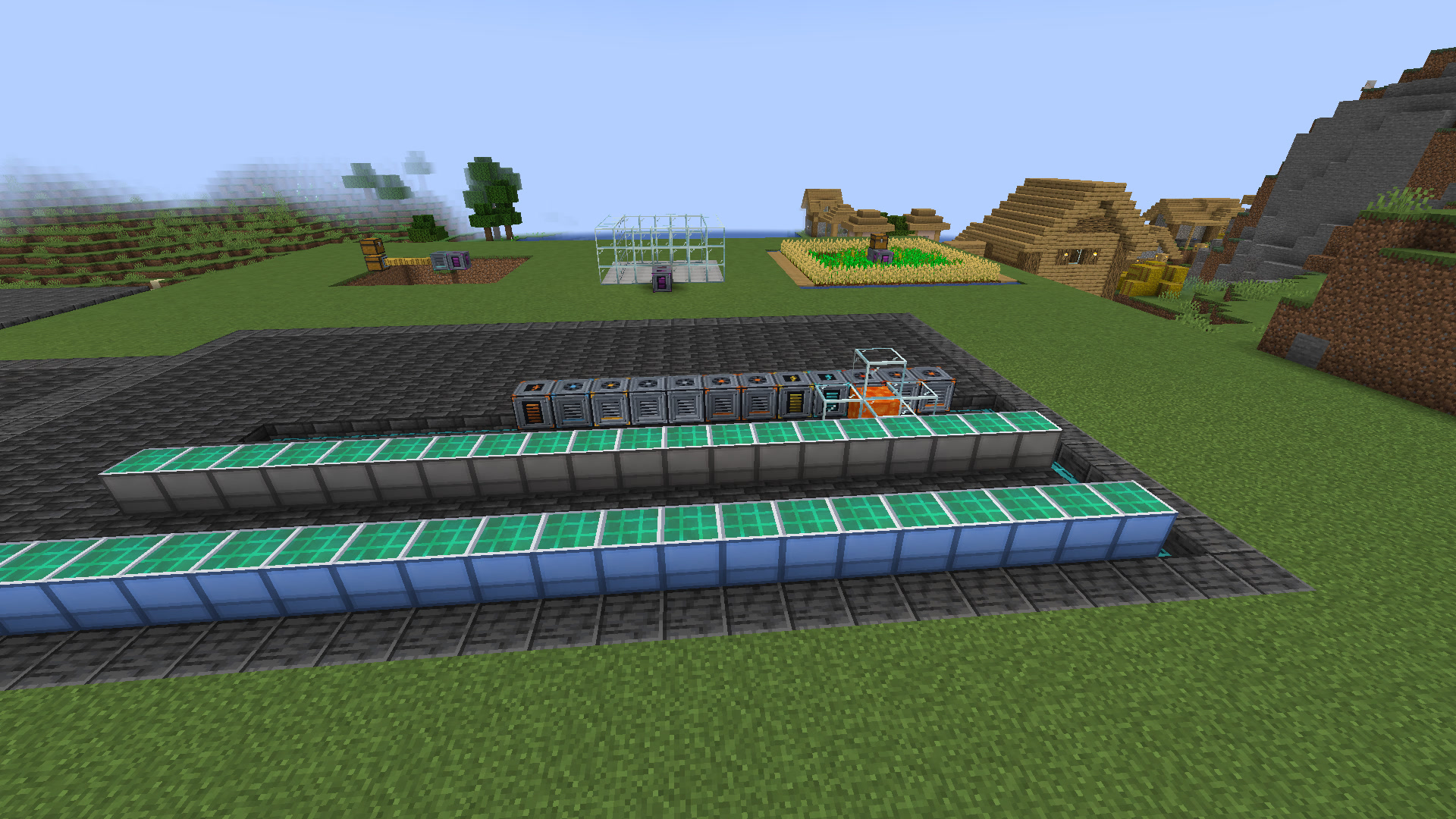
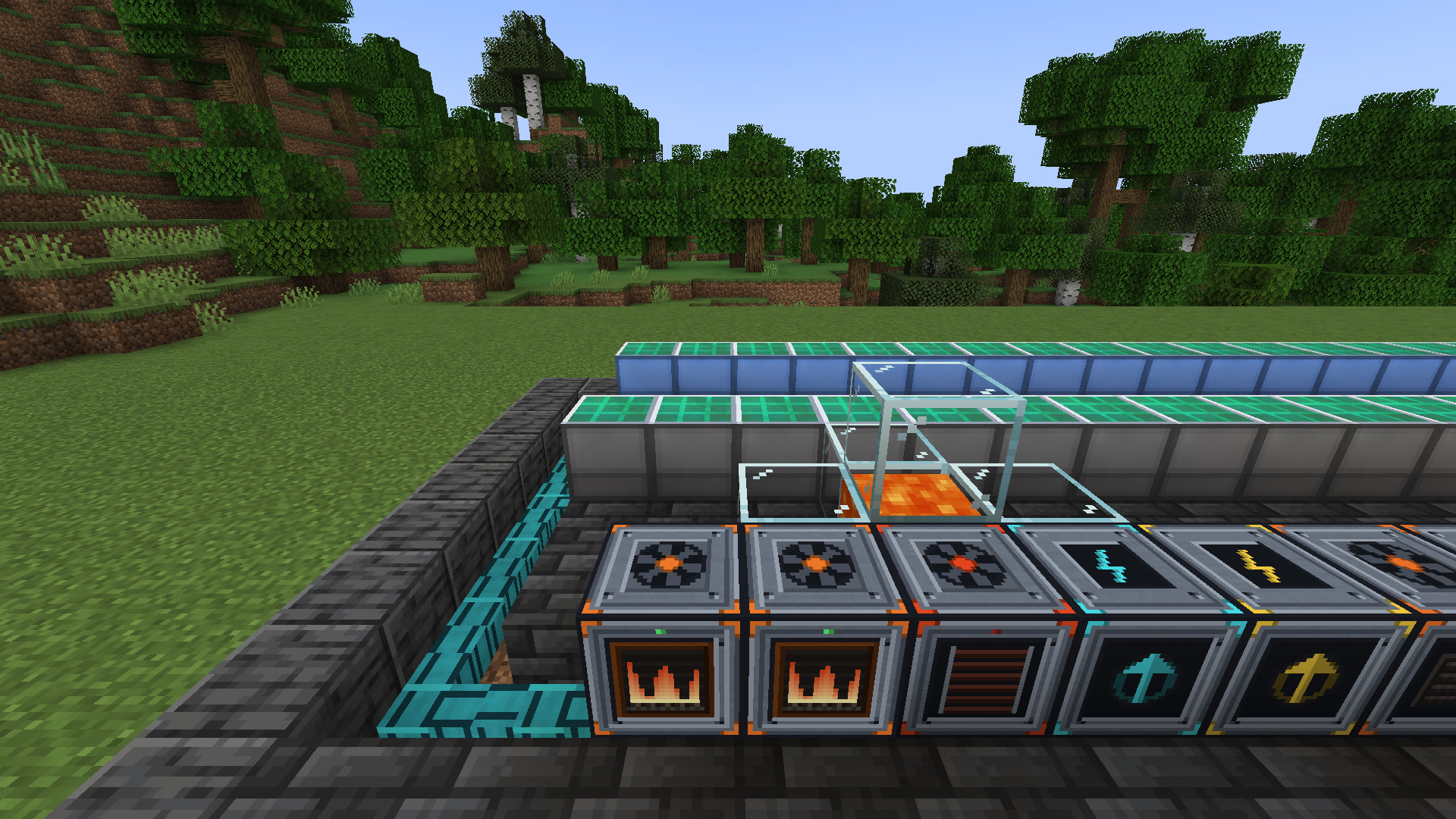
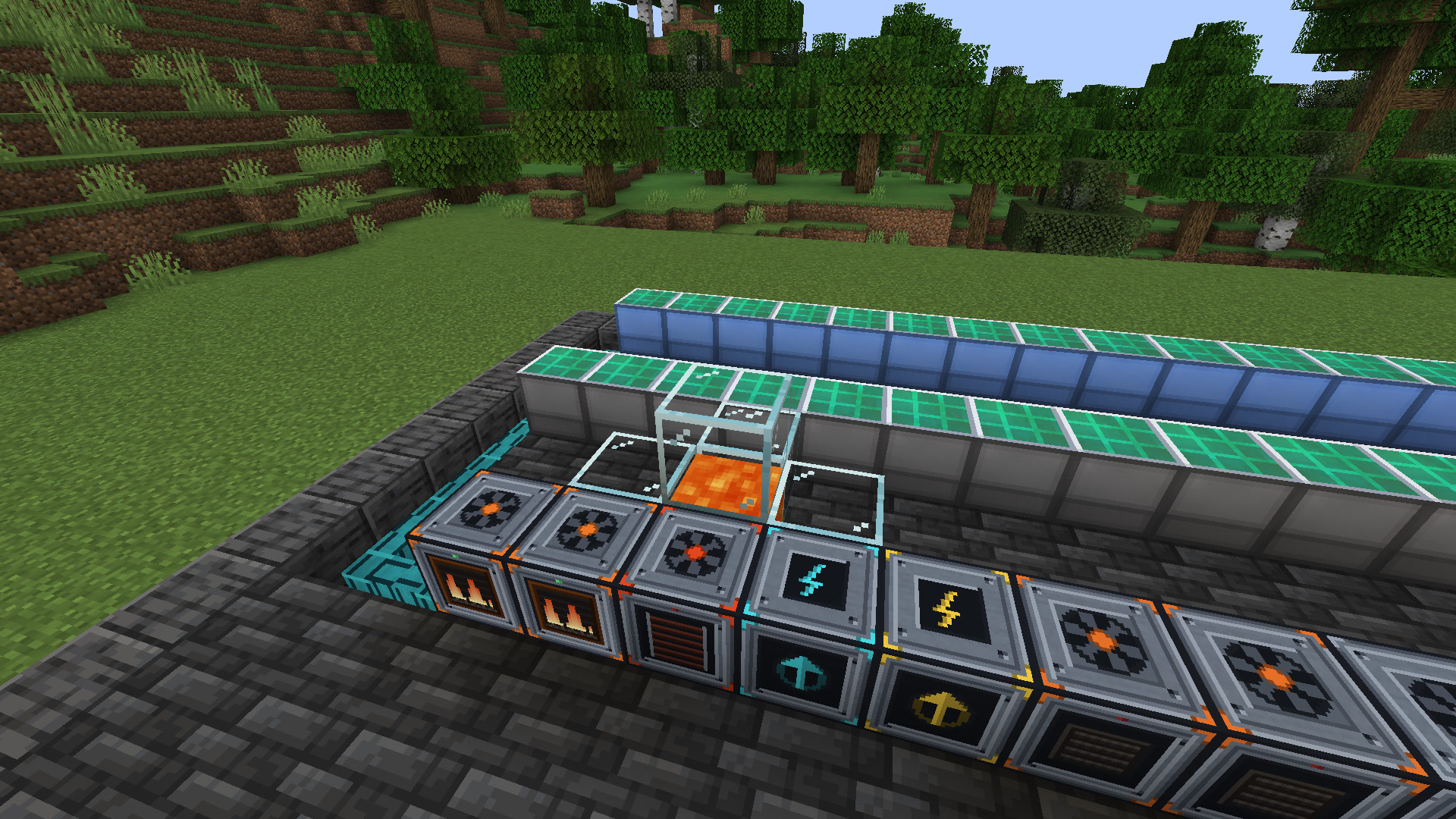
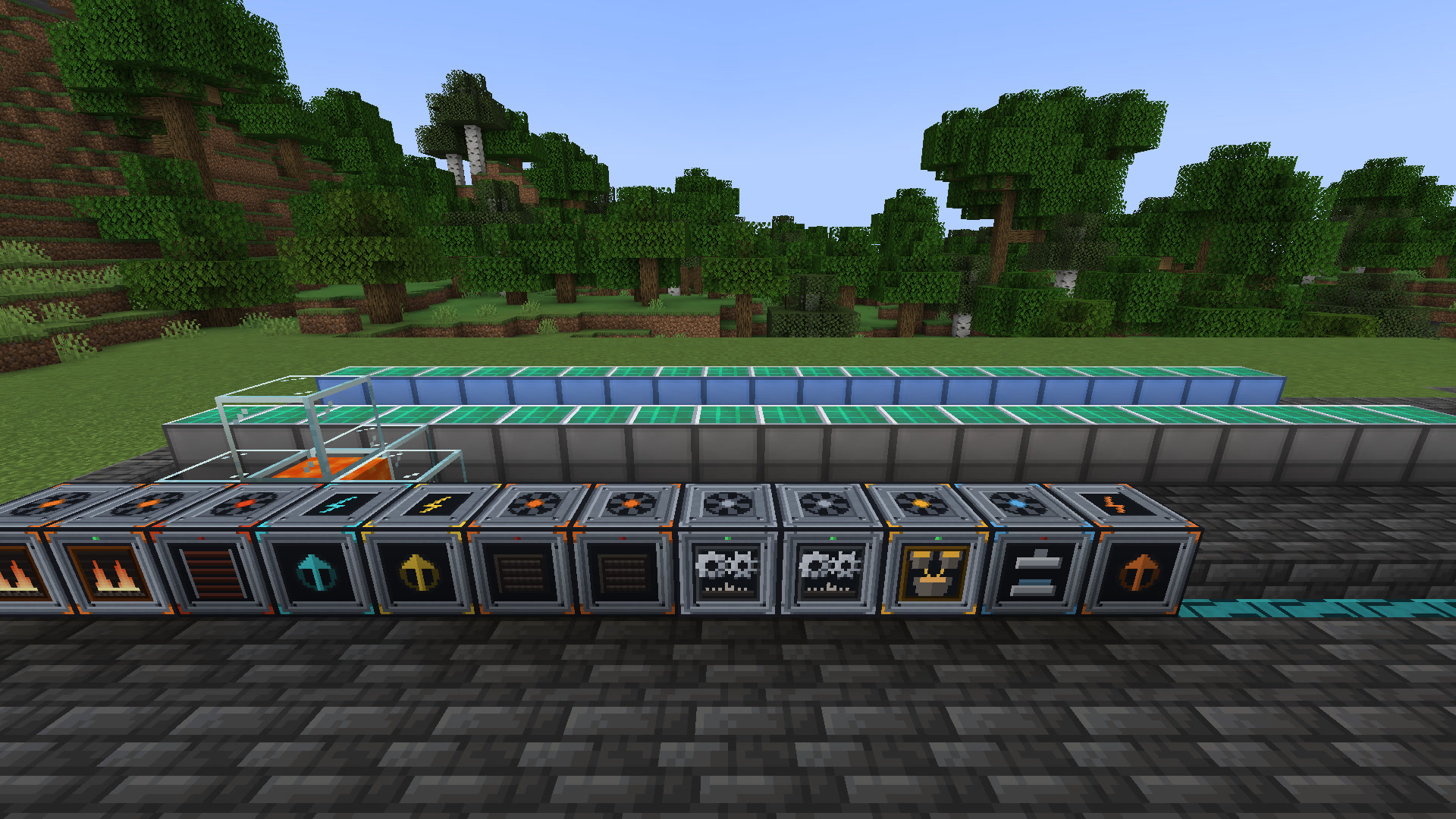
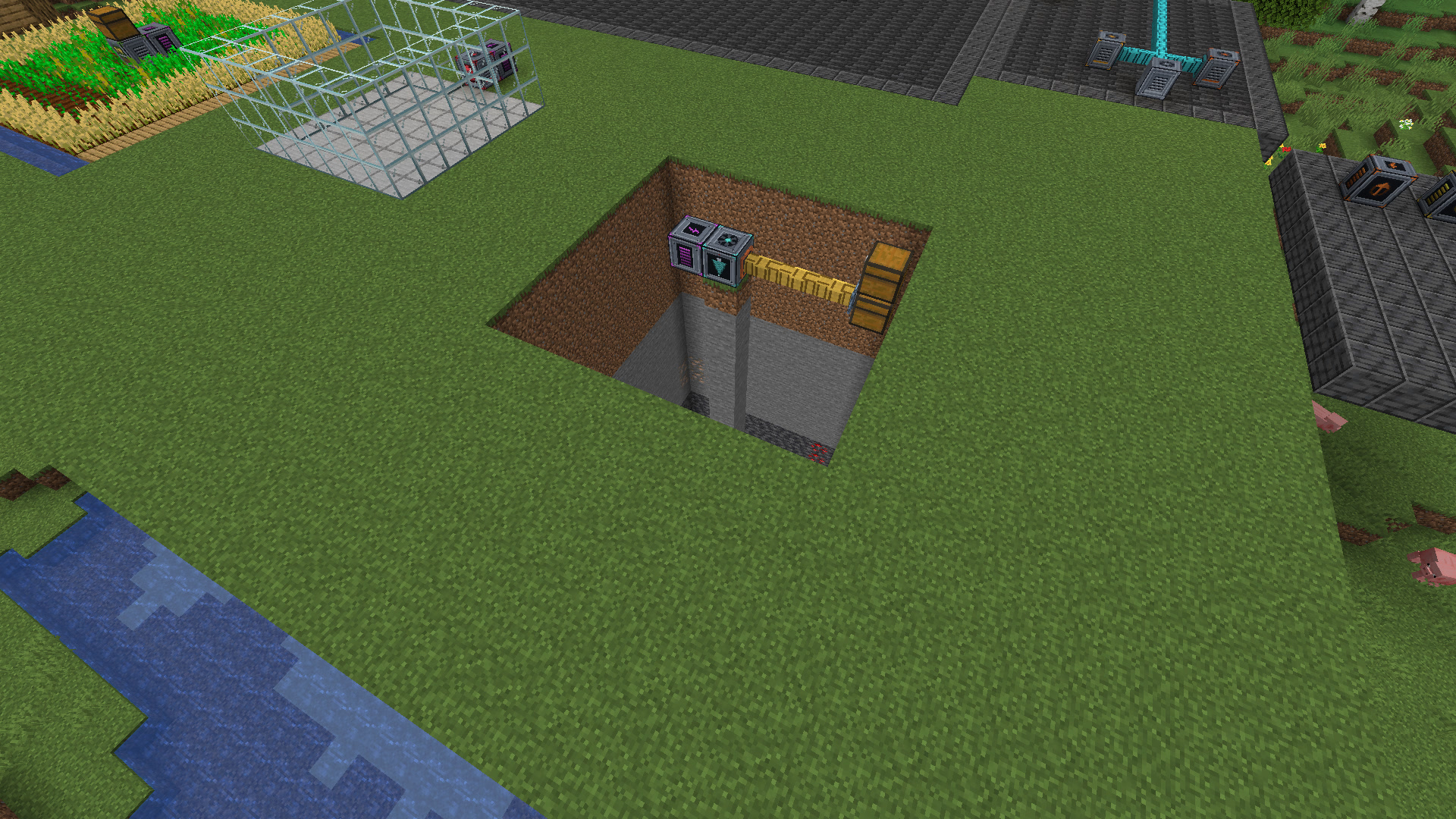
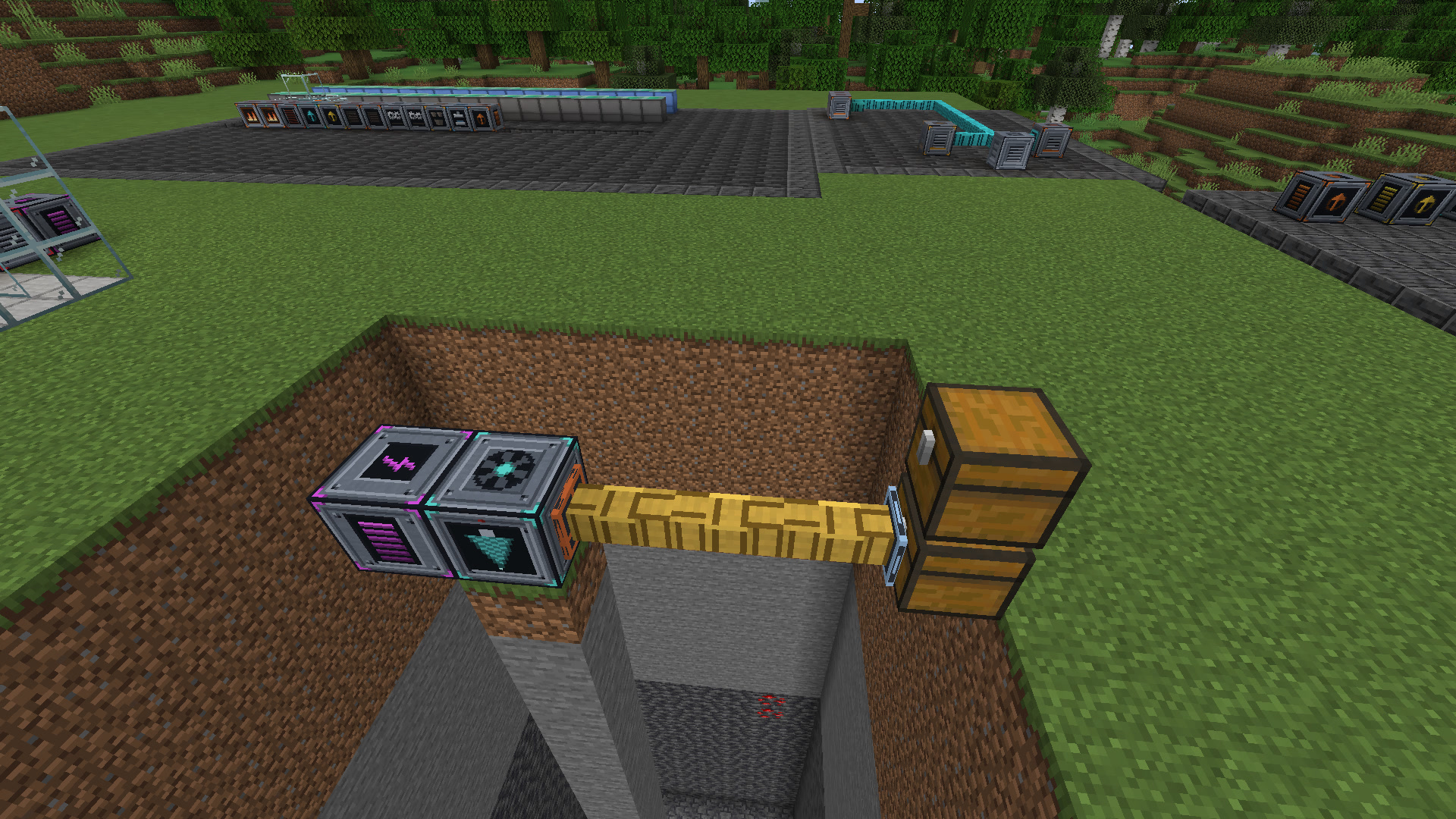
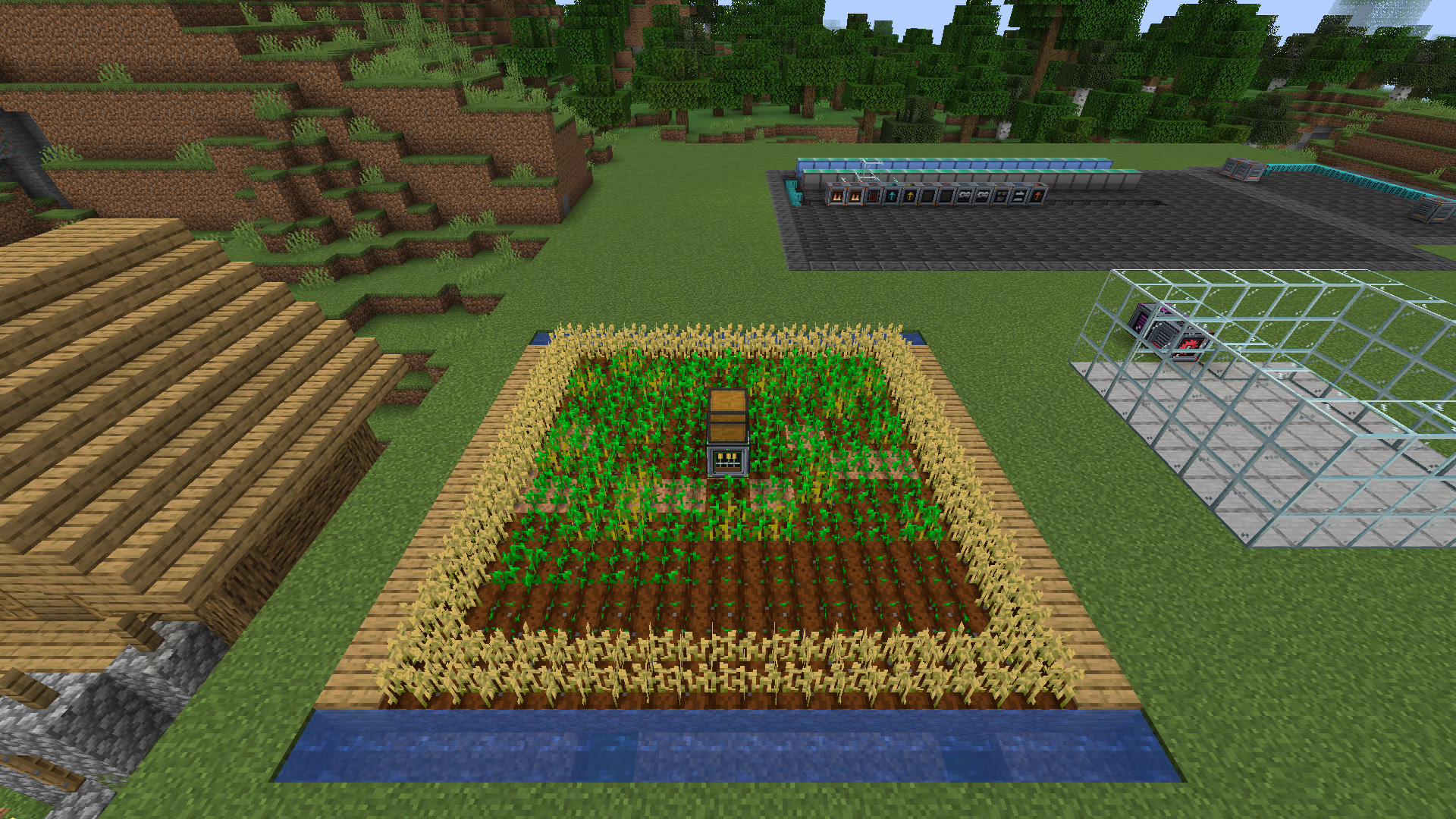
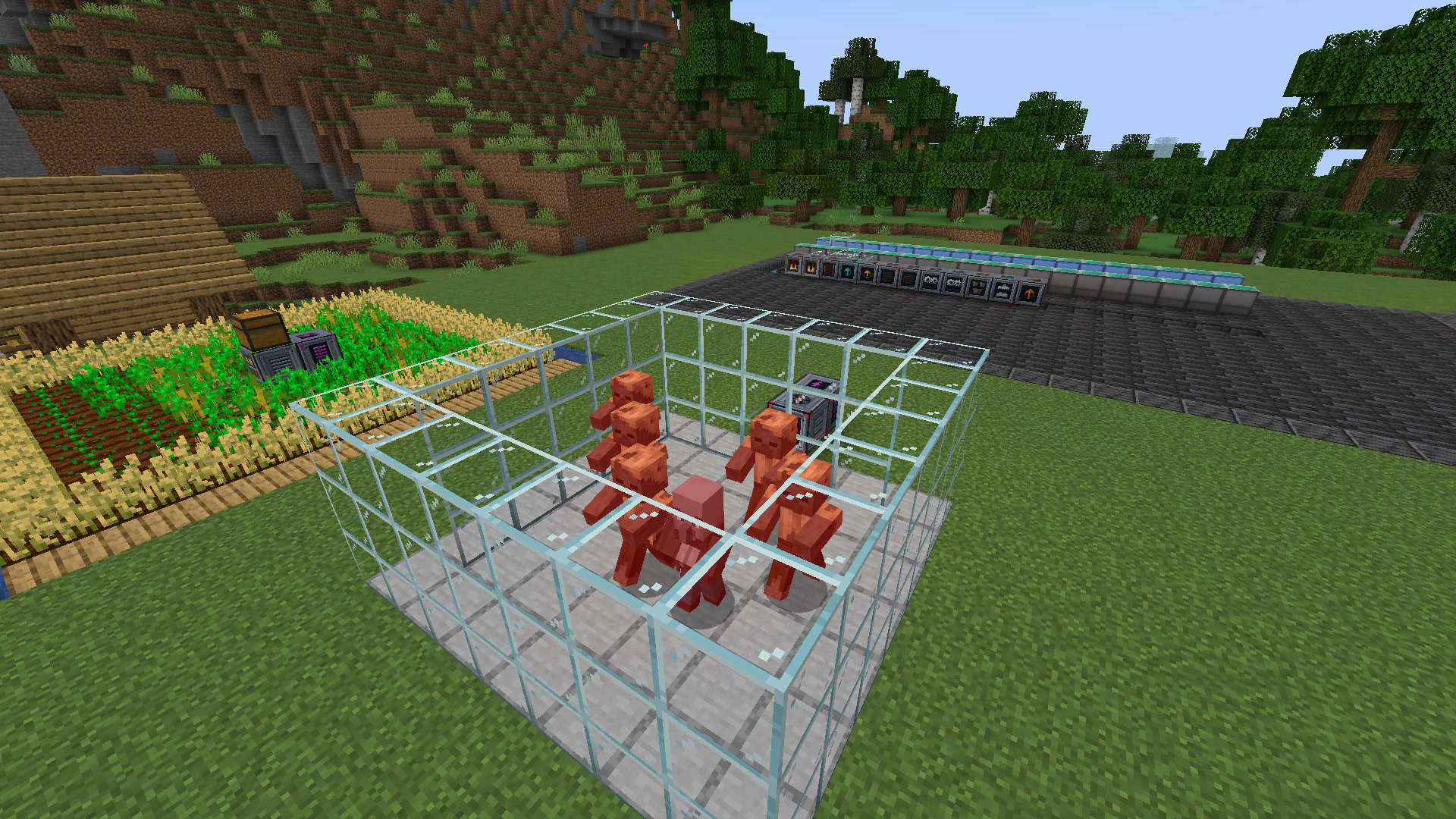
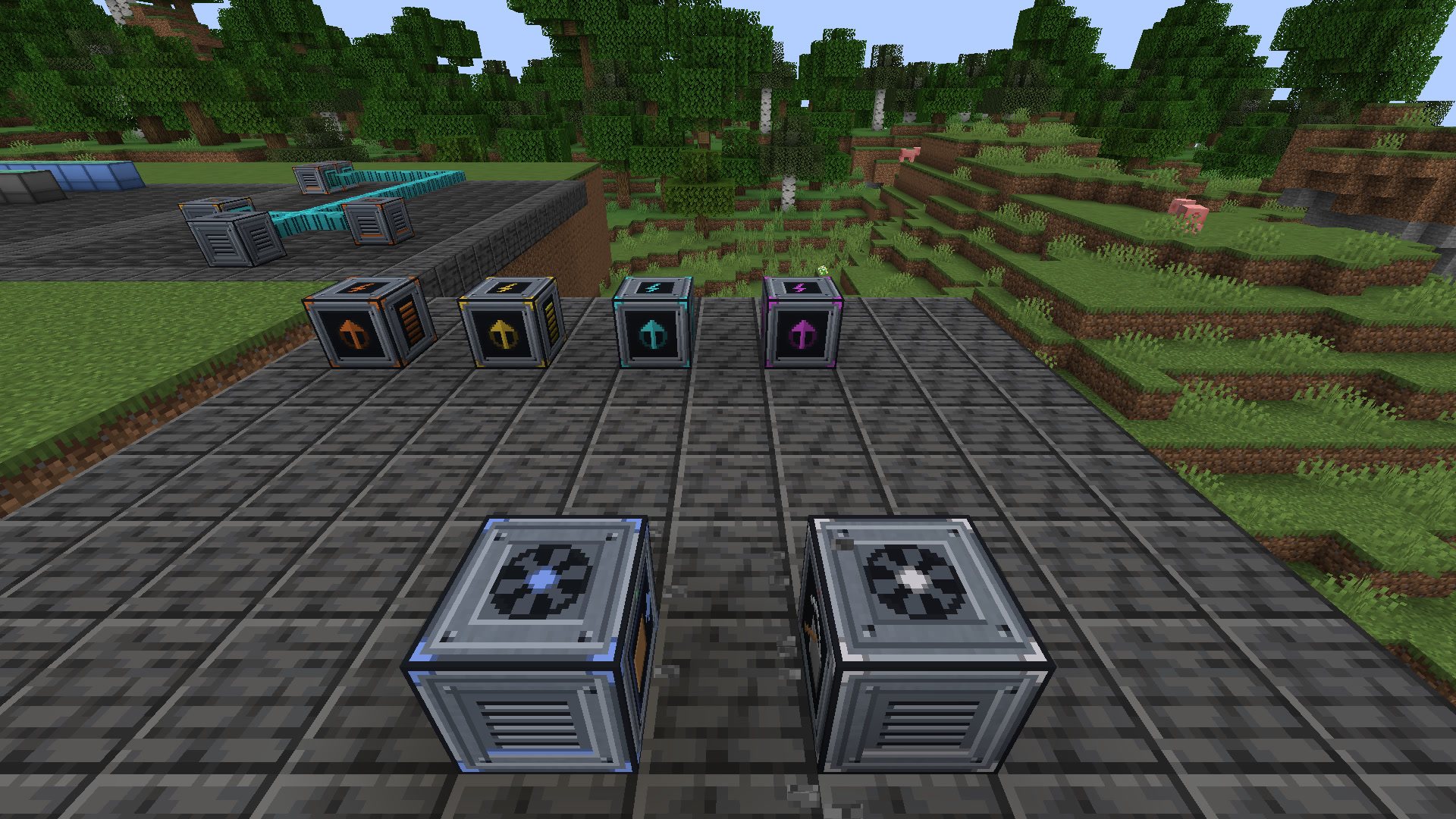
Core Utilities is a compact technology mod: generators, energy cells, cables, ore processing, a quarry, farms, a mob grinder and item pipes, all on Forge Energy. It runs on Fabric, Forge and NeoForge with the same content on every version, works with other tech mods out of the box, and comes with an in-game manual.
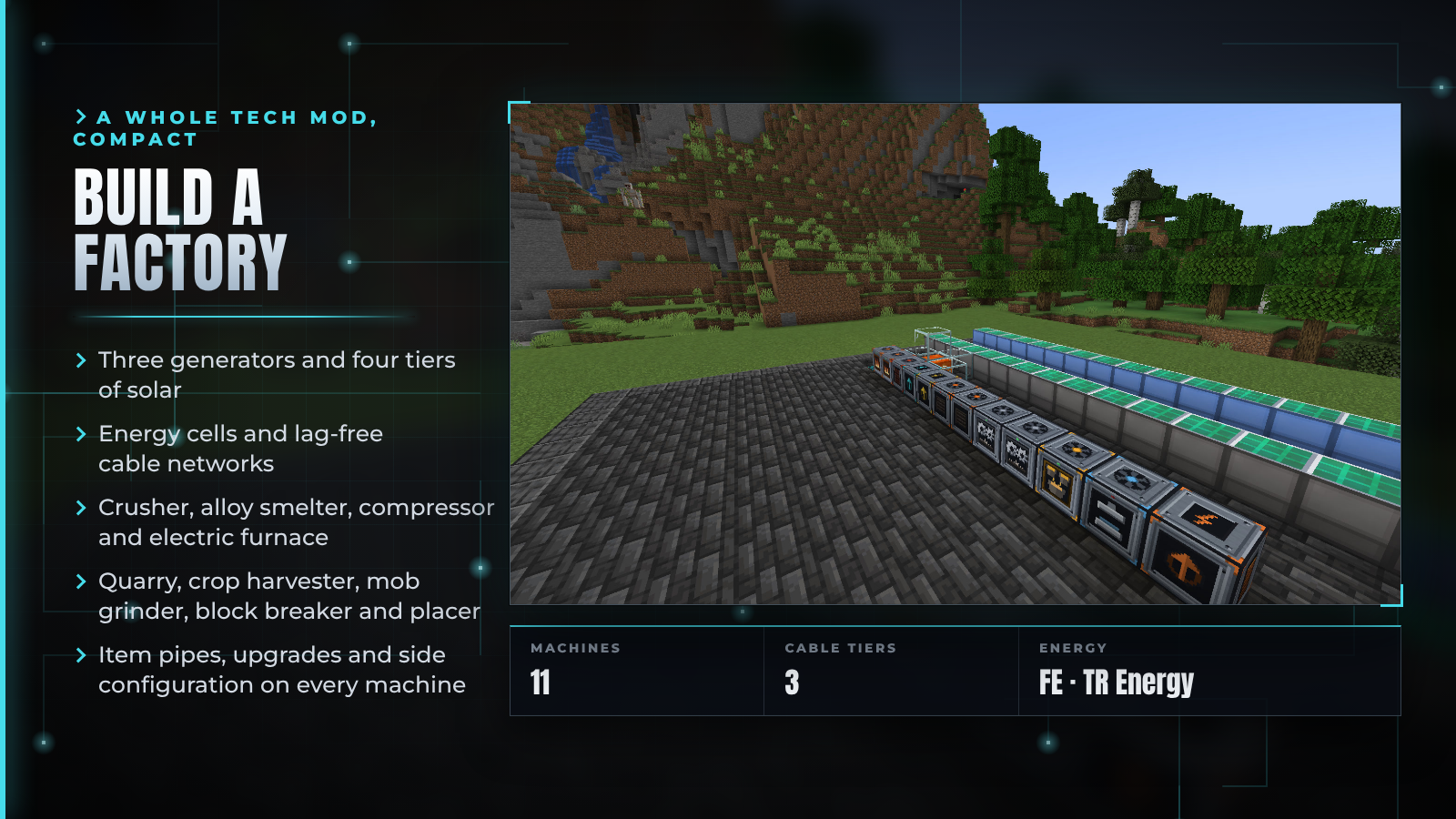
2.0 "The Technology Update" rebuilds the mod around a real energy system and adds 11 machines, 3 cable tiers, energy cells, item pipes, upgrades and a full material progression. The original pushing plates, effect plates, filters, backpacks and mob net are still here.



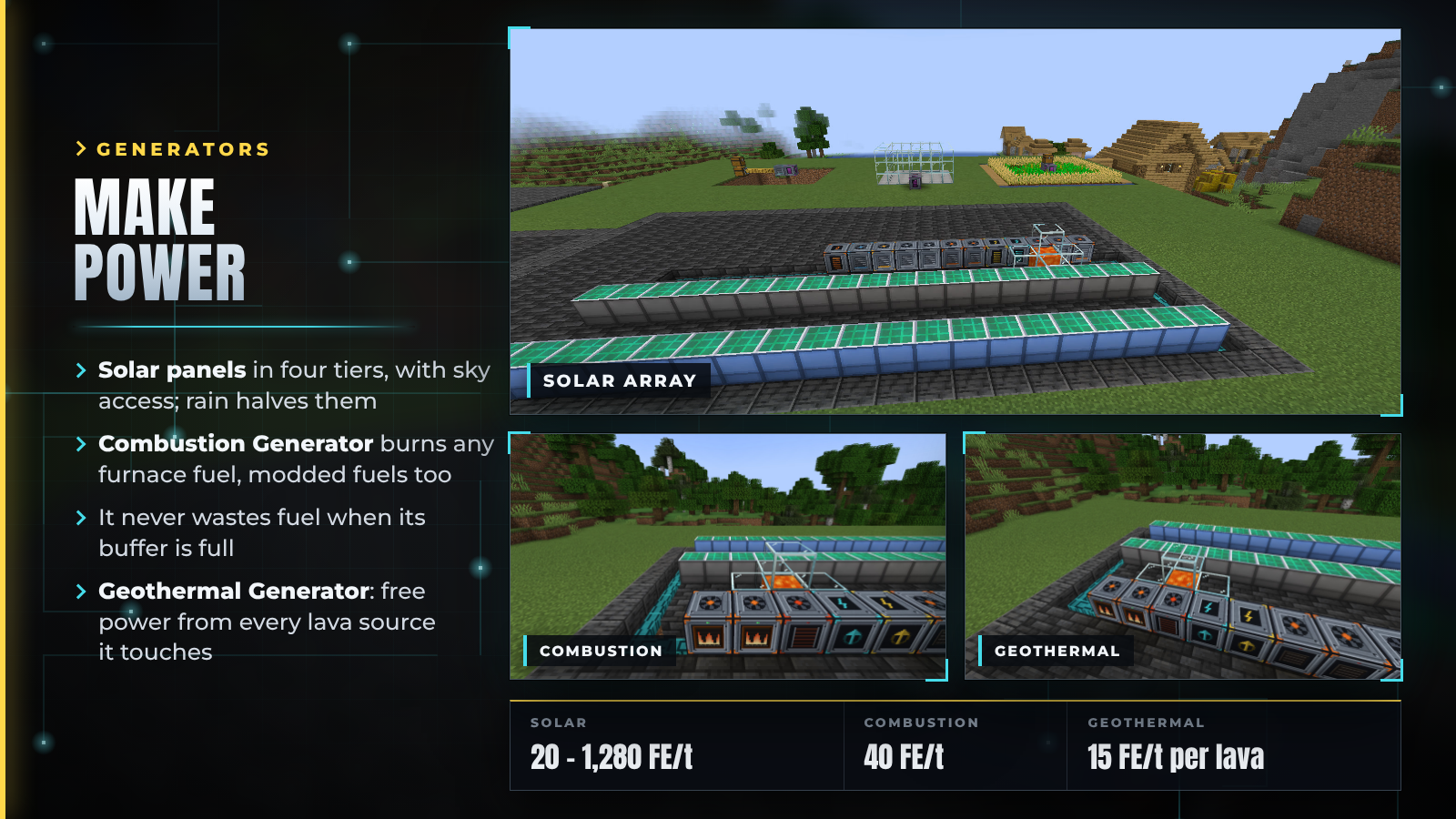
| Generator | Output | Notes |
|---|---|---|
| Solar Panel tier 1 to 4 | 20 / 80 / 320 / 1,280 FE/t | Needs sky access. Rain halves the output and thunderstorms quarter it |
| Combustion Generator | 40 FE/t | Burns any furnace fuel, modded fuels included. Stops burning when its buffer is full, so no fuel is wasted |
| Geothermal Generator | 15 FE/t per lava source | Counts every lava source block touching any of its faces. The lava is never used up |
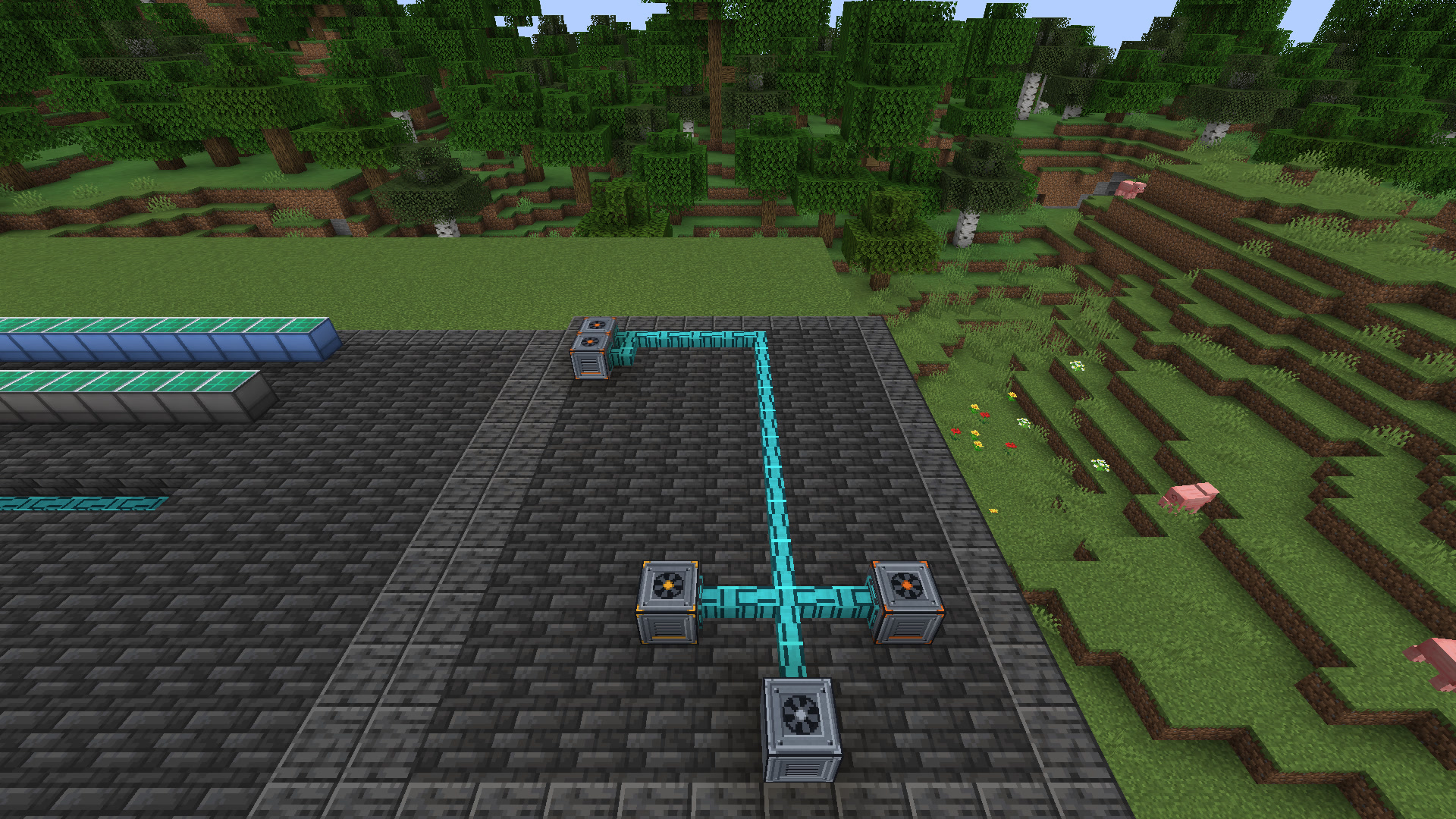
Generators push their energy into any neighbour that accepts it: a cable, a cell, a machine, or another mod's block.

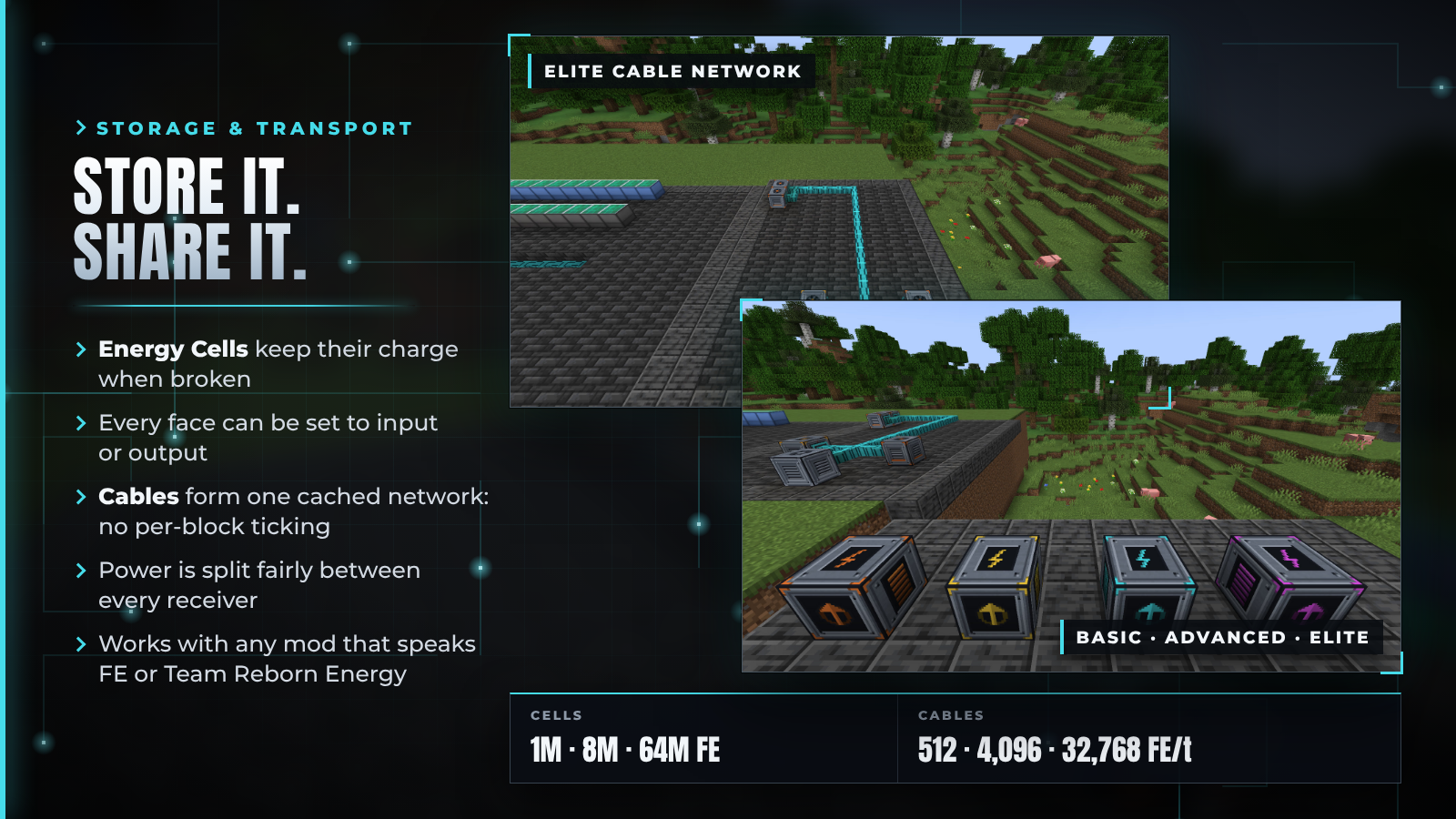
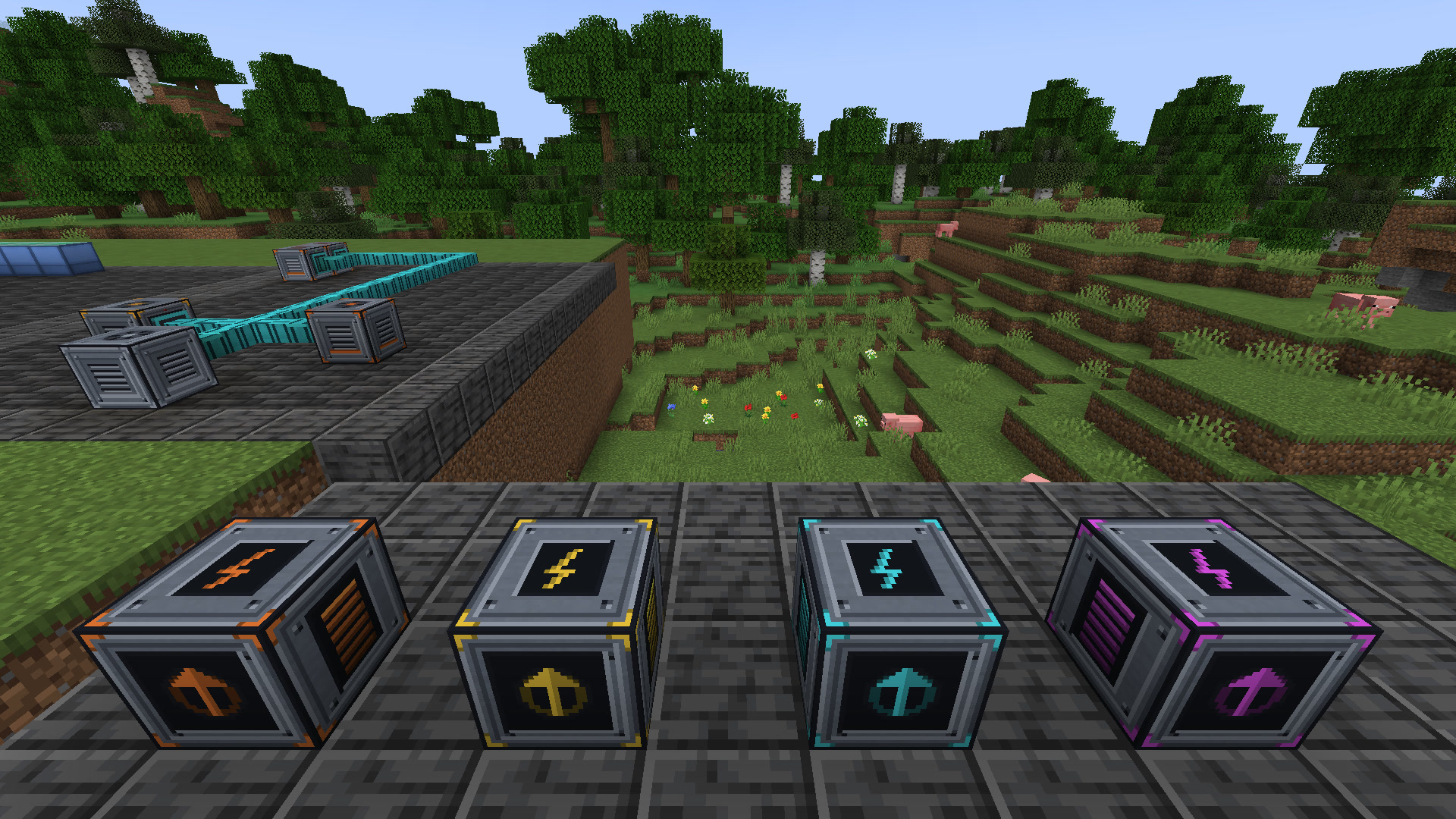
| Block | Capacity | Transfer |
|---|---|---|
| Basic Energy Cell | 1,000,000 FE | 2,000 FE/t |
| Advanced Energy Cell | 8,000,000 FE | 16,000 FE/t |
| Elite Energy Cell | 64,000,000 FE | 128,000 FE/t |
| Creative Energy Cell | Infinite | Infinite |
| Basic Energy Cable | – | 512 FE/t per network |
| Advanced Energy Cable | – | 4,096 FE/t per network |
| Elite Energy Cable | – | 32,768 FE/t per network |
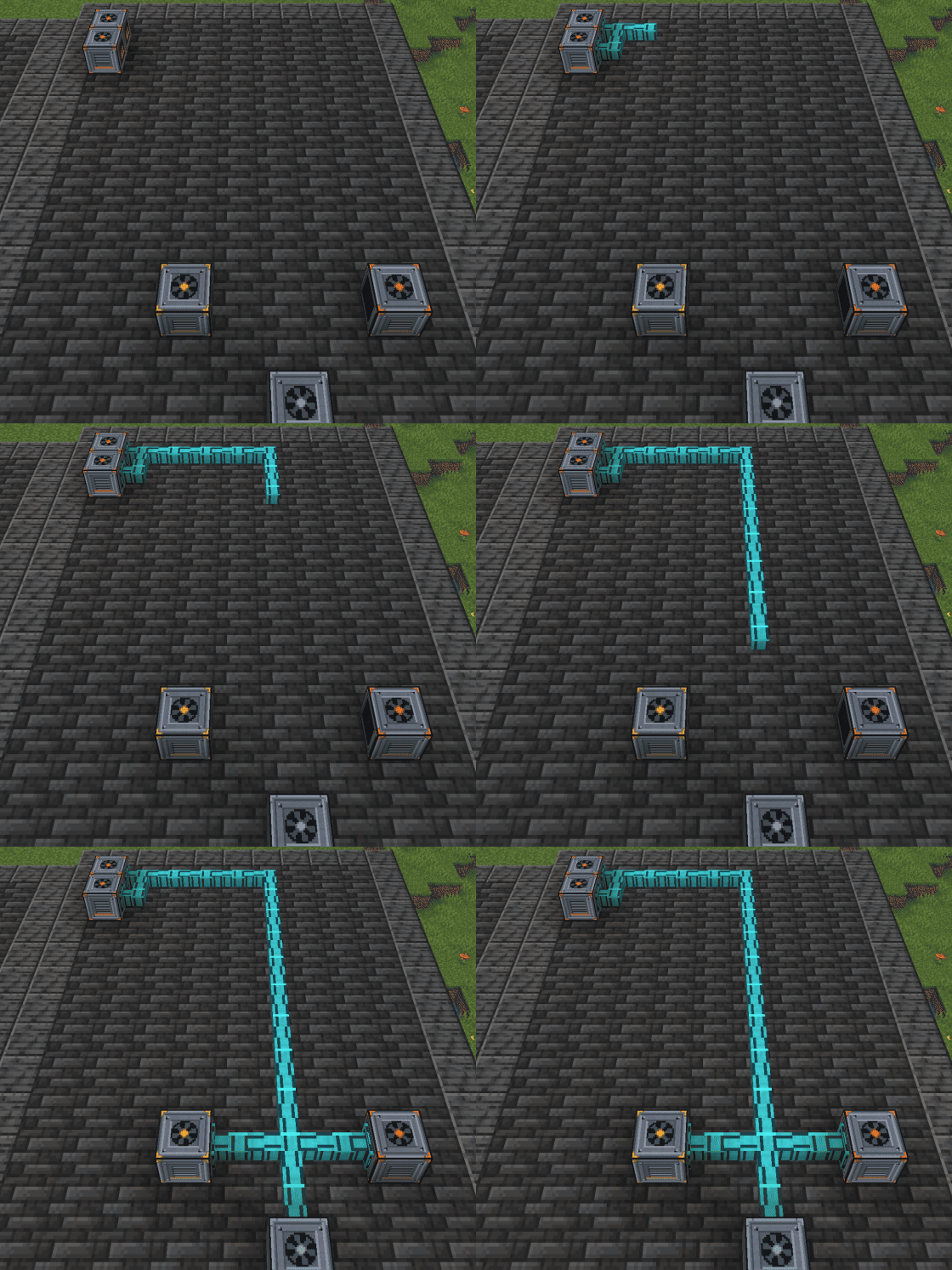

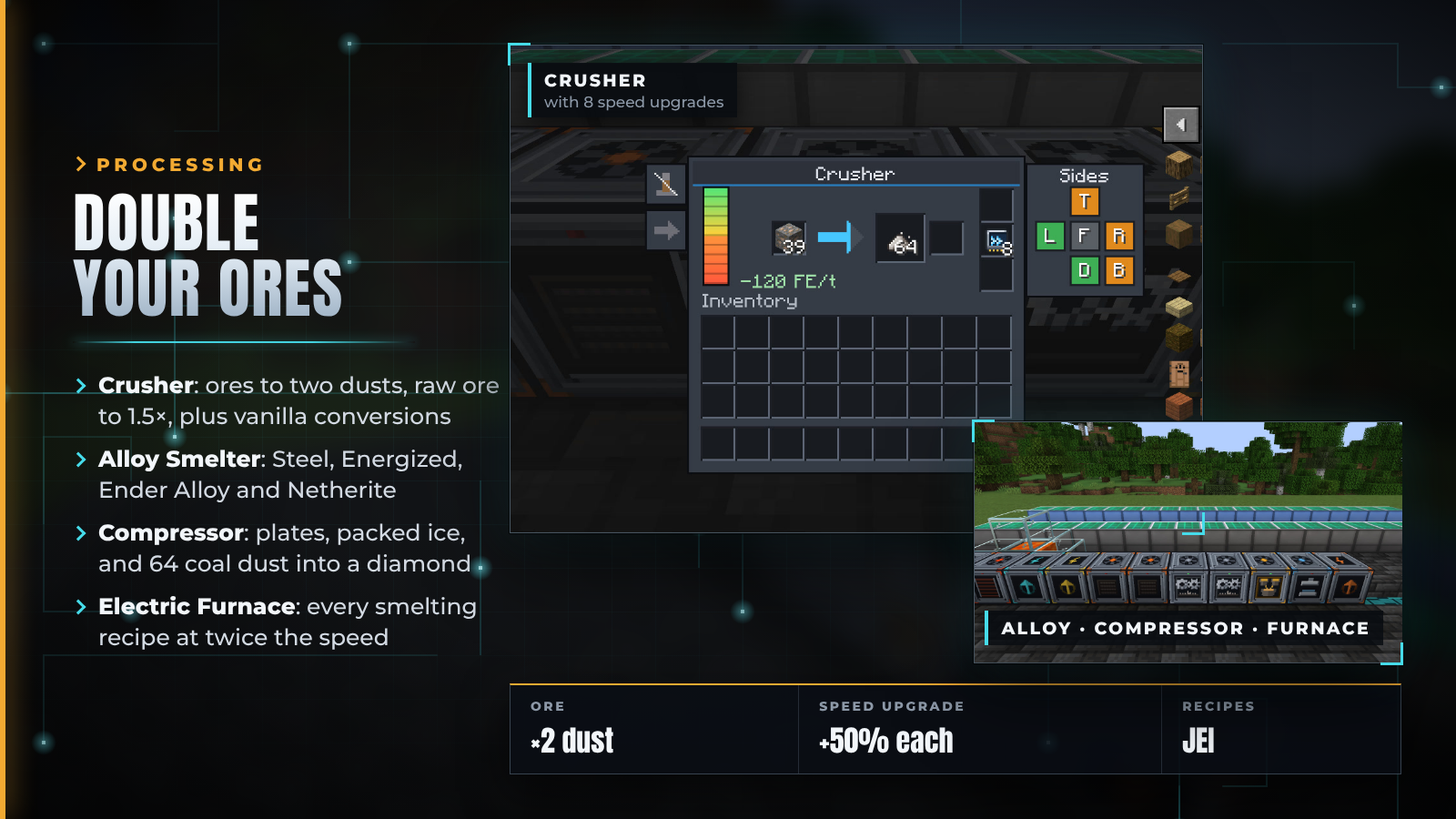
| Machine | What it does |
|---|---|
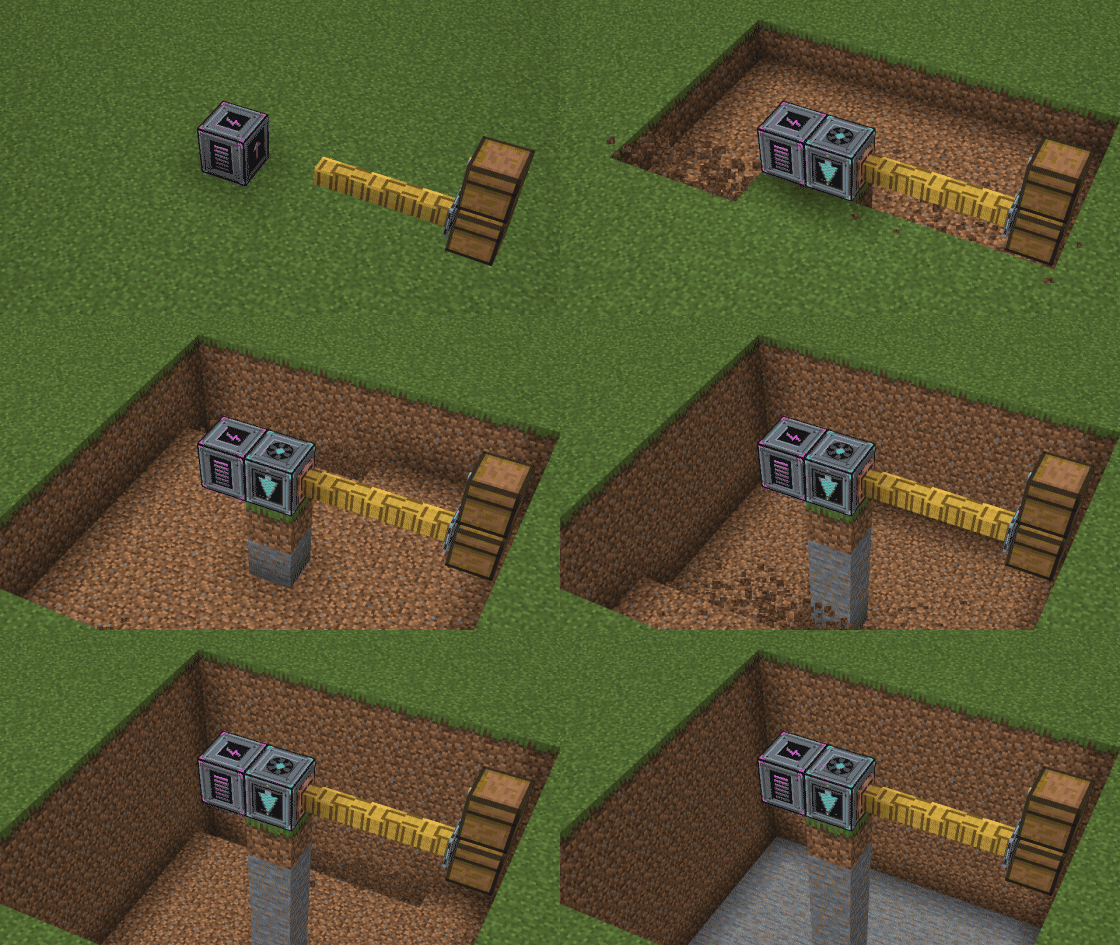
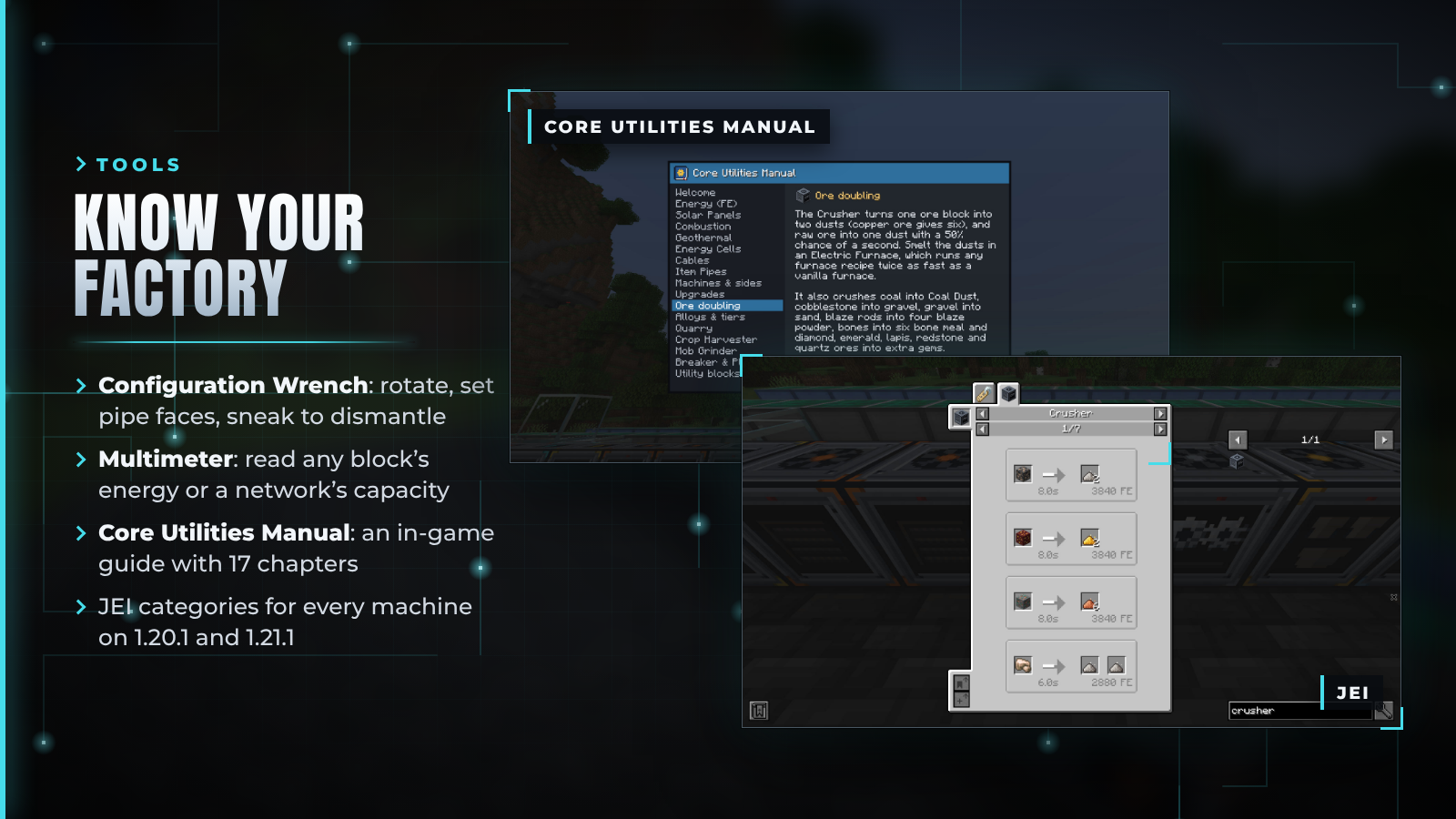
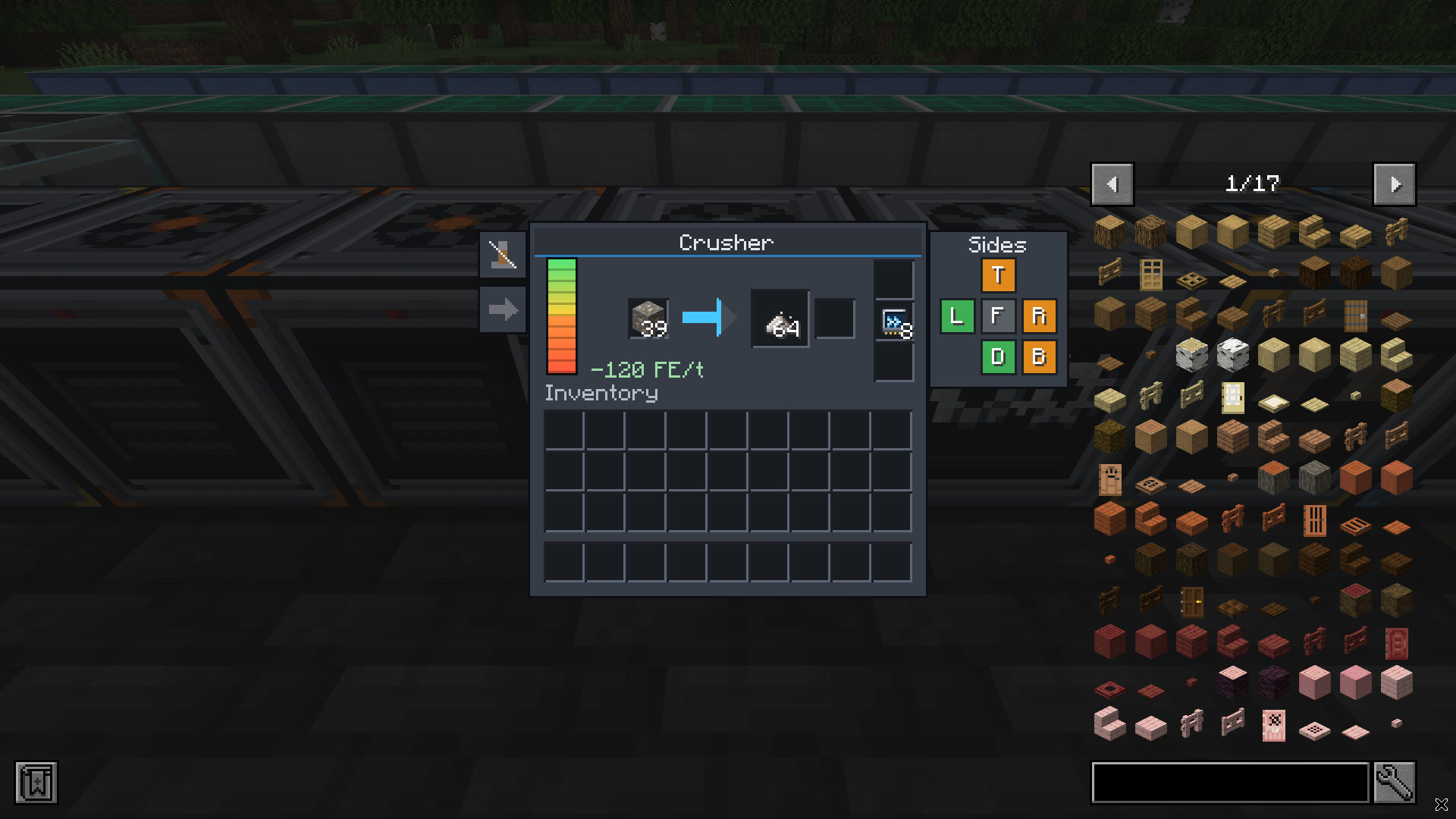
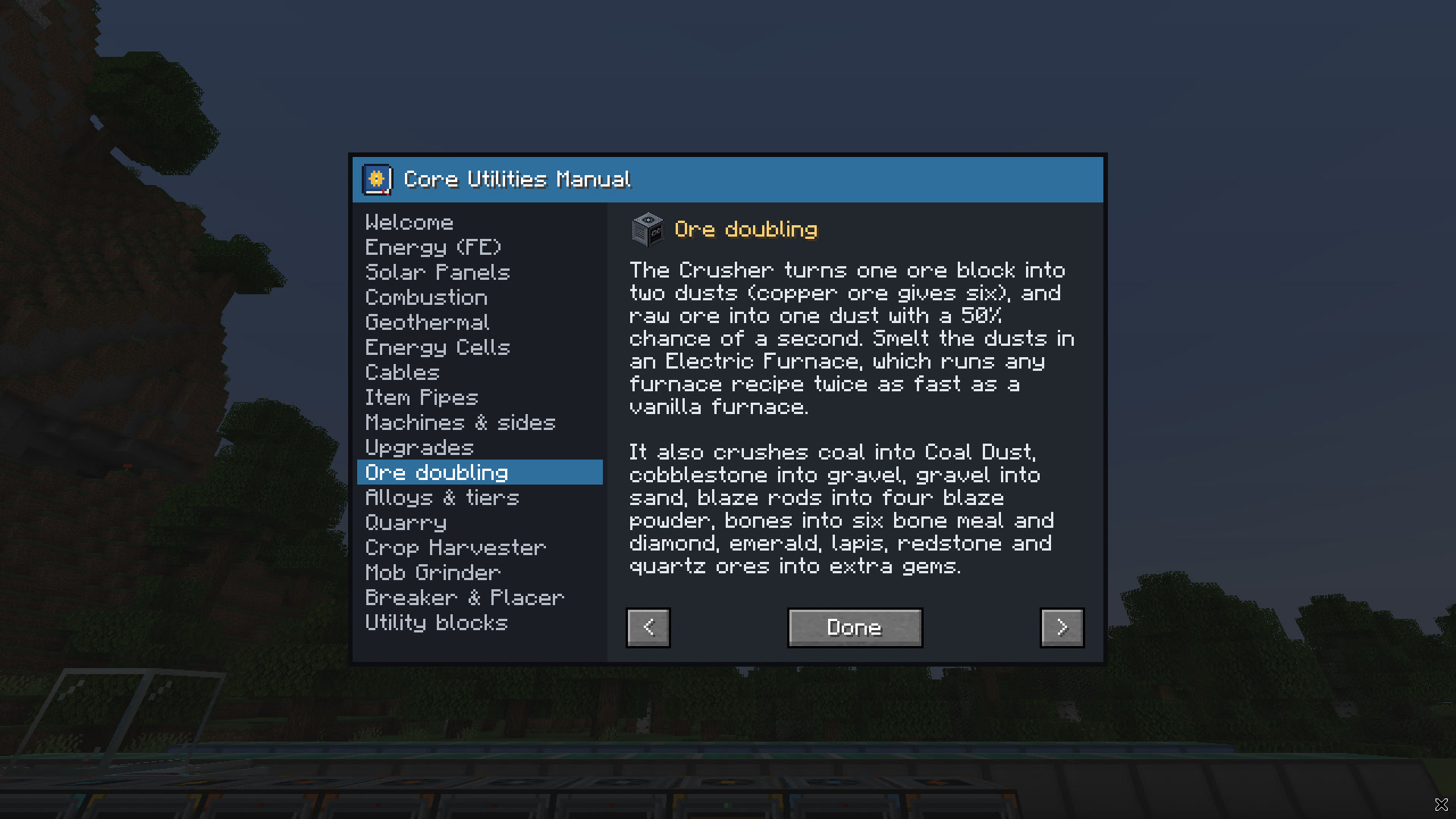
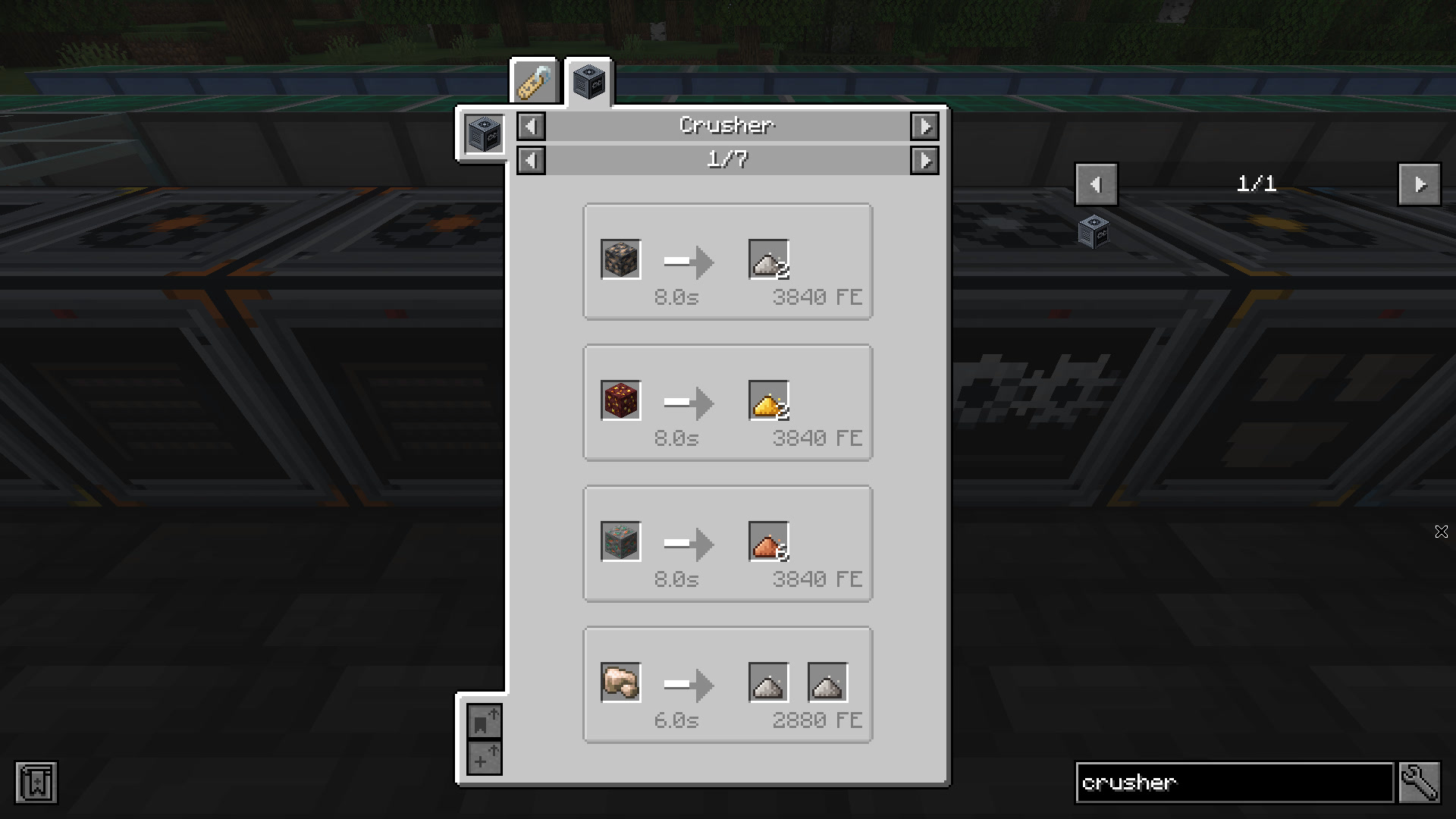
| Crusher | Ore to 2 dusts (copper ore to 6), raw ore to 1 dust plus a 50% chance of a second, ingots back to dust. Also coal ore to 3 coal, diamond and emerald ore to 2 gems, redstone, lapis and quartz ores, cobblestone to gravel to sand, bones to bone meal, blaze rods to powder and wool to string |
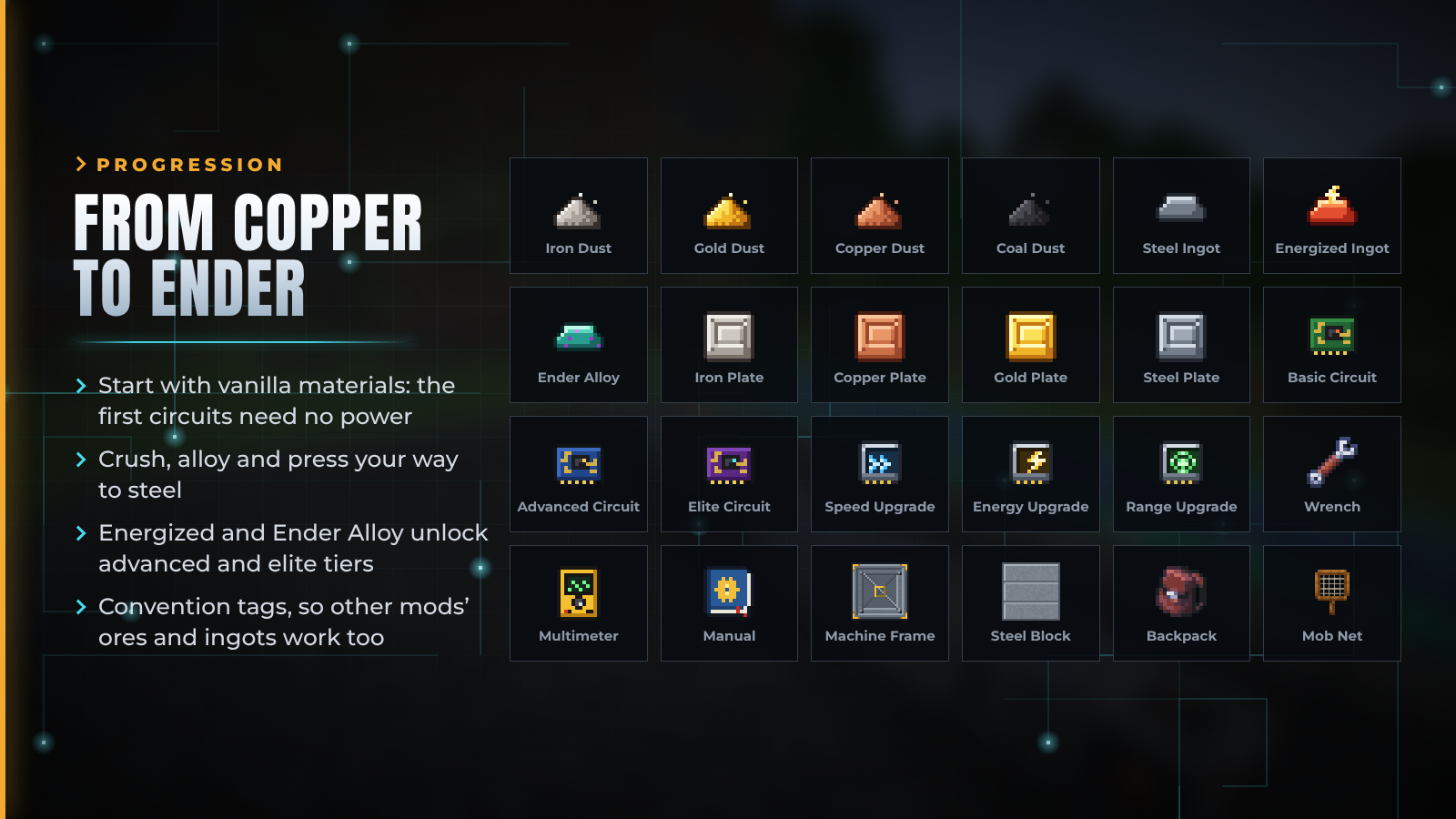
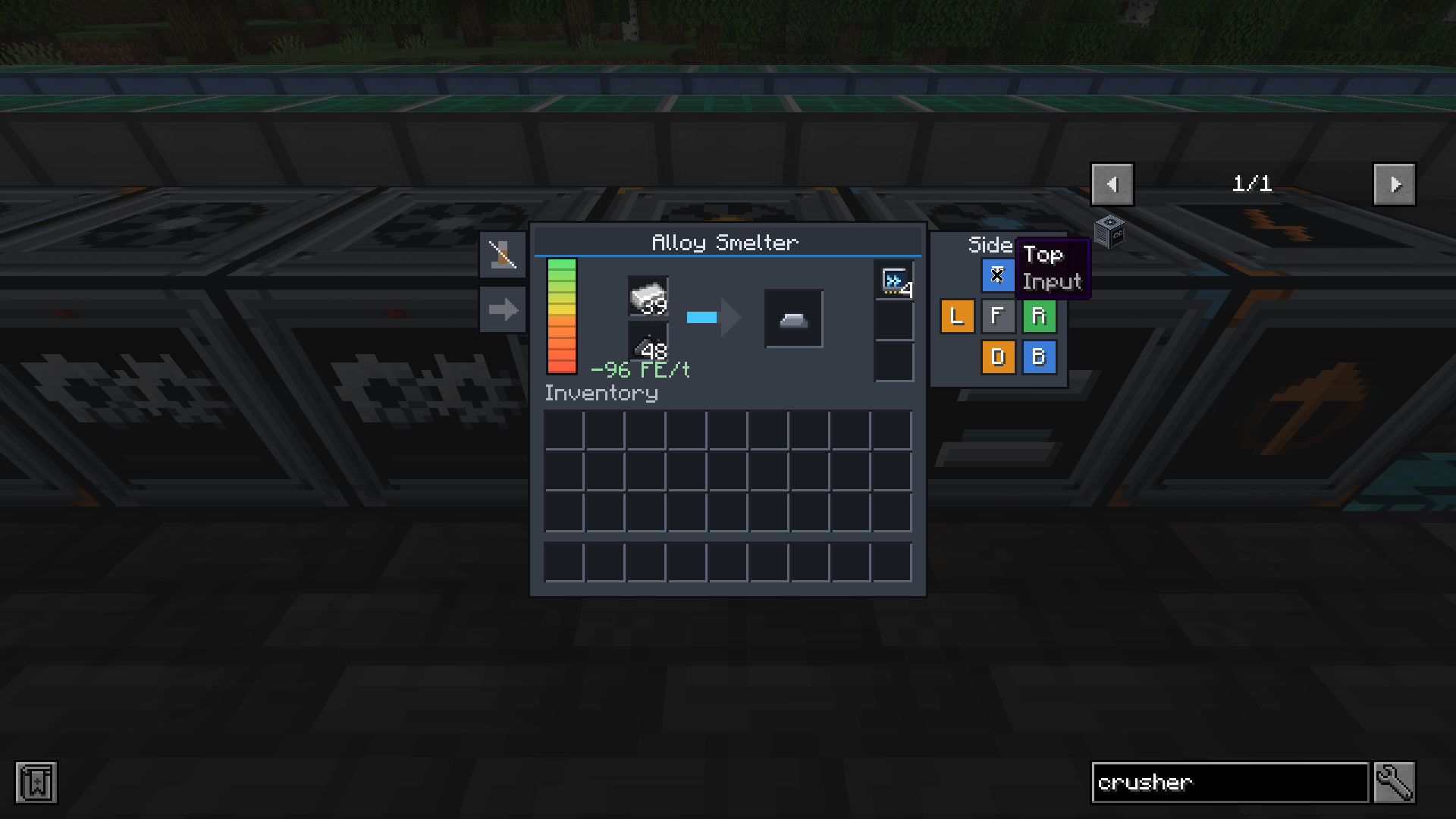
| Alloy Smelter | Iron + 2 coal dust → Steel Ingot. Gold + 4 redstone → Energized Ingot. Energized Ingot + Ender Pearl → Ender Alloy Ingot. 4 Netherite Scrap + 4 gold → Netherite Ingot |
| Compressor | Iron, copper, gold and steel plates. 64 coal dust → a Diamond. Snowballs, ice, packed ice and sand into their blocks |
| Electric Furnace | Every smelting recipe, modded ones included, at twice furnace speed |
Dusts smelt back into ingots in a furnace or blast furnace. Every recipe accepts convention tags, so ores and ingots from other mods work too. JEI shows every machine recipe on 1.20.1 and 1.21.1.

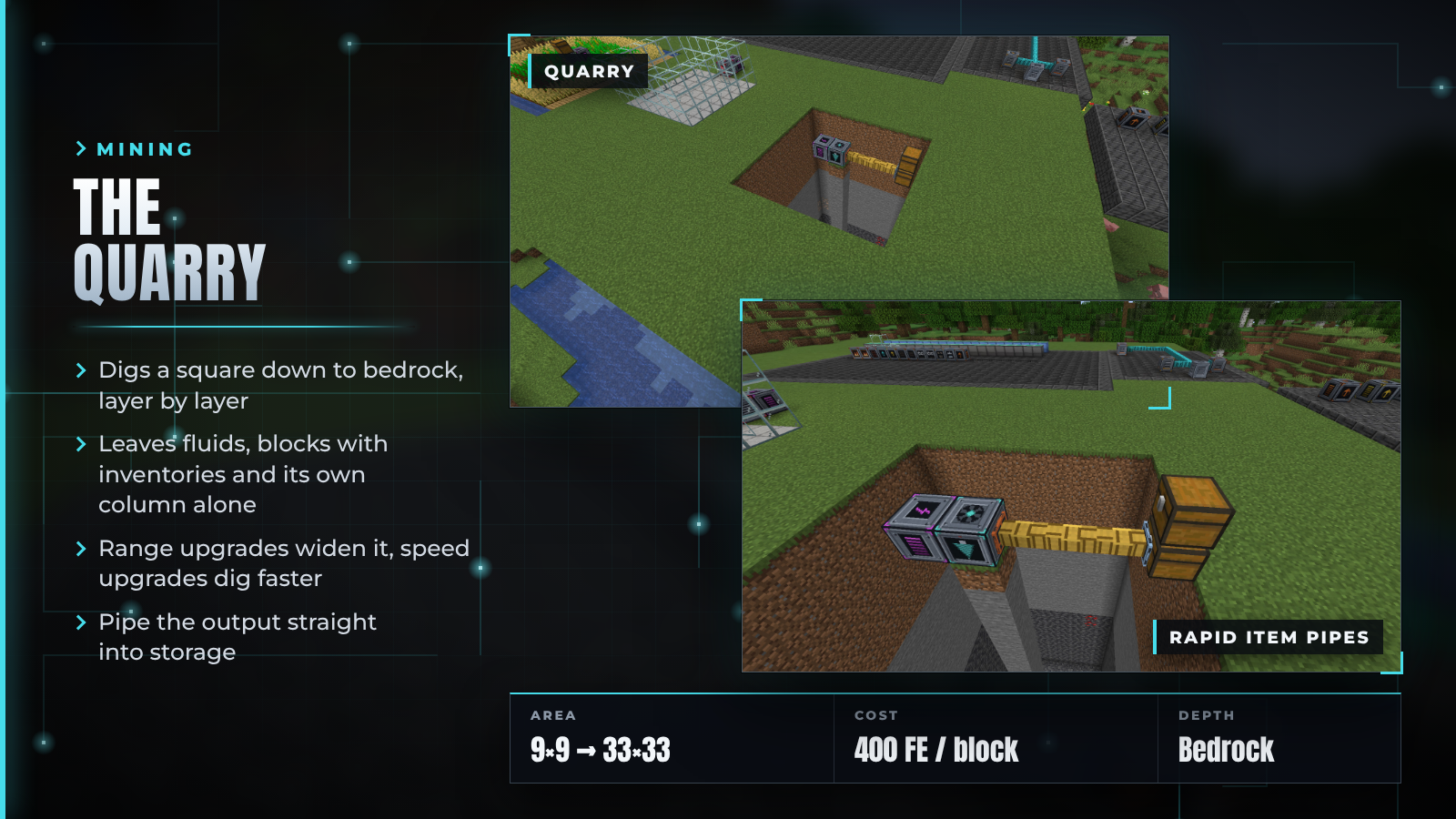

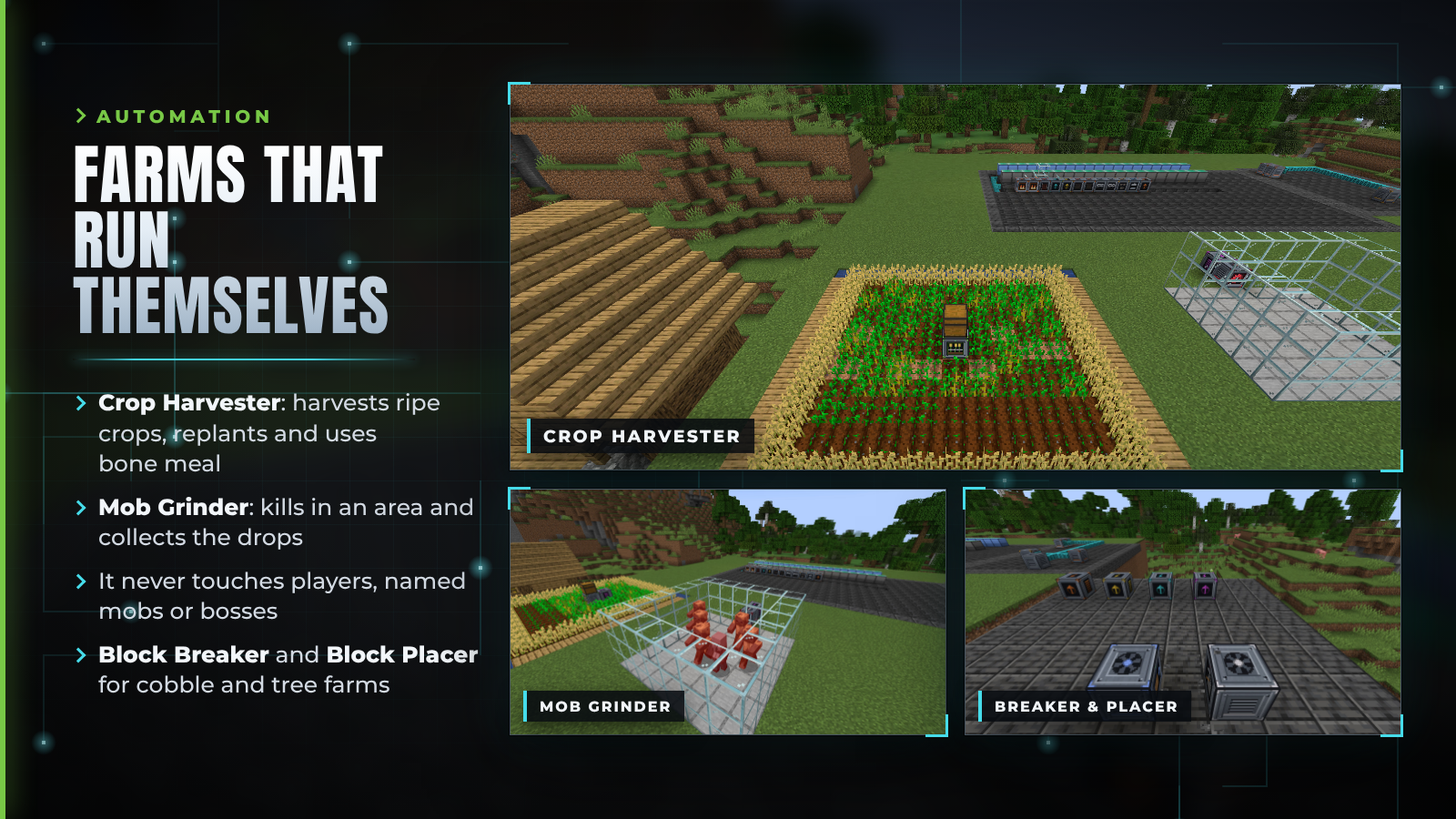

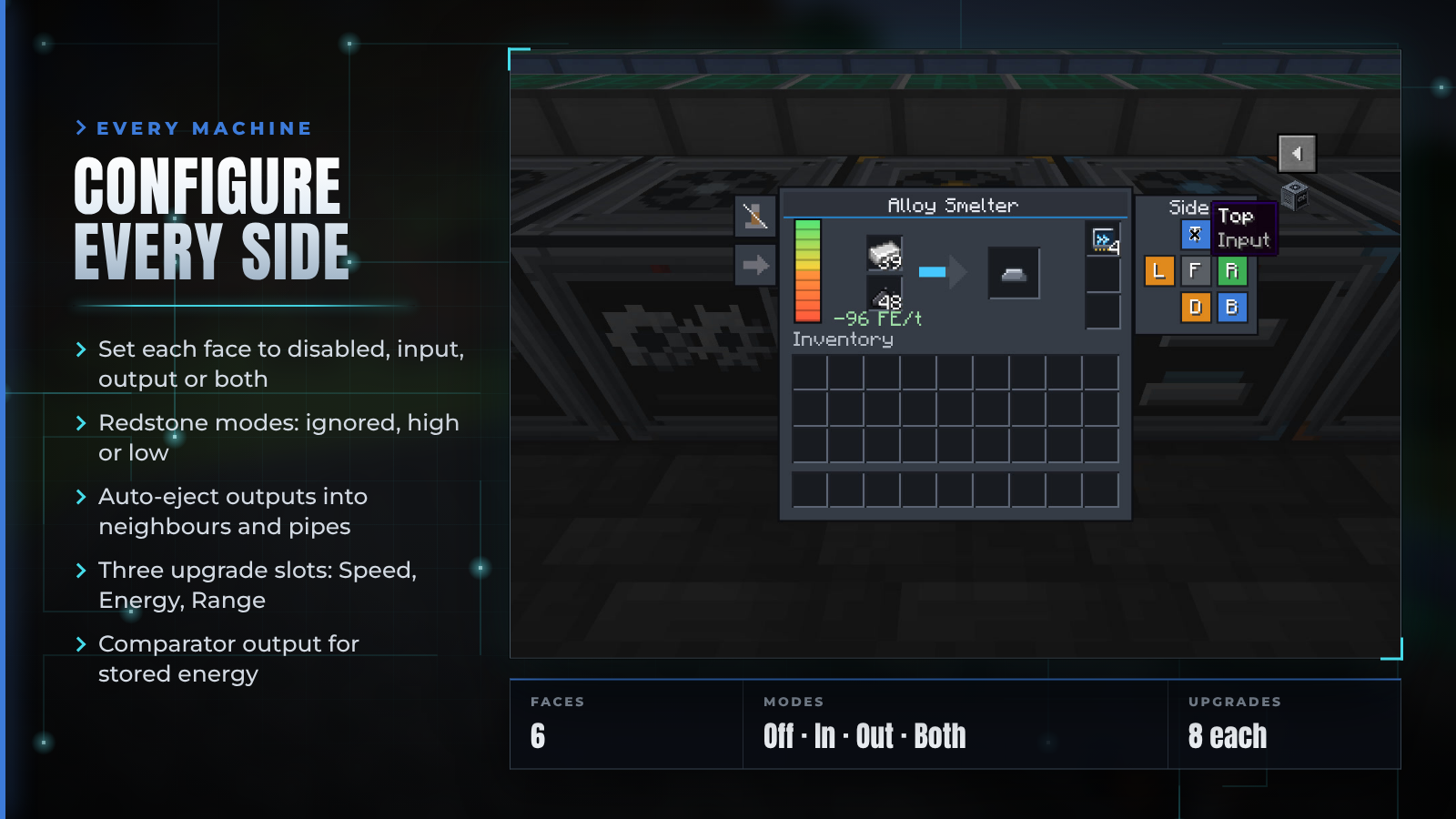

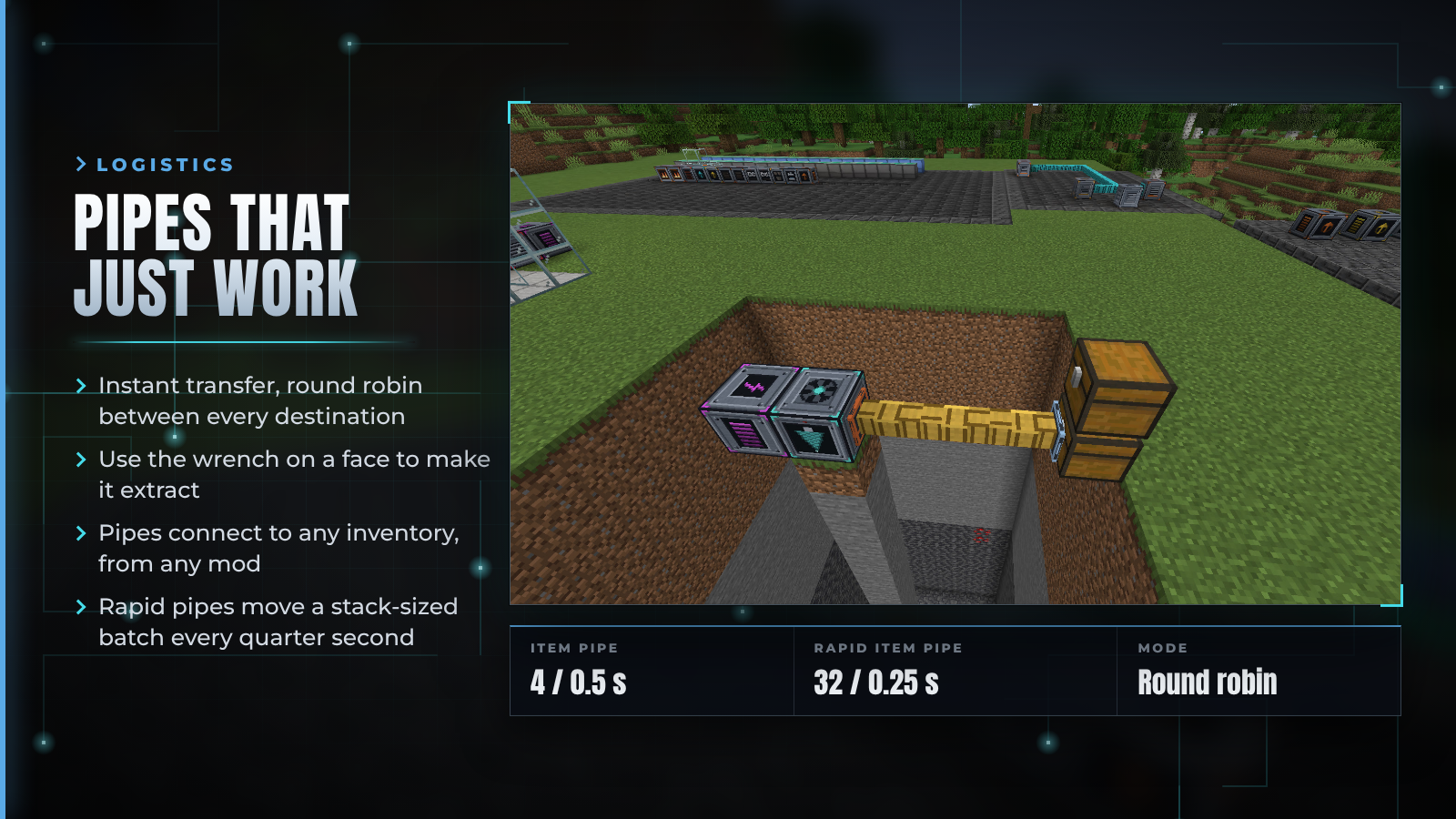



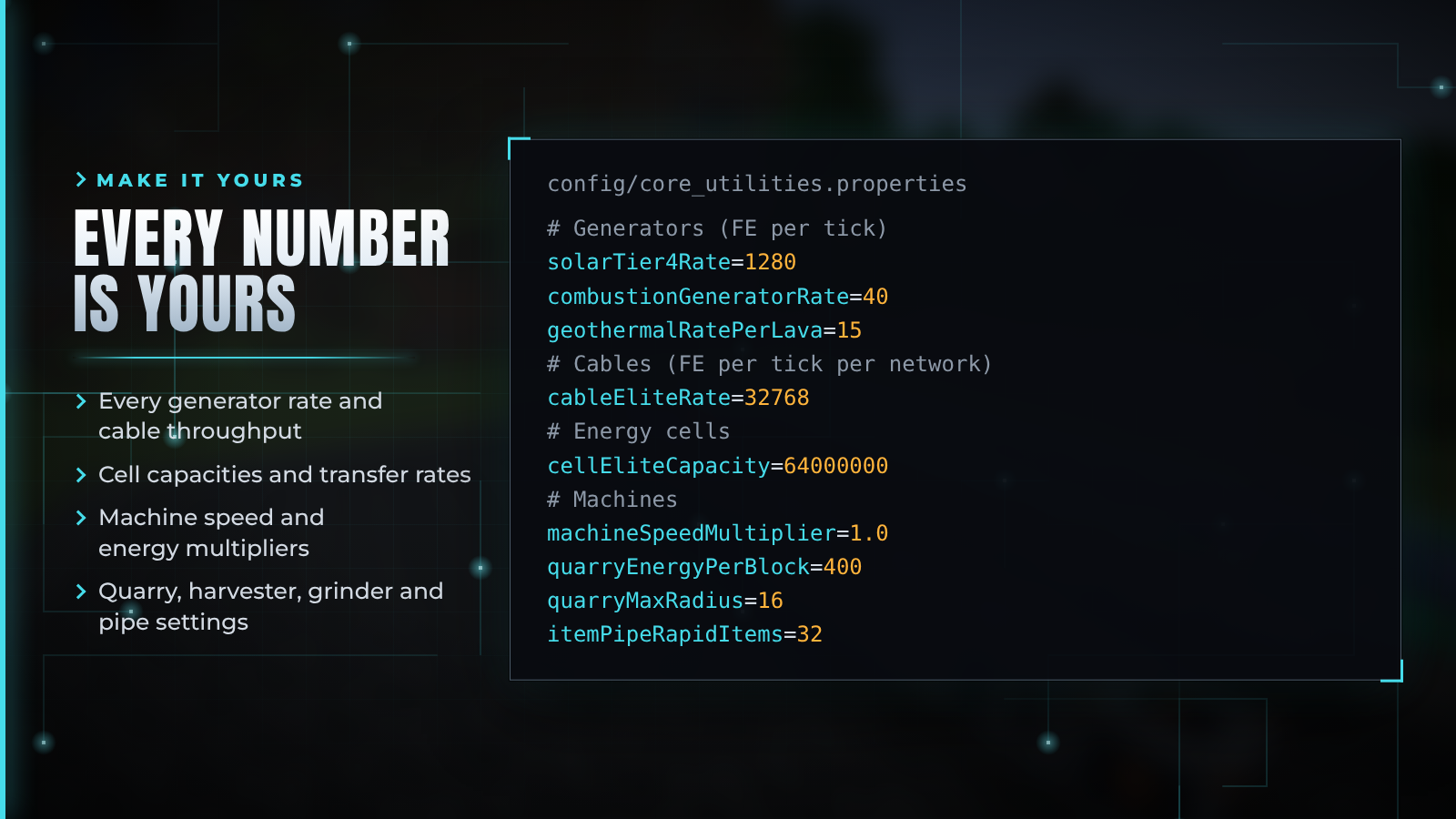
config/core_utilities.properties is created on first launch. It holds every generator rate, cable throughput, cell capacity and transfer rate, machine speed and energy multipliers, and the quarry, harvester, grinder and pipe settings. Missing keys are added with their defaults, and your values are kept.



| Minecraft | Loaders | Java | Also install |
|---|---|---|---|
| 1.20.1 | Fabric, Forge | 17+ | Fabric API (Fabric) |
| 1.21.1 | Fabric, NeoForge | 21+ | Fabric API (Fabric) |
| 26.2 | Fabric, NeoForge | 25+ | Fabric API (Fabric) |
-fabric-, -forge- or -neoforge-.
Does it work with Mekanism, Thermal or other energy mods? Yes. Core Utilities uses Forge Energy (FE) on Forge and NeoForge and Team Reborn Energy on Fabric, the same systems most tech mods use. Cables connect to their machines and cells, and theirs connect to ours.
Why is my solar panel not producing? It needs a clear view of the sky, and it only works during the day. Rain halves its output and thunderstorms quarter it. Use the Multimeter to check.
My machine has power but does nothing. Check the redstone mode in its GUI, and that its output slots are not full. Turn on auto-eject or connect a pipe to an output face.
How do I make a pipe pull from a chest? Hold the Configuration Wrench and use it on the pipe face that touches the chest. The connector changes to the extract texture.
Will cables lag my server? No. Cables are never ticked. A network is cached and rebuilt only when you place or break a cable on it.
I updated from 1.x. What happens to my cables and panels? The old cable shapes become Basic Energy Cables and the old weather variants become the matching solar panel when the world loads.
Where are the docs? The in-game Core Utilities Manual · Feature matrix · Changelog · Issues

Core Utilities is licensed under Apache-2.0. The Anton and Montserrat fonts used in this artwork are licensed under the SIL Open Font License 1.1.
Project description from CurseForge.
Pick your setup
Choose the version and loader you play, then open the matching release.
Check the dependencies, then try the file in a copied instance before changing a world you care about.
Recent files
core_utilities-fabric-26.2-2.0.0.jar
27 Oct 2026
core_utilities-fabric-1.21.1-2.0.0.jar
27 Oct 2026
core_utilities-neoforge-1.21.1-2.0.0.jar
27 Oct 2026
core_utilities-forge-1.20.1-2.0.0.jar
27 Oct 2026
core_utilities-neoforge-26.2-2.0.0.jar
27 Oct 2026
core_utilities-fabric-1.20.1-2.0.0.jar
27 Oct 2026
core_utilities-neoforge-26.2-1.4.0.jar
2 Sept 2026
core_utilities-neoforge-1.21.1-1.4.0.jar
2 Sept 2026
core_utilities-forge-1.20.1-1.4.0.jar
2 Sept 2026
core_utilities-fabric-26.2-1.4.0.jar
2 Sept 2026
core_utilities-fabric-1.21.1-1.4.0.jar
2 Sept 2026
core_utilities-fabric-1.20.1-1.4.0.jar
2 Sept 2026
Looking for an older file? The official CurseForge project page is in Resources.
 mod
modA fully controllable bulldozer designed for pushing, spreading and leveling granular terrain. Move large amounts of material using an adjustable front blade.
 mod
modAdds immersive tank spells that scale with armor and holy spell power.
 mod
modModular Machinery Community on newer Minecraft, with additional features and high performance !