Minecraft version
Back to mods 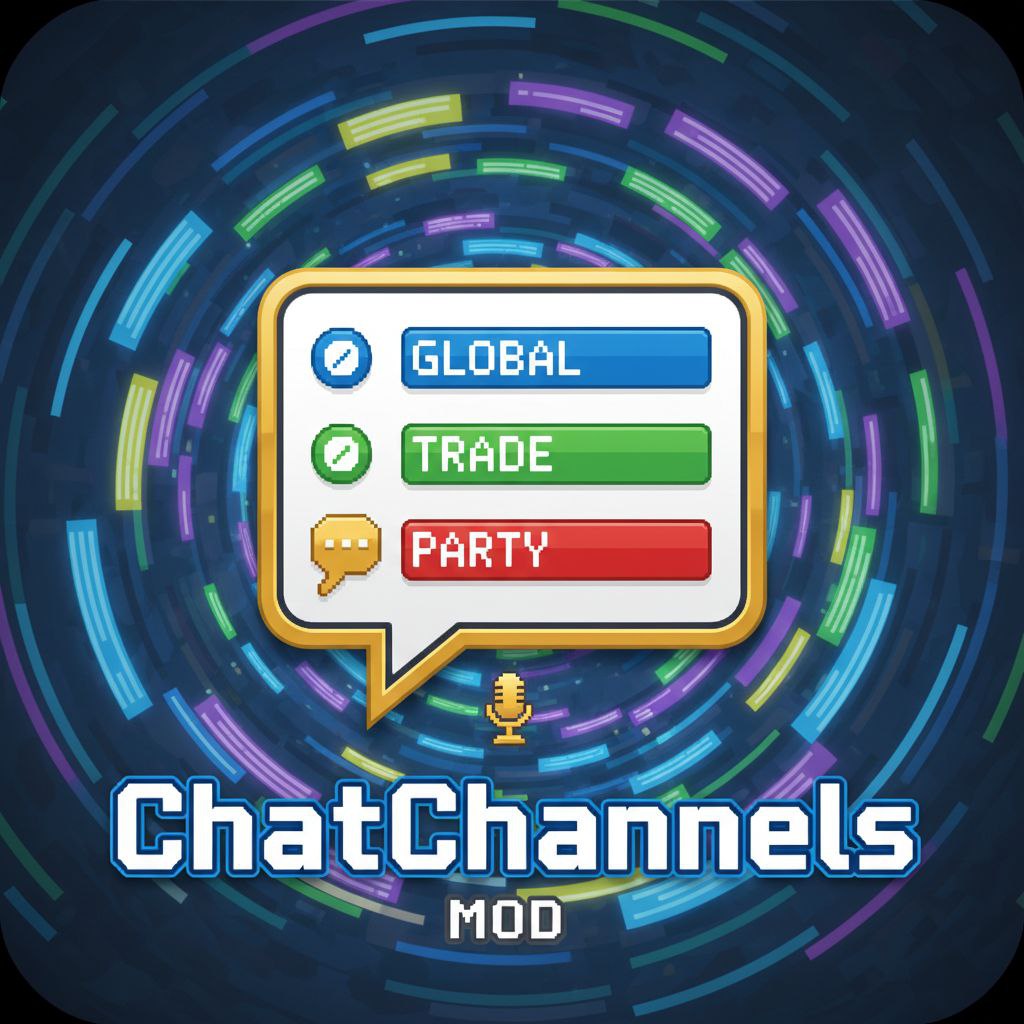
CurseForge · Minecraft mod
ChatChannels
**ChatChannels** is an advanced, server‑side chat channels system for **Minecraft 1.20.1 (Forge)**.
Choose a version Pick your version below, then grab the matching file.
Quick answer
Which ChatChannels release should I use?
Latest stable file ChatChannels-1.20.1-forge-V1.3.jar
Game version 1.20.1
Loader Forge
ChatChannels-1.20.1-forge-V1.3.jar targets 1.20.1 with Forge. The project page does not say whether this file belongs on the client, dedicated server, or both. No extra mods listed for this file.
Where it goes
Is ChatChannels required on the client, server, or both?
The project page does not say whether this file belongs on the client, dedicated server, or both.
Client Source doesn’t say
Dedicated server Source doesn’t say
Loader for this release Forge
Required install it here Optional supported, not mandatory Not supported do not install here Source doesn’t say do not assume
The source does not explicitly classify this release as client-only or server-only.
What else does ChatChannels-1.20.1-forge-V1.3.jar need?
ChatChannels-1.20.1-forge-V1.3.jar. Change the file and its required mods may change too.
This file does not list any required mods. Do not add a library just because a different file uses it.
This file does not list any required or optional mods.
Before you install it
Add ChatChannels without breaking your instance.
Built for ChatChannels-1.20.1-forge-V1.3.jar. Pick another file and the loader, install side or required mods may change.
- 01
Stick to this file
Use ChatChannels-1.20.1-forge-V1.3.jar. It targets 1.20.1 with Forge; another release may have different loader, side or dependency requirements.
- 02
Bring the mods it needs
This file does not list any required mods. Do not add a library just because a different file uses it.
- 03
Put it on the correct side
The project page does not say whether this file belongs on the client, dedicated server, or both.
- 04
Pick the file you checked
Use the “Get this file” button beside ChatChannels-1.20.1-forge-V1.3.jar. It opens that exact file at the source.
About this project
What does ChatChannels add?
ChatChannels
**ChatChannels** is an advanced, both‑side chat channels system for **Minecraft 1.20.1 (Forge)**.
It adds configurable global/local/trade/staff channels, private messages, rate limiting, logging, and integration with popular permission systems.
✨ Features
**Multiple chat channels out of the box**
global– server‑wide chatlocal– proximity chat with configurable radiustrade– trading / market channelstaff– staff‑only channel (permission‑gated)pm– private messages channel (used internally)**Fully configurable channels**
Custom
id, displayname,type,prefix, color, radius and default channelPer‑channel **permission node** (optional) – restrict who can see/use each channel
**Permission system integration**
**LuckPerms** support (via official API)
**FTB Ranks** support (
ranks.snbtpermissions)Fallback to **vanilla op level 4** if no permission plugin is available
**Per‑player chat state**
Remember last used channel per player
Mute specific channels
Ignore specific players
**Rate limiting / anti‑spam**
Configurable messages‑per‑time window per player
**Logging**
All channel messages can be logged for moderation (server‑side)
**Server config options**
Local chat radius
Rate limit (messages / seconds)
Optional **“joined/left channel”** system messages
🔌 Installation / Sides
ChatChannels is a **server‑focused mod**, but it must be installed on **both the server and all connecting clients**.
**Singleplayer / Open to LAN**
Install the mod on the client. The integrated server will automatically run with the same mod.
**Dedicated servers**
Put the mod JAR into the
modsfolder on the **server**.Also include the same JAR in the **client modpack** for all players who join the server.
The mod is built as a standard Forge mod with side = BOTH:
it contains server‑side logic (channels, permissions, configs, logging) and client‑side code for handling network packets and displaying chat channels.
🧩 Requirements & Compatibility
**Minecraft:** 1.20.1
**Loader:** Forge 47.x (built and tested against **Forge 47.4.0**)
**Java:** 17
**Works on:**
**Dedicated servers** – core logic runs server‑side
**Clients:** the mod is intended to be installed on both **server and client** for best experience (channel UI, packets, etc.)
**Optional integrations (not required, but supported):**
**LuckPerms** – for permission checks like
chat.channels.global**FTB Ranks** – for permission nodes and rank‑based name formatting:
Permission nodes in
ranks.snbtsuch as:chat.channels.globalchat.channels.localchat.channels.tradechat.channels.staffRank name formats via
ftbranks.name_format(used as privilege tags)
If neither LuckPerms nor FTB Ranks are present, the mod falls back to vanilla operator level checks (hasPermissions(4)).
⚙️ Configuration Overview
The mod generates its configs on first run. There are **three main config files**:
1. config/chatchannels.json
Defines all chat channels and global rate limiting.
**Fields per channel:**
id– internal channel ID (e.g."global","local","trade","staff","pm")name– display name shown in the UI (e.g."Global","Local")type– how the channel behaves:GLOBAL,LOCAL,TRADE,STAFF,TEAM,PRIVATE,CUSTOMprefix– short prefix before messages, e.g."[G]","[Local]","[Trade]"color– hex color string, e.g."#FFFFFF","#FFD700"radius– forLOCALchannels: radius in blocks;0= global‑like broadcastdefault–trueif this should be the default channel for new playerspermission– **permission node required** to use the channelExample defaults:
chat.channels.globalchat.channels.localchat.channels.tradechat.channels.staffIf set to an empty string
"", **no permission is required** for that channel.
**Rate limit section:**
"rate\_limit": {

"messages": 5,

"per\_seconds": 3

}
messages– how many messages a player may sendper_seconds– time window in seconds
If the limit is exceeded, the player receives a system message like "You are sending messages too fast."
2. serverconfig/chatchannels-server.toml
Server‑side gameplay settings:
localChat.radius
Default radius (in blocks) for the default LOCAL channel.
rateLimit.messages
Same as in chatchannels.json, but exposed as Forge server config.
rateLimit.seconds
Time window for rate limiting.
channels.showSwitchMessagestrue(default) – show server messages when a player joins or leaves a channel:Joined channel <id>Left channel <id>false– do not send these system messages.
These messages are sent when the player uses the channel command / UI that triggers **JOIN/LEAVE** actions.
3. config/chatchannels_privileges.json
Controls **colors for privilege tags** (rank labels) shown before player names in chat.
defaultColor– hex color for unknown/unspecified tags (e.g."#FFD700")tags– map from **privilege tag string** to a hex color:The tag is derived from:
LuckPerms prefix (if available), OR
ftbranks.name_format(if available), OR"OP"for server operators
**Default example:**
{

"defaultColor": "#FFD700",

"tags": {

"Игрок": "#AAAAAA",

"VIP": "#55FFFF",

"Модератор": "#55FF55",

"Админ": "#FF5555",

"OP": "#FF5555"

}

}
You can customize this file to match your server’s rank names and colors.
🔑 Permissions
By default, the following permission nodes are used:
chat.channels.global– talk in the global channelchat.channels.local– talk in the local channelchat.channels.trade– talk in the trade channelchat.channels.staff– access the staff channel (for moderators/admins)
These nodes can be controlled via:
**LuckPerms** (assign them to users/groups), or
**FTB Ranks** (
ranks.snbt), for example:
default: {

...

chat.channels.global: true

chat.channels.local: true

chat.channels.trade: true

}

vip: {

...

chat.channels.global: true

chat.channels.local: true

chat.channels.trade: true

}
If you want a channel to be available to everyone without permissions, simply set its permission field in chatchannels.json to an empty string "".
📝 Notes
All config files are **generated automatically** on first server start.
Safe to customize and reload between server restarts.
The mod does **not** add commands for channel creation yet — custom channels are defined purely through
chatchannels.json.
Project description from CurseForge.
Pick your setup
ChatChannels by Minecraft version and loader
Choose the version and loader you play, then open the matching release.
Check the dependencies, then try the file in a copied instance before changing a world you care about.
Recent files
ChatChannels versions and loaders
ChatChannels-1.20.1-forge-V1.3.jar
27 Oct 2026
Client Source doesn’t say Server Source doesn’t say Dependencies No extras listed Listed on Release listing
Check the 1.20.1 · Forge setup 1.20.1Forge release
ChatChannels-1.20.1-forgeV1.2.jar
ChatChannels-1.20.1-forge.jar
21 Nov 2025
Client Source doesn’t say Server Source doesn’t say Dependencies No extras listed Listed on Release listing
Check the 1.20.1 · Forge setup 1.20.1Forge release
ChatChannels-1.20.1-forgeV1.1.jar
ChatChannels-1.20.1-forge.jar
20 Nov 2025
Client Source doesn’t say Server Source doesn’t say Dependencies No extras listed Listed on Release listing
Check the 1.20.1 · Forge setup 1.20.1Forge release
Looking for an older file? The official CurseForge project page is in Resources.
 mod
mod CurseForge · Minecraft
Nearby Player Alert(NPA)
Client-side Fabric mod that shows nearby players in a movable HUD list with distance, direction and worn gear, plus an optional proximity beep. Fully configurable. Always follow the rules of the server you play on.
 mod
mod CurseForge · Minecraft
Natural Twins (Twin & Triplet Births)
Animals sometimes give birth to twins and very rarely triplets. Lightweight, Vanilla+
 mod
mod CurseForge · Minecraft
Magic Mirrors
Magic Mirrors adds new items that consume XP to teleport the player to spawn, or last death location.