Jupiter Needed by Mine Dash minedash-0.1-alpha.2.jar
requiredMatching file found Matched file: Jupiter 2.3.7 for 1.21.1 Neoforge
CurseForge · Minecraft mod
Play Geometry Dash in Minecraft
Quick answer
Mine Dash minedash-0.1-alpha.2.jar targets 1.21.1 with NeoForge. The project page does not say whether this file belongs on the client, dedicated server, or both. All 1 required mods have matching files.
Where it goes
The project page does not say whether this file belongs on the client, dedicated server, or both.
The source does not explicitly classify this release as client-only or server-only.
minedash-0.1-alpha.2.jar. Change the file and its required mods may change too.
Install Jupiter first. We found matching files for this game-version and loader setup. 1 comes through another mod in the chain.
1 extra mod was pulled in by another dependency. Indented rows show who needs each one. We only count dependency files that match this setup. A file for another loader does not fill the gap.
Before you install it
Built for Mine Dash minedash-0.1-alpha.2.jar. Pick another file and the loader, install side or required mods may change.
Use minedash-0.1-alpha.2.jar. It targets 1.21.1 with NeoForge; another release may have different loader, side or dependency requirements.
Install Jupiter first. We found matching files for this game-version and loader setup. 1 comes through another mod in the chain.
The project page does not say whether this file belongs on the client, dedicated server, or both.
Use the “Get this file” button beside minedash-0.1-alpha.2.jar. It opens that exact file at the source.
About this project
This mod add contents from Geometry Dash.
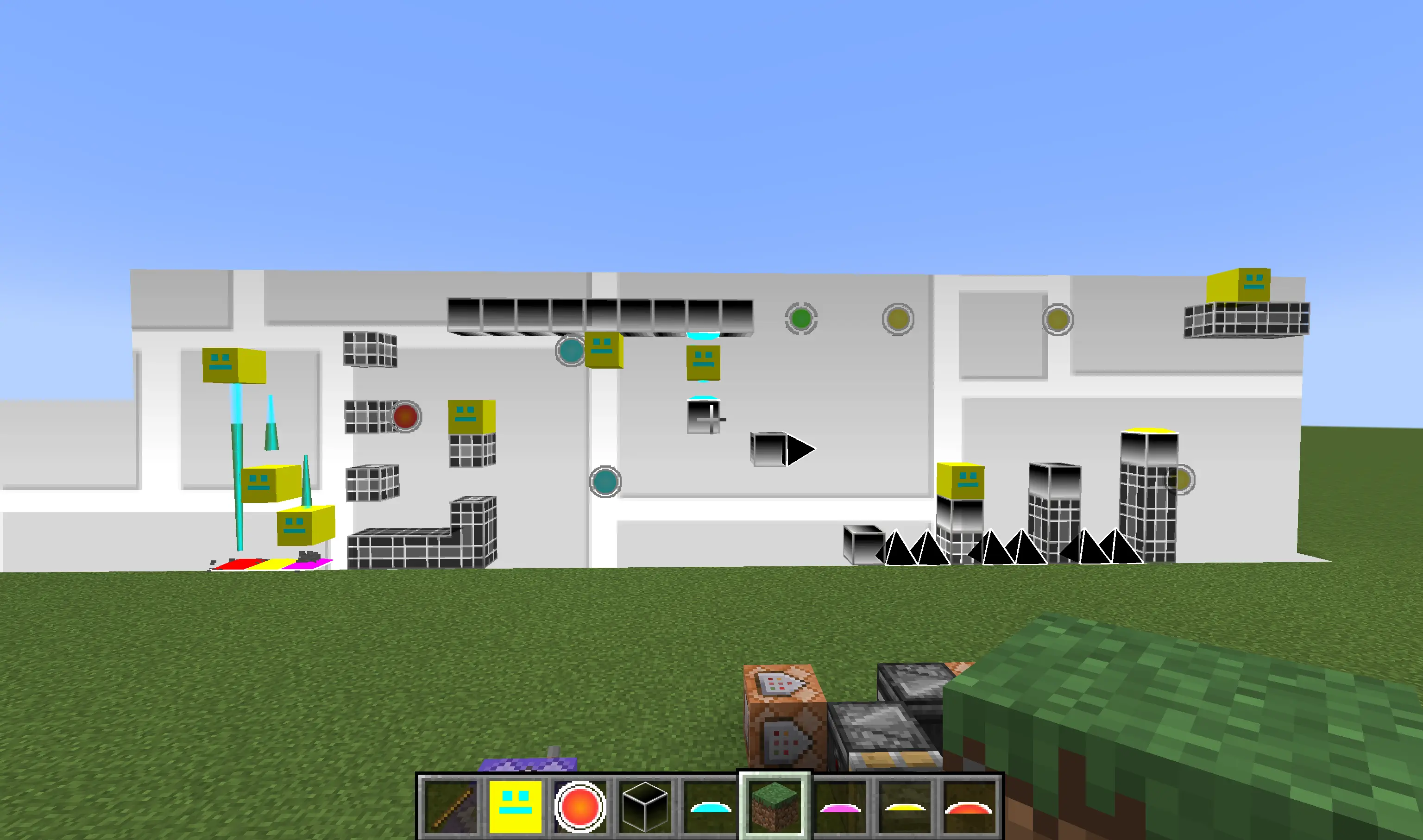
Game idea is belonged to RobTop.
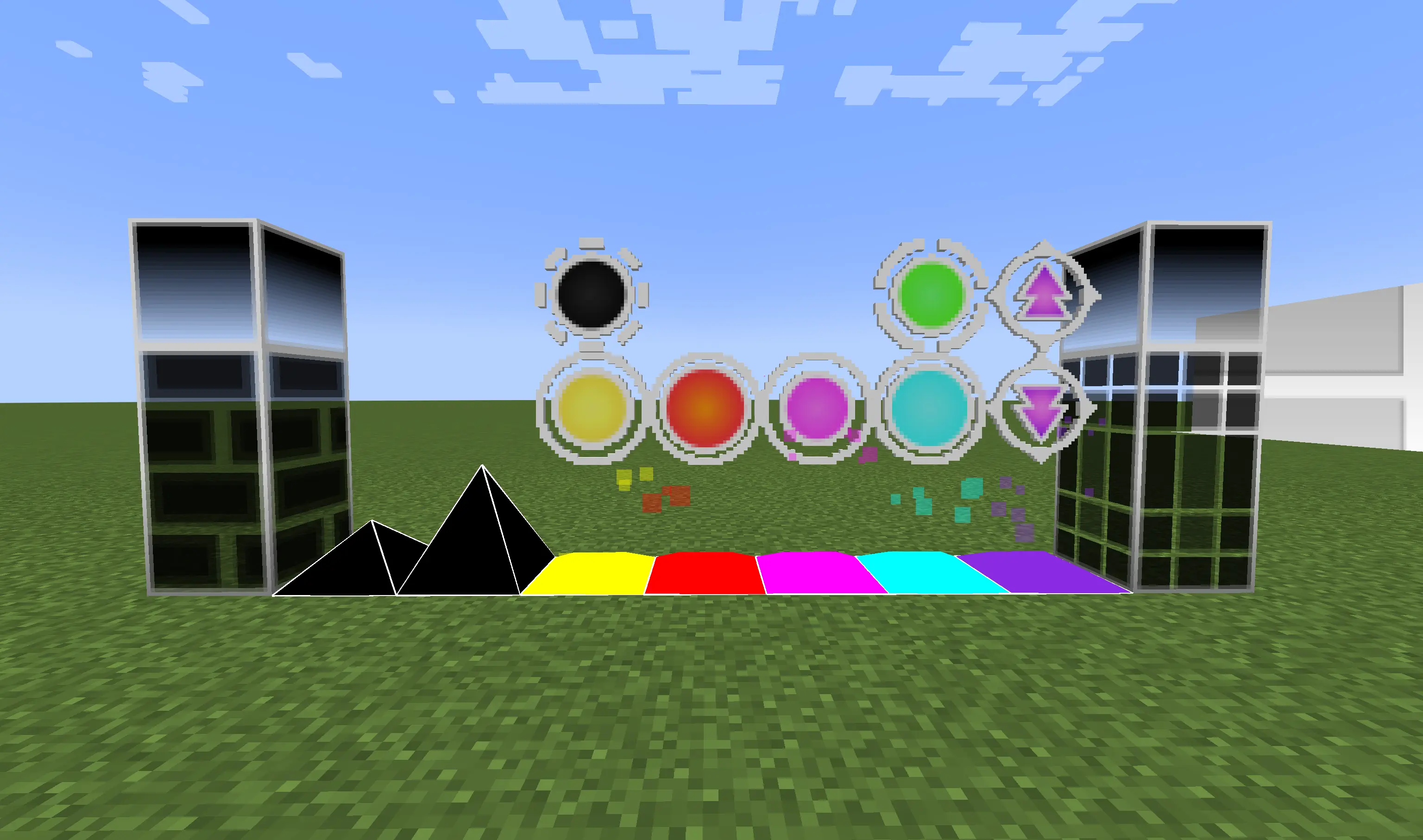
Only Jupiter is needed.
xxx features be added?Some features have planned to add. Other features you can suggest but not all of them will be added such as more gravity directions or specific triggers. Go to play GD directly is a better idea.
Project description from CurseForge.
Pick your setup
Choose the version and loader you play, then open the matching release.
Check the dependencies, then try the file in a copied instance before changing a world you care about.
Recent files
27 Nov 2025
26 Nov 2025
Looking for an older file? The official CurseForge project page is in Resources.
 mod
Adds compatibility between several mining-related mods
 mod
a lightweight server-focused teleportation mod for Fabric and NeoForge, adding reliable TPA, home, back, and random teleport commands with safe-location checks, cooldowns, countdowns, cross-dimension support, and vanilla-style feedback.
 mod
Leveling and progression API, a global, unified and customizable leveling system.