Minecraft version
Back to mods 
CurseForge · Minecraft mod
Fate/Craft Order
Swords, NPs and magic: your FGO in blocks
Choose a version Pick your version below, then grab the matching file.
Quick answer
Which Fate/Craft Order release should I use?
Latest stable file fatecraft_order-1.2.0-neoforge-1.21.1.jar
Game version 1.21.1
Loader NeoForge
Fate/Craft Order fatecraft_order-1.2.0-neoforge-1.21.1.jar targets 1.21.1 with NeoForge. The project page does not say whether this file belongs on the client, dedicated server, or both. No extra mods listed for this file.
Where it goes
Is Fate/Craft Order required on the client, server, or both?
The project page does not say whether this file belongs on the client, dedicated server, or both.
Client Source doesn’t say
Dedicated server Source doesn’t say
Loader for this release NeoForge
Required install it here Optional supported, not mandatory Not supported do not install here Source doesn’t say do not assume
The source does not explicitly classify this release as client-only or server-only.
What else does Fate/Craft Order fatecraft_order-1.2.0-neoforge-1.21.1.jar need?
fatecraft_order-1.2.0-neoforge-1.21.1.jar. Change the file and its required mods may change too.
This file does not list any required mods. Do not add a library just because a different file uses it.
This file does not list any required or optional mods.
Before you install it
Add Fate/Craft Order without breaking your instance.
Built for Fate/Craft Order fatecraft_order-1.2.0-neoforge-1.21.1.jar. Pick another file and the loader, install side or required mods may change.
- 01
Stick to this file
Use fatecraft_order-1.2.0-neoforge-1.21.1.jar. It targets 1.21.1 with NeoForge; another release may have different loader, side or dependency requirements.
- 02
Bring the mods it needs
This file does not list any required mods. Do not add a library just because a different file uses it.
- 03
Put it on the correct side
The project page does not say whether this file belongs on the client, dedicated server, or both.
- 04
Pick the file you checked
Use the “Get this file” button beside fatecraft_order-1.2.0-neoforge-1.21.1.jar. It opens that exact file at the source.
About this project
What does Fate/Craft Order add?
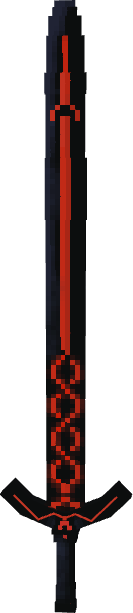
Weapons, effects, abilities, enemies. In this mod, you can use weapons wielded by great heroes throughout history and become a new hero.
You can create a book where all the recipes are saved.
How to activate the NP?
To activate an NP, you need to have the effect of a Command Spell; once you have it, press "Shift" + "left click" (to hit) or "right click" (for specific weapons).
How can you obtain the materials?
To obtain the materials needed to craft weapons, you need to defeat enemies in the mod. Some will drop these materials, but you can also craft them, though not all enemies will have a recipe. Defeating enemies in the mod will grant you Quality Points (QP). These points can also be obtained by exchanging ores at the Transmuter. With these QP, you simply need to use the "QP Crafting Table" and "QP Transmuter" blocks with villagers to exchange the coveted ores.
(now 21 swords)

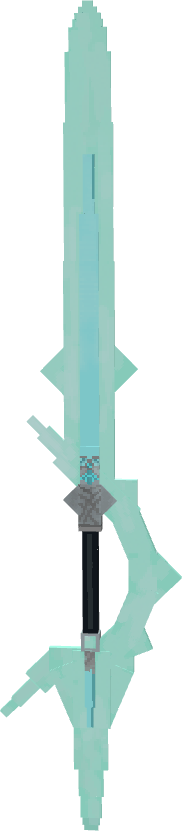

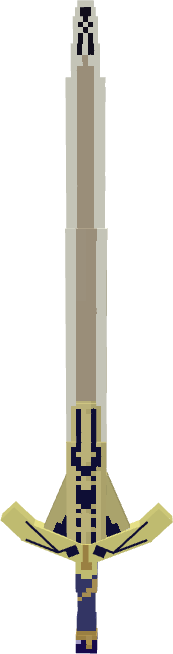
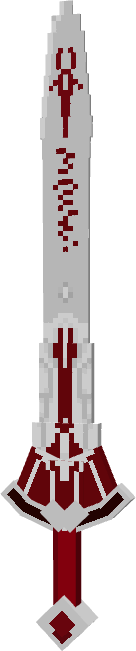
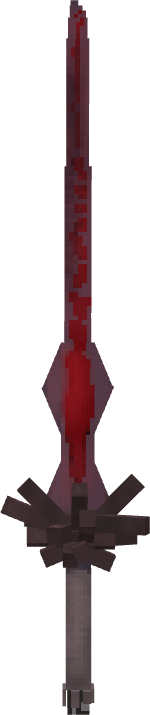
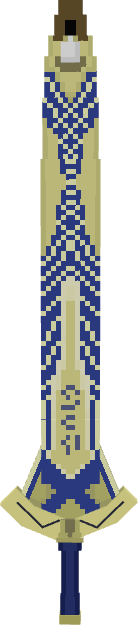
x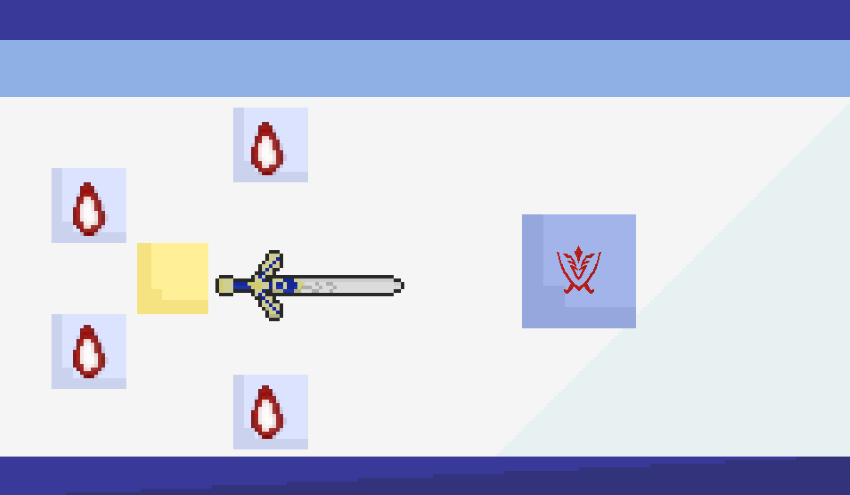
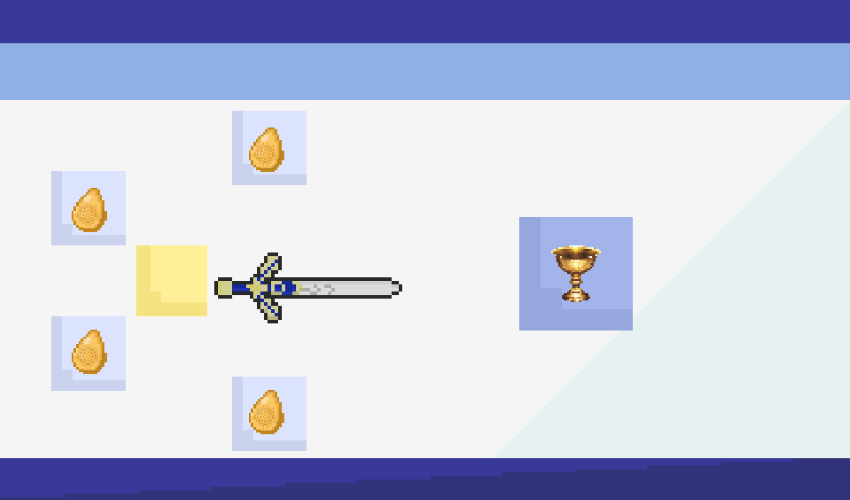
All is subject to chang
Based on Fate/Grand Order by TYPE-MOON
Project description from CurseForge.
Pick your setup
Fate/Craft Order by Minecraft version and loader
Choose the version and loader you play, then open the matching release.
Minecraft version
1.20.1
1 loader buildCheck the dependencies, then try the file in a copied instance before changing a world you care about.
Recent files
Fate/Craft Order versions and loaders
fatecraft_order-1.2.0-neoforge-1.21.1.jar
11 Oct 2026
Client Source doesn’t say Server Source doesn’t say Dependencies No extras listed Listed on Release listing
Check the 1.21.1 · NeoForge setup 1.21.1NeoForge release
fatecraft_order-1.2.0-forge-1.20.1.jar
11 Oct 2026
Client Source doesn’t say Server Source doesn’t say Dependencies No extras listed Listed on Release listing
Check the 1.20.1 · Forge setup 1.20.1Forge release
fatecraft_order-1.1.0-neoforge-1.21.1.jar
15 Feb 2026
Client Source doesn’t say Server Source doesn’t say Dependencies No extras listed Listed on Release listing
Check the 1.21.1 · NeoForge setup 1.21.1NeoForge release
fatecraft_order-1.1.0-forge-1.20.1.jar
15 Feb 2026
Client Source doesn’t say Server Source doesn’t say Dependencies No extras listed Listed on Release listing
Check the 1.20.1 · Forge setup 1.20.1Forge release
fatecraft_order-1.0.1-neoforge-1.21.1.jar
9 Dec 2025
Client Source doesn’t say Server Source doesn’t say Dependencies No extras listed Listed on Release listing
Check the 1.21.1 · NeoForge setup 1.21.1NeoForge release
fatecraft_order-1.0.1-forge-1.20.1.jar
7 Dec 2025
Client Source doesn’t say Server Source doesn’t say Dependencies No extras listed Listed on Release listing
Check the 1.20.1 · Forge setup 1.20.1Forge release
Looking for an older file? The official CurseForge project page is in Resources.
 mod
CurseForge · Minecraft
Thaumaturge Apocripha
Port of My most loved features from old versions + additions
 mod
CurseForge · Minecraft
The Abyss: The First Light
The Abyss: First Light adds Magic, Quests, Dimensions, Biomes, Entities, Armor, Swords and Tools!
 mod
CurseForge · Minecraft
MineField Mods Addons
Items and accessories for the MineField Mods Official ModPack