Create Needed by Create: Luminous 1.3.1
requiredMatching file found Matched file: Create 6.0.10 for mc1.21.1
CurseForge · Minecraft mod
Adds decorative lanterns using Create materials
Quick answer
Create: Luminous 1.3.1 targets 1.21.1 with NeoForge. The project page does not say whether this file belongs on the client, dedicated server, or both. All 1 required mods have matching files.
Where it goes
The project page does not say whether this file belongs on the client, dedicated server, or both.
The source does not explicitly classify this release as client-only or server-only.
Create: Luminous 1.3.1. Change the file and its required mods may change too.
Install Create first. We found matching files for this game-version and loader setup.
We only count dependency files that match this setup. A file for another loader does not fill the gap.
Before you install it
Built for Create: Luminous 1.3.1. Pick another file and the loader, install side or required mods may change.
Use Create: Luminous 1.3.1. It targets 1.21.1 with NeoForge; another release may have different loader, side or dependency requirements.
Install Create first. We found matching files for this game-version and loader setup.
The project page does not say whether this file belongs on the client, dedicated server, or both.
Use the “Get this file” button beside Create: Luminous 1.3.1. It opens that exact file at the source.
About this project
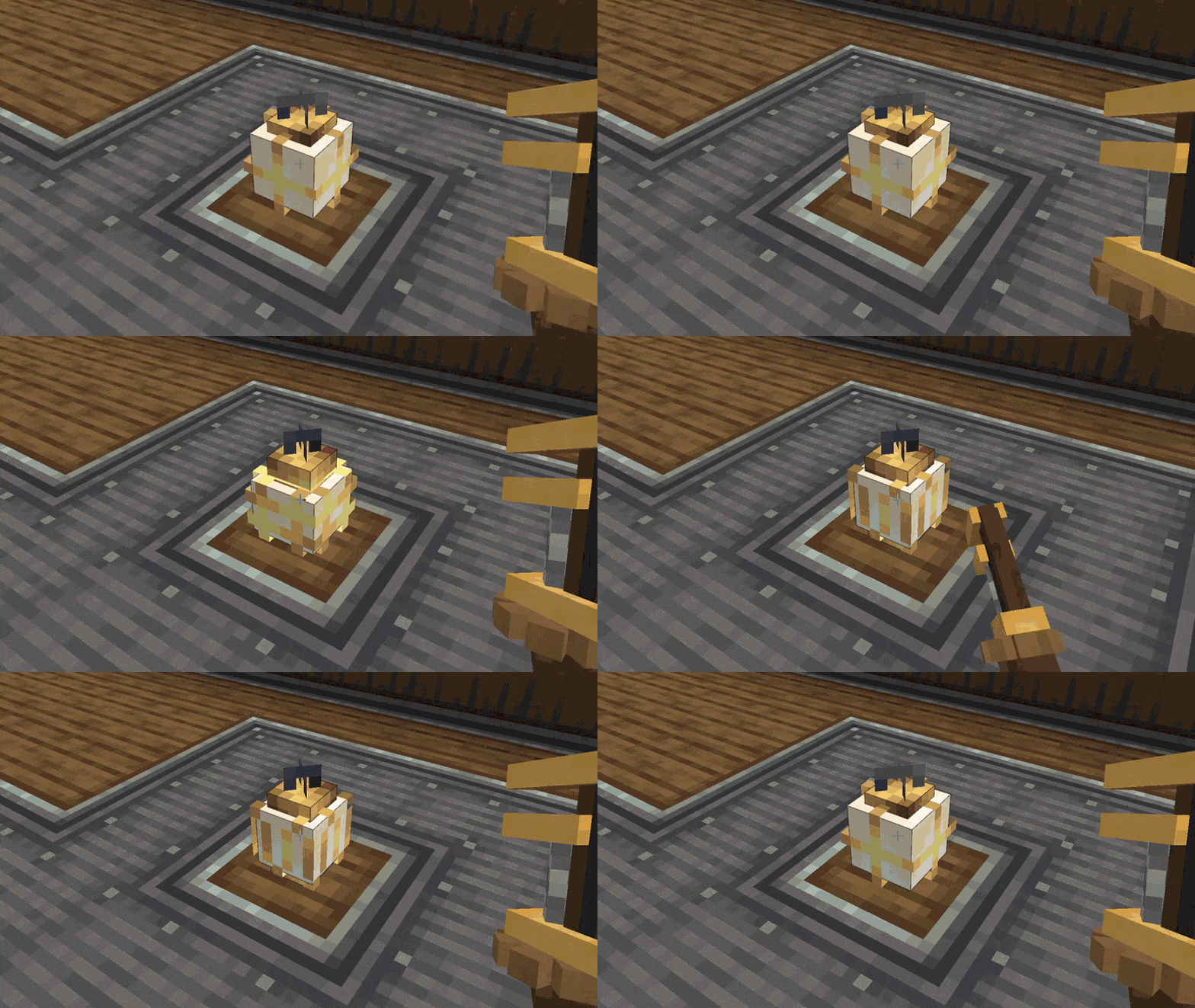
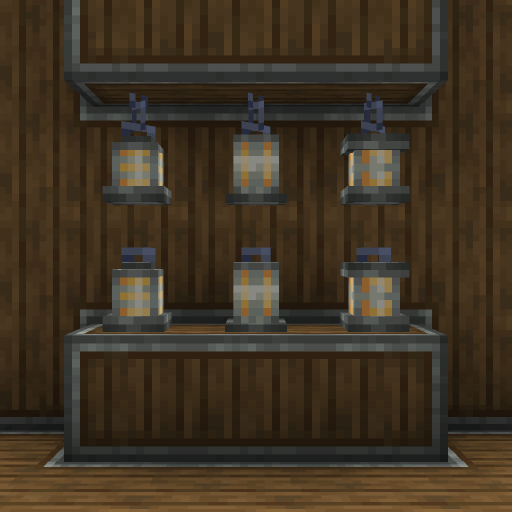
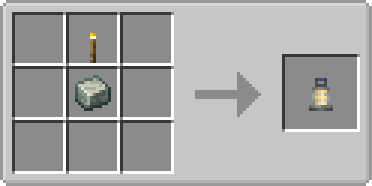
Create: Luminous is a cosmetic addon for the Create Mod that introduces new decorative lanterns designed to closely match the industrial aesthetic of Create.
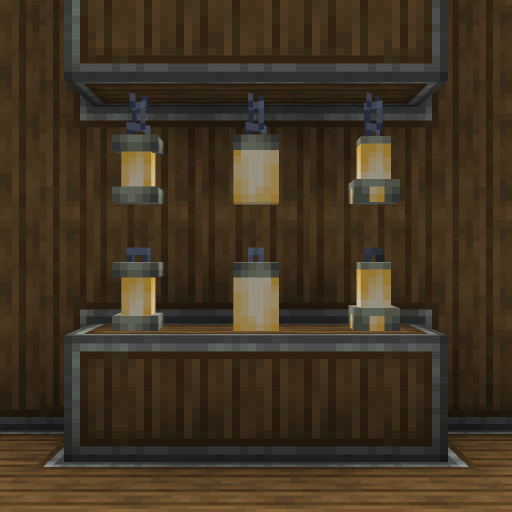
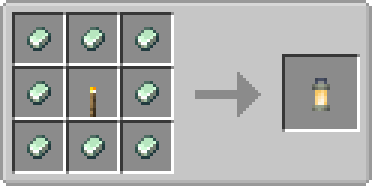
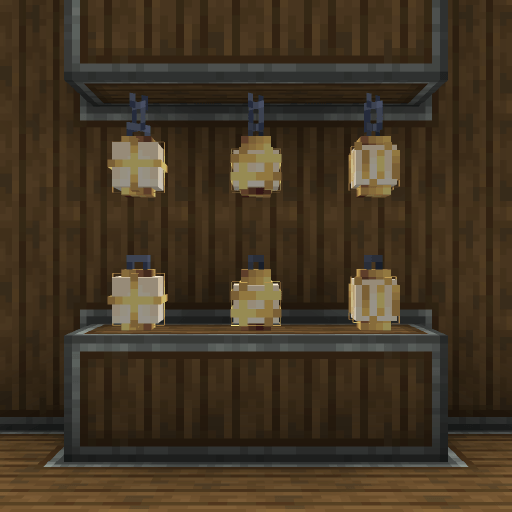
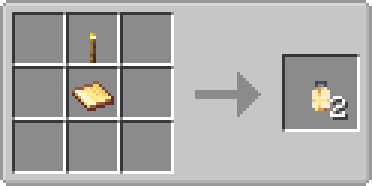
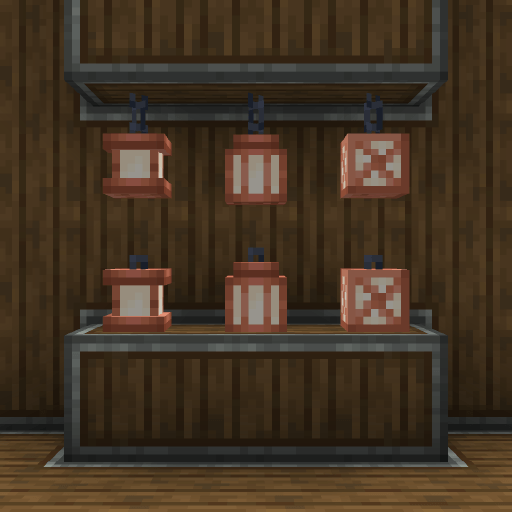
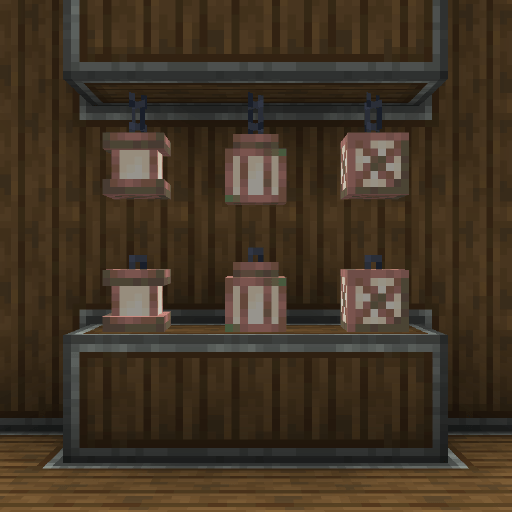
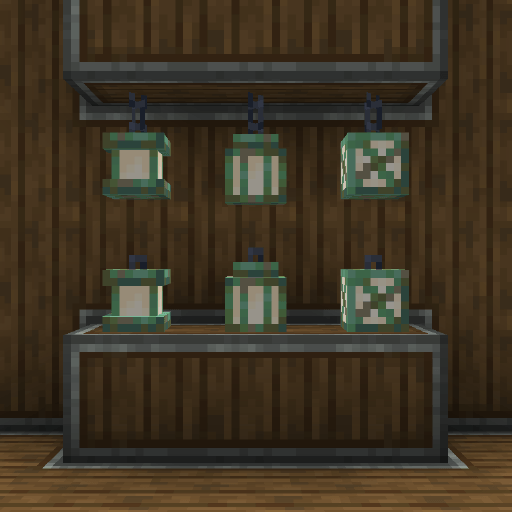
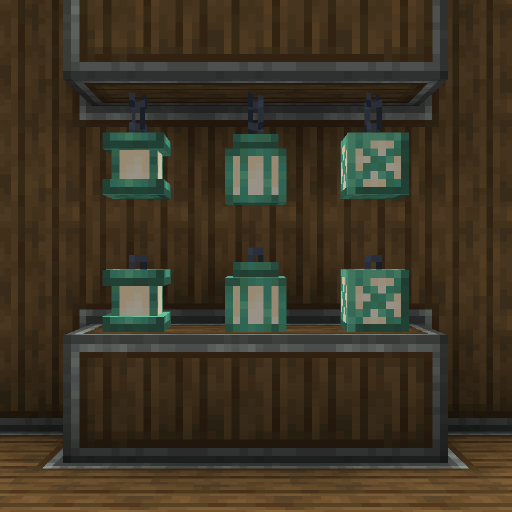
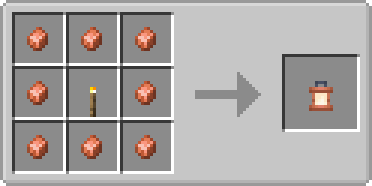
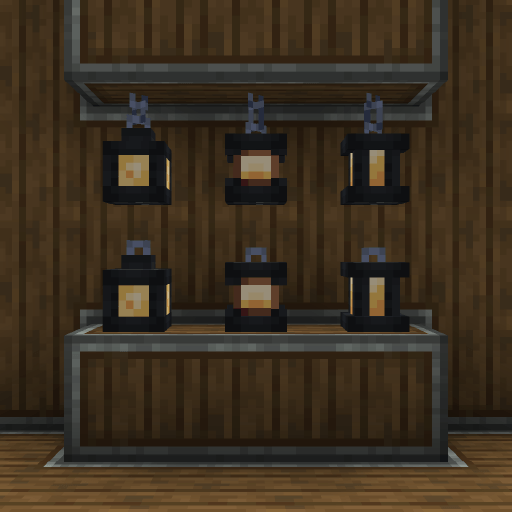
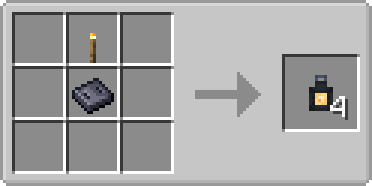
Q: Do you plan to backport to older versions (1.20.1, 1.19.2, 1.18.2, etc.)? A: No, I do not plan to backport the mod myself. However, if you are a modder and want to port it to older versions, you are welcome to do so!
Q: Will there be a Fabric or Forge version? A: This mod is built for NeoForge. I might consider a standard Forge port in the future, but I have no plans for Fabric. If you know how to port mods to Fabric, feel free to create a port yourself!
Q: Which languages are supported? A: Currently, the mod supports English (US) and Spanish (MX). I plan to add more translations in future updates.
Q: Are there any compatibility issues with other mods? A: Since v1.1.0 mainly adds decorative blocks, it is highly unlikely to cause conflicts. It should work perfectly alongside any other mod. However, if you do encounter a bug, please leave a comment so I can fix it ASAP!
You are free to use Create: Luminous in any modpack! No credit required, but it's always appreciated.
Created by Mirru.
Project description from CurseForge.
Pick your setup
Choose the version and loader you play, then open the matching release.
Check the dependencies, then try the file in a copied instance before changing a world you care about.
Recent files
createluminous-1.3.1.jar
16 Apr 2026
createluminous-1.3.0.jar
12 Apr 2026
createluminous-1.2.0.jar
9 Dec 2025
createluminous-1.1.0.jar
6 Dec 2025
createluminous-1.0.0.jar
3 Dec 2025
Looking for an older file? The official CurseForge project page is in Resources.
 mod
A Quark is a very small thing. This mod is a collection of small things that improve the vanilla minecraft experience.
 mod
Craft and smelt with your own hands: the crafting table and the furnace open right on the block, with no menu screen. Client-side.
 mod
Overhauling villages with mod integration