Minecraft version
Back to mods 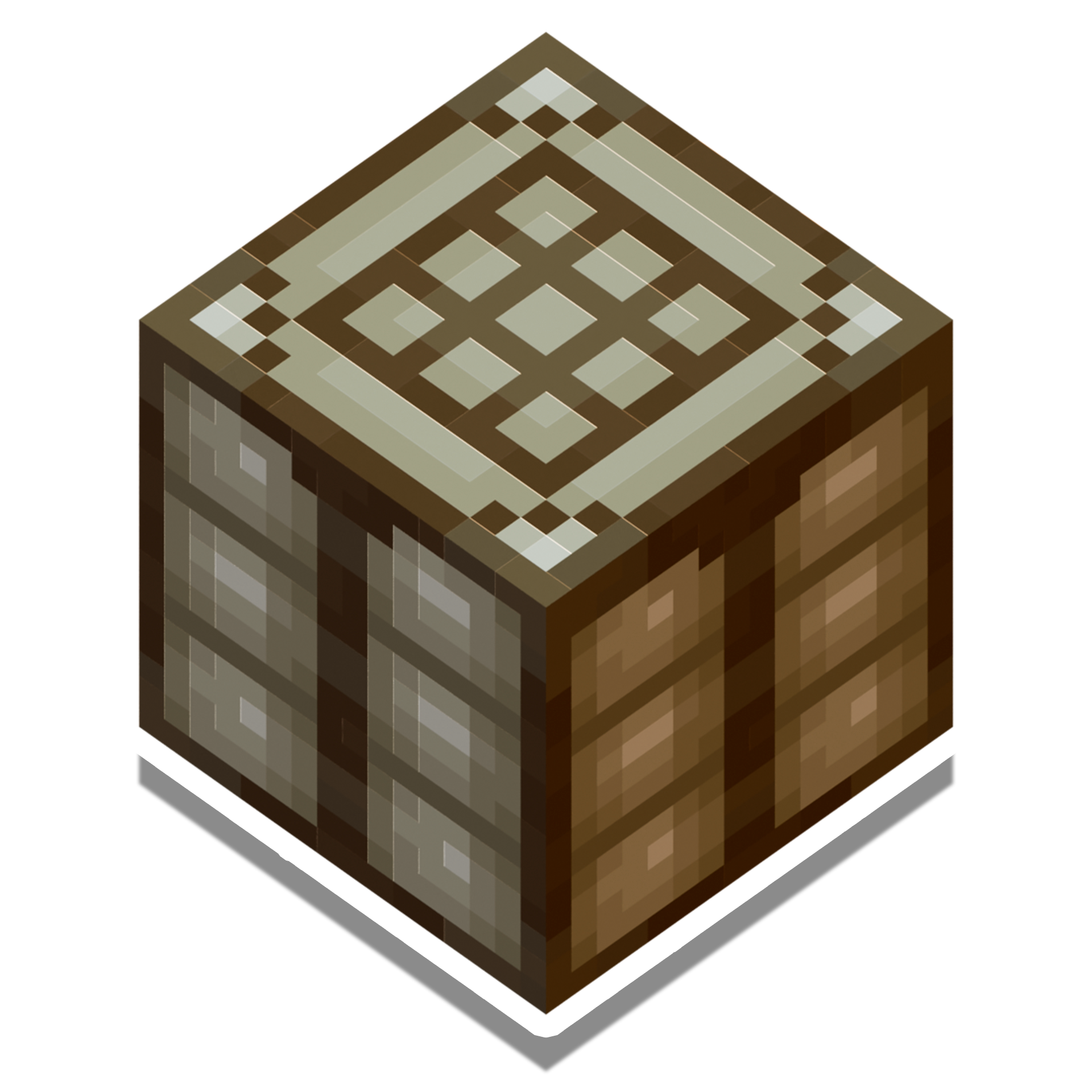
CurseForge · Minecraft mod
Auto Crafters
An easy-to-use Auto Crafter with an intuitive interface, making Minecraft automation simpler than ever.
Choose a version Pick your version below, then grab the matching file.
Quick answer
Which Auto Crafters release should I use?
Latest stable file autocrafters-1.21.1-1.0.0
Game version 1.21.1
Loader NeoForge
Auto Crafters autocrafters-1.21.1-1.0.0 targets 1.21.1 with NeoForge. The project page does not say whether this file belongs on the client, dedicated server, or both. No extra mods listed for this file.
Where it goes
Is Auto Crafters required on the client, server, or both?
The project page does not say whether this file belongs on the client, dedicated server, or both.
Client Source doesn’t say
Dedicated server Source doesn’t say
Loader for this release NeoForge
Required install it here Optional supported, not mandatory Not supported do not install here Source doesn’t say do not assume
The source does not explicitly classify this release as client-only or server-only.
What else does Auto Crafters autocrafters-1.21.1-1.0.0 need?
autocrafters-1.21.1-1.0.0. Change the file and its required mods may change too.
This file does not list any required mods. Do not add a library just because a different file uses it.
This file does not list any required or optional mods.
Before you install it
Add Auto Crafters without breaking your instance.
Built for Auto Crafters autocrafters-1.21.1-1.0.0. Pick another file and the loader, install side or required mods may change.
- 01
Stick to this file
Use autocrafters-1.21.1-1.0.0. It targets 1.21.1 with NeoForge; another release may have different loader, side or dependency requirements.
- 02
Bring the mods it needs
This file does not list any required mods. Do not add a library just because a different file uses it.
- 03
Put it on the correct side
The project page does not say whether this file belongs on the client, dedicated server, or both.
- 04
Pick the file you checked
Use the “Get this file” button beside autocrafters-1.21.1-1.0.0. It opens that exact file at the source.
About this project
What does Auto Crafters add?
This mod is deprecated. Please download this version instead for more polished autocrafters and additional features.
https://www.curseforge.com/minecraft/mc-mods/simple-logistics
Auto Crafters is a mod that adds a new block to automate crafting in Minecraft. Unlike the vanilla crafter, this block is easy to use, intuitive, and smart.
Key Features
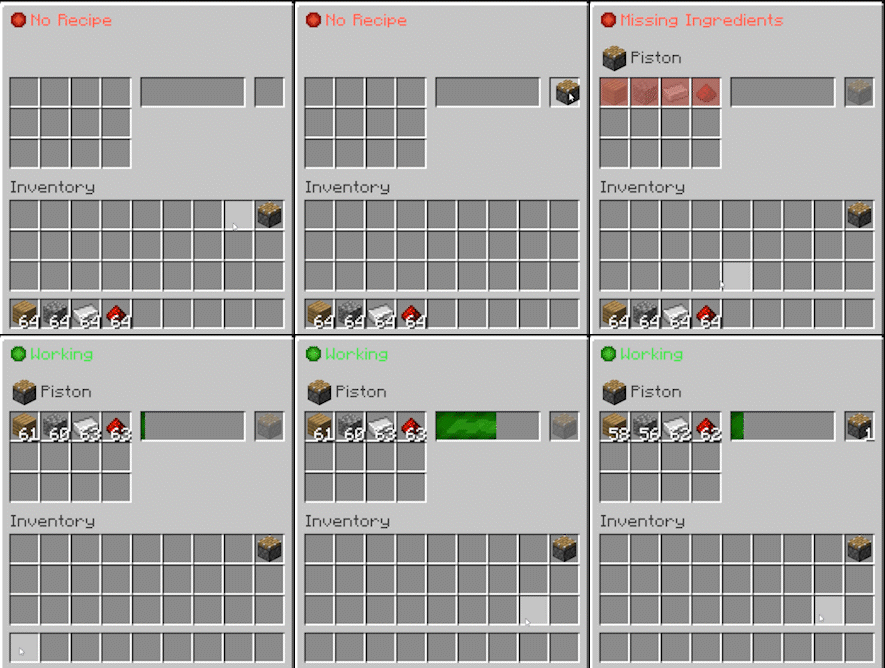
Intuitive GUI: Just open the block, set up your recipe with a simple drag-and-click, and watch it go. The interface includes a progress bar and clear status indicators for easy monitoring.
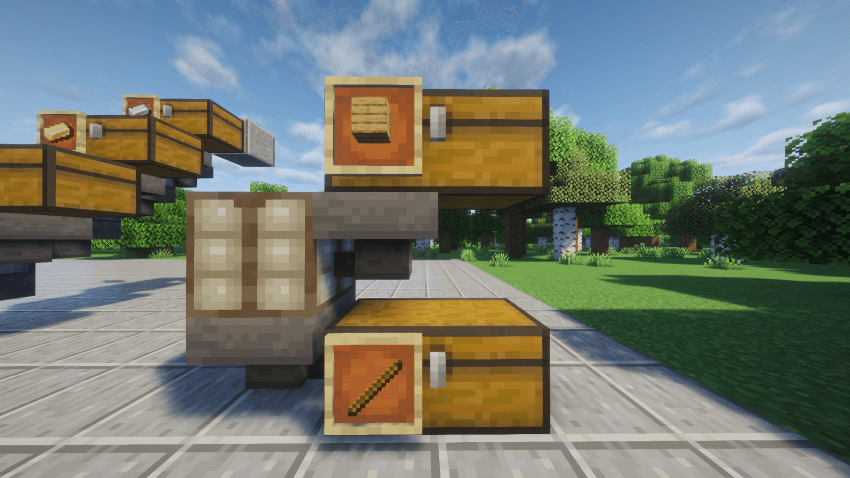
Smart Automation: The Auto Crafter handles input and output intelligently. Hoppers and pipes can blindly insert items; the block will only accept valid ingredients for the locked recipe and will never let you accidentally extract ingredients from the input slots.
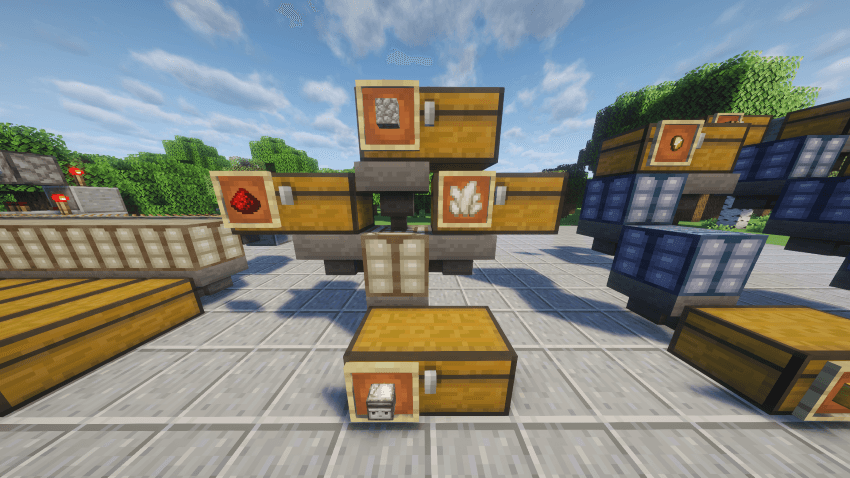
Recipe Reliability: No need to synchronize item arrivals. The machine waits until it has the exact amount of every required ingredient before crafting.
Recipe Conflict Handling: Does an item have multiple recipes? A dedicated “Switch Recipe” button in the GUI lets you cycle through them and choose the one you want.
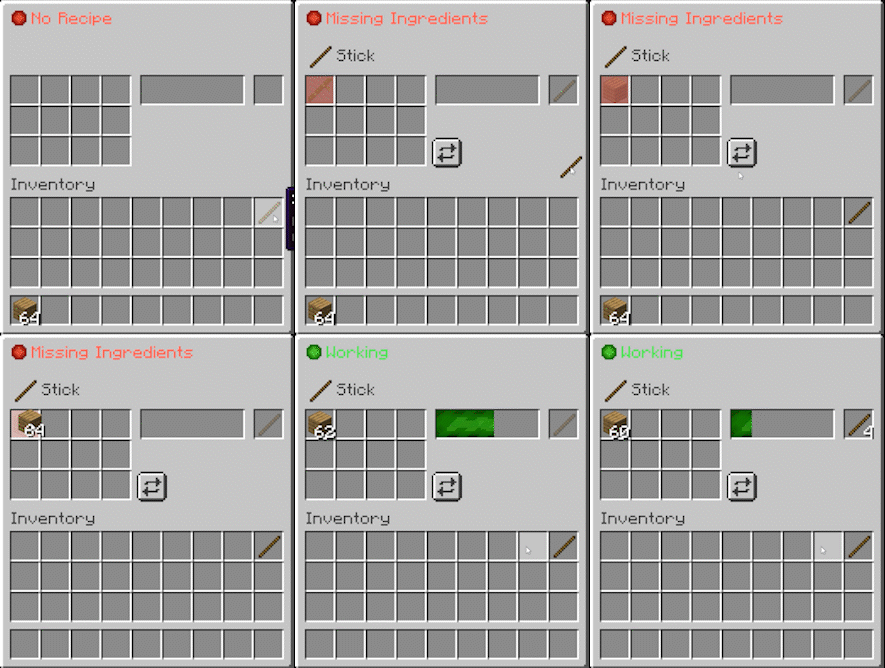
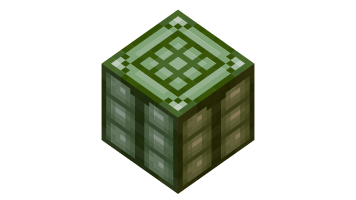
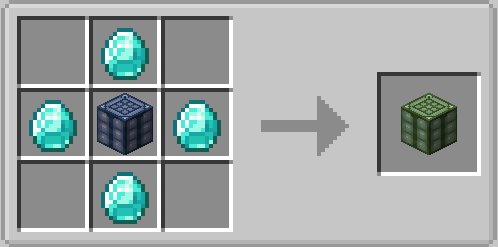
Progression Tiers: The mod offers three tiers of crafters to scale with your world's resources:
- Tier 1: Crafts 1 recipe every 3 seconds. Perfect for early-game setups.
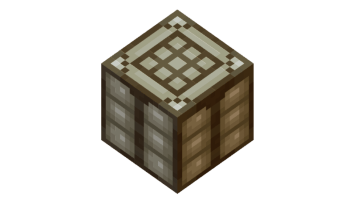
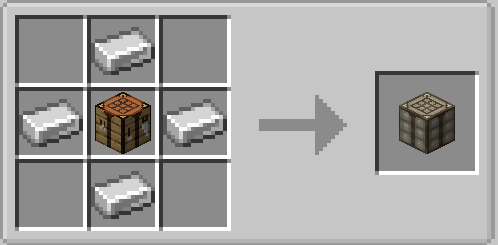
- Tier 2: Crafts 1 recipe every 1.5 seconds. Great for faster processing.
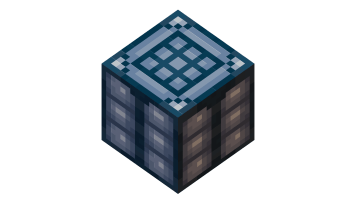
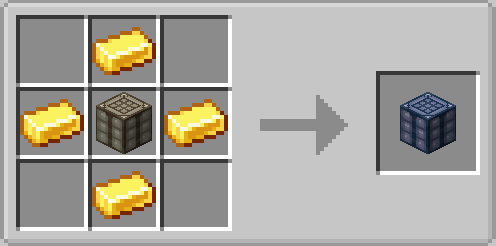
- Tier 3: Crafts 1 recipe every 0.5 seconds. Ultimate speed for mass production.
Mod Compatibility
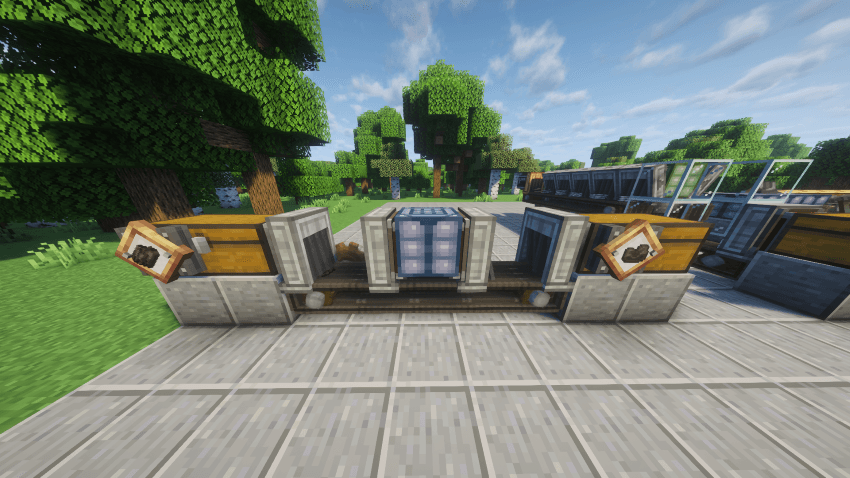
Create Mod Compatibility: Fully compatible with Create’s funnels, chutes and mechanical arms, letting items move in and out automatically. The Auto Crafter can perform Create's mechanical crafting recipes. Autocrafters can be picked up using the Create Wrench.
Feel free to share any suggestions in the comments, including requests for compatibility with other mods.
The crafting sounds and much of this mod’s inspiration come from one of my favorite games, Factorio.
Project description from CurseForge.
Pick your setup
Auto Crafters by Minecraft version and loader
Choose the version and loader you play, then open the matching release.
Check the dependencies, then try the file in a copied instance before changing a world you care about.
Recent files
Auto Crafters versions and loaders
autocrafters-1.21.1-1.0.0
autocrafters-1.21.1-1.0.0.jar
5 Dec 2025
Client Source doesn’t say Server Source doesn’t say Dependencies No extras listed Listed on Release listing
Check the 1.21.1 · NeoForge setup 1.21.1NeoForge release
Looking for an older file? The official CurseForge project page is in Resources.
 mod
CurseForge + Modrinth · Minecraft
More Beautiful Plates
200+ Pressure Plates based on Vanilla Blocks.
 mod
CurseForge · Minecraft
Create: Envelope
A fork of multyfora's Create: Envelope Compat with some fixes and compat with newer envelope versions - automates Envelope's pigeon mail with Create's logistics, with a fix for undeliverable plain-name addresses.
 mod
CurseForge · Minecraft
Renfe/Rodalies Decorations
It’s a mod that adds decorative blocks inspired by the Catalan commuter rail system, Rodalies, and its parent operator, RENFE.