Fabric API Needed by smoothtexturefix-1.0.0+26.3.jar
requiredMatching file found Matched file: [26.3] Fabric API 0.162.0+26.3
CurseForge · Minecraft mod
Pixels were made to be crisp and clean! Fixes texture sampling introduced in 1.21.11+ (Mounts of Mayhem)
Quick answer
smoothtexturefix-1.0.0+26.3.jar targets 26.3 with Fabric. The project page does not say whether this file belongs on the client, dedicated server, or both. All 1 required mods have matching files.
Where it goes
The project page does not say whether this file belongs on the client, dedicated server, or both.
The source does not explicitly classify this release as client-only or server-only.
smoothtexturefix-1.0.0+26.3.jar. Change the file and its required mods may change too.
Install Fabric API first. We found matching files for this game-version and loader setup.
We only count dependency files that match this setup. A file for another loader does not fill the gap.
Before you install it
Built for smoothtexturefix-1.0.0+26.3.jar. Pick another file and the loader, install side or required mods may change.
Use smoothtexturefix-1.0.0+26.3.jar. It targets 26.3 with Fabric; another release may have different loader, side or dependency requirements.
Install Fabric API first. We found matching files for this game-version and loader setup.
The project page does not say whether this file belongs on the client, dedicated server, or both.
Use the “Get this file” button beside smoothtexturefix-1.0.0+26.3.jar. It opens that exact file at the source.
About this project
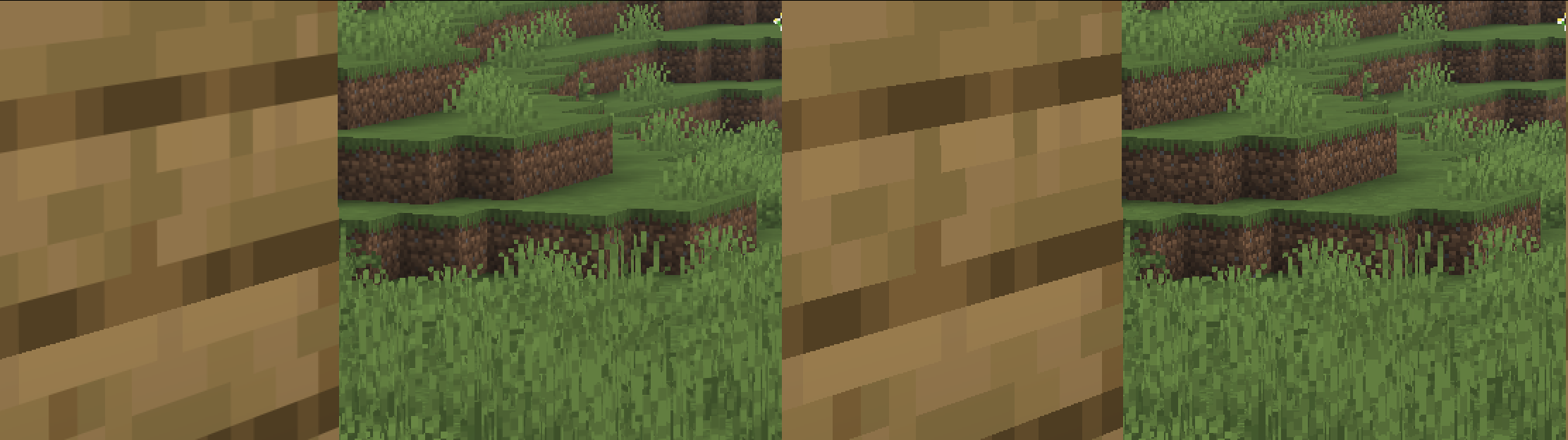
With the addition of Anisotropic Filtering and RGSS in Minecraft 1.21.11 (Mounts of Mayhem), the visuals of the game have changed. There is a noticeable amount of blur on block textures. Margins between blocks still have the old harsh cutoff which is very noticeable. This mod sets the texture filtering back to Nearest/Point like it always should be. <3
Can be toggled on/off with the config file (config/smoothtexturefix.json) or the client-side command /smoothtexturefix.
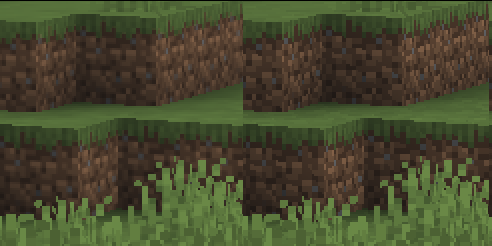
Left is Vanilla, right is SmoothTextureFix.
Project description from CurseForge.
Pick your setup
Choose the version and loader you play, then open the matching release.
Check the dependencies, then try the file in a copied instance before changing a world you care about.
Recent files
15 Sept 2026
17 Jun 2026
5 Apr 2026
28 Mar 2026
9 Dec 2025
Looking for an older file? The official CurseForge project page is in Resources.
 mod
modFixes issues on Indev 20100223.
 mod
modHats adds in more than 430+ collectible hats & accessories for players to unlock!
 mod
modCustom Skyboxes is a mod that allows you to change the sky,clouds, sun, moon, rain, snow, and stars and custom rifts or Geckolib Models in the sky in real time with a texture or GIF with Commands!