Aquarius Libs Needed by Hello Biome 1.0.0-forge-26.2-65.0.0
requiredMatching file found Matched file: 1.2.0-forge-26.2-65.0.0
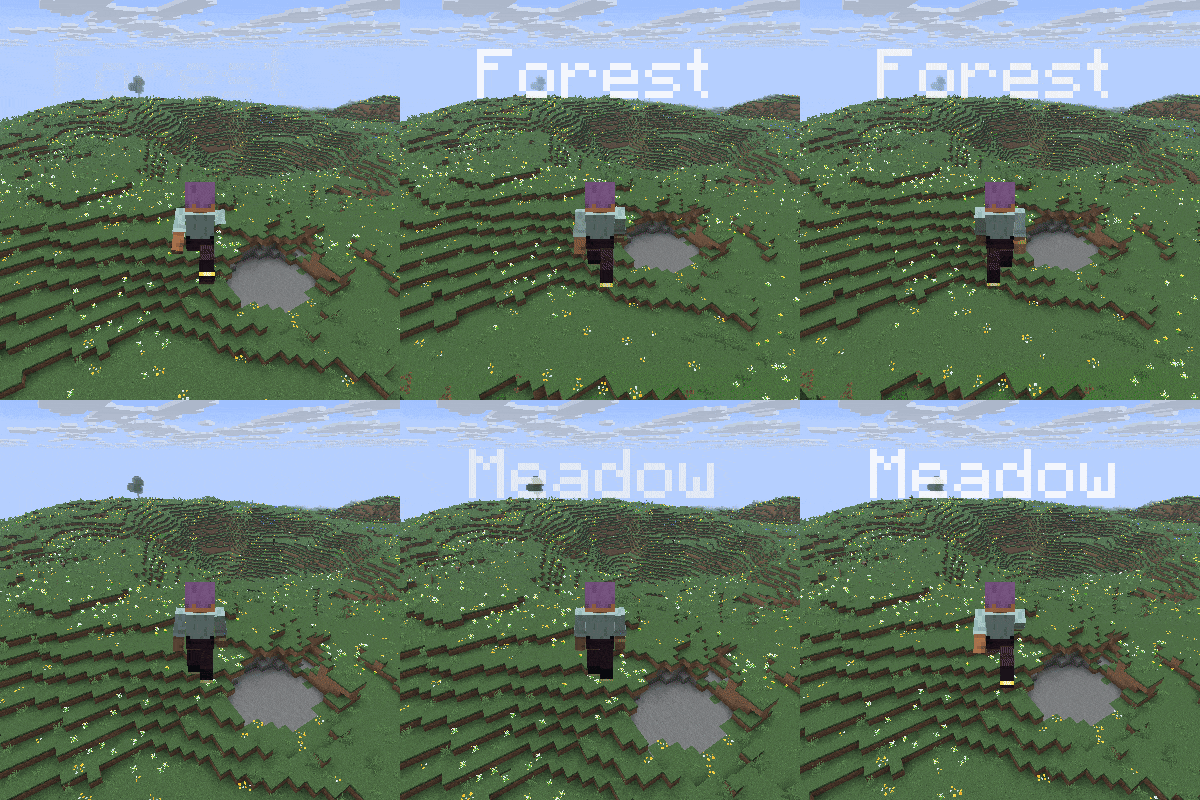
CurseForge · Minecraft mod
Highly customizable Pop-Up Text for biomes and dimensions.
Quick answer
Hello Biome 1.0.0-forge-26.2-65.0.0 targets 26.2 with Forge. The project page does not say whether this file belongs on the client, dedicated server, or both. All 1 required mods have matching files.
Where it goes
The project page does not say whether this file belongs on the client, dedicated server, or both.
The source does not explicitly classify this release as client-only or server-only.
1.0.0-forge-26.2-65.0.0 on 26.2 Forge. Every mod below is checked against that same setup.
Install Aquarius Libs first. We found matching files for this game-version and loader setup.
We only count dependency files that match this setup. A file for another loader does not fill the gap.
Before you install it
Built for Hello Biome 1.0.0-forge-26.2-65.0.0 on 26.2 Forge. Pick another file and the loader, install side or required mods may change.
Use 1.0.0-forge-26.2-65.0.0. It targets 26.2 with Forge; another release may have different loader, side or dependency requirements.
Install Aquarius Libs first. We found matching files for this game-version and loader setup.
The project page does not say whether this file belongs on the client, dedicated server, or both.
Use the “Get this file” button beside 1.0.0-forge-26.2-65.0.0. It opens that exact file at the source.
About this project
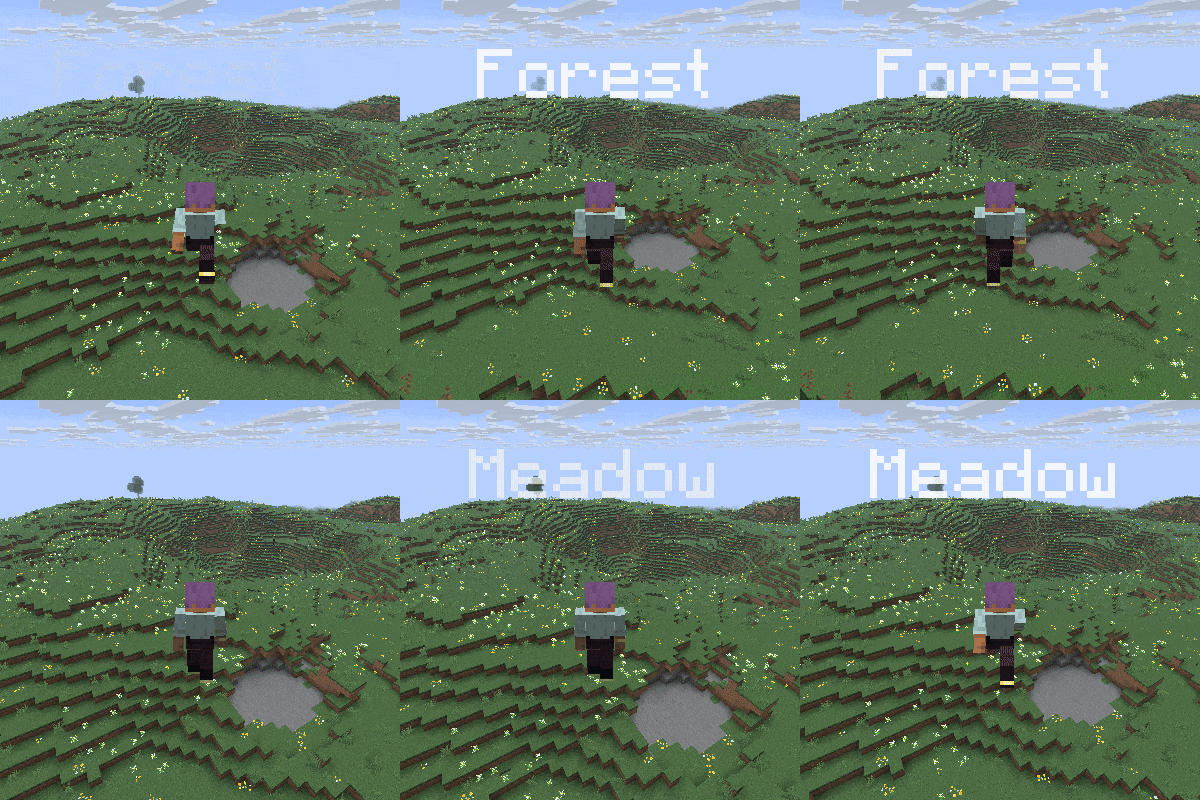
Whenever you go into another biome, the name of the biome pops up at the top of the screen.
Same for dimensions.
Beside that you can edit the text with the inbuilt settings screen that can be opened with the H key by default.
So after you open this screen you can
-switch between biome and dimension settings while clicking on the Biome or dimension button
-disable these texts whenever you want
-add a cooldown time between the texts
-base position
-text-align
-max opacity (opacity of the normal text, fade-in goes to this value, and fade-out starts from this value)
-enable the text shadow
-text size
-add biomes to a blacklist (just type river for example)
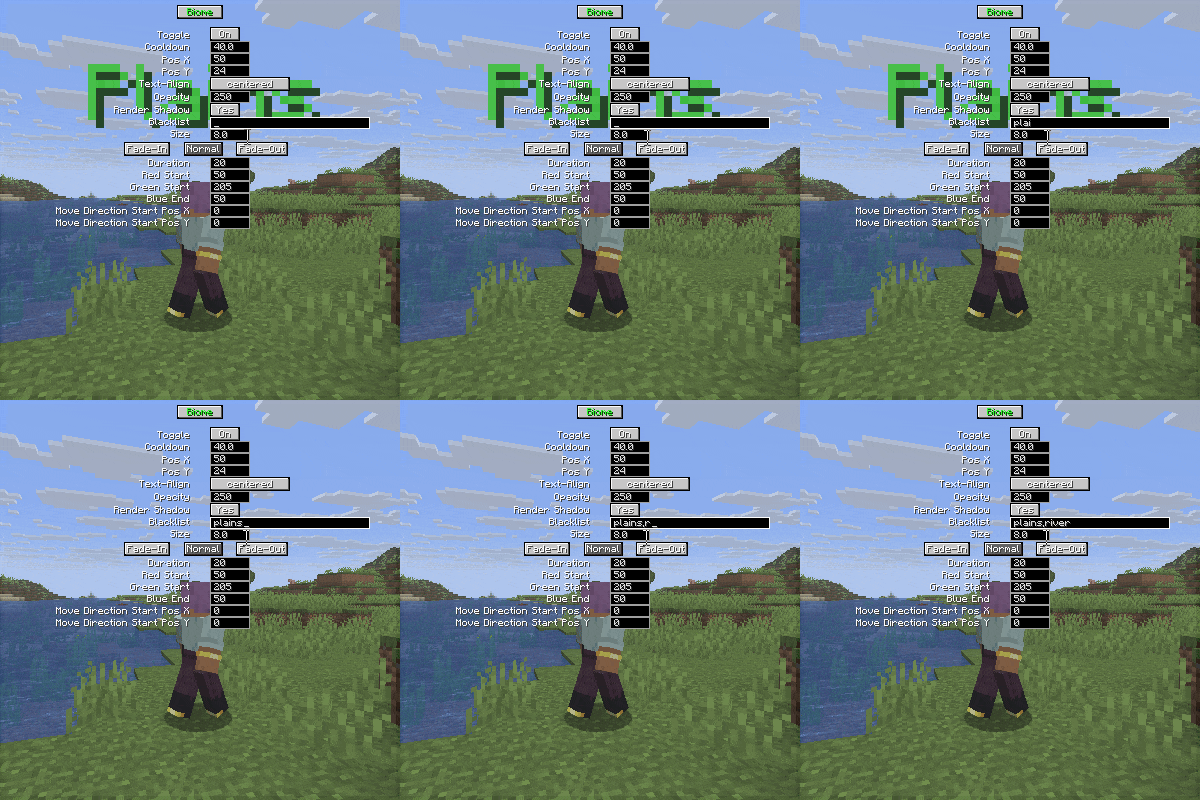
also you can edit the fade-in, normal and fade-out texts
-duration (uses ticks, and 20 tick is 1 second)
-red, green, blue color (colors changes from fade-in to normal, then from normal to fade out)
-x, y move direction (direction changes from fade-in to normal, then from normal to fade out)
Mod currently supports
Forge 26.x | 1.21.x | 1.20.1
Fabric 26.x | 1.21.x | 1.20.1
Neoforge 26.x | 1.21.x
SEND ME A PRIVATE MESSAGE IF YOU NEED THE MOD IN A DIFFERENT VERSION OR IF YOU ENCOUNTER ANY BUGS AT CURSEFORGE
https://legacy.curseforge.com/members/aquarius_playz/projects
Follow me on X (twitter)

Project description from CurseForge.
Pick your setup
Choose the version and loader you play, then open the matching release.
Showing the newest 12 of 14 game versions. Older files are in the list below.
Check the dependencies, then try the file in a copied instance before changing a world you care about.
Recent files
hellobiome-1.0.0-forge-26.2-65.0.0.jar
18 Jun 2026
Looking for an older file? The official CurseForge project page is in Resources.
 mod
Backpack mod on all versions
 mod
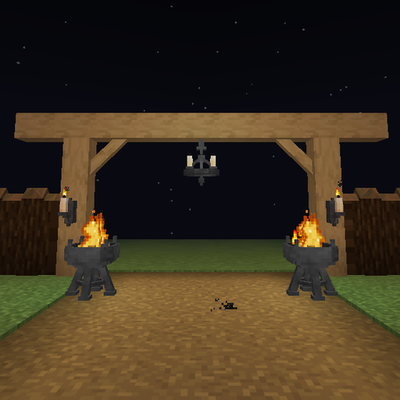
Timber beams, palisades, braces, timber frames and log piles for all 12 wood types, plus braziers, chandeliers, wall sconces and candelabras. Vanilla textures.
 mod
Smooth new terrain and cave floors with slabs, steps and corners, choose from three smoothing levels, with built in Mineralogy support.