Curios API Optional for Electroblob's Wizardry Redux [Forge] EbWizardry-Redux 0.8.5.1 for 1.20.1
optionalMatching file found Matched file: curios-forge-5.14.1+1.20.1.jar

CurseForge · Minecraft mod
Explore and discover an intuitive and big magic system with more than 180 spells. Recreation of the old RPG classic mod
Quick answer
Electroblob's Wizardry Redux [Forge] EbWizardry-Redux 0.8.5.1 for 1.20.1 targets 1.20.1 with Forge. The project page does not say whether this file belongs on the client, dedicated server, or both. No extra mods listed for this file.
Where it goes
The project page does not say whether this file belongs on the client, dedicated server, or both.
The source does not explicitly classify this release as client-only or server-only.
[Forge] EbWizardry-Redux 0.8.5.1 for 1.20.1. Change the file and its required mods may change too.
This file does not list any required mods. Do not add a library just because a different file uses it.
1 extra mod was pulled in by another dependency. Indented rows show who needs each one. We only count dependency files that match this setup. A file for another loader does not fill the gap.
Before you install it
Built for Electroblob's Wizardry Redux [Forge] EbWizardry-Redux 0.8.5.1 for 1.20.1. Pick another file and the loader, install side or required mods may change.
Use [Forge] EbWizardry-Redux 0.8.5.1 for 1.20.1. It targets 1.20.1 with Forge; another release may have different loader, side or dependency requirements.
This file does not list any required mods. Do not add a library just because a different file uses it.
The project page does not say whether this file belongs on the client, dedicated server, or both.
Use the “Get this file” button beside [Forge] EbWizardry-Redux 0.8.5.1 for 1.20.1. It opens that exact file at the source.
About this project
Note: This mod is currently in Alpha. For development updates, bug reports, and community discussion, join our Discord and check our Wiki
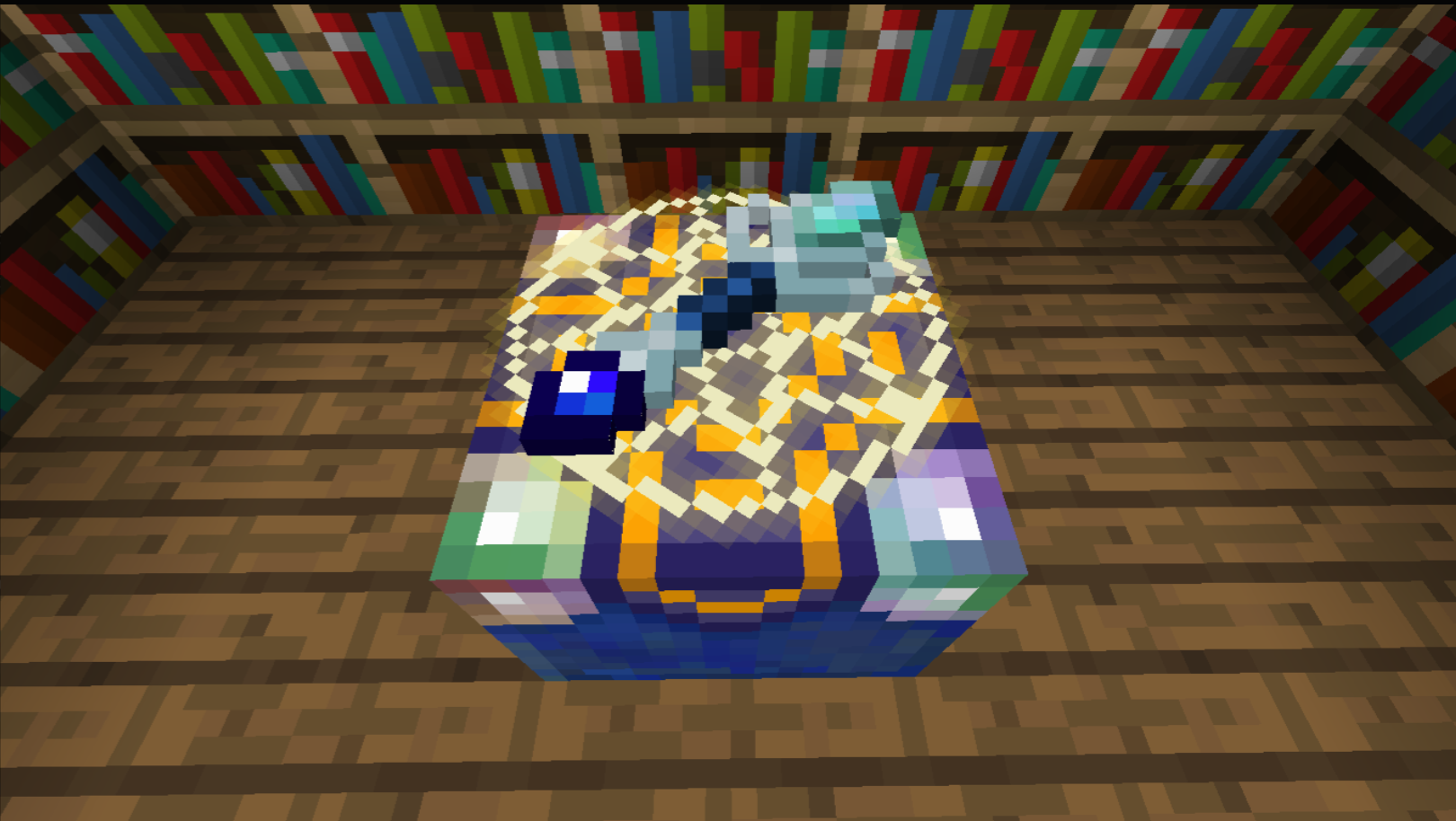
Wizardry isn't like most magic mods. It has very few crafting recipes and no complex constructions or systems behind it, so you don't have to interrupt your experience by checking how to do everything. Find spell books, upgrade wands, create quick scrolls, fight against elemental spirits, trade with wizards and many more!
With more than 180 spells (and still adding more) each one with unique features, so you will always find something new to see and enjoy. You could also add spell packs that could add more content to your adventure. Will you be able to collect each one of the spells that are lost in the arcana?
Start by mining Magic Crystals (though there are "easier" ways to find them if you explore!). Combine 1 Magic Crystal + 1 Stick + 1 Gold Nugget to craft your first wand and begin your arcane apprenticeship.
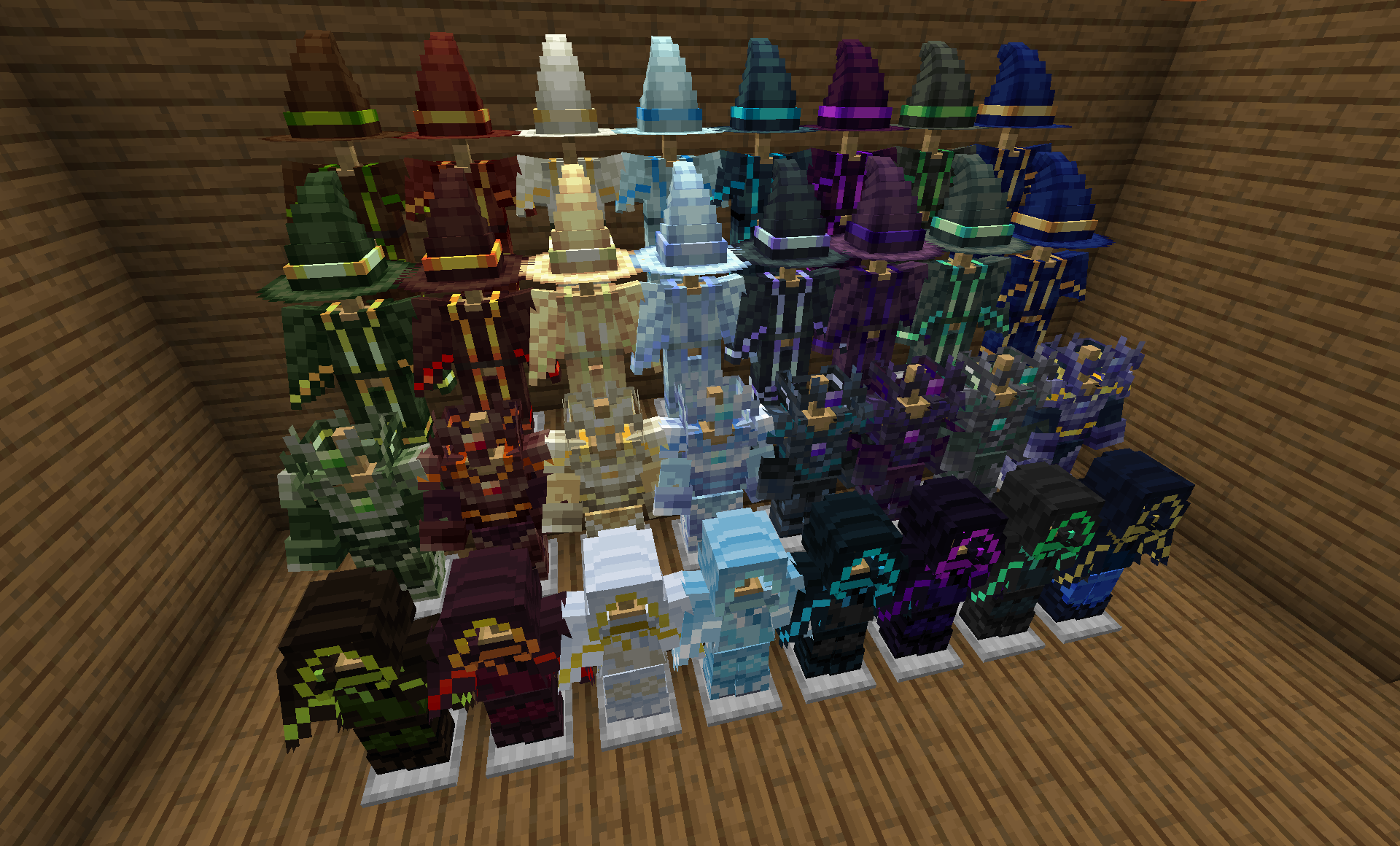
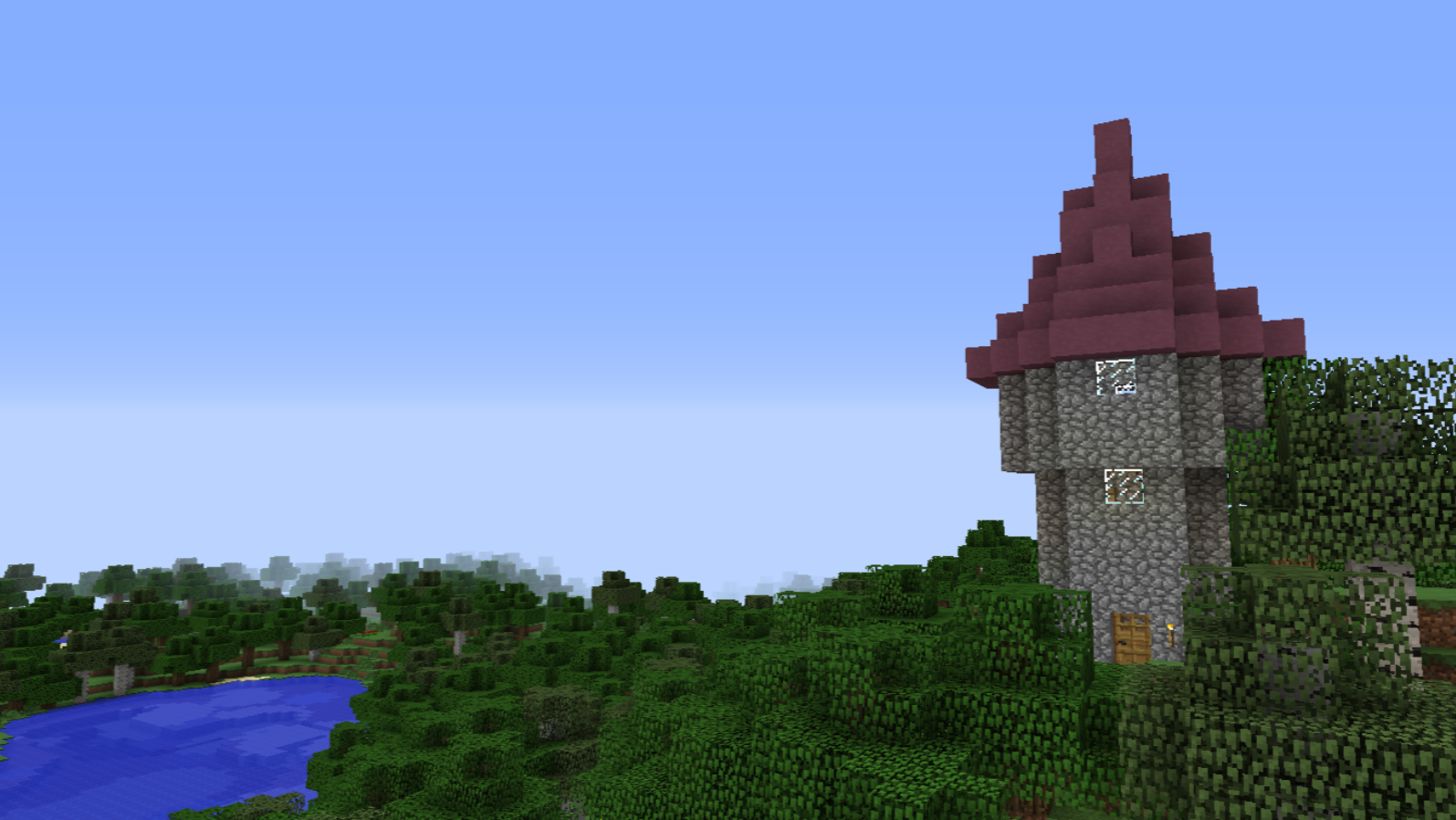
Required: Fabric Loader 0.16.9+ (for Minecraft 1.20.1)
Required: Fabric API 0.92.2+
Optional (Recommended): Use Accessories or Trinkets for a better experience with the trinkets.
Important (WHEN USING ACCESSORIES): If any other mods in your modpack list use 'Trinkets' as a dependency, download Accessories Compatibility Layer instead of Trinkets itself (this mod acts as a bridge to help mods with Accessories and Trinkets work together).
Required: Forge Loader 47.2.30+ (for Minecraft 1.20.1)
Optional (Recommended): Use Accessories or Curios for a better experience with the trinkets.
Important (WHEN USING ACCESSORIES): If any other mods in your modpack list use 'Curios' as a dependency for trinkets, download Accessories Compatibility Layer instead of Curios itself (this mod acts as a bridge to help mods with Accessories and Curios work together).
Electroblob: The original author of Wizardry.
WinDanesz: Maintainer of the 1.12.2 version.
Min01: For the initial 1.19 WIP port and logic foundations.
19: For the initial 1.20.1 official port work.
NinjaFrito: For the beautiful new textures in this port.
Contributors: A huge thanks to everyone providing bug reports, translations, and suggestions!
Project description from CurseForge.
Pick your setup
Choose the version and loader you play, then open the matching release.
Check the dependencies, then try the file in a copied instance before changing a world you care about.
Recent files
electroblobs-wizardry-redux-0.8.5.1-forge.jar
6 Jun 2026
electroblobs-wizardry-redux-0.8.5.1-fabric.jar
6 Jun 2026
electroblobs-wizardry-redux-0.8.5-forge.jar
29 May 2026
electroblobs-wizardry-redux-0.8.5-fabric.jar
29 May 2026
electroblobs-wizardry-redux-0.8.4-fabric.jar
16 May 2026
electroblobs-wizardry-redux-0.8.4-forge.jar
16 May 2026
electroblobs-wizardry-redux-0.8.3-forge.jar
28 Apr 2026
electroblobs-wizardry-redux-0.8.3-fabric.jar
28 Apr 2026
electroblobs-wizardry-redux-0.8.2.1-fabric.jar
17 Apr 2026
electroblobs-wizardry-redux-0.8.2.1-forge.jar
17 Apr 2026
electroblobs-wizardry-redux-0.8.2-fabric.jar
17 Apr 2026
electroblobs-wizardry-redux-0.8.2-forge.jar
17 Apr 2026
Looking for an older file? The official CurseForge project page is in Resources.
 mod
modArmor up your dragons for extra protection!
 mod
modAdds Smiley & Falsity to your world.
 mod
modExtra Special Studio presents Dead Air: radio towers become station nodes you tune with built-in T1/T2 radios & cross-dim Link. Collect notes, craft upgrades & panels. Requires Apocalypse Structures, GeckoLib & ESC.