Architectury API Needed by Auto Pickup Filter [Loot Filter] Auto Pickup Filter - Neoforge 26.1.2-2.0.0
requiredMatching file found Matched file: [NeoForge 26.1.2] v20.1.17

CurseForge · Minecraft mod
Disable automatic collection of any item (vanilla or modded) with a single click.
Quick answer
Auto Pickup Filter [Loot Filter] Auto Pickup Filter - Neoforge 26.1.2-2.0.0 targets 26.1.2 with NeoForge. The project page does not say whether this file belongs on the client, dedicated server, or both. All 2 required mods have matching files.
Where it goes
The project page does not say whether this file belongs on the client, dedicated server, or both.
The source does not explicitly classify this release as client-only or server-only.
Auto Pickup Filter - Neoforge 26.1.2-2.0.0. Change the file and its required mods may change too.
Install Architectury API, NightLib first. We found matching files for this game-version and loader setup.
We only count dependency files that match this setup. A file for another loader does not fill the gap.
Before you install it
Built for Auto Pickup Filter [Loot Filter] Auto Pickup Filter - Neoforge 26.1.2-2.0.0. Pick another file and the loader, install side or required mods may change.
Use Auto Pickup Filter - Neoforge 26.1.2-2.0.0. It targets 26.1.2 with NeoForge; another release may have different loader, side or dependency requirements.
Install Architectury API, NightLib first. We found matching files for this game-version and loader setup.
The project page does not say whether this file belongs on the client, dedicated server, or both.
Use the “Get this file” button beside Auto Pickup Filter - Neoforge 26.1.2-2.0.0. It opens that exact file at the source.
About this project
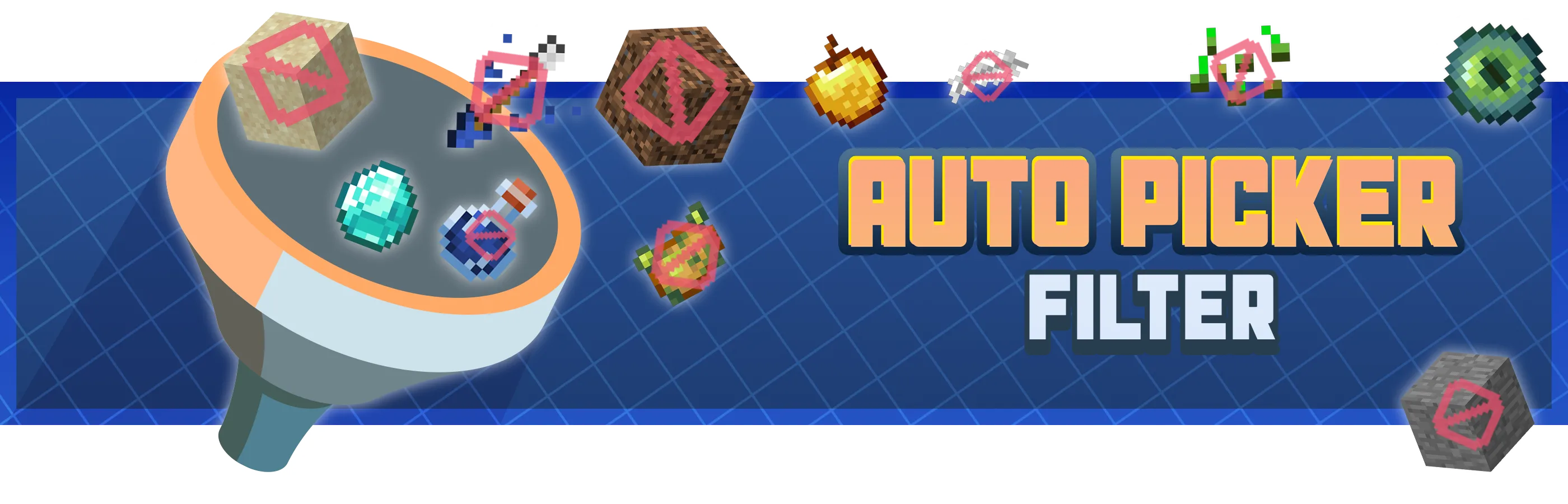
Tired of constantly picking up repetitive, annoying, or useless items while exploring, farming, or fighting? Auto Pickup Filter allows you to block the automatic collection of any item, whether from vanilla Minecraft or any mod.

🛠️ How to Use
Auto Pickup Filter is very easy to use and requires no menus or complex configuration.
1 - Open your inventory or search for an item in JEI / REI.
2 - Hover your mouse over the item you don’t want to be picked up automatically.
3 - Press the I key.
4 - From that moment on, the item will no longer be automatically picked up from the ground.
To allow the item to be picked up again, simply press I again on the same item.
⭐ Features
I key.⚙️ Requirements
Architectury API (mandatory)
Want to play with friends?
Get your own Minecraft server today and enjoy endless adventures with your friends! With top performance and reliable uptime, our servers guarantee a smooth and fun gaming experience for everyone. Use code THEWIZARDfor a 25% discount!

Project description from CurseForge.
Pick your setup
Choose the version and loader you play, then open the matching release.
Check the dependencies, then try the file in a copied instance before changing a world you care about.
Recent files
Auto Pickup Filter - Neoforge 26.1.2-2.0.0.jar
26 Sept 2026
Auto Pickup Filter - Fabric 26.1.2-2.0.0.jar
26 Sept 2026
Auto Pickup Filter - Neoforge 1.21.1-2.0.0.jar
26 Sept 2026
Auto Pickup Filter - Fabric 1.21.1-2.0.0.jar
26 Sept 2026
Auto Pickup Filter - Forge 1.20.1-2.0.0.jar
26 Sept 2026
Auto Pickup Filter - Fabric 1.20.1-2.0.0.jar
26 Sept 2026
Auto Pickup Filter - Neoforge 1.21.1-1.1.0.jar
1 Jan 2026
Auto Pickup Filter - Fabric 1.21.1-1.1.0.jar
1 Jan 2026
Auto Pickup Filter - Forge 1.20.1-1.1.0.jar
1 Jan 2026
Auto Pickup Filter - Fabric 1.20.1-1.1.0.jar
1 Jan 2026
Auto Pickup Filter - Neoforge 1.21.1-1.0.0.jar
18 Dec 2025
Auto Pickup Filter - Fabric 1.21.1-1.0.0.jar
18 Dec 2025
Looking for an older file? The official CurseForge project page is in Resources.
 mod
Adds rusty armor, scrap weapons, tools, reinforced doors, and a workbench for dismantling scrap into crafting materials.
 mod
An unofficial port of Scorched Guns 0.5.5 (Minecraft 1.20.1 / Forge 47.x) to Minecraft 1.21.1 / NeoForge.
 mod
A compatibility mod that lets Touhou Little Maids wield Scorched Guns 2 weapons with full animation support.