GeckoLib Needed by Different Survival Beta 1.3.6
requiredMatching file found Matched file: geckolib-fabric-1.20.1-4.8.5.jar

CurseForge · Minecraft mod
A survival overhaul mod for Minecraft, finding a balance between vanilla and realistic survival.
Quick answer
Different Survival Beta 1.3.6 targets 1.20.1 with Fabric. The project page does not say whether this file belongs on the client, dedicated server, or both. All 1 required mods have matching files.
Where it goes
The project page does not say whether this file belongs on the client, dedicated server, or both.
The source does not explicitly classify this release as client-only or server-only.
Different Survival Beta 1.3.6. Change the file and its required mods may change too.
Install GeckoLib first. We found matching files for this game-version and loader setup.
We only count dependency files that match this setup. A file for another loader does not fill the gap.
Before you install it
Built for Different Survival Beta 1.3.6. Pick another file and the loader, install side or required mods may change.
Use Different Survival Beta 1.3.6. It targets 1.20.1 with Fabric; another release may have different loader, side or dependency requirements.
Install GeckoLib first. We found matching files for this game-version and loader setup.
The project page does not say whether this file belongs on the client, dedicated server, or both.
Use the “Get this file” button beside Different Survival Beta 1.3.6. It opens that exact file at the source.
About this project

OverviewThis mod offers a blend of the vanilla Minecraft experience and traditional survival challenges. The mod also seeks to rebalance and rework certain mechanics, while also giving more function to existing, yet under utilized features.
**Key features and changes
-** Seasons and new weather types.
There is a new take on the food system. There are more crops and foods players can farm and find. Food now spoils, with ways of preserving foods or making efficient use of them. Players are encouraged to seek a variety of food in order to make meals, which offer benefits such as health boost, regeneration, or prevention of all hunger depletion for a portion of time.
Biomes have been reworked. Some biomes, such as the forest and desert, have been completley overhauled. Biomes are more unique from each other, with different benefits and challenges with each.
New mobs such as deer, buffalo, forest birds, roadrunners, snakes, and lizards.
Loot tables of mobs and structures have been reworked to make them more valuable or unique, encouraging players to seek them out.
A full list of initial changes can be found on the wiki:
Version History
**Wiki
https://different-survival-mc-mod.fandom.com/wiki/Different_Survival_MC_Mod_Wiki
Discord
https://discord.gg/32TG6yAwdd
Requirements**
The bare mininum versions and dependecies are:
* Fabric Loader 0.19.3
* Fabric API 0.92.9+1.20.1
* Geckilib 4.8.4
For REI (Highly recommanded), these versions are required:
* RoughlyEnoughItems 12.1.785
* Architectury 9.2.14
* Cloth Config 11.1.136
**Screenshots
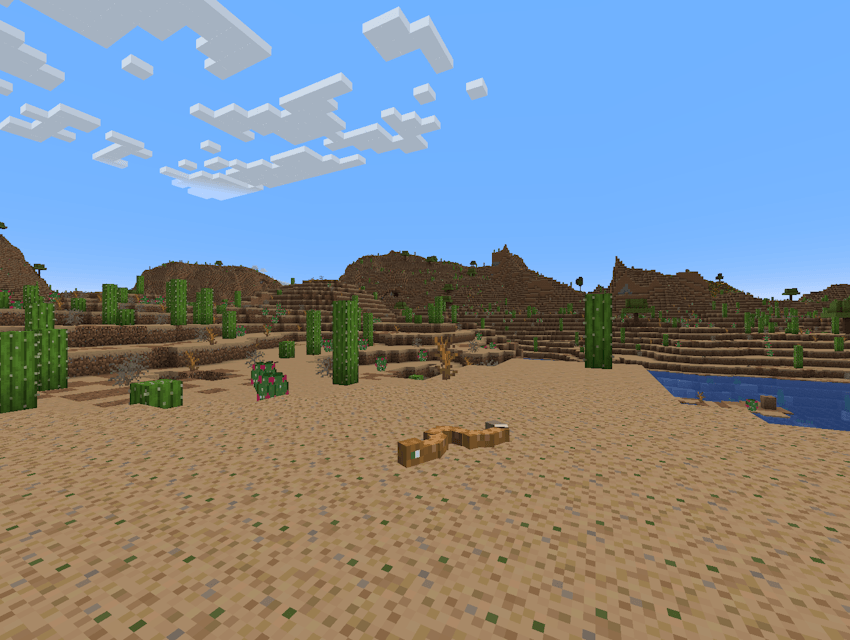
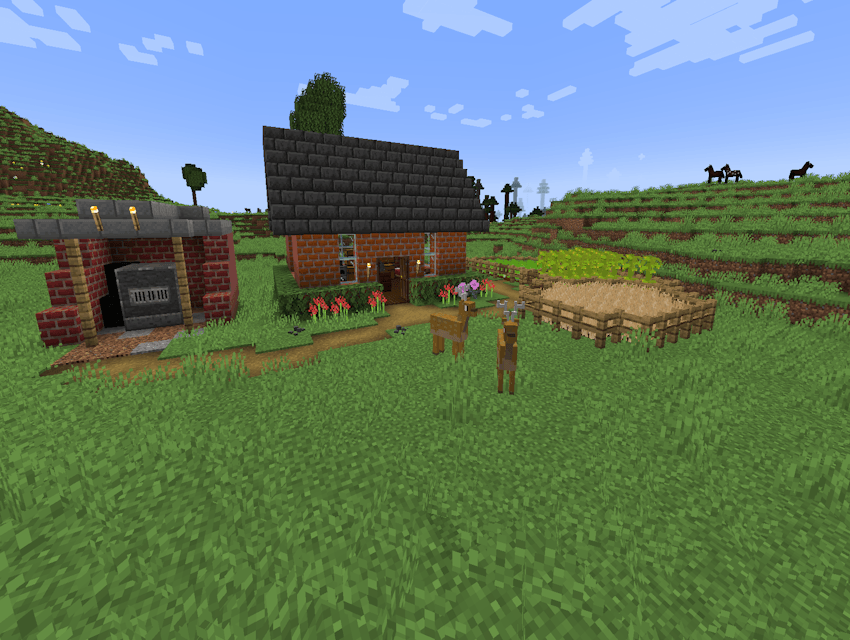 **
Project description from CurseForge.
Pick your setup
Choose the version and loader you play, then open the matching release.
Check the dependencies, then try the file in a copied instance before changing a world you care about.
Recent files
differentsurvival-1.4.1.jar
10 Sept 2026
differentsurvival-1.3.6.jar
26 Aug 2026
differentsurvival-1.3.5.jar
19 Aug 2026
differentsurvival-enchantment-beta-v1.jar
16 Aug 2026
differentsurvival-1.3.4.jar
9 Aug 2026
differentsurvival-1.3.3.jar
30 Jul 2026
differentsurvival-1.3.2.jar
25 Jul 2026
differentsurvival-1.3.1.jar
20 Jul 2026
differentsurvival-1.3.0.jar
10 Jul 2026
differentsurvival-1.2.1.jar
25 Jun 2026
differentsurvival-1.2.0.jar
18 Jun 2026
differentsurvival-beta 1.0.1.jar
20 Feb 2026
Looking for an older file? The official CurseForge project page is in Resources.
 mod
adds a very violent infection/invasion to your world (red alien eyes called "eYes)
 mod
One colossal, unkillable creature lives in your world. Survive her.
 mod
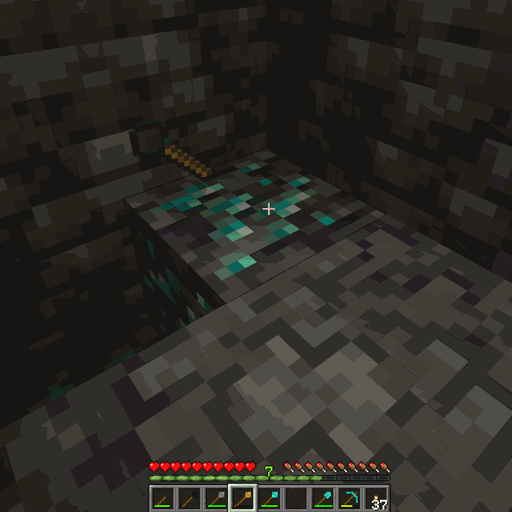
Fully configurable Ore Detectors that do not break the balance of the game, and still make prospecting a challenge, without forcing you to hollow out the entire world.