Fabric API Needed by Madoku Craft: Core 26.2 - 1.3.2 V1
requiredMatching file found Matched file: [26.2] Fabric API 0.159.0+26.2

CurseForge · Minecraft mod
Madoku Craft: Core modifies and adds gameplay systems to Minecraft.
Quick answer
Madoku Craft: Core 26.2 - 1.3.2 V1 targets 26.2 with Fabric. The project page does not say whether this file belongs on the client, dedicated server, or both. All 2 required mods have matching files.
Where it goes
The project page does not say whether this file belongs on the client, dedicated server, or both.
The source does not explicitly classify this release as client-only or server-only.
Madoku Craft: Core 26.2 - 1.3.2 V1. Change the file and its required mods may change too.
Install Fabric API, Fabric API first. We found matching files for this game-version and loader setup.
We only count dependency files that match this setup. A file for another loader does not fill the gap.
Before you install it
Built for Madoku Craft: Core 26.2 - 1.3.2 V1. Pick another file and the loader, install side or required mods may change.
Use Madoku Craft: Core 26.2 - 1.3.2 V1. It targets 26.2 with Fabric; another release may have different loader, side or dependency requirements.
Install Fabric API, Fabric API first. We found matching files for this game-version and loader setup.
The project page does not say whether this file belongs on the client, dedicated server, or both.
Use the “Get this file” button beside Madoku Craft: Core 26.2 - 1.3.2 V1. It opens that exact file at the source.
About this project
Madoku Craft: Core modifies and adds gameplay systems to Minecraft.
Madoku Season:

Madoku Time:
Madoku Loot Tables:
Madoku Enchantments:
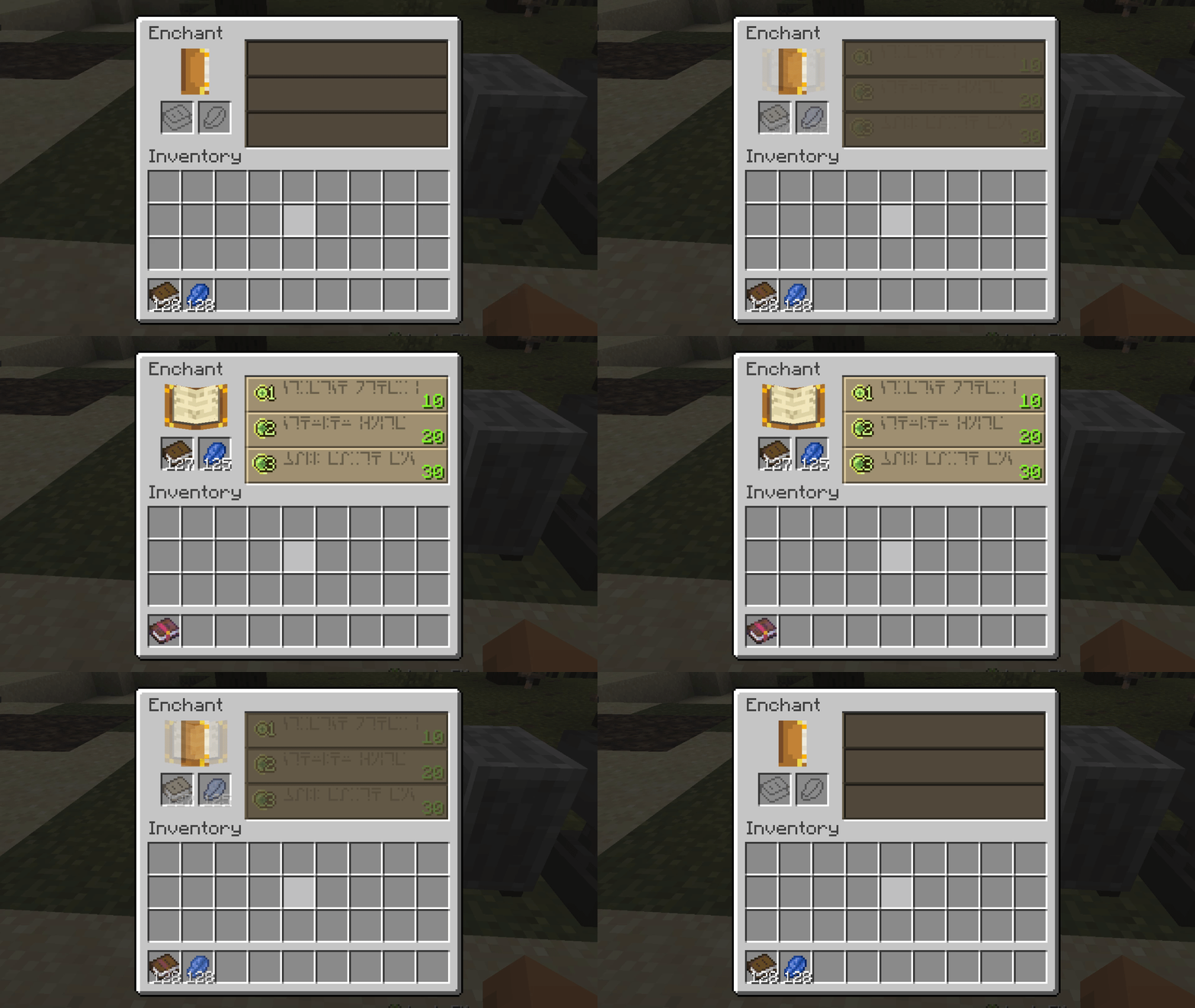
Madoku Recipes:
Project description from CurseForge.
Pick your setup
Choose the version and loader you play, then open the matching release.
Check the dependencies, then try the file in a copied instance before changing a world you care about.
Recent files
madoku-craft-core-26.2-1.3.2-V1.jar
30 Aug 2026
madoku-craft-api-26.2-1.3.1-V1.jar
25 Aug 2026
madoku-craft-api-26.2-1.3.0-V5.jar
19 Aug 2026
madoku-craft-api-26.2-1.3.0-V4.jar
14 Aug 2026
madoku-craft-api-26.2-1.3.0-V3.jar
12 Aug 2026
madoku-craft-api-26.2-1.3.0-V1.jar
11 Aug 2026
madoku-craft-api-26.2-1.2.9-V1.jar
8 Aug 2026
madoku-craft-api-26.2-1.2.8-V3.jar
31 Jul 2026
madoku-craft-api-26.2-1.2.8-V2.jar
25 Jul 2026
madoku-craft-api-26.2-1.2.7-V2.jar
21 Jul 2026
madoku-craft-api-26.2-1.2.7-V1.jar
19 Jul 2026
madoku-craft-api-1.21.11-1.2.6-V1.jar
17 Jul 2026
Looking for an older file? The official CurseForge project page is in Resources.
 mod
modOpenComputers meets modern Minecraft! Modular computers, robots, and drones for 1.21 and beyond!
 mod
modAdds a fully in-game, datapack-driven info panel for Cobblemon that shows exactly how Pokémon spawn and evolve, directly inside REI / EMI / JEI. No wikis. No outdated guides. Everything pulls live from the pack’s actual spawn + evolution data.
 mod
modInteract with job sites to locate or teleport villagers, or click on villagers to identify their current workplace,profession reset ,remove job,fire villager