Pandorical lib Needed by Fence Posts fence-posts-3.0.1.jar
requiredMatching file found Matched file: pandorical-15.24.4.jar
CurseForge · Minecraft mod
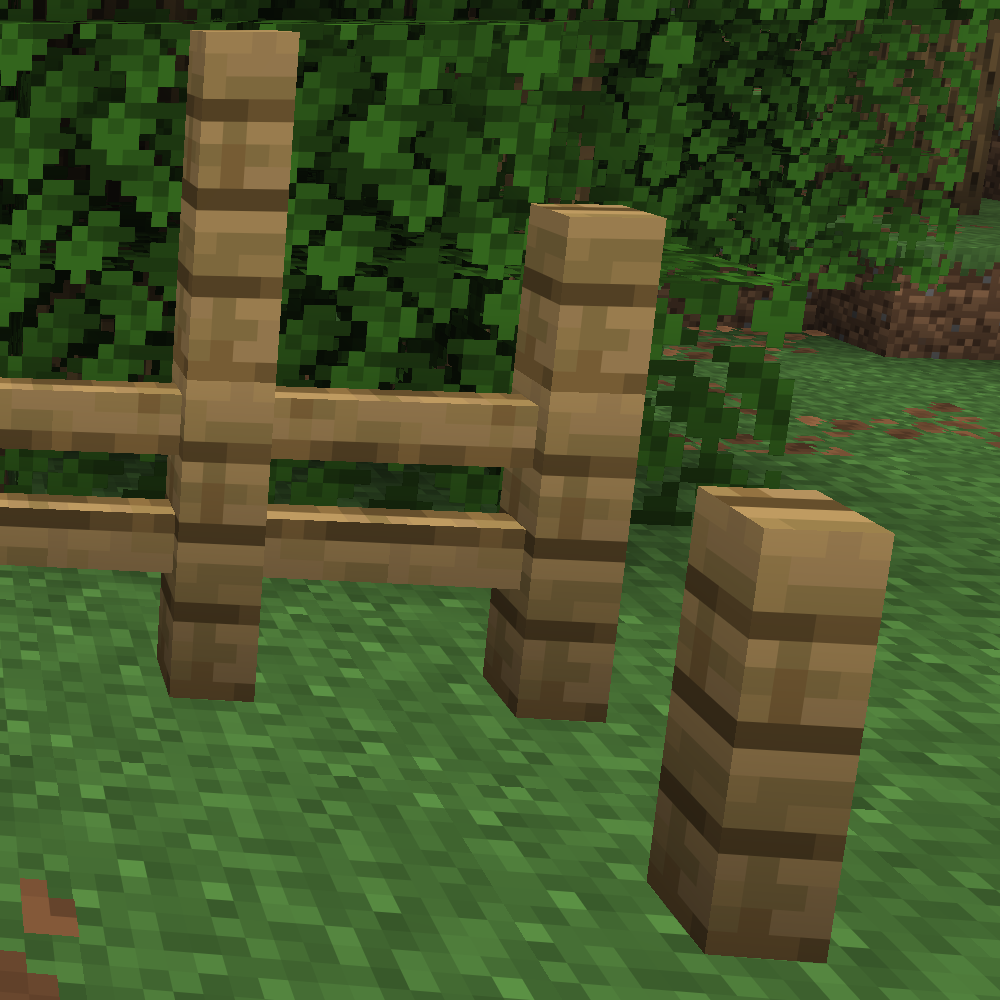
Posts and slab posts for all fence and wall variants
Quick answer
Fence Posts fence-posts-3.0.1.jar targets 26.3 with Fabric. The project page does not say whether this file belongs on the client, dedicated server, or both. All 2 required mods have matching files.
Where it goes
The project page does not say whether this file belongs on the client, dedicated server, or both.
The source does not explicitly classify this release as client-only or server-only.
fence-posts-3.0.1.jar. Change the file and its required mods may change too.
Install Pandorical lib, Fabric API first. We found matching files for this game-version and loader setup.
We only count dependency files that match this setup. A file for another loader does not fill the gap.
Before you install it
Built for Fence Posts fence-posts-3.0.1.jar. Pick another file and the loader, install side or required mods may change.
Use fence-posts-3.0.1.jar. It targets 26.3 with Fabric; another release may have different loader, side or dependency requirements.
Install Pandorical lib, Fabric API first. We found matching files for this game-version and loader setup.
The project page does not say whether this file belongs on the client, dedicated server, or both.
Use the “Get this file” button beside fence-posts-3.0.1.jar. It opens that exact file at the source.
About this project
Posts work on every fence and wall; post slabs come in these materials.
Oak, Spruce, Birch, Jungle, Acacia, Dark Oak, Mangrove, Cherry, Bamboo, Crimson, Warped, Pale Oak, Nether Brick
Cobblestone, Mossy Cobblestone, Stone Brick, Mossy Stone Brick, Brick, Mud Brick, Sandstone, Red Sandstone, Granite, Diorite, Andesite, Prismarine, Nether Brick, Red Nether Brick, End Stone Brick, Blackstone, Polished Blackstone, Polished Blackstone Brick, Cobbled Deepslate, Polished Deepslate, Deepslate Brick, Deepslate Tile, Tuff, Polished Tuff, Tuff Brick
Posts are not crafted: every fence and wall is already one, a sneak-click away.
Fence Posts runs server-side, and Pandorical is required: the server will not load this mod without it. All 76 post blocks and their items are mirrored into Pandorical's content registry, and their textures and models arrive through Pandorical's content sync.
Clients are the optional half. A player on a Pandorical client sees the posts; a player on a vanilla client cannot render them, and because these are real registered blocks, cannot receive chunks containing one.
Project description from CurseForge.
Pick your setup
Choose the version and loader you play, then open the matching release.
Check the dependencies, then try the file in a copied instance before changing a world you care about.
Recent files
15 Oct 2026
17 Sept 2026
27 Aug 2026
5 Jan 2026
3 Jan 2026
Looking for an older file? The official CurseForge project page is in Resources.
 mod
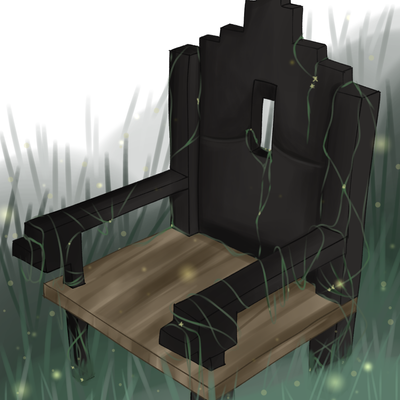
Iron Age Style Furniture, Chairs, Dynamic Benches, Sconces and new Lighting Options
 mod
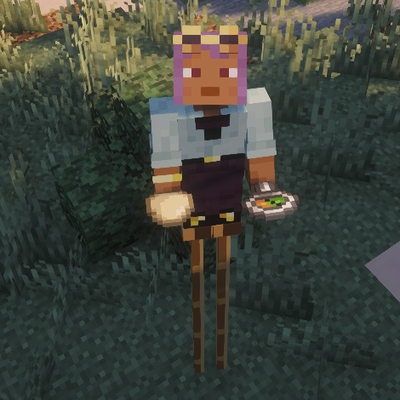
double jump while wearing these boots adds 1-2-3 height to your player. Crouch to decrease height.
 mod
Build a working bike using Aeronautics physics, and dress to look the part!