Back to mods
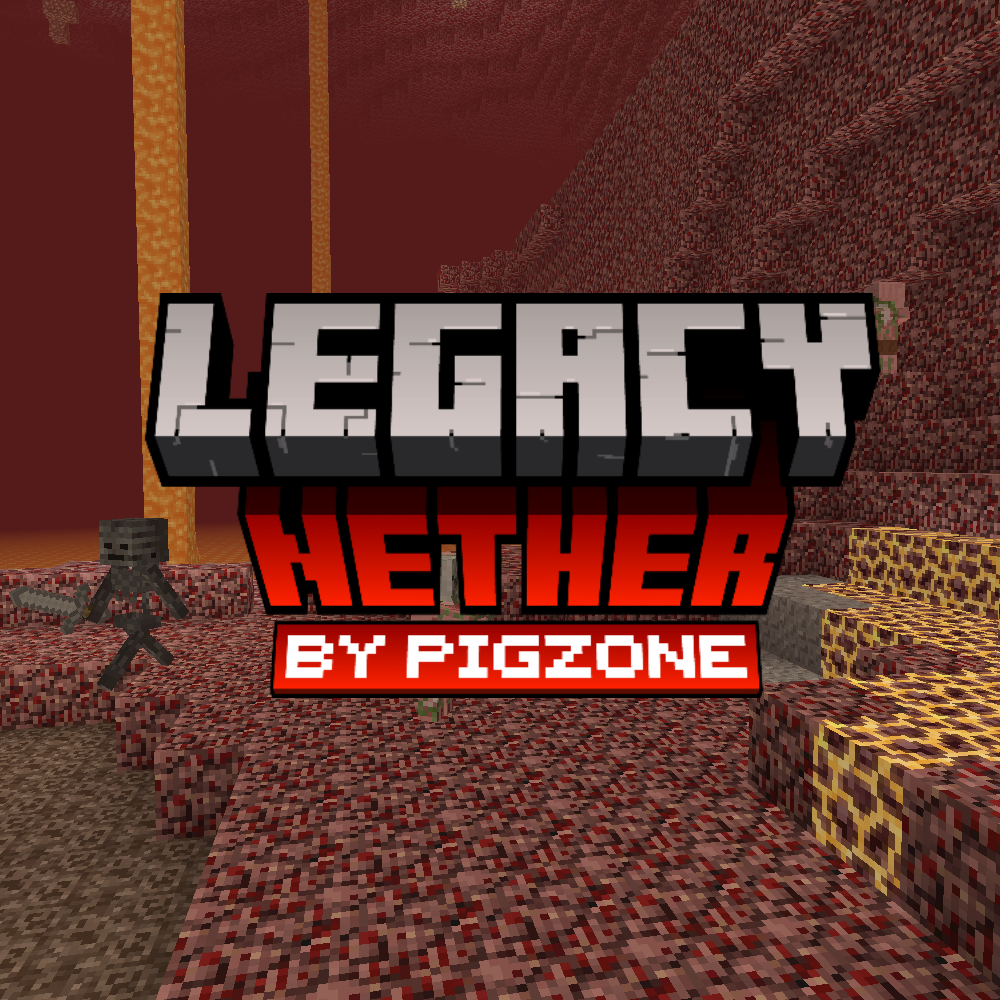
Legacy Nether project artwork

CurseForge · Minecraft mod

Legacy Nether

Brings back the old nether from the console versions of Minecraft!

Choose a version Pick your version below, then grab the matching file.

Quick answer

Which Legacy Nether release should I use?

Updated 6 months ago
Latest stable file legacy-nether-modrinth-cf-3.0.0.jar
Game version 26.1, 26.1.1, 26.1.2
Loader Fabric, Forge, NeoForge

Legacy Nether legacy-nether-modrinth-cf-3.0.0.jar targets 26.1, 26.1.1, 26.1.2 with Fabric, Forge, NeoForge. The project page does not say whether this file belongs on the client, dedicated server, or both. No extra mods listed for this file.

Where it goes

Is Legacy Nether required on the client, server, or both?

The project page does not say whether this file belongs on the client, dedicated server, or both.

Client Source doesn’t say
Dedicated server Source doesn’t say
Loader for this release Fabric, Forge, NeoForge
Required install it here Optional supported, not mandatory Not supported do not install here Source doesn’t say do not assume

The source does not explicitly classify this release as client-only or server-only.

What else does Legacy Nether legacy-nether-modrinth-cf-3.0.0.jar need?

legacy-nether-modrinth-cf-3.0.0.jar. Change the file and its required mods may change too.

No extra mods listed for this file

This file does not list any required mods. Do not add a library just because a different file uses it.

This file does not list any required or optional mods.

Before you install it

Add Legacy Nether without breaking your instance.

Built for Legacy Nether legacy-nether-modrinth-cf-3.0.0.jar. Pick another file and the loader, install side or required mods may change.

  1. 01

    Stick to this file

    Use legacy-nether-modrinth-cf-3.0.0.jar. It targets 26.1, 26.1.1, 26.1.2 with Fabric, Forge, NeoForge; another release may have different loader, side or dependency requirements.

  2. 02

    Bring the mods it needs

    This file does not list any required mods. Do not add a library just because a different file uses it.

  3. 03

    Put it on the correct side

    The project page does not say whether this file belongs on the client, dedicated server, or both.

  4. 04

    Pick the file you checked

    Use the “Get this file” button beside legacy-nether-modrinth-cf-3.0.0.jar. It opens that exact file at the source.

About this project

What does Legacy Nether add?

TN

📖 Description

Legacy Nether is a mod/datapack that aims to faithfully recreate the classic Nether from the Legacy Console Editions of Minecraft (Xbox 360, PS3, Wii U, and others). This project is intended for nostalgic players who want to relive the atmosphere of the pre–1.16 Nether, or for those seeking a simpler, more dangerous, and barren Nether experience that focuses on survival and exploration rather than modern structures and biomes.

This mod removes all of the newer Nether content introduced in Minecraft Java Edition after 1.16, and restores the gameplay loop of the console versions:

  • The Nether is composed only of Nether Wastes, with no Crimson or Warped Forests, Basalt Deltas, or Soul Sand Valleys.
  • Bastion Remnants are removed, along with Piglins, Hoglins, Striders, Zoglins, and other modern mobs.
  • The only mobs you’ll encounter are Zombified Piglins, Ghasts, Magma Cubes, and Wither Skeletons (which now spawn everywhere, not just in fortresses).
  • Blazes drop Glowstone Dust, recreating the original console farming method.
  • Nether Wart patches generate naturally on Soul Sand, just like in older editions. (Thanks to @Soupio777)
  • Ancient Debris and Netherite are absent, restoring the classic Nether resource balance.

🌌 Nostalgia

For the best nostalgic experience, Legacy Nether pairs well with resource packs and mods that restore classic visuals and mechanics, such as:

  • Legacy4J to bring back every aspect of Legacy Console Edition to modern versions.
  • Golden Days by PoeticRainbow for authentic pre-1.14 textures.
  • Nostalgic Tweaks by Adrenix to bring back old fog, lighting, skies, and combat.
  • Moderner Beta for recreating Alpha/Beta terrain alongside the console-style Nether.

⚙️ Compatibility

  • ✅ Works in Minecraft 1.21.x. No backports planned as of now.
  • ❌ Not compatible with mods/datapacks that overhaul Nether biomes or structures.
  • 🔧 Should be safe on servers as long as all players have the mod installed.

📦 Installation

  1. Download the mod.
  2. Place it in your mods/ folder.
  3. Launch Minecraft with your preferred loader.
  4. Generate a new Nether (new chunks only!) to see the classic console Nether in action.

📸 Screenshots

2025-09-10_14 25 10 2025-09-10_14 25 28 2025-09-10_14 25 59 2025-09-10_14 26 42 2025-09-10_15 56 58


💡 Notes

  • Existing Nether chunks will not retroactively change, explore new chunks or reset your Nether to experience the full effect.
  • Blaze glowstone drops are balanced around the old console mechanics.

🤝 Support

  • 💬 Join the community on Discord
  • 🛠️ Report issues or contribute on Codeberg

🔄 Want Modern Features Too?

Prefer to keep Netherite, Bastions, and the new biomes? Check out the extended version: Legacy Nether: Extended

Project description from CurseForge.

Pick your setup

Legacy Nether by Minecraft version and loader

Choose the version and loader you play, then open the matching release.

64 available setups

Showing the newest 12 of 16 game versions. Older files are in the list below.

Check the dependencies, then try the file in a copied instance before changing a world you care about.

Recent files

Legacy Nether versions and loaders

4 of 4 releases match

Looking for an older file? The official CurseForge project page is in Resources.