BundleInPalette Optional for BundleInCreative 1.1.0
optionalMatching file found Matched file: 1.1.0

CurseForge · Minecraft mod
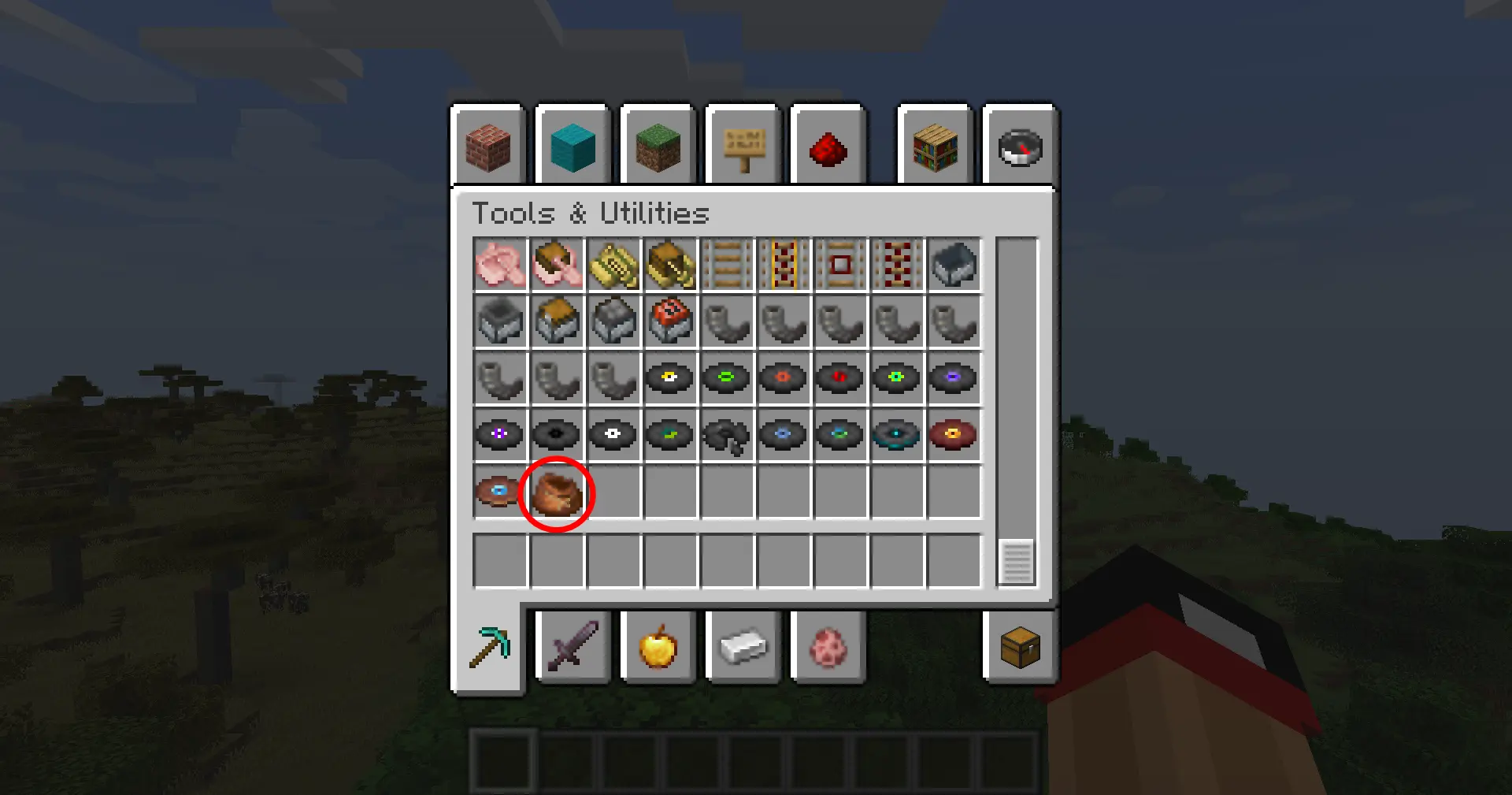
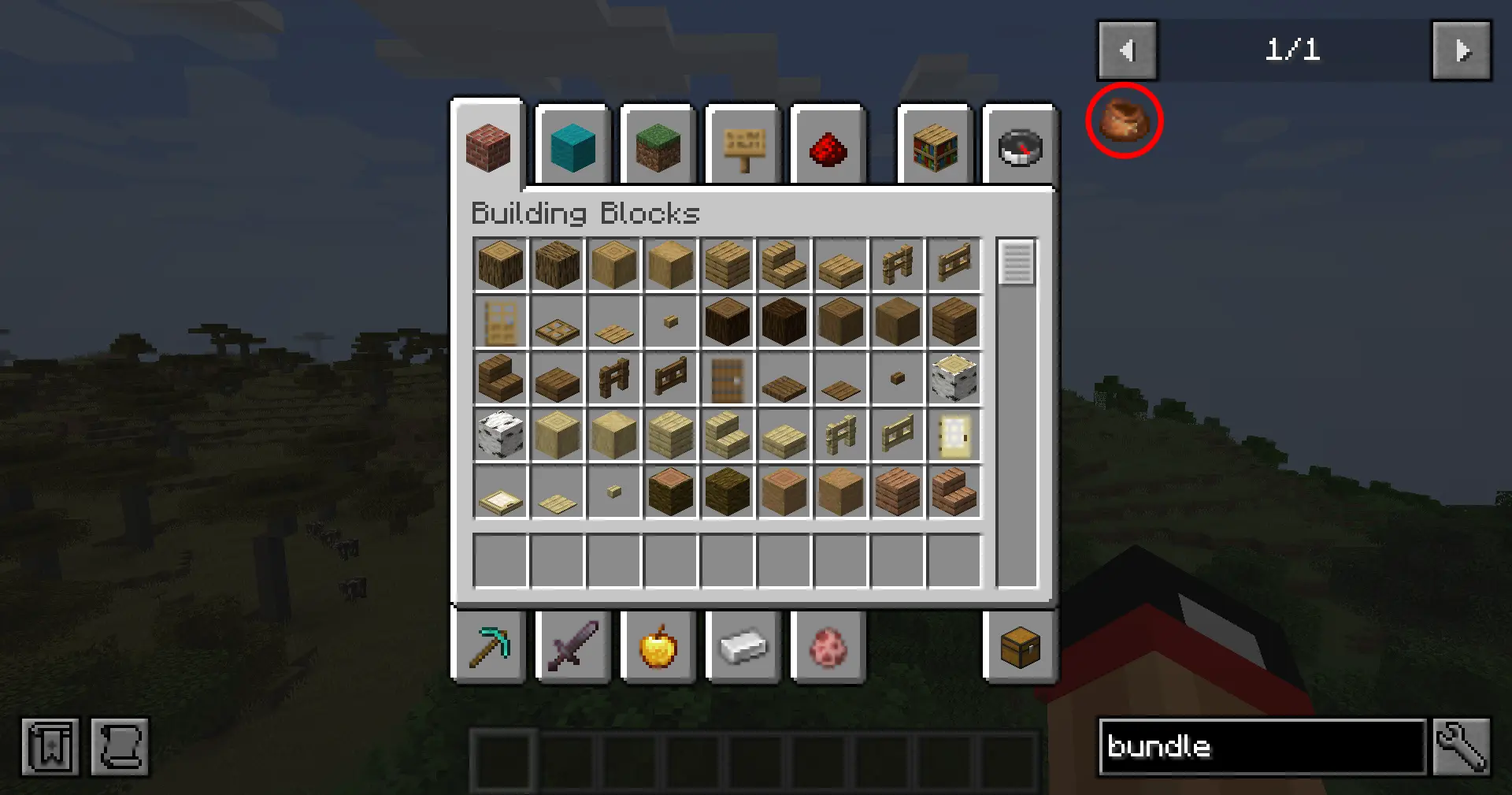
This mod adds the vanilla Bundle item to the Tools & Utilities creative tab.
Quick answer
BundleInCreative 1.1.0 targets 1.20.1 with Forge. The project page does not say whether it belongs on the client. The project page does not say whether it belongs on the dedicated server. No extra mods listed for this file.
Where it goes
The project page does not say whether it belongs on the client. The project page does not say whether it belongs on the dedicated server.
The source does not explicitly classify this release as client-only or server-only.
BundleInCreative 1.1.0. Change the file and its required mods may change too.
This file does not list any required mods. Do not add a library just because a different file uses it.
2 extra mods were pulled in by other dependencies. Indented rows show who needs each one. We only count dependency files that match this setup. A file for another loader does not fill the gap.
Before you install it
Built for BundleInCreative 1.1.0. Pick another file and the loader, install side or required mods may change.
Use BundleInCreative 1.1.0. It targets 1.20.1 with Forge; another release may have different loader, side or dependency requirements.
This file does not list any required mods. Do not add a library just because a different file uses it.
The project page does not say whether it belongs on the client. The project page does not say whether it belongs on the dedicated server.
Use the “Get this file” button beside BundleInCreative 1.1.0. It opens that exact file at the source.
About this project
Give the vanilla Bundle the attention it deserves: drop it into any creative tab, keep recipe viewers honest, and choose which crafting recipes you want enabled without touching a datapack.
bundleincreative-common.toml, so you can ship the same ruleset to clients and servers.Off, Rabbit Hide, Leather, or Both.config/bundleincreative-common.toml)./reload or restart your game to finalize the settings.Prefer manual editing? Open config/bundleincreative-common.toml and change enableBundle, creativeTab, or recipeMode.

The recipeMode toggle controls two built-in recipe JSONs gated by a custom Forge condition:
| Mode | Enabled recipes |
|---|---|
off |
No Bundle crafting recipes |
rabbit |
Classic rabbit hide + string pattern |
leather |
Leather-based pattern (string spine) |
both |
Both recipes load together |

mods folder.# Windows
gradlew.bat build
# Linux/macOS
./gradlew build
Project description from CurseForge.
Pick your setup
Choose the version and loader you play, then open the matching release.
Check the dependencies, then try the file in a copied instance before changing a world you care about.
Recent files
bundleincreative-1.1.0.jar
5 Jan 2026
bundleincreative-1.0.0.jar
5 Jan 2026
Looking for an older file? The official CurseForge project page is in Resources.
 mod
modUnofficial 1.12.2 port of HBM's Nuclear Tech Mod, based on the original 1.7.10 version with selected Extended Edition content
 mod
modA lightweight, vanilla-style expansion on Minecraft's lategame and End dimension content.
 mod
modMob Invasions in waves and a Nexus.