Minecraft version
Back to mods 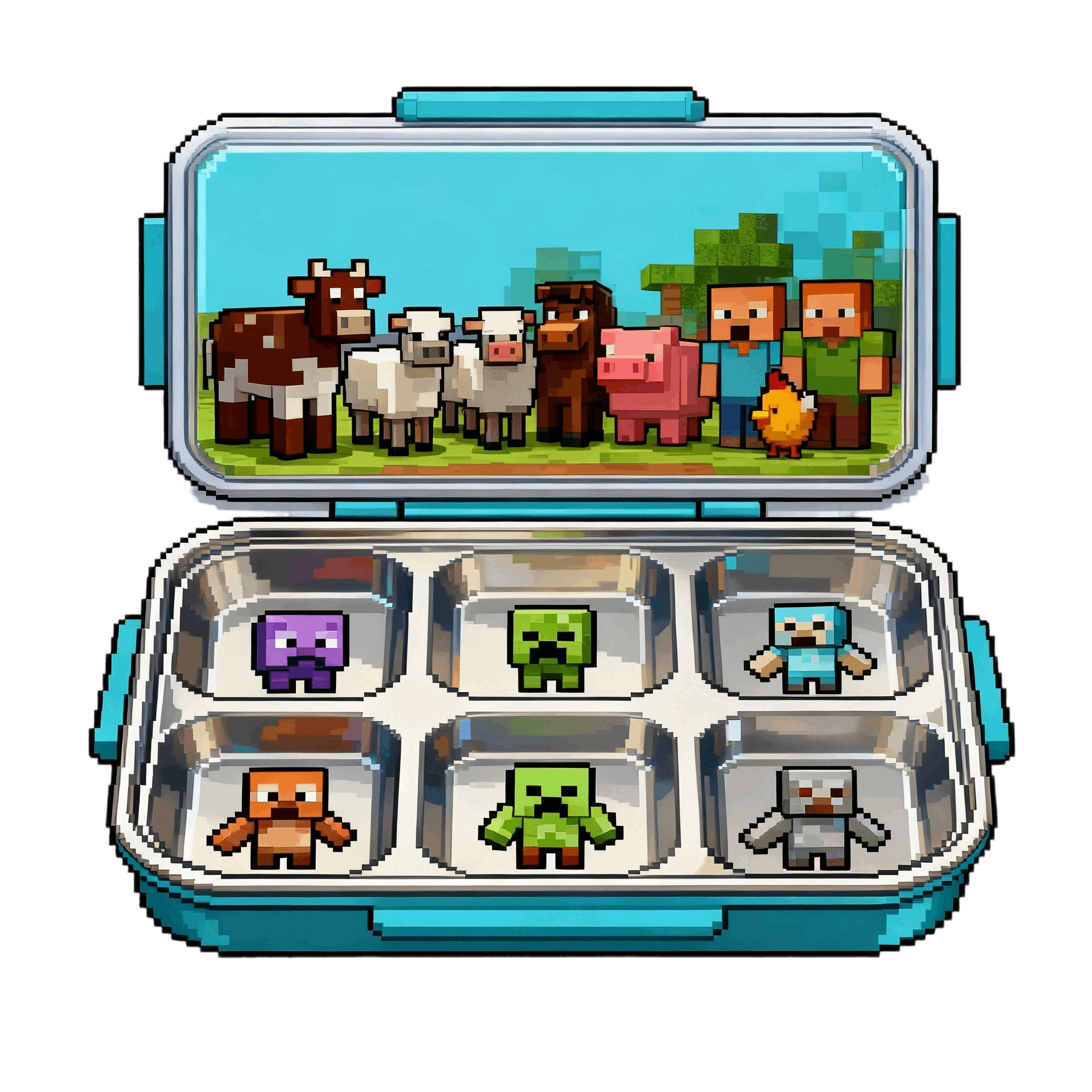
CurseForge · Minecraft mod
EatTheWorldFood
This mod was written by AI **Eat The World** is a mod focused on improving Minecraft's food system, making your dining experience richer and more fun!
Choose a version Pick your version below, then grab the matching file.
Quick answer
Which EatTheWorldFood release should I use?
Latest stable file eattheworld-1.0.0.jar
Game version 1.20.1
Loader Forge
EatTheWorldFood eattheworld-1.0.0.jar targets 1.20.1 with Forge. The project page does not say whether this file belongs on the client, dedicated server, or both. No extra mods listed for this file.
Where it goes
Is EatTheWorldFood required on the client, server, or both?
The project page does not say whether this file belongs on the client, dedicated server, or both.
Client Source doesn’t say
Dedicated server Source doesn’t say
Loader for this release Forge
Required install it here Optional supported, not mandatory Not supported do not install here Source doesn’t say do not assume
The source does not explicitly classify this release as client-only or server-only.
What else does EatTheWorldFood eattheworld-1.0.0.jar need?
eattheworld-1.0.0.jar. Change the file and its required mods may change too.
This file does not list any required mods. Do not add a library just because a different file uses it.
This file does not list any required or optional mods.
Before you install it
Add EatTheWorldFood without breaking your instance.
Built for EatTheWorldFood eattheworld-1.0.0.jar. Pick another file and the loader, install side or required mods may change.
- 01
Stick to this file
Use eattheworld-1.0.0.jar. It targets 1.20.1 with Forge; another release may have different loader, side or dependency requirements.
- 02
Bring the mods it needs
This file does not list any required mods. Do not add a library just because a different file uses it.
- 03
Put it on the correct side
The project page does not say whether this file belongs on the client, dedicated server, or both.
- 04
Pick the file you checked
Use the “Get this file” button beside eattheworld-1.0.0.jar. It opens that exact file at the source.
About this project
What does EatTheWorldFood add?
Eat The World - Food Diversity & Bento Box System
**This mod was written by AI**
🍎 What is this mod?
**Eat The World** is a mod focused on improving Minecraft's food system, making your dining experience richer and more fun!
🎯 Core Philosophy
**Encourage Food Diversity**: No more mindlessly eating a single food type - try various cuisines!
**Portable Meal Management**: Bento boxes let you enjoy meals anytime, anywhere
**Progressive Challenge**: Food effects diminish with repeated consumption but can recover
🥘 Main Features
1. Food Effect Diminishing System ⭐ Core Feature
**Simply put:** Eating the same food repeatedly reduces its effectiveness. Foods get a marker system - each time you eat a food, its marker level increases by 1, but it recovers after some time (configurable).
**Specific Effects:**
🥖 **Marker Level 1**: 100% effect (normal hunger and saturation)
🥖 **Marker Level 2**: 80% effect (slightly reduced)
🥖 **Marker Level 3**: 60% effect (noticeably reduced)
🥖 **Marker Level 4**: 40% effect (significantly reduced)
🥖 **Marker Level 5+**: 20% effect (minimum effect)
**Recovery Mechanism:**
⏰ Every 10 minutes (12000 game ticks), all foods' marker levels decrease by 1
🔄 After not eating a certain food for a while, its effect fully recovers
💾 **Data Persistence**: Food marker data is automatically saved and persists after restarting
**Eating Speed:**
- 🐌 High marker level foods also eat slower (reflecting "don't want to eat" feeling)
2. Smart Bento Box System 🍱
**What is a Bento Box?**
A portable container that can store 27 different types of food
Right-click to eat directly without opening your inventory
Intelligently selects optimal food or rotates in order
**Perfect compatibility with other mods**: Eating from the bento box triggers Diet, SolCarrot, and other mod effects
**Crafting Recipe:**
Iron Ingot Iron Ingot Iron Ingot

Paper Paper Paper

Iron Ingot Iron Ingot Iron Ingot
**Usage:**
🍽️ **Normal Right-click**: Eat directly from the bento box
📦 **Sneak + Right-click**: Open bento box interface to add/remove food
**Full Feature Support:**
✅ **Potion Effects**: Enchanted golden apples, pufferfish, and other buff foods fully supported
✅ **Container Return**: Mushroom stew returns bowl, milk bucket returns bucket, etc. (disabled by default, enable in config)
✅ **Mod Compatibility**: Supports special effects and container returns for most mod foods
**Two Eating Modes:**
🧠 Smart Mode (Default, Recommended)
Prioritizes foods you haven't eaten yet
If all eaten, selects the one with lowest "tiredness"
If tiredness is equal, selects the one with highest hunger value
**Best for**: Players who want optimized dietary effects
🔄 Sequential Mode
Eats foods in slot order (1→2→3→...→27→1)
Blue highlight shows the next food to eat
**Best for**: Players who prefer regular eating patterns
3. Natural Regeneration System ❤️
**Enabled by default**, provides a more balanced healing mechanism:
**Healing Conditions:**
🍖 Hunger level reaches 18 (max 20)
💧 Saturation greater than 0
⏰ Heals 1 health point (half heart) every 2 seconds (40 game ticks)
💨 Each heal costs 10 exhaustion (higher than vanilla)
**Why this design?**
Encourages maintaining high hunger and saturation
Healing speed is moderate, not too fast or slow
Works with food diminishing system to encourage diverse diet
4. Action Exhaustion System 🏃
**Enabled by default**, makes various actions consume more hunger:
🏃 **Sprinting**: 1.0 exhaustion per second
🦘 **Jumping**: 1.0 exhaustion per jump
⚔️ **Attacking**: 1.0 exhaustion per attack
💔 **Taking Damage**: Damage × 0.5 exhaustion (max 5.0 per hit)
**Why this design?**
Makes combat and exploration more challenging
Encourages carrying sufficient food
Works with bento box system to make portable food management valuable
5. Reset Command 🔧
If you encounter abnormal food marker data, use the reset command:
**Command:** /eattheworld reset
**Functions:**
Clear all food marker data
Reset consumption counts
Clear last consumption times
Immediately sync to client
**Use Cases:**
When food markers display abnormally
When you want to restart the food diversity challenge
When data becomes incompatible after mod updates
🎮 Quick Start Guide
Step 1: Install the mod
Ensure you have **Minecraft 1.20.1** + **Forge**
Place
eattheworld-1.0.0.jarin.minecraft/mods/folderLaunch the game
Step 2: Craft a Bento Box
Gather materials: 6 iron ingots + 3 paper
Craft according to the recipe
Sneak + right-click to open, add various foods
Step 3: Start Experiencing
Normal right-click to eat from the bento box
Observe food effect changes (food diminishing enabled by default)
Try diverse diet for best effects
Food "tiredness" automatically recovers every 10 min (12000 game ticks)
🤔 FAQ
Q: Will this mod make the game very difficult?
A: No! The food diminishing system encourages diverse diet but won't starve you. Even at 20% effect, food is still useful. Recovery is fast (1 level per 10 min), and the bento box makes carrying multiple foods convenient.
Q: What if food markers always show "recovering soon"?
A: This issue is fixed in the latest version. Countdown now displays accurately and markers recover immediately when complete. If you still encounter issues, use /eattheworld reset to reset all food marker data.
Q: Can I have just the bento box without food diminishing?
A: Of course! Set food.decrement.enabled to false in the config file to disable food diminishing and use only the bento box.
Q: Can I adjust the difficulty?
A: Yes! You can adjust diminishing rates, recovery times, and other parameters in the config file.
Q: Does it support multiplayer?
A: Fully supported! Both server and client need to have this mod installed.
Q: Is it compatible with other mods?
A: Compatible with most mods, especially optimized for:
**AppleSkin**: Food values display perfectly synced
**Diet**: Nutrition system perfectly compatible (eating from bento box correctly adds nutrition)
**Spice of Life: Carrot Edition**: Food diversity system perfectly compatible
🎯 Gameplay Experience Changes
🔥 Before Installing This Mod:
Find one efficient food (like steak, golden carrot)
Mass produce this food
Eat the same food until game end
Other foods basically unused
✨ After Installing This Mod:
🌾 **Early Game**: Eat everything, bread, apples, raw meat all useful
🥩 **Mid Game**: Start planning food combinations, build diverse farms
🍱 **Late Game**: Use bento box to manage multiple foods, enjoy culinary journey
🏆 **Achievement**: Upgrade from "filling stomach" to "gourmet"
🎨 Strategic Depth:
**Agricultural Planning**: No longer just wheat farming, all crops have value
**Food Storage**: Consider food diversity rather than quantity
**Exploration Motivation**: Finding new food sources becomes meaningful
**Trading Value**: Different foods have unique value in trading
🏆 Who Should Use This Mod?
✅ Recommended For:
Players who enjoy agriculture and food systems
Those wanting more challenging but not overly difficult experience
Strategy-minded players
Players wanting more depth in Minecraft
Multiplayer servers (increases cooperation and trading fun)
❌ May Not Suit:
Players wanting simple casual gameplay (but can disable food diminishing)
Those disliking complex system management
Players used to "one food type" approach
📋 Version Information
**Minecraft Version**: 1.20.x series (1.20.0 - 1.20.5)
**Mod Loader**: Forge
**Mod Version**: 1.0.0
**Dependencies**: None (but AppleSkin recommended for better display)
🌍 Supported Languages
This mod supports 15 languages:
🇺🇸 English (US)
🇨🇳 Chinese Simplified
🇹🇼 Chinese Traditional
🇯🇵 Japanese
🇰🇷 Korean
🇫🇷 French
🇩🇪 German
🇪🇸 Spanish
🇮🇹 Italian
🇧🇷 Portuguese (Brazil)
🇷🇺 Russian
🇵🇱 Polish
🇳🇱 Dutch
🇸🇪 Swedish
🇹🇷 Turkish
🎉 Summary
**Eat The World** isn't a mod that makes the game harder, but one that makes the food system more fun and deeper. It encourages you to:
🌍 **Explore the world** to find various foods
🌱 **Develop agriculture** to grow diverse crops
🍱 **Plan strategically** for food combinations
👥 **Socialize** and trade foods with other players
If you're tired of the monotonous "mindlessly eating steak" experience and want to make Minecraft's food system richer and more interesting, this mod is for you!
**Start your culinary journey now!** 🚀
*Need help? Check the config file for detailed configuration options.*
Project description from CurseForge.
Pick your setup
EatTheWorldFood by Minecraft version and loader
Choose the version and loader you play, then open the matching release.
Check the dependencies, then try the file in a copied instance before changing a world you care about.
Recent files
EatTheWorldFood versions and loaders
eattheworld-1.0.0.jar
7 Jan 2026
Client Source doesn’t say Server Source doesn’t say Dependencies No extras listed Listed on Release listing
Check the 1.20.1 · Forge setup 1.20.1Forge release
Looking for an older file? The official CurseForge project page is in Resources.
 mod
CurseForge + Modrinth · Minecraft
Kaleidoscope:Dimensions wine
Add dimensional wines to Kaleidoscope.
 mod
CurseForge · Minecraft
Raw's Food Balance
Incentivizes players to eat more varied food. Changes how fast food restores hp and how fast saturation is dropped.
 mod
CurseForge + Modrinth · Minecraft
Resource Data Pack Loader
RDPL - Resource and Datapack loading to a new level. Run the same packs on any supported version of Minecraft. Restoring JOY back to Modpack building! The API that should have been. By MCT.