Create Needed by Create: Rubberworks rubberworks-neoforge-1.21.1-1.1.4
requiredMatching file found Matched file: Create 6.0.10 for mc1.21.1
CurseForge · Minecraft mod
Replace dried kelp in Create with a tidy rubber factory
Quick answer
Create: Rubberworks rubberworks-neoforge-1.21.1-1.1.4 targets 1.21.1 with NeoForge. The project page does not say whether this file belongs on the client, dedicated server, or both. All 2 required mods have matching files.
Where it goes
The project page does not say whether this file belongs on the client, dedicated server, or both.
The source does not explicitly classify this release as client-only or server-only.
rubberworks-neoforge-1.21.1-1.1.4. Change the file and its required mods may change too.
Install Create, Create first. We found matching files for this game-version and loader setup.
We only count dependency files that match this setup. A file for another loader does not fill the gap.
Before you install it
Built for Create: Rubberworks rubberworks-neoforge-1.21.1-1.1.4. Pick another file and the loader, install side or required mods may change.
Use rubberworks-neoforge-1.21.1-1.1.4. It targets 1.21.1 with NeoForge; another release may have different loader, side or dependency requirements.
Install Create, Create first. We found matching files for this game-version and loader setup.
The project page does not say whether this file belongs on the client, dedicated server, or both.
Use the “Get this file” button beside rubberworks-neoforge-1.21.1-1.1.4. It opens that exact file at the source.
About this project
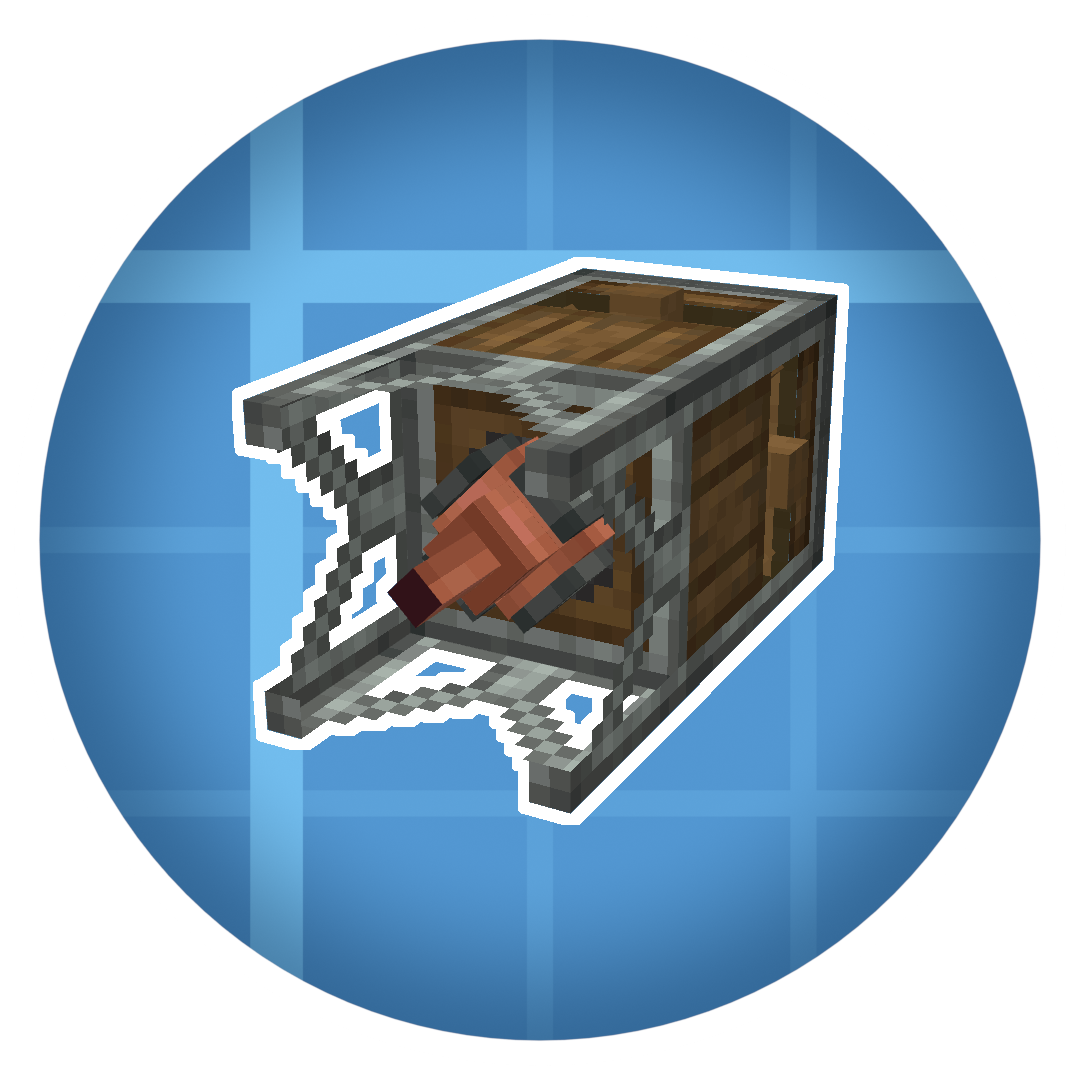
This addon introduces a replacement for dry kelp recipes in Create, which is often seen as out of place, specially in modpacks.
The addon introduces 2 new machines that consume rotational energy:
The Sapper - extracts various fluids from many trees.

The Compressor - processes fluids into solid items, such as resin into rubber or lava into obsidian.

Modpack developers are free to include this mod without asking for permission
Compatibility:
event.recipes.rubberworksSapping(Fluid.of("minecraft:milk", 40), ["minecraft:oak_log", "minecraft:oak_leaves"]) event.recipes.rubberworksCompressing(Item.of("minecraft:diamond", 2), Fluid.of("minecraft:water", 500)).heated()
Project description from CurseForge.
Pick your setup
Choose the version and loader you play, then open the matching release.
Check the dependencies, then try the file in a copied instance before changing a world you care about.
Recent files
rubberworks-neoforge-1.21.1-1.1.4.jar
3 Aug 2026
rubberworks-neoforge-1.21.1-1.1.3.jar
24 Jun 2026
rubberworks-neoforge-1.21.1-1.1.2.jar
17 May 2026
rubberworks-neoforge-1.21.1-1.1.1.jar
10 Apr 2026
rubberworks-neoforge-1.21.1-1.1.jar
29 Mar 2026
rubberworks-neoforge-1.21.1-1.0.4.jar
31 Jan 2026
rubberworks-forge-1.20.1-1.0.4.jar
31 Jan 2026
rubberworks-forge-1.20.1-1.0.3.jar
20 Jan 2026
rubberworks-forge-1.20.1-1.0.2.jar
16 Jan 2026
rubberworks-neoforge-1.21.1-1.0.2.jar
14 Jan 2026
rubberworks-forge-1.20.1-1.0.1.jar
14 Jan 2026
rubberworks-neoforge-1.21.1-1.0.1.jar
13 Jan 2026
Looking for an older file? The official CurseForge project page is in Resources.
 mod
Adventure time inspired dungeon crawler on a train. Procedurally generated carriages on a infinite sable physics train. Rich narrative, with custom made mods for a completely unique experience.
 mod
Replace the enchanting system with a rune system. Find runes in the world and apply them to items
 mod
ArmorPlus adds new armor sets, tools, weapons, building blocks, and progression content to enhance your Minecraft adventures.