Minecraft version
Back to mods 
CurseForge · Minecraft mod
Maingraph
Maingraph is a visual blueprint engine designed for Minecraft. It allows for custom logic through intuitive node connections, requiring no (or very little) coding.
Choose a version Pick your version below, then grab the matching file.
Quick answer
Which Maingraph release matches 1.21.11 NeoForge?
Best match for your filters mgmc-0.4.0+MC1.21.11.jar
Game version 1.21.11
Loader NeoForge
Maingraph mgmc-0.4.0+MC1.21.11.jar targets 1.21.11 with NeoForge. The project page does not say whether this file belongs on the client, dedicated server, or both. No extra mods listed for this file.
Where it goes
Is Maingraph required on the client, server, or both?
The project page does not say whether this file belongs on the client, dedicated server, or both.
Client Source doesn’t say
Dedicated server Source doesn’t say
Loader for this release NeoForge
Required install it here Optional supported, not mandatory Not supported do not install here Source doesn’t say do not assume
The source does not explicitly classify this release as client-only or server-only.
What else does Maingraph mgmc-0.4.0+MC1.21.11.jar need?
mgmc-0.4.0+MC1.21.11.jar on 1.21.11 NeoForge. Every mod below is checked against that same setup.
This file does not list any required mods. Do not add a library just because a different file uses it.
This file does not list any required or optional mods.
Before you install it
Add Maingraph without breaking your instance.
Built for Maingraph mgmc-0.4.0+MC1.21.11.jar on 1.21.11 NeoForge. Pick another file and the loader, install side or required mods may change.
- 01
Stick to this file
Use mgmc-0.4.0+MC1.21.11.jar. It targets 1.21.11 with NeoForge; another release may have different loader, side or dependency requirements.
- 02
Bring the mods it needs
This file does not list any required mods. Do not add a library just because a different file uses it.
- 03
Put it on the correct side
The project page does not say whether this file belongs on the client, dedicated server, or both.
- 04
Pick the file you checked
Use the “Get this file” button beside mgmc-0.4.0+MC1.21.11.jar. It opens that exact file at the source.
About this project
What does Maingraph add?
Maingraph

Maingraph is a visual blueprint engine designed for Minecraft. It allows for custom logic through intuitive node connections, requiring no (or very little) coding.
Official Website: https://mc.maingraph.nb6.ltd/
Quick Start
- Installation: Place the mod in your Minecraft
modsfolder (requires NeoForge). - Open Editor: Once in-game, press
Ctrl + Mto open the Blueprint Manager. - Create Blueprint: Enter a name and click "Create".
- Start Authoring: Right-click on the canvas to add nodes, connect white arrows (execution flow) and colored dots (data flow).
- Save & Run: Click "Save", and your logic will start running in the background.
Compatibility of Maingraph
Known compatibility with the following mods:
- IMBlocker: Since v0.2.2, the Blueprint Editor uses Minecraft’s native EditBox, making it compatible with IMBlocker.
- Just Enough Characters: Starting from v0.2.3, the Blueprint Editor fully supports JECh via reflection.
- Current Status: When JECh is detected, the search feature automatically enables Pinyin initial matching (including node names, categories, port names, etc.).
- Physics Mod: In F6 physics UI mode, the Blueprint Editor does not participate in physics simulation.
- Planned Fix: No fix planned.
- "Does anyone actually edit with this thing on…?"
- ImmediatelyFast: Testing shows no noticeable FPS improvement in the Blueprint Editor after installing ImmediatelyFast.
Example Addon
If you want to develop your own nodes, check out the example addon: maingraph-project/mgmc-example
This project is licensed under the MIT License.
Project description from CurseForge.
Pick your setup
Maingraph by Minecraft version and loader
Choose the version and loader you play, then open the matching release.
Minecraft version
1.21.1
2 loader buildsCheck the dependencies, then try the file in a copied instance before changing a world you care about.
Recent files
Maingraph versions and loaders
mgmc-0.4.0+MC1.21.11.jar
25 Jan 2026
Client Source doesn’t say Server Source doesn’t say Dependencies No extras listed Listed on Release listing
Check the 1.21.11 · NeoForge setup NeoForge1.21.11 release
mgmc-0.3.6+MC1.21.11.jar
25 Jan 2026
Client Source doesn’t say Server Source doesn’t say Dependencies No extras listed Listed on Release listing
Check the 1.21.11 · NeoForge setup NeoForge1.21.11 release
mgmc-0.3.5+MC1.21.11.jar
24 Jan 2026
Client Source doesn’t say Server Source doesn’t say Dependencies No extras listed Listed on Release listing
Check the 1.21.11 · NeoForge setup NeoForge1.21.11 release
mgmc-0.3.4+MC1.21.11.jar
22 Jan 2026
Client Source doesn’t say Server Source doesn’t say Dependencies No extras listed Listed on Release listing
Check the 1.21.11 · NeoForge setup NeoForge1.21.11 release
mgmc-0.3.3+MC1.21.11.jar
20 Jan 2026
Client Source doesn’t say Server Source doesn’t say Dependencies No extras listed Listed on Release listing
Check the 1.21.11 · NeoForge setup NeoForge1.21.11 release
mgmc-0.3.2+MC1.21.11.jar
19 Jan 2026
Client Source doesn’t say Server Source doesn’t say Dependencies No extras listed Listed on Release listing
Check the 1.21.11 · NeoForge setup NeoForge1.21.11 release
mgmc-0.3.1+MC1.21.11.jar
17 Jan 2026
Client Source doesn’t say Server Source doesn’t say Dependencies No extras listed Listed on Release listing
Check the 1.21.11 · NeoForge setup NeoForge1.21.11 release
mgmc-0.3.0-MC1.21.11.jar
16 Jan 2026
Client Source doesn’t say Server Source doesn’t say Dependencies No extras listed Listed on Release listing
Check the 1.21.11 · NeoForge setup NeoForge1.21.11 release
mgmc-0.2.7-MC1.21.11.jar
14 Jan 2026
Client Source doesn’t say Server Source doesn’t say Dependencies No extras listed Listed on Release listing
Check the 1.21.11 · NeoForge setup NeoForge1.21.11 release
mgmc-0.2.6-MC1.21.11.jar
11 Jan 2026
Client Source doesn’t say Server Source doesn’t say Dependencies No extras listed Listed on Release listing
Check the 1.21.11 · NeoForge setup NeoForge1.21.11 release
mgmc-0.2.5-MC1.21.11.jar
11 Jan 2026
Client Source doesn’t say Server Source doesn’t say Dependencies No extras listed Listed on Release listing
Check the 1.21.11 · NeoForge setup NeoForge1.21.11 release
mgmc-0.2.4-MC1.21.11.jar
11 Jan 2026
Client Source doesn’t say Server Source doesn’t say Dependencies No extras listed Listed on Release listing
Check the 1.21.11 · NeoForge setup NeoForge1.21.11 release
Looking for an older file? The official CurseForge project page is in Resources.
 mod
CurseForge · Minecraft
Cadaver
Leaves a corpse with all your items when you die. Respects Curse of Vanishing, keepInventory and soulbound enchantments, and never blocks your bullets.
 mod
CurseForge · Minecraft
Nightworld
Explore a parallel world!
 mod
CurseForge · Minecraft
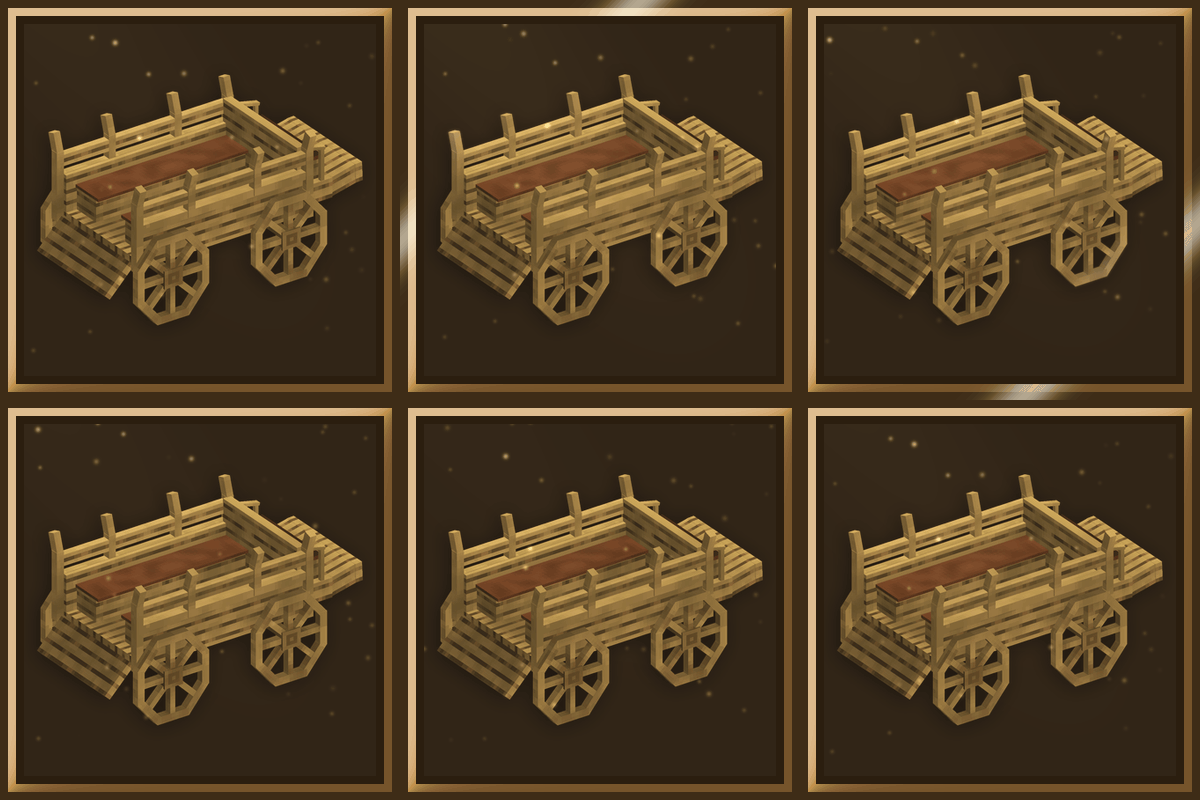
Feelix's Stagecoach
Craftable stagecoaches in eleven woods: build a road network, discover stops and pay XP to travel between them.