Minecraft version
Back to mods 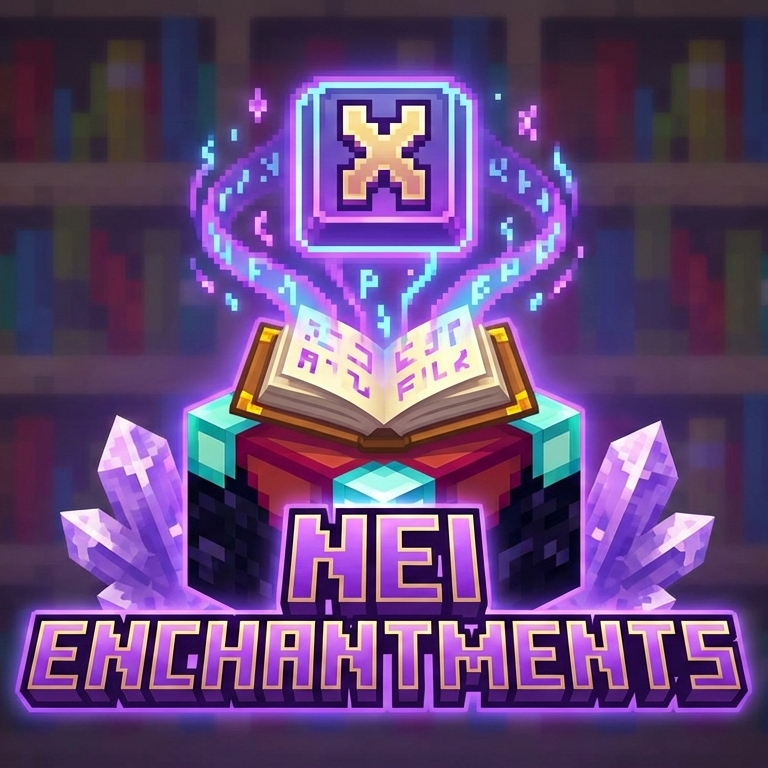
CurseForge · Minecraft mod
NEI Enchantments
A lightweight and powerful enchantment utility mod for Minecraft 1.21.1, inspired by the classic Not Enough Items (NEI) 'X' key feature. It allows players in Creative mode to quickly enchant items with a modern and intuitive GUI.
Choose a version Pick your version below, then grab the matching file.
Quick answer
Which NEI Enchantments release should I use?
Latest stable file nei-enchantments-26.3.1.jar
Game version 26.3
Loader Fabric
NEI Enchantments nei-enchantments-26.3.1.jar targets 26.3 with Fabric. The project page does not say whether this file belongs on the client, dedicated server, or both. No extra mods listed for this file.
Where it goes
Is NEI Enchantments required on the client, server, or both?
The project page does not say whether this file belongs on the client, dedicated server, or both.
Client Source doesn’t say
Dedicated server Source doesn’t say
Loader for this release Fabric
Required install it here Optional supported, not mandatory Not supported do not install here Source doesn’t say do not assume
The source does not explicitly classify this release as client-only or server-only.
What else does NEI Enchantments nei-enchantments-26.3.1.jar need?
nei-enchantments-26.3.1.jar. Change the file and its required mods may change too.
This file does not list any required mods. Do not add a library just because a different file uses it.
This file does not list any required or optional mods.
Before you install it
Add NEI Enchantments without breaking your instance.
Built for NEI Enchantments nei-enchantments-26.3.1.jar. Pick another file and the loader, install side or required mods may change.
- 01
Stick to this file
Use nei-enchantments-26.3.1.jar. It targets 26.3 with Fabric; another release may have different loader, side or dependency requirements.
- 02
Bring the mods it needs
This file does not list any required mods. Do not add a library just because a different file uses it.
- 03
Put it on the correct side
The project page does not say whether this file belongs on the client, dedicated server, or both.
- 04
Pick the file you checked
Use the “Get this file” button beside nei-enchantments-26.3.1.jar. It opens that exact file at the source.
About this project
What does NEI Enchantments add?
NEI Enchantments brings the classic Not Enough Items (NEI) X-key enchantment feature to modern Minecraft.
Hover over an item in your inventory, press X, and manage its enchantments through an easy-to-use menu.
Features
Quick access: Open the enchantment menu directly from your inventory.
Smart filtering: See enchantments compatible with the selected item.
Extended levels: Apply multi-level enchantments up to level 10. Single-level enchantments remain capped at level 1. Server settings may lower these limits.
Search and filtering: Find enchantments using the search box, scrollable list, and favourite/recent filters.
Level slider: Choose a level, then apply or remove the selected enchantment.
Favourites and presets: Keep favourite enchantments, use built-in presets, or save an item's enchantments as a reusable preset.
Server validation: Enchantment changes are checked and applied by the server.
Survival and Creative support: Free enchanting is enabled by default. Server owners can configure costs and access restrictions.
Optional JEI integration: View usage instructions and custom enchantment information in JEI.
English and Turkish translations.
Custom Enchantments
Vein Miner — Pickaxes
Break connected ore blocks of the same type, including Nether quartz.
The default limit is 60 blocks per activation, configurable by the server.
Tree Feller — Axes
Chop connected logs of the same type and remove leaves identified as belonging to that tree.
The default limits are 128 logs and 256 leaves per activation, configurable by the server.
Both enchantments are available through the X-key menu. Extra block breaking uses Minecraft's normal breaking mechanics and stops when the enchanted tool breaks.
Server Configuration
Configure the mod in config/neienchant.json:
Restrict menu access to operators.
Set the maximum enchantment level.
Add experience-level and lapis costs.
Choose whether Creative players pay costs.
Block specific enchantments.
Enable or disable custom enchantments.
Require sneaking for Vein Miner or Tree Feller.
Adjust block-breaking limits.
An authorized operator can apply configuration changes with:
/neienchant reload
Favourites and saved presets are stored locally on each client.
Installation — Minecraft 26.3
Install Fabric Loader 0.19.5 or newer for Minecraft 26.3.
Install Fabric API 0.161.0+26.3, or a newer release compatible with Minecraft 26.3.
Place
nei-enchantments-26.3.1.jarin yourmodsfolder.Remove the previous NEI Enchantments JAR from that folder.
Launch with Java 25.
For multiplayer, install NEI Enchantments and Fabric API on both the client and server.
JEI is optional. This release was tested with JEI 31.7.0.45 for Minecraft 26.3.
For older Minecraft versions, download the matching release from the project's version list.
Controls
X — Open the enchantment menu while hovering over an item in your inventory.
The keybinding can be changed in Minecraft's Controls settings.
Credits
Inspired by chickenbones' original Not Enough Items enchantment feature.
Licensed under the MIT License.
Project description from CurseForge.
Pick your setup
NEI Enchantments by Minecraft version and loader
Choose the version and loader you play, then open the matching release.
Minecraft version
26.2
1 loader buildMinecraft version
26.1.2
1 loader buildMinecraft version
1.21.11-snapshot
1 loader buildMinecraft version
1.21.11
1 loader buildMinecraft version
1.21.10
1 loader buildMinecraft version
1.21.9-snapshot
1 loader buildMinecraft version
1.21.9
1 loader buildMinecraft version
1.21.8
1 loader buildMinecraft version
1.21.7
1 loader buildMinecraft version
1.21.6-snapshot
1 loader buildMinecraft version
1.21.6
1 loader buildShowing the newest 12 of 19 game versions. Older files are in the list below.
Check the dependencies, then try the file in a copied instance before changing a world you care about.
Recent files
NEI Enchantments versions and loaders
nei-enchantments-26.3.1.jar
28 Sept 2026
Client Source doesn’t say Server Source doesn’t say Dependencies No extras listed Listed on Release listing
Check the 26.3 · Fabric setup Fabric26.3 release
nei-enchantments-26.2.jar
19 Jun 2026
Client Source doesn’t say Server Source doesn’t say Dependencies No extras listed Listed on Release listing
Check the 26.2 · Fabric setup Fabric26.2 release
nei-enchantments-5.0.0.jar
7 May 2026
Client Source doesn’t say Server Source doesn’t say Dependencies No extras listed Listed on Release listing
Check the 26.1.2 · Fabric setup Fabric26.1.2 release
nei-enchantments-2.0.0.jar
11 Jan 2026
Client Source doesn’t say Server Source doesn’t say Dependencies No extras listed Listed on Release listing
Check the 1.21.11-snapshot · Fabric setup 1.21.2-Snapshot1.21.6-snapshotFabric1.21.8 release
Looking for an older file? The official CurseForge project page is in Resources.
 mod
CurseForge + Modrinth · Minecraft
Too Many Bows
A bunch of amazing crazy bows with unique abilities!!!
 mod
CurseForge · Minecraft
Tokimi's Toolshed
Tokimi's Toolshed adds a variety of new multi-block tools to enhance your mining and gathering experience!
 mod
CurseForge · Minecraft
God Wand
God Wand adds a multi-modewand with multiple skills