Create Needed by Create: Automotives - 1.18.2 - V2
requiredMatching file found Matched file: Create 1.18.2 v0.5.1i
CurseForge · Minecraft mod
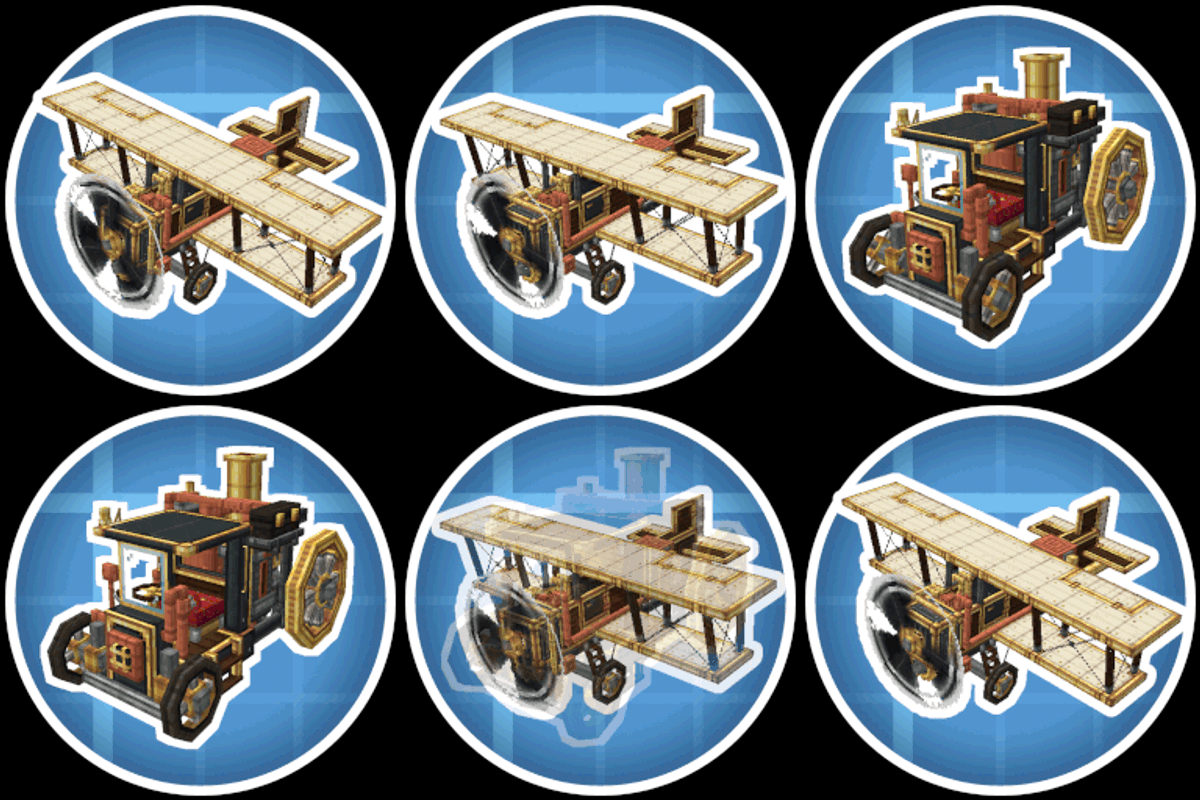
Travel the airways and roads with steam powered planes and cars!
Quick answer
Create: Automotives - 1.18.2 - V2 targets 1.18.2 with Forge. The project page does not say whether this file belongs on the client, dedicated server, or both. All 2 required mods have matching files.
Where it goes
The project page does not say whether this file belongs on the client, dedicated server, or both.
The source does not explicitly classify this release as client-only or server-only.
Create: Automotives - 1.18.2 - V2 on 1.18.2 Forge. Every mod below is checked against that same setup.
Install Create, Immersive Vehicles (MTS) first. We found matching files for this game-version and loader setup.
We only count dependency files that match this setup. A file for another loader does not fill the gap.
Before you install it
Built for Create: Automotives - 1.18.2 - V2 on 1.18.2 Forge. Pick another file and the loader, install side or required mods may change.
Use Create: Automotives - 1.18.2 - V2. It targets 1.18.2 with Forge; another release may have different loader, side or dependency requirements.
Install Create, Immersive Vehicles (MTS) first. We found matching files for this game-version and loader setup.
The project page does not say whether this file belongs on the client, dedicated server, or both.
Use the “Get this file” button beside Create: Automotives - 1.18.2 - V2. It opens that exact file at the source.
About this project
The "Immersive Vehicles" library is required in order to use this mod!
You may include this mod in public or private Minecraft modpacks, provided the mod file is unmodified and downloaded from its official Modrinth or CurseForge page

 (so far)


Boilerbox Controls:
Biplane Controls:


Reader Section:
Create: Automotives
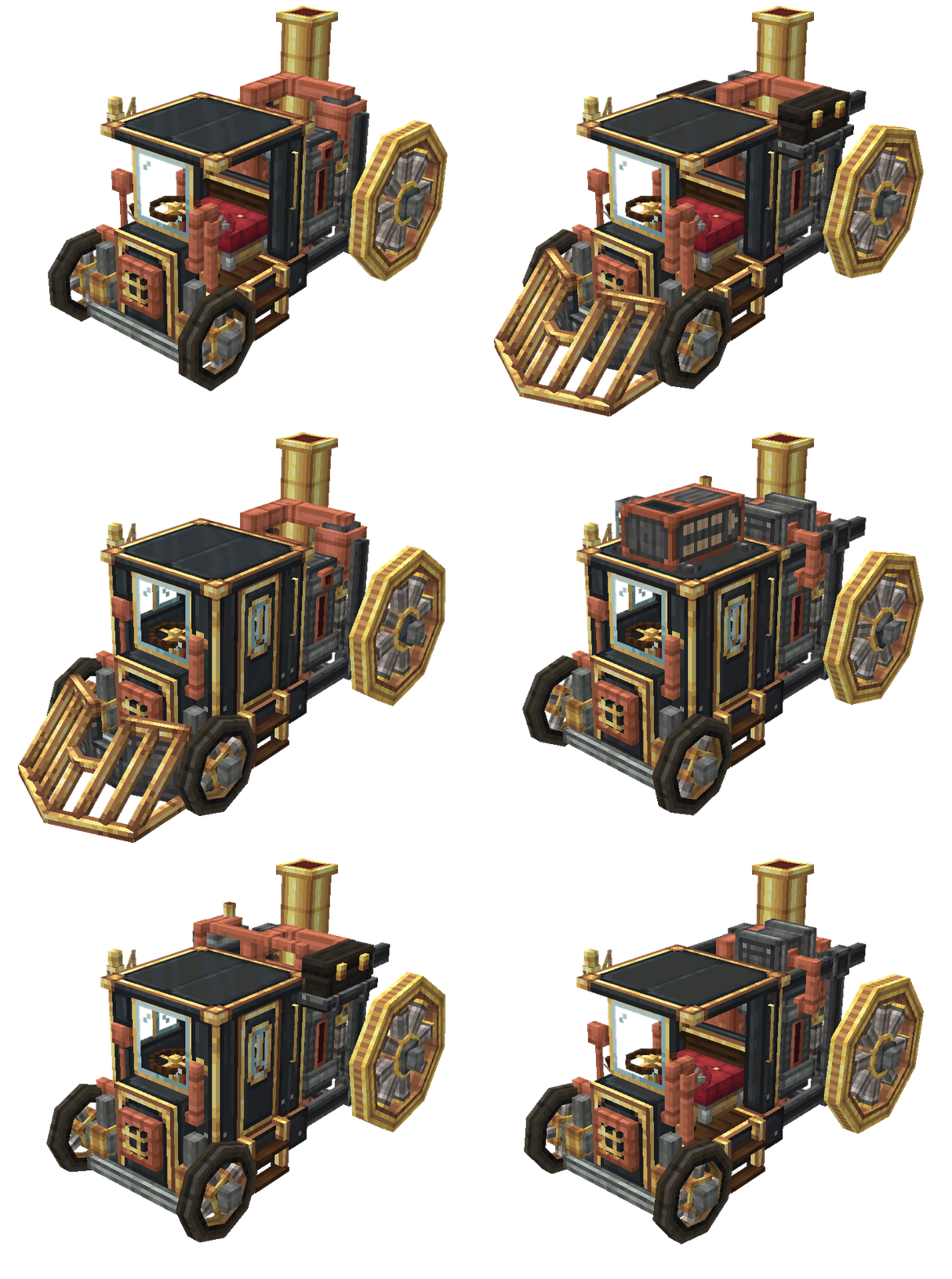
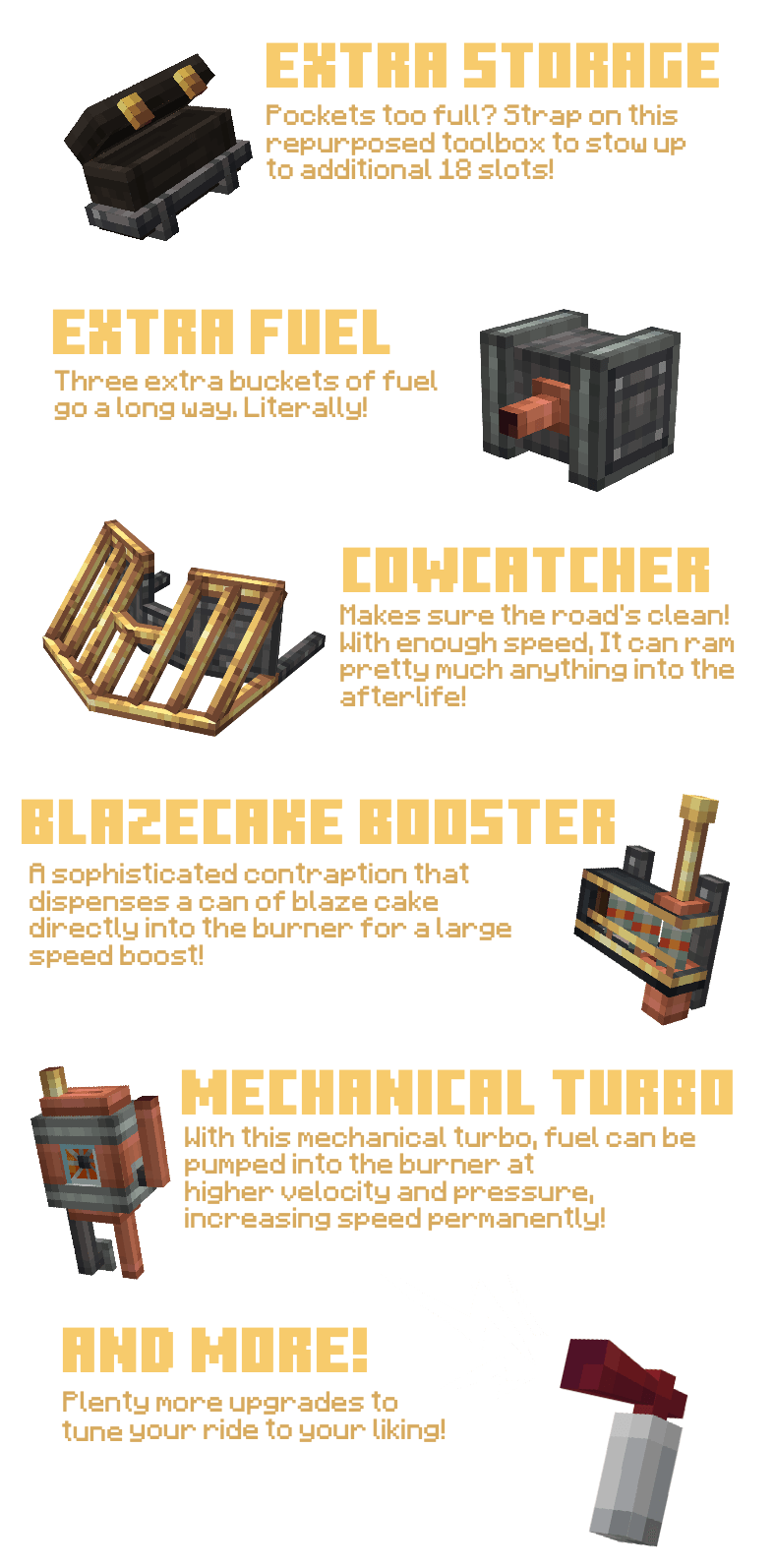
Create: Automotives adds fictional, steam-powered vehicles designed to fit the Create mod’s style and progression.
Features:
Getting Started:
Extra: Weapons are switched with the [V] key and fired with [Space]
How to remove upgrades?
How to pick up vehicles?
Project description from CurseForge.
Pick your setup
Choose the version and loader you play, then open the matching release.
Check the dependencies, then try the file in a copied instance before changing a world you care about.
Recent files
create-automotives-1.18.2-V2.jar
25 Apr 2026
create-automotives-1.18.2-V1.jar
18 Feb 2026
Looking for an older file? The official CurseForge project page is in Resources.
 mod
14 animated furnaces with speed, fuel and output trade-offs, a kitchen with new dishes and a workbench that builds them in front of you.
 mod
This mod turns the light from light sources the color they really are and adds adjustable custom light colors for any block. Works with colored dynamic lights.
 mod
Breed faster Happy Ghasts, boost flight speed with Speed Potions or Snowballs, and inspect mount stats with a Book and Quill.