WATERMeDIA: Platform Extension Needed by playermusic-1.0.1.jar
requiredMatching file found Matched file: WM-YT/2.1.2
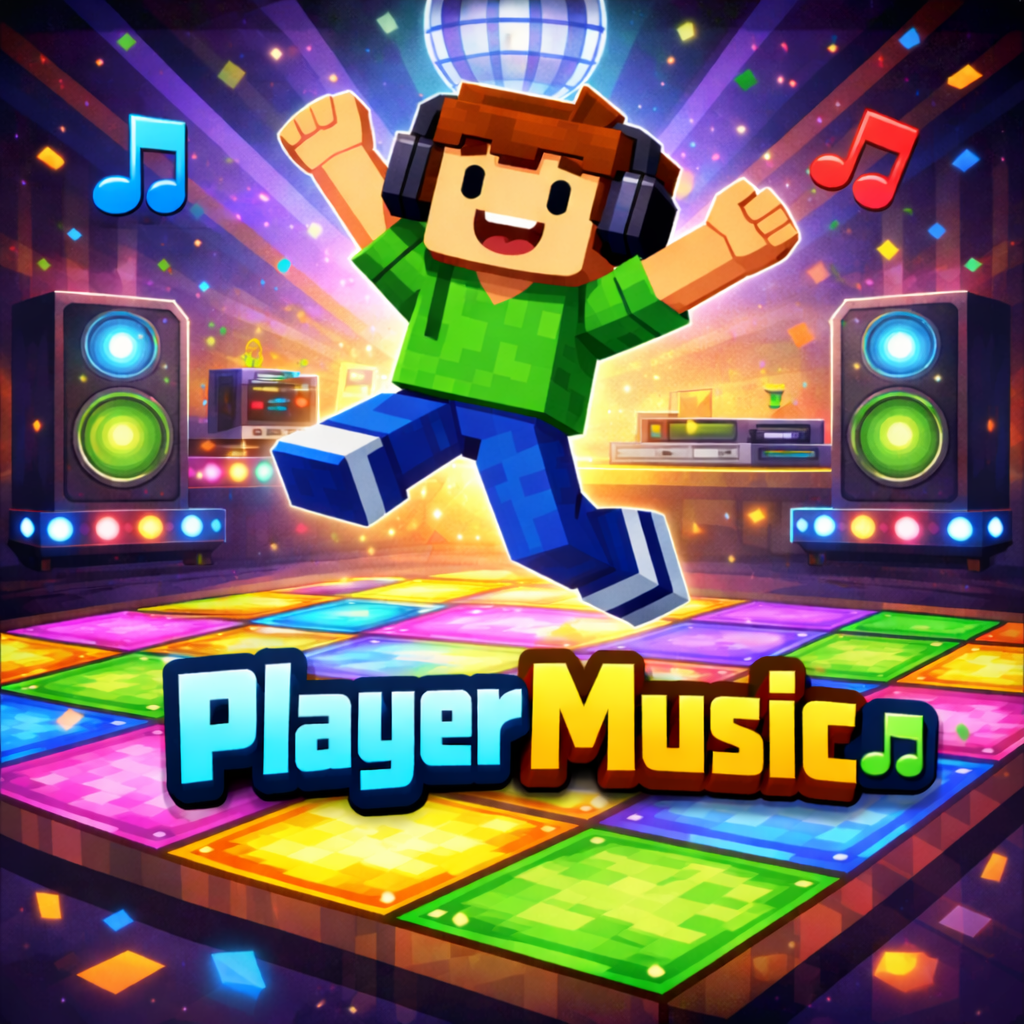
CurseForge · Minecraft mod
Play music using its URL
Quick answer
playermusic-1.0.1.jar targets 1.21.1 with NeoForge. The project page does not say whether this file belongs on the client, dedicated server, or both. All 3 required mods have matching files.
Where it goes
The project page does not say whether this file belongs on the client, dedicated server, or both.
The source does not explicitly classify this release as client-only or server-only.
playermusic-1.0.1.jar. Change the file and its required mods may change too.
Install WATERMeDIA: Platform Extension, CreativeCore, WATERMeDIA: Multimedia API first. We found matching files for this game-version and loader setup.
We only count dependency files that match this setup. A file for another loader does not fill the gap.
Before you install it
Built for playermusic-1.0.1.jar. Pick another file and the loader, install side or required mods may change.
Use playermusic-1.0.1.jar. It targets 1.21.1 with NeoForge; another release may have different loader, side or dependency requirements.
Install WATERMeDIA: Platform Extension, CreativeCore, WATERMeDIA: Multimedia API first. We found matching files for this game-version and loader setup.
The project page does not say whether this file belongs on the client, dedicated server, or both.
Use the “Get this file” button beside playermusic-1.0.1.jar. It opens that exact file at the source.
About this project
PlayerMusic adds an immersive in-game radio system that allows you to play music from YouTube and other media cloud services directly inside Minecraft, with a strong focus on high-quality audio playback.
This mod is NOT WaterFrames and is not focused on video playback. PlayerMusic is entirely centered on music and sound immersion.
────────────────────────────
📻 Radio Block
────────────────────────────
PlayerMusic adds a Radio Block that allows players to play music directly from the block.
It also includes an option to render the video on top of the Radio Block, allowing players to visually see the current playback progress.
────────────────────────────
📻 Tablet Item (Forge)
────────────────────────────
A Tablet has been added that allows you to listen to music or watch videos by pressing Shift + Right Click on the tablet.
Players near you will be able to hear the music.
⚠️ This feature is currently in Beta.
If a player joins the server after you started playing the music, they will hear it from the beginning and not synchronized with you.
────────────────────────────
🔊 Music Command
────────────────────────────
PlayerMusic includes a command that allows you to play music for a specific player or for all players on the server:
/playmusic "URL" <PLAYER | @a> <VOLUME>
• The URL must be written inside quotation marks (" ")
• PLAYER plays music for a single player
• @a plays music for all players on the server
• VOLUME controls the playback volume
This command reproduces audio only and does not display any video.
────────────────────────────
📦 Required Dependencies
────────────────────────────
To use PlayerMusic correctly, the following dependencies are required:
These dependencies ensure proper audio playback and prevent issues when playing YouTube content.
• This mod plays AUDIO ONLY — it does NOT display videos on screens.
• PlayerMusic is still in early development and is just getting started.
• Updates will be released gradually over time with new features.
────────────────────────────
🚀 Planned Features
────────────────────────────
• An in-game tablet / iPad-style device to listen to music
• Playlist support
• A world radio system with real radio stations from around the globe
• More music-related features focused on immersion
────────────────────────────
🙏 Credits
────────────────────────────
Special thanks to SrRapero720, creator of WaterMedia and WaterFrames, and for providing the API that makes this mod possible.
────────────────────────────
💬 Support
────────────────────────────
If you have questions, need help, or want to report bugs, feel free to join our Discord server.
Project description from CurseForge.
Pick your setup
Choose the version and loader you play, then open the matching release.
Check the dependencies, then try the file in a copied instance before changing a world you care about.
Recent files
25 Jun 2026
8 May 2026
playermusic-4.0.0.jar
1 Mar 2026
16 Feb 2026
16 Feb 2026
playermusic-1.0.0.jar
30 Jan 2026
30 Jan 2026
Looking for an older file? The official CurseForge project page is in Resources.
 mod
modThis mod adds mechanics from the "Point of No Return" season by Lololoshka and Storytelling Team.
 mod
modMake your Item unusable instead of disappear when breaking!
 mod
modFish your items back up after falling into the void! But be fast, if you take too long other players get the chance to fish it!