Fabric API Needed by Flex HUD 1.2.1-26.1 Fabric
requiredMatching file found Matched file: [26.1.2] Fabric API 0.155.3+26.1.2

CurseForge · Minecraft mod
This mod adds a fully customizable HUD system and useful utilities for Minecraft. Whether you're playing survival, building, or PvP, it provides all the information and quality-of-life features you need in one place.
Quick answer
Flex HUD 1.2.1-26.1 Fabric targets 26.1, 26.1.1, 26.1.2 with Fabric. The project page does not say whether this file belongs on the client, dedicated server, or both. All 1 required mods have matching files.
Where it goes
The project page does not say whether this file belongs on the client, dedicated server, or both.
The source does not explicitly classify this release as client-only or server-only.
Flex HUD 1.2.1-26.1 Fabric on 26.1.2. Every mod below is checked against that same setup.
Install Fabric API first. We found matching files for this game-version and loader setup.
We only count dependency files that match this setup. A file for another loader does not fill the gap.
Before you install it
Built for Flex HUD 1.2.1-26.1 Fabric on 26.1.2. Pick another file and the loader, install side or required mods may change.
Use Flex HUD 1.2.1-26.1 Fabric. It targets 26.1, 26.1.1, 26.1.2 with Fabric; another release may have different loader, side or dependency requirements.
Install Fabric API first. We found matching files for this game-version and loader setup.
The project page does not say whether this file belongs on the client, dedicated server, or both.
Use the “Get this file” button beside Flex HUD 1.2.1-26.1 Fabric. It opens that exact file at the source.
About this project
This mod adds a fully customizable HUD system and useful utilities for Minecraft. Whether you're playing survival, building, or PvP, it provides all the information and quality-of-life features you need in one place.
All modules can be toggled, moved, and configured to fit your personal playstyle.
Project description from CurseForge.
Pick your setup
Choose the version and loader you play, then open the matching release.
Showing the newest 12 of 13 game versions. Older files are in the list below.
Check the dependencies, then try the file in a copied instance before changing a world you care about.
Recent files
flex_hud-1.2.1-26.1-fabric.jar
8 Oct 2026
flex_hud-1.2.1-26.1-neoforge.jar
8 Oct 2026
flex_hud-1.2-26.1-neoforge.jar
6 Oct 2026
flex_hud-1.2-26.1-fabric.jar
6 Oct 2026
flex_hud-1.1-26.1-neoforge.jar
20 Aug 2026
flex_hud-1.1-26.1-fabric.jar
20 Aug 2026
Looking for an older file? The official CurseForge project page is in Resources.
 mod
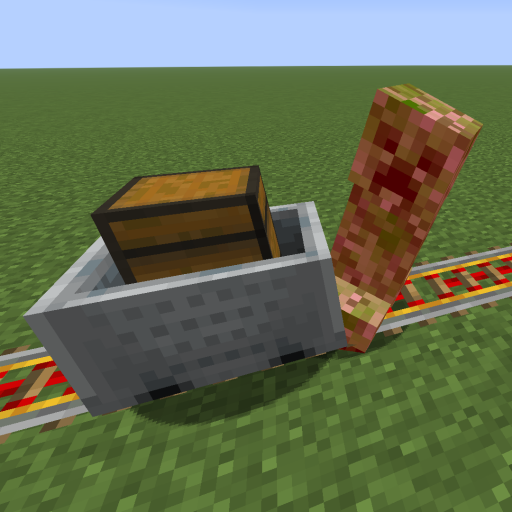
This mod increases damage to moving minecarts; the faster they move, the higher the damage, with virtually no damage limit!
 mod
Discover Plants, Animals and Monsters with a Spyglass. Collect them all and take notes in your personal Field Guide!
 mod
Sick of wasting time with Minecraft’s slow launcher just to change your skin? Quick Skin lets you swap skins instantly even on “offline” servers and gives you access to every official Minecraft cape.