Fabric API Needed by Latitude 1.5.3+1.20.1
requiredMatching file found Matched file: [1.20.1] Fabric API 0.92.12+1.20.1
CurseForge · Minecraft mod
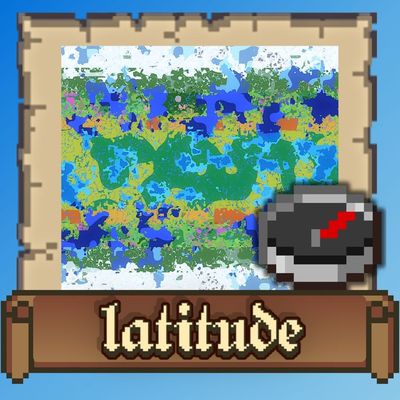
Latitude overhauls world generation so biomes follow realistic latitude bands—from equatorial jungles to polar tundras.
Quick answer
Latitude 1.5.3+1.20.1 targets 1.20.2, 1.20.1, 1.20.4 with Fabric. The project page does not say whether this file belongs on the client, dedicated server, or both. All 1 required mods have matching files.
Where it goes
The project page does not say whether this file belongs on the client, dedicated server, or both.
The source does not explicitly classify this release as client-only or server-only.
Latitude 1.5.3+1.20.1. Change the file and its required mods may change too.
Install Fabric API first. We found matching files for this game-version and loader setup.
We only count dependency files that match this setup. A file for another loader does not fill the gap.
Before you install it
Built for Latitude 1.5.3+1.20.1. Pick another file and the loader, install side or required mods may change.
Use Latitude 1.5.3+1.20.1. It targets 1.20.2, 1.20.1, 1.20.4 with Fabric; another release may have different loader, side or dependency requirements.
Install Fabric API first. We found matching files for this game-version and loader setup.
The project page does not say whether this file belongs on the client, dedicated server, or both.
Use the “Get this file” button beside Latitude 1.5.3+1.20.1. It opens that exact file at the source.
About this project
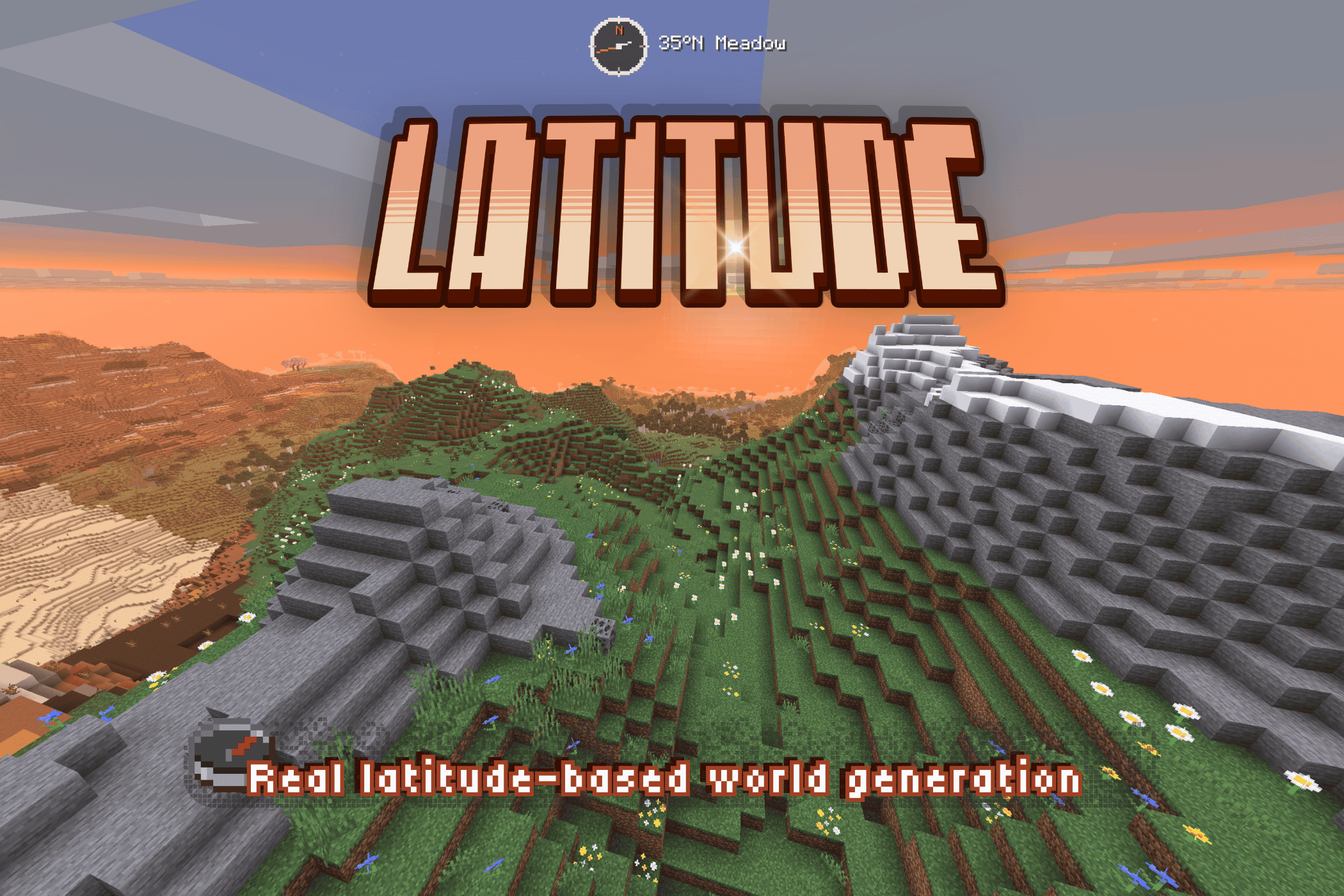
A finite world with latitude-based geography and climate bands.
Latitude organizes biomes into five climate bands, from a warm equator at the center of the world to frozen regions at its northern and southern edges. As you travel north or south, the climate—and the biomes you encounter—gradually change.
I built Latitude to make Minecraft worlds feel finite and real, and to make the direction you travel matter.
⚠️ Latitude overhauls world generation and takes effect in new worlds. Existing chunks keep their current biomes. World-generation fixes, including those in 1.5.2, can affect newly explored terrain in existing Latitude worlds.
Five climate bands extend from the equator at the center of the world toward the poles at its northern and southern edges:
| Zone | Character | Typical biomes |
|---|---|---|
| 🌴 Tropical | Hot, humid, and lush | Jungle, Bamboo Jungle, Mangrove Swamp, Savanna |
| ☀️ Subtropical | Warm and varied, drier toward the edges | Savanna, Desert, Badlands, Plains |
| 🌿 Temperate | Mild and forested | Forest, Birch Forest, Meadow |
| 🌨️ Subpolar | Cold, with increasingly sparse vegetation | Taiga, Snowy Plains, Grove |
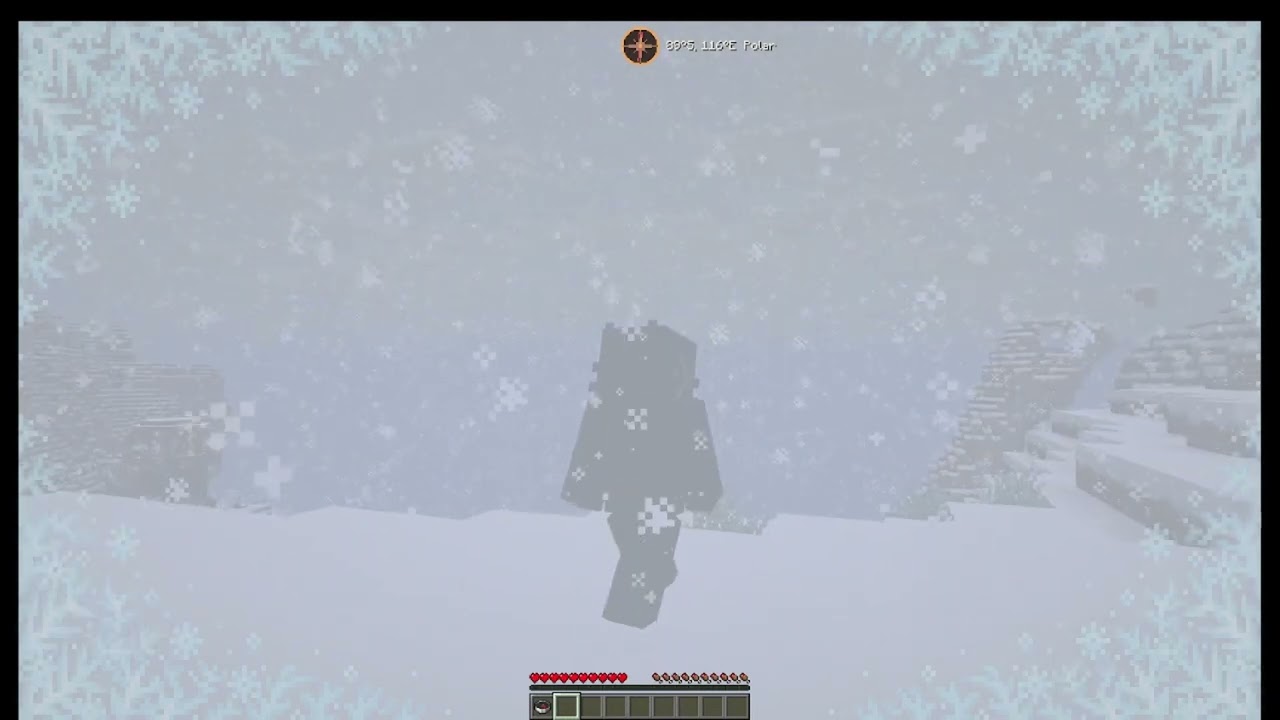
| ❄️ Polar | Frozen and forbidding | Snowy Plains, Ice Spikes, Frozen Ocean |
The bands blend gradually, so the landscape changes as you travel without abrupt jumps between hot and cold climates.
Forests thin as you climb. Above the tree line, grass and sparse foliage give way to bare rock and snow on the highest peaks.
Latitude’s geography affects what you encounter along the way:
Pick a world size! Latitude worlds are finite, with six sizes to choose from.
| Size | Dimensions in blocks |
|---|---|
| Itty Bitty | 7,500 × 7,500 |
| Tiny | 10,000 × 10,000 |
| Small | 15,000 × 15,000 |
| Regular | 20,000 × 20,000 |
| Large | 30,000 × 30,000 |
| Ginormous | 40,000 × 40,000 |
World size scales the whole climate system, including band widths, borders, and latitude calculations. Smaller worlds bring the climate bands closer together while keeping the full range from equator to poles. With custom biome packs installed, though, smaller worlds may not have room for every biome.
You can also choose your spawn zone. Start near the equator for jungles and warm weather, pick a milder climate, or head straight for the polar snow! ⛄️ Now with more snowballs (probably)!!
Latitude ships a built-in navigation HUD, fully customizable:
HUD Studio: press F9 in-game (rebindable) to open a live editing screen — drag the title, compass, and location readout wherever you want, snap-to-grid or free. A quick keybind toggles the compass on and off.
For server operators, release builds include a small /latitude command set (here, explainHere, probe, tpLat, tpBand) for inspecting and navigating the climate map.
Latitude works through Minecraft's biome-tag system. Fabric builds include support for biome packs such as Biomes O' Plenty, Terralith, and CliffTree, and can be paired with terrain-shaping mods such as Tectonic, Geophilic, and William Wyther's Overhauled Overworld. Compatibility depends on the exact Minecraft, loader, Latitude, and pack versions; check the notes for your download.
The Fabric 1.5.2-beta file for 26.1 covers 26.1–26.1.2. The NeoForge counterpart is specifically for 26.1.2, with separate NeoForge files for 26.2 and 26.3. Biome packs and dedicated servers were not tested on those NeoForge 1.5.2-beta builds.
ℹ️ A note on big biome-pack stacks: each climate band draws from a finite pool, so the more packs you stack, the smaller each biome's share becomes — you won't necessarily see every biome from every pack. The mix stays coherent and climate-appropriate. Vanilla biomes are given preference.
Latitude 2.0 is in production. The larger overhaul being showcased publicly — with its more elaborate mechanics — is a separate line and still in development: expanded biome support, broader worlds, and more earthlike generation shaped by continents, oceans, climate, and exploration. And all the cats you could ever want!!! 🐈⬛🐈
1.5 is the final polish release of the 1.x line, and the best version of this idea to date. 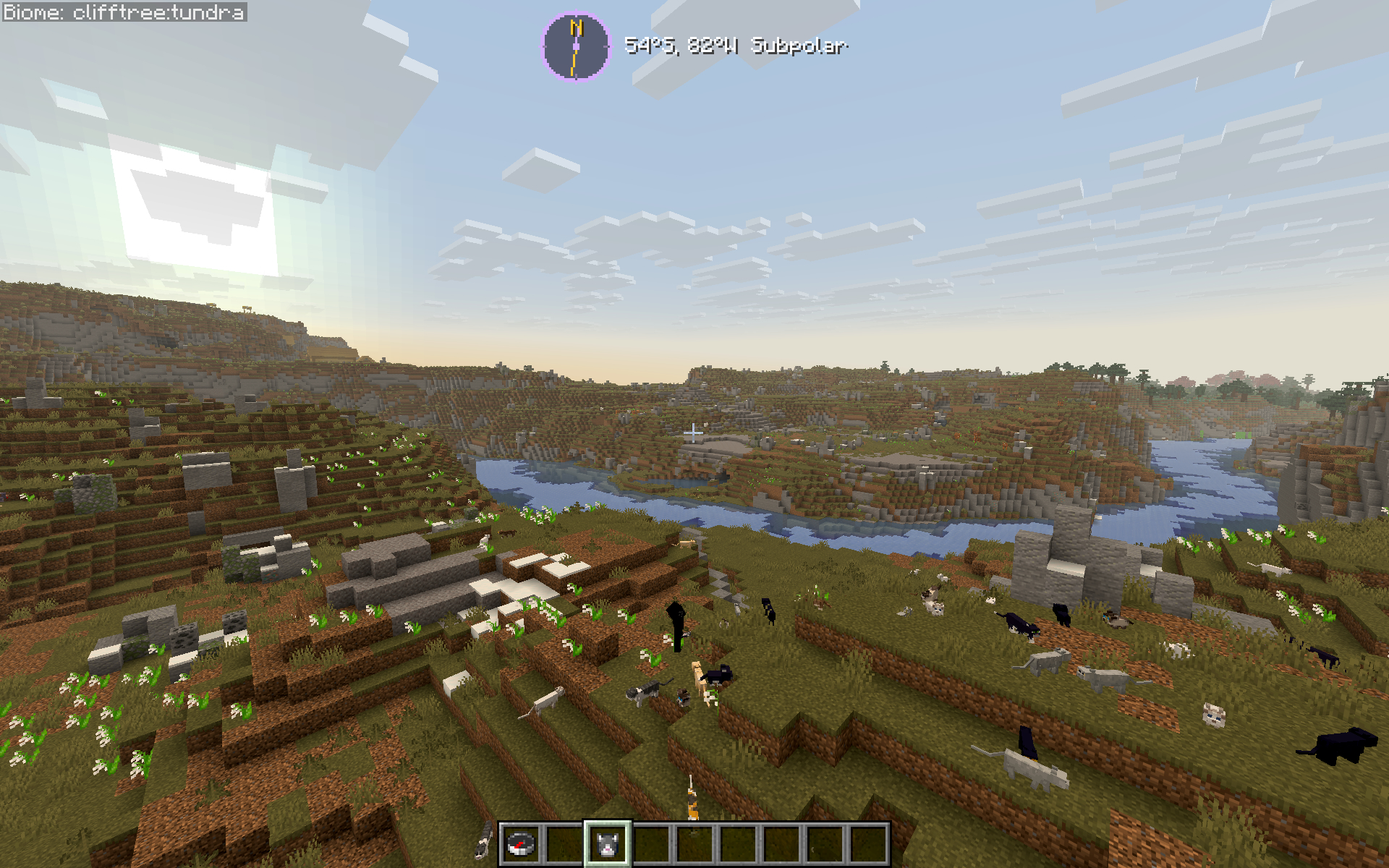
If you've ever thought vanilla biome placement felt random and disconnected — this fixes that. Latitude is built for long-term survival worlds, exploration-focused playthroughs, and modpacks that want a world that feels like a real place without piling on new content.
🧭 Latitude is a solo passion project and my first mod. Thank you for playing -- I hope you enjoy it as much as I do! :D
Concept, design, planning, and project direction are mine. AI tools contribute code and writing, and testing is shared between me and AI tools.
🐛 Found a bug, or want to follow development? → GitHub
⭐ Enjoying Latitude? Leave a ❤️ on Modrinth — it genuinely helps a solo dev!
➢ Follow my mod development: https://www.youtube.com/@peetsamods
video lag is unrelated to actual gameplay--it's just my computer COOKING 🍳
Curious about the bigger idea behind the project? Read the Latitude Field Guide for a look behind the scenes at real-time development. Updated by Codex, designed and overseen by me.
Project description from CurseForge.
Pick your setup
Choose the version and loader you play, then open the matching release.
Check the dependencies, then try the file in a copied instance before changing a world you care about.
Recent files
latitude-1.5.3+1.20.1.jar
24 Oct 2026
latitude-1.5.3+1.21.1.jar
24 Oct 2026
latitude-1.5.3+1.21.11.jar
24 Oct 2026
latitude-1.5.3+26.1.jar
24 Oct 2026
latitude-1.5.3+26.2.jar
24 Oct 2026
latitude-1.5.3+26.3.jar
24 Oct 2026
latitude-1.5.3+26.1-neoforge.jar
24 Oct 2026
latitude-1.5.3+26.2-neoforge.jar
24 Oct 2026
latitude-1.5.3+26.3-neoforge.jar
24 Oct 2026
latitude-neoforge-1.5.2-beta+26.3.jar
4 Oct 2026
latitude-neoforge-1.5.2-beta+26.2.jar
4 Oct 2026
latitude-neoforge-1.5.2-beta+26.1.jar
4 Oct 2026
Looking for an older file? The official CurseForge project page is in Resources.
 mod
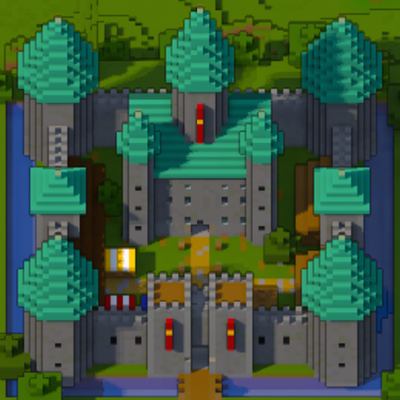
modA minimap and world map drawn at an angle, like a model of your world on a table. Towers stand up, cliffs have faces and trees cast shadows.
 mod
modElectrodynamics is a Minecraft Mod focused around science and technology that introduces many new machines/blocks and items into the game.
 mod
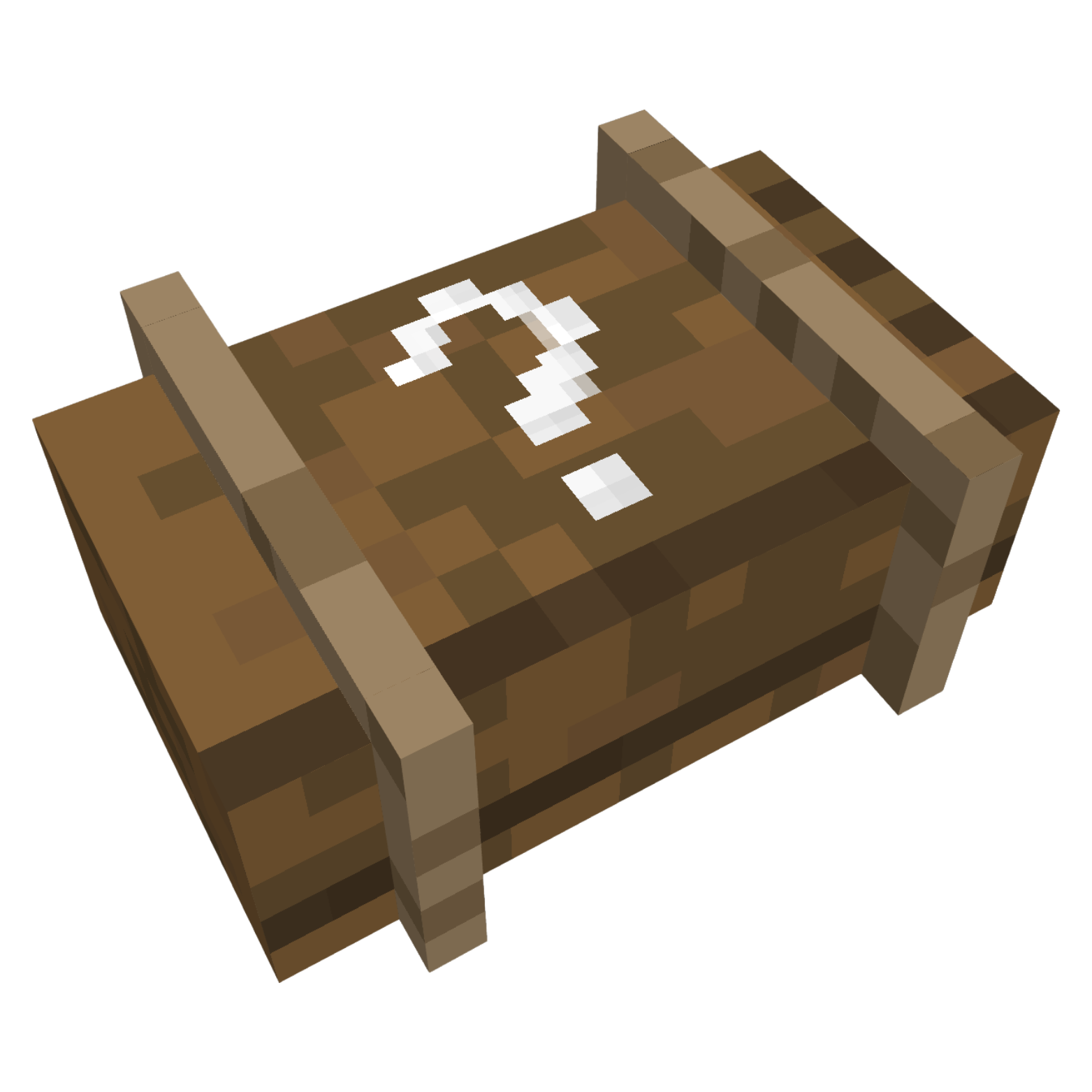
modAdds Lucky Cases to your Game