

Minecraft version
Back to mods 
CurseForge · Minecraft mod
Timeline
A shared advancement timeline with a custom calendar and Hall of Fame
Choose a version Pick your version below, then grab the matching file.
Quick answer
Which Timeline release should I use?
Latest stable file rpgtimeline-forge-1.20.1-2.0.4.2.jar
Game version 1.20.1
Loader Forge
Timeline rpgtimeline-forge-1.20.1-2.0.4.2.jar targets 1.20.1 with Forge. The project page does not say whether this file belongs on the client, dedicated server, or both. No extra mods listed for this file.
Where it goes
Is Timeline required on the client, server, or both?
The project page does not say whether this file belongs on the client, dedicated server, or both.
Client Source doesn’t say
Dedicated server Source doesn’t say
Loader for this release Forge
Required install it here Optional supported, not mandatory Not supported do not install here Source doesn’t say do not assume
The source does not explicitly classify this release as client-only or server-only.
What else does Timeline rpgtimeline-forge-1.20.1-2.0.4.2.jar need?
rpgtimeline-forge-1.20.1-2.0.4.2.jar. Change the file and its required mods may change too.
This file does not list any required mods. Do not add a library just because a different file uses it.
This file does not list any required or optional mods.
Before you install it
Add Timeline without breaking your instance.
Built for Timeline rpgtimeline-forge-1.20.1-2.0.4.2.jar. Pick another file and the loader, install side or required mods may change.
- 01
Stick to this file
Use rpgtimeline-forge-1.20.1-2.0.4.2.jar. It targets 1.20.1 with Forge; another release may have different loader, side or dependency requirements.
- 02
Bring the mods it needs
This file does not list any required mods. Do not add a library just because a different file uses it.
- 03
Put it on the correct side
The project page does not say whether this file belongs on the client, dedicated server, or both.
- 04
Pick the file you checked
Use the “Get this file” button beside rpgtimeline-forge-1.20.1-2.0.4.2.jar. It opens that exact file at the source.
About this project
What does Timeline add?

Minecraft advancements. Super fun, I know. This mod tries to give you a more tangible sense of accomplishment, by capturing all advancements from players on the server and displaying them on a Timeline with some extra "pezazz". jazz hands👋👋
It should be easy for server admins to add custom advancements and how they affect the Timeline's visuals, as well as adding custom events called "Notes" for everyone to read.
The Timeline mod aims to enhance roleplaying by adding a calendar system. A simple "day counter" is too ubiquitous for players to immerse themselves in the adventure and story that unfolds.

- Days, months and years
- Completely configurable calendar system that shows a daily toast to players. For example: "Day 1 of Shadowmere, 420 After Notch"

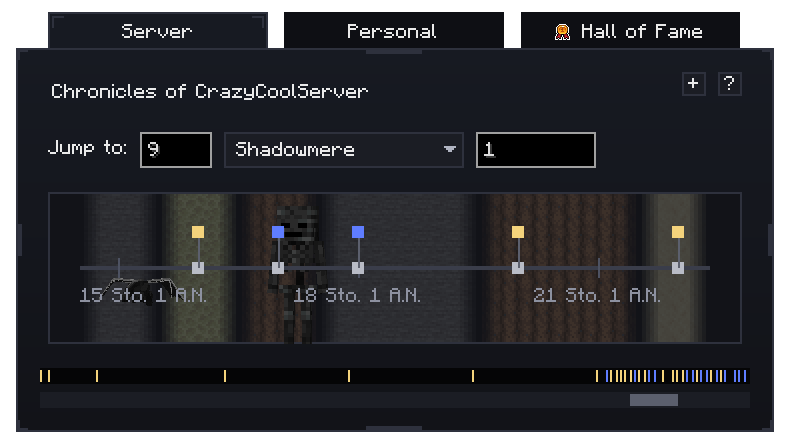
- Chronicle
- All advancements (including ones from mods and ones you add yourself) are recorded into the "Chronicle". You'll see a timeline with "nodes" on them, showing what people have accomplished around that time.
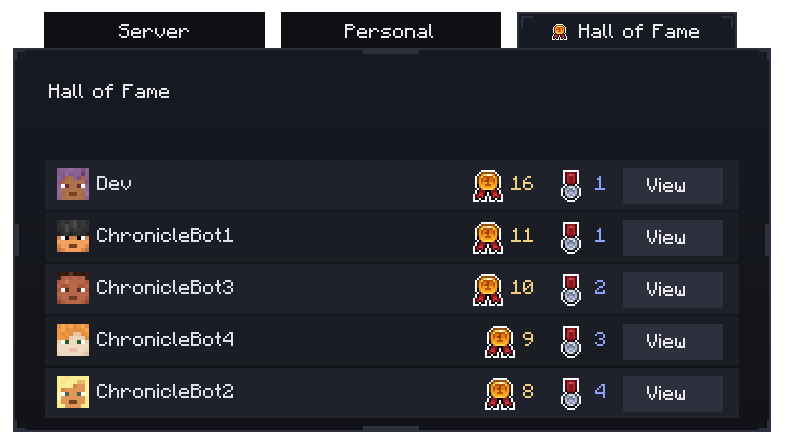
- Hall of Fame
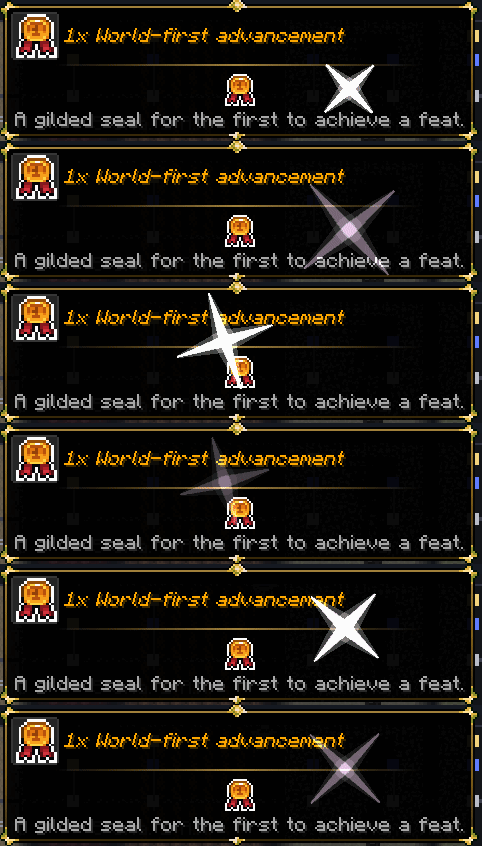
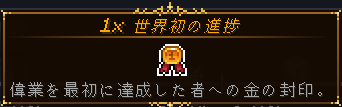
- Keeps track of how many Advancements people have accomplished, including whether they were "world-first". It's about time you are acknowledged for your accolades!
- Highly configurable
- Everything you see can be configured: how many months, names of each month, what is shown on the timeline.. You name it! And, all configuration is hotloaded. Meaning, whatever you change immediately goes into effect for all players.
- Localization
- Timeline covers an extensive range of other languages: 27, to be exact! And I'm always willing to add more. Just reach out to me on Discord or via the comments and I'll get to it.

Timeline adds compatibility with several mods to further enhance its features. Got an idea for additional compatibilities? I'd love to hear it.
Serene Seasons by TheAdubbz: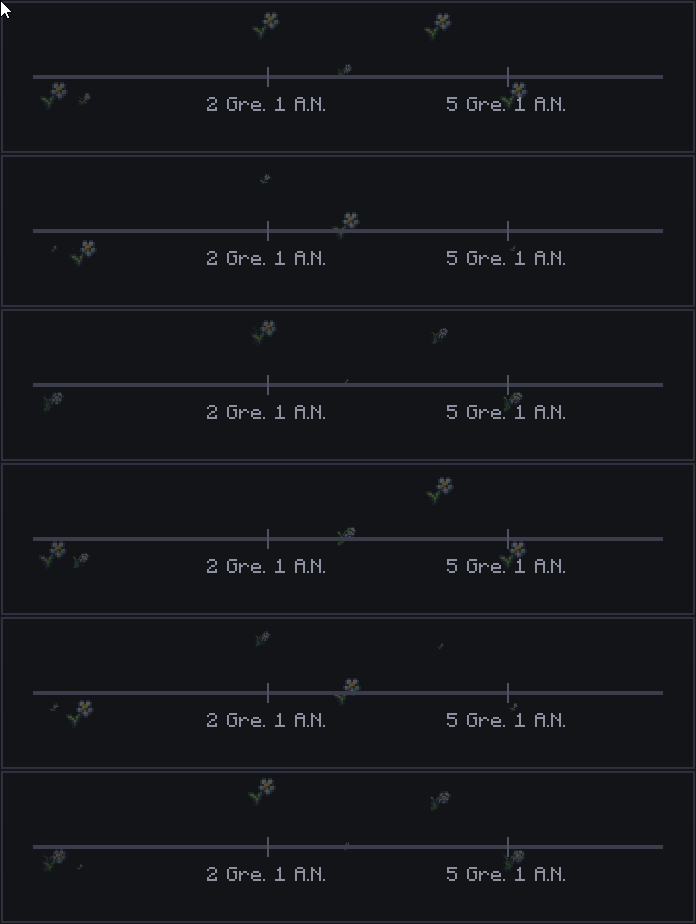
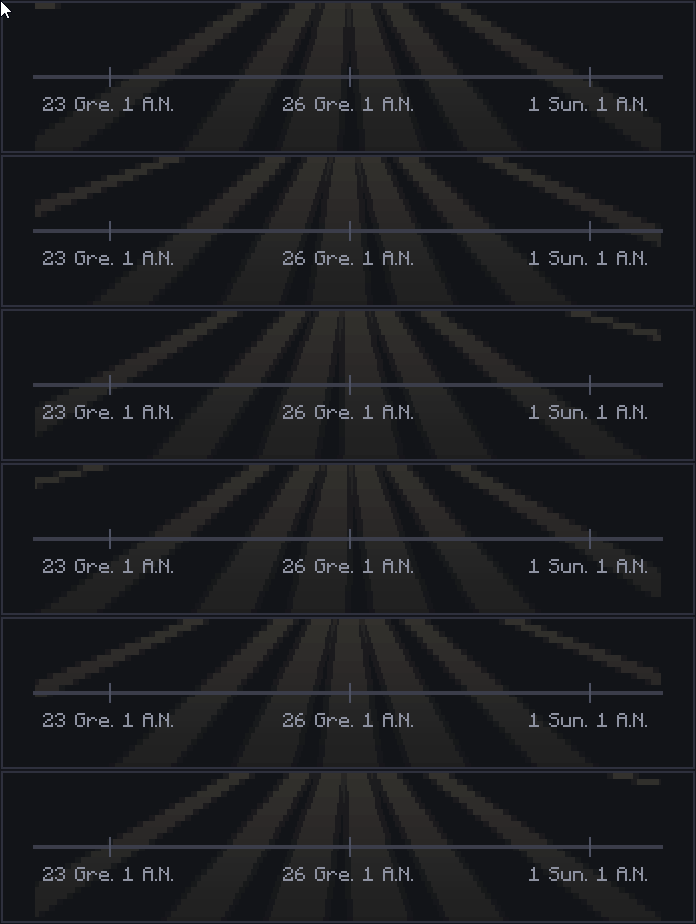
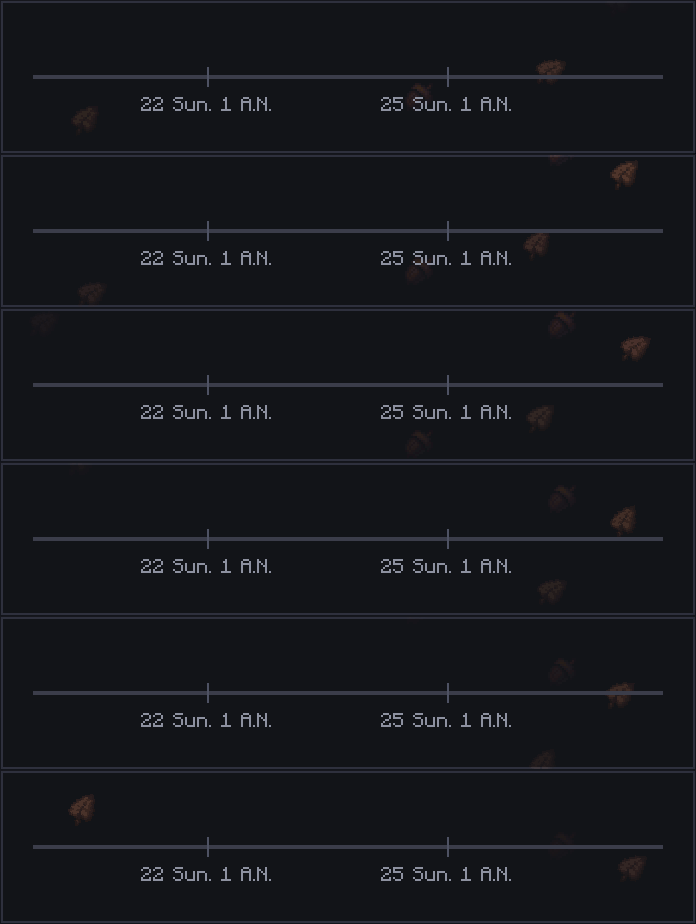
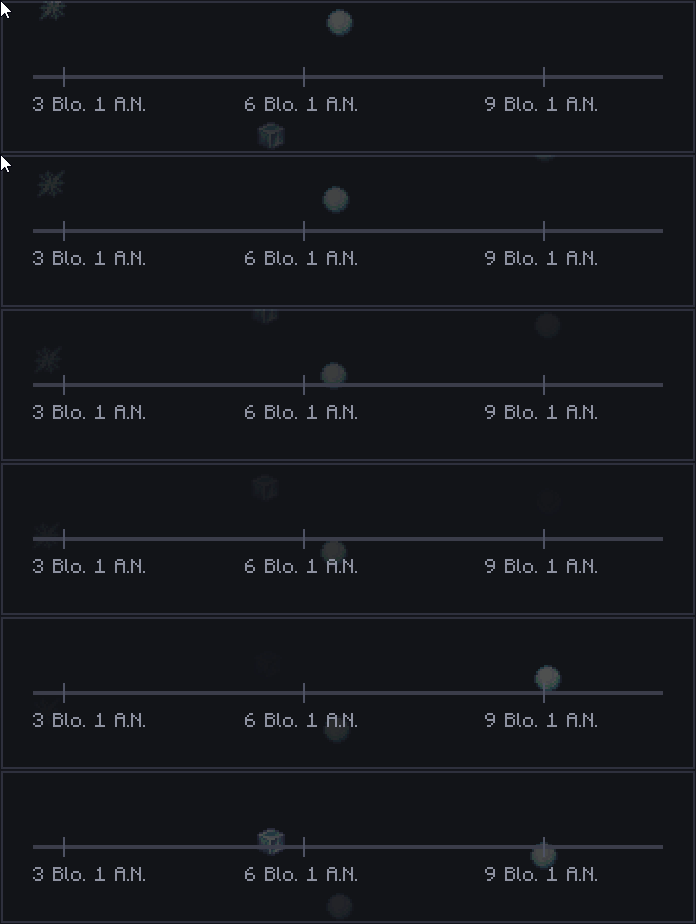
Tooltip Overhaul by xylonity:
Legendary Tooltips by Grend_G

- My question is not listed here!
- Please first read the wiki (WIP) your answer may be there. If not, chat with me on Discord.
- Fabric?
- Hmm.. No, probably not. I may in the future. Spam me enough and I may consider. 😝
- Port to version X?
- I only intend on maintaining Forge 1.20.1, NeoForge 1.21.1 as well as the new 1.22.x

Custom License: Z2SIX Mod License (Assets + Code)
https://github.com/z2six/Timeline/blob/1.21.1/LICENSE.md
Assets excluded from license:
- Font is "Jacquard 12" by Sarah Cadigan-Fried and is permissable under its own license as found on Google Fonts as per 04 February 2026. (link: https://fonts.google.com/specimen/Jacquard 12/license)
- Icons used for the "Seasonal" textures in the Timeline (acorn.png, flower_stage_1.png, flower_stage_2.png, flower_stage_3.png, flower_stage_4.png, ice.png, ice2.png, ice3.png, leaf.png) are courtesy of Glionox.
Project description from CurseForge.
Pick your setup
Timeline by Minecraft version and loader
Choose the version and loader you play, then open the matching release.
Minecraft version
1.21.2
1 loader buildMinecraft version
1.21.1
2 loader buildsMinecraft version
1.21
1 loader buildMinecraft version
1.20.1
1 loader buildCheck the dependencies, then try the file in a copied instance before changing a world you care about.
Recent files
Timeline versions and loaders
rpgtimeline-forge-1.20.1-2.0.4.2.jar
26 Feb 2026
Client Source doesn’t say Server Source doesn’t say Dependencies No extras listed Listed on Release listing
Check the 1.20.1 · Forge setup 1.20.1Forge release
rpgtimeline-neoforge-1.21.3-2.0.4.1.jar
25 Feb 2026
Client Source doesn’t say Server Source doesn’t say Dependencies No extras listed Listed on Release listing
Check the 1.21.3 · NeoForge setup 1.21.3NeoForge release
rpgtimeline-neoforge-1.21-2.0.4.1.jar
25 Feb 2026
Client Source doesn’t say Server Source doesn’t say Dependencies No extras listed Listed on Release listing
Check the 1.21.2 · NeoForge setup 1.211.21.1NeoForge1.21.2 release
rpgtimeline-forge-1.20.1-2.0.4.1.jar
23 Feb 2026
Client Source doesn’t say Server Source doesn’t say Dependencies No extras listed Listed on Release listing
Check the 1.21.1 · Forge setup Forge1.21.11.20.1 release
rpgtimeline-neoforge-1.21.1-2.0.4.1.jar
23 Feb 2026
Client Source doesn’t say Server Source doesn’t say Dependencies No extras listed Listed on Release listing
Check the 1.21.1 · NeoForge setup 1.21.1NeoForge release
rpgtimeline-neoforge-1.21.1-2.0.4.0.jar
17 Feb 2026
Client Source doesn’t say Server Source doesn’t say Dependencies No extras listed Listed on Release listing
Check the 1.21.1 · NeoForge setup 1.21.1NeoForge release
rpgtimeline-forge-1.20.1-2.0.4.0.jar
17 Feb 2026
Client Source doesn’t say Server Source doesn’t say Dependencies No extras listed Listed on Release listing
Check the 1.20.1 · Forge setup 1.20.1Forge release
rpgtimeline-forge-1.20.1-2.0.1.0.jar
15 Feb 2026
Client Source doesn’t say Server Source doesn’t say Dependencies No extras listed Listed on Release listing
Check the 1.21.1 · Forge setup Forge1.21.11.20.1 release
rpgtimeline-neoforge-1.21.1-2.0.1.0.jar
15 Feb 2026
Client Source doesn’t say Server Source doesn’t say Dependencies No extras listed Listed on Release listing
Check the 1.21.1 · NeoForge setup 1.21.1NeoForge release
rpgtimeline-forge-1.20.1-2.0.0.0.jar
5 Feb 2026
Client Source doesn’t say Server Source doesn’t say Dependencies No extras listed Listed on Release listing
Check the 1.20.1 · Forge setup 1.20.1Forge release
timeline-neoforge-1.21.1-2.0.0.0.jar
4 Feb 2026
Client Source doesn’t say Server Source doesn’t say Dependencies No extras listed Listed on Release listing
Check the 1.21.1 · NeoForge setup 1.21.1NeoForge release
Looking for an older file? The official CurseForge project page is in Resources.
 mod
CurseForge + Modrinth · Minecraft
Enchantment Core
A data-driven enchantment component and utility library.
 mod
CurseForge · Minecraft
Ryu's Adventure Utilities: Throwing Disc Update
Adventure and utility content: Potion Slingshot, Slime Boots and Slimesling, XP storage, Repair Station, mob Lasso, Luggage, new potions and wild plants. Fully configurable.
 mod
CurseForge · Minecraft
Survive 100 Days 100 Bosses
Can you survive all 100 days with a new boss every day! Defeat all 100 Bosses