Just Enough Items (JEI) Needed by Just Enough Crafting Tree (JECT) [1.21.1] fabric-JECT-2.4.0.jar
requiredMatching file found Matched file: 19.76.1.481 for Fabric 1.21.1
CurseForge · Minecraft mod
JECT adds a customizable crafting tree that shows all required recipes for any item from any mods.
Quick answer
Just Enough Crafting Tree (JECT) [1.21.1] fabric-JECT-2.4.0.jar targets 1.21.1 with Fabric. The project page does not say whether this file belongs on the client, dedicated server, or both. All 2 required mods have matching files.
Where it goes
The project page does not say whether this file belongs on the client, dedicated server, or both.
The source does not explicitly classify this release as client-only or server-only.
[1.21.1] fabric-JECT-2.4.0.jar. Change the file and its required mods may change too.
Install Just Enough Items (JEI), MezzConfig first. We found matching files for this game-version and loader setup. 3 come through another mod in the chain.
3 extra mods were pulled in by other dependencies. Indented rows show who needs each one. We only count dependency files that match this setup. A file for another loader does not fill the gap.
Before you install it
Built for Just Enough Crafting Tree (JECT) [1.21.1] fabric-JECT-2.4.0.jar. Pick another file and the loader, install side or required mods may change.
Use [1.21.1] fabric-JECT-2.4.0.jar. It targets 1.21.1 with Fabric; another release may have different loader, side or dependency requirements.
Install Just Enough Items (JEI), MezzConfig first. We found matching files for this game-version and loader setup. 3 come through another mod in the chain.
The project page does not say whether this file belongs on the client, dedicated server, or both.
Use the “Get this file” button beside [1.21.1] fabric-JECT-2.4.0.jar. It opens that exact file at the source.
About this project
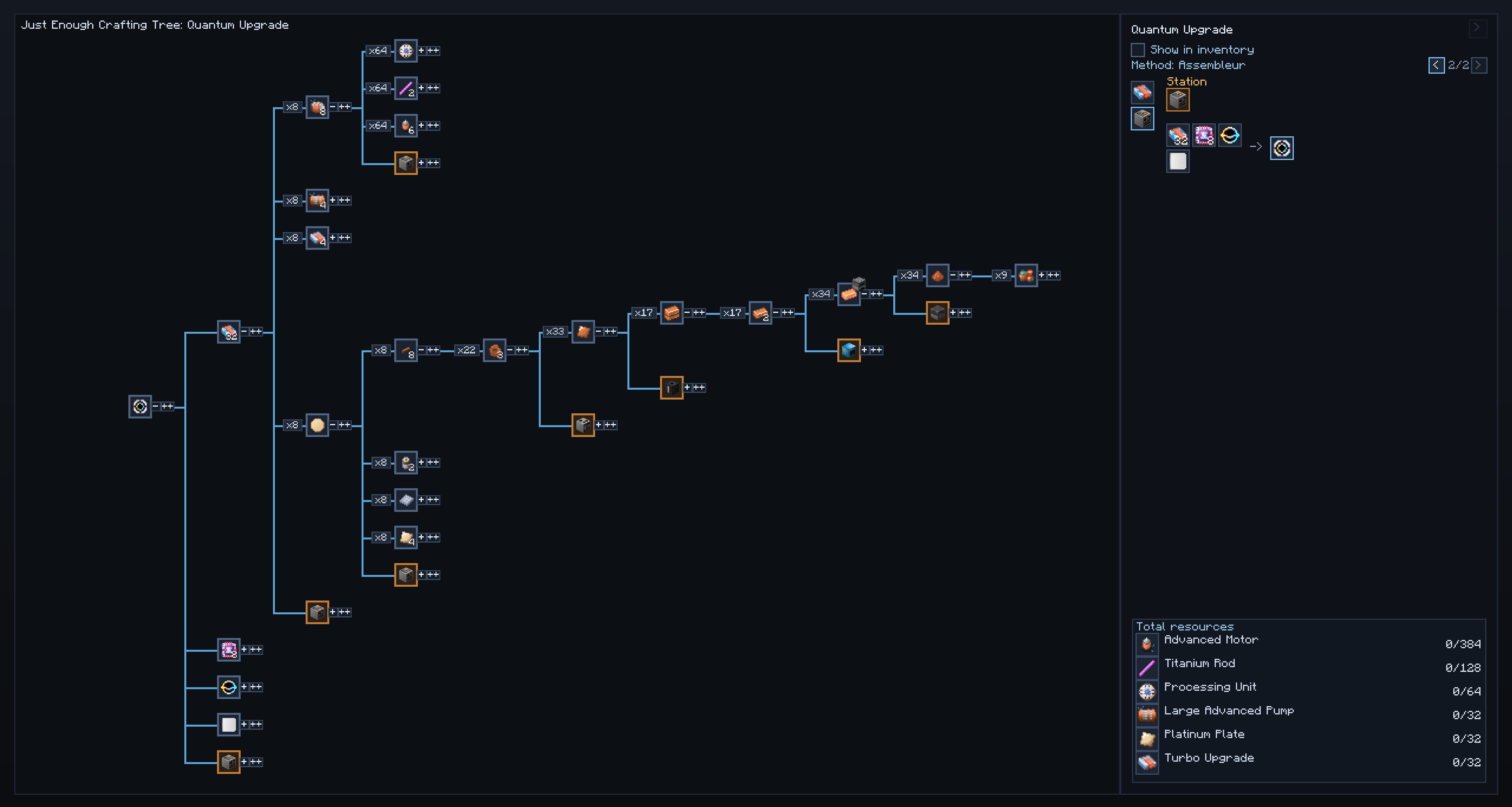
Just Enough Crafting Tree lets you open the full crafting tree of any item, inspect every dependency, and track the useful steps directly from your inventory while crafting.
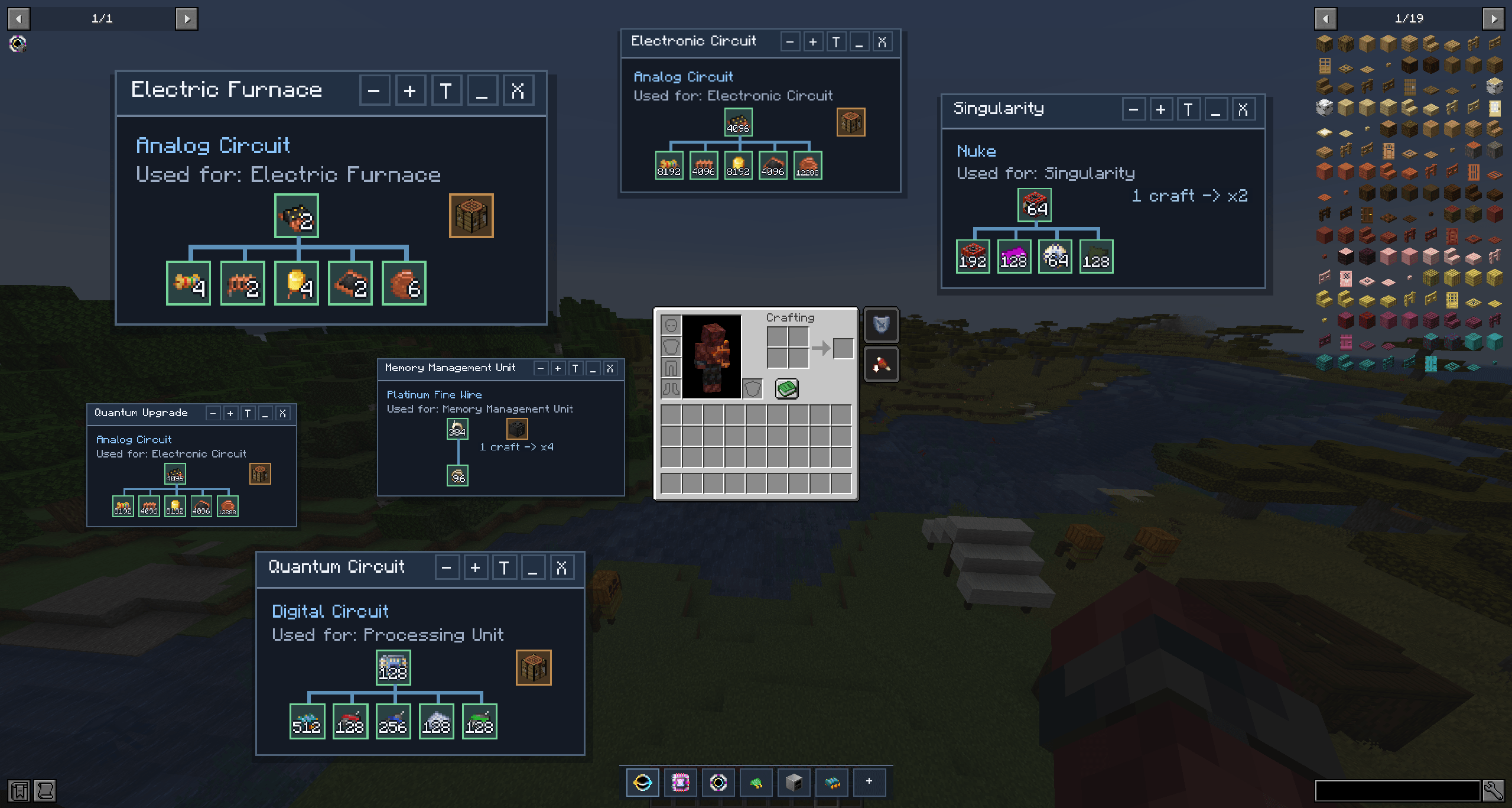
T buttonTracked crafts appear as compact windows in the inventory so you can keep working without constantly reopening the full tree.
Each window shows:
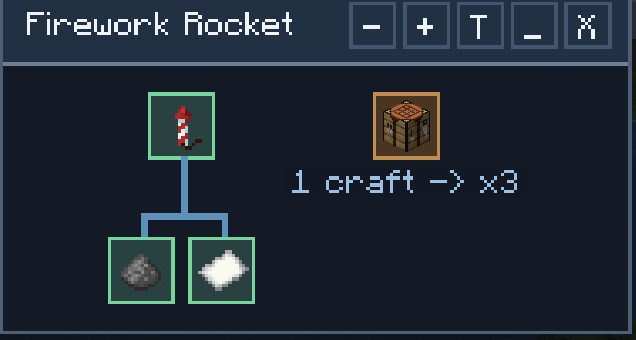
From supported recipe screens, you can jump straight into the crafting tree for the displayed recipe.
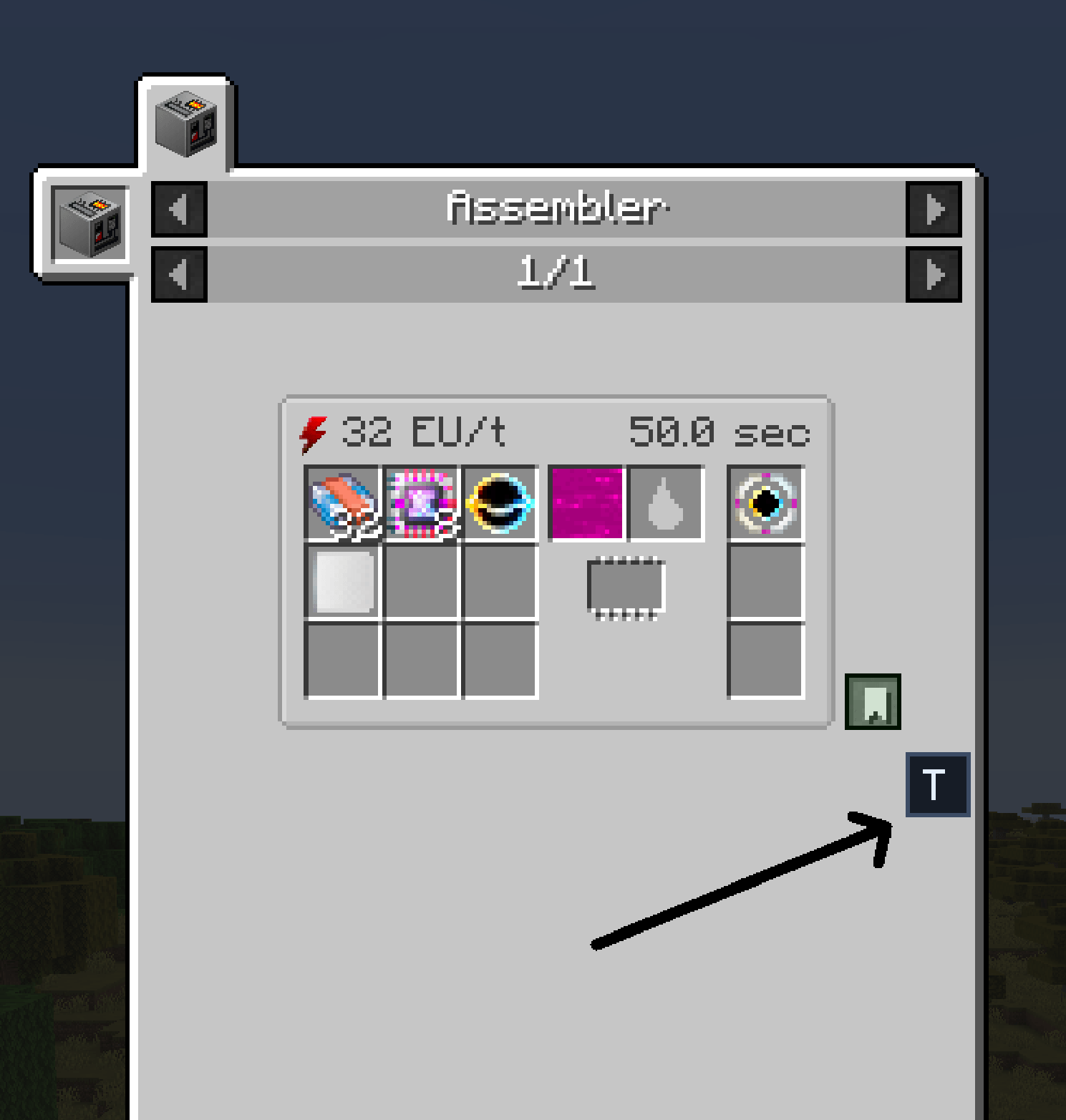
This mod is made for players dealing with long crafting chains, large factories, heavy tech mods, or simply complex progression.
Instead of guessing what to do next, you always know:
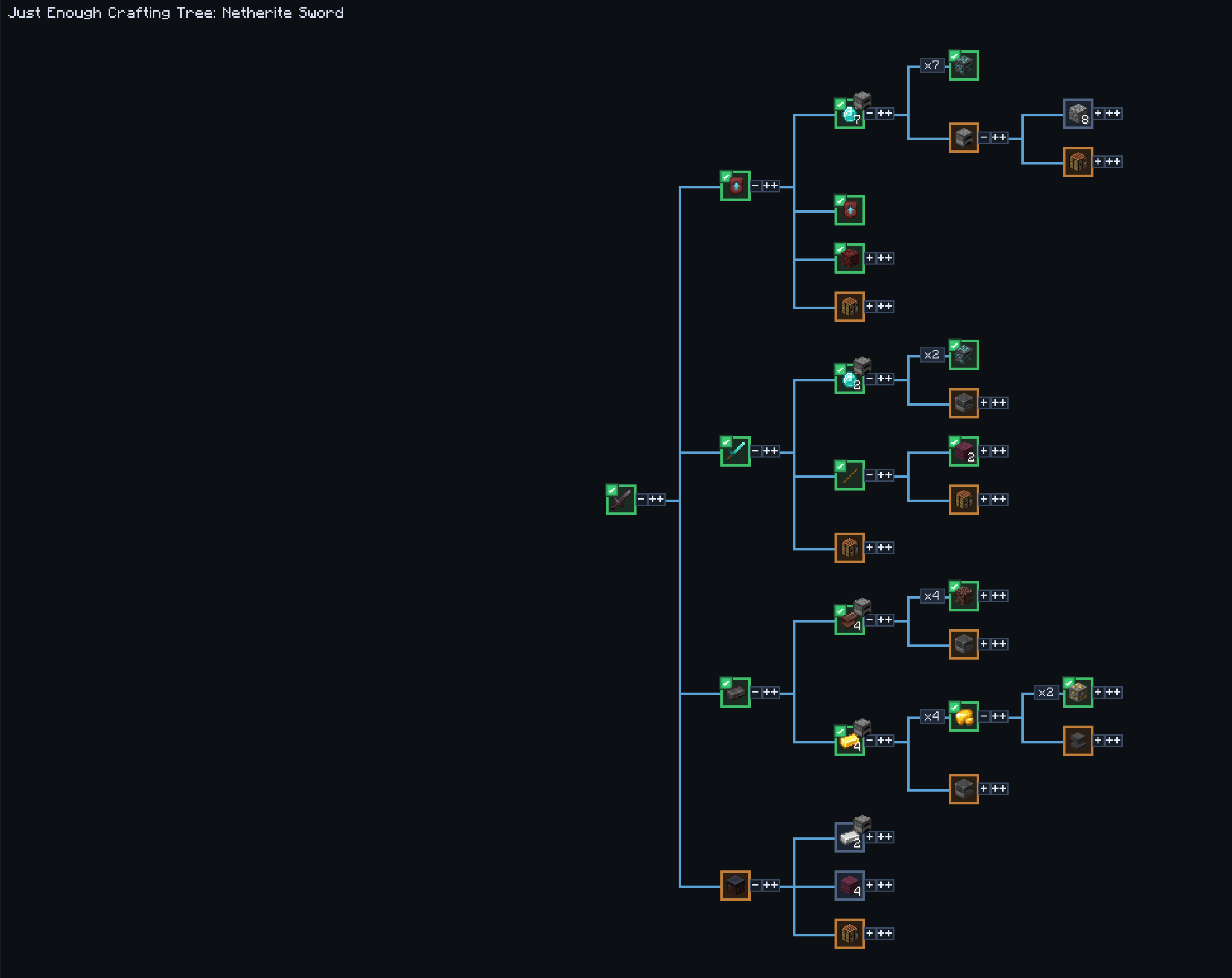
Project description from CurseForge.
Pick your setup
Choose the version and loader you play, then open the matching release.
Check the dependencies, then try the file in a copied instance before changing a world you care about.
Recent files
19 Jul 2026
19 Jul 2026
19 Jul 2026
19 Jul 2026
19 Jul 2026
19 Jul 2026
19 Jul 2026
19 Jun 2026
19 Jun 2026
23 May 2026
23 May 2026
23 May 2026
Looking for an older file? The official CurseForge project page is in Resources.
 mod
A sleek social chat mod for Minecraft that replaces vanilla chat with channels, private messaging, and a modern GUI.
 mod
Smart Crafter is a lightweight, vanilla-friendly automation mod that upgrades the vanilla Crafter into a true set-and-forget auto-crafter—no redstone clocks required, and no more accidentally emptying your crafting template!
 mod
Displays your idle weapons sheathed on your body in Epic Fight.