Create Needed by Create: NeoBots create_neobots-0.2.2-beta.jar
requiredMatching file found Matched file: Create 6.0.10 for mc1.21.1
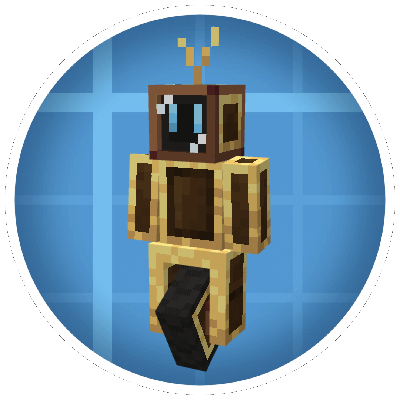
CurseForge · Minecraft mod
A Create-powered programmable robot mod that brings automation, logistics, and intelligent interaction into your world.
Quick answer
Create: NeoBots create_neobots-0.2.2-beta.jar targets 1.21.1 with NeoForge. The project page does not say whether this file belongs on the client, dedicated server, or both. All 1 required mods have matching files.
Where it goes
The project page does not say whether this file belongs on the client, dedicated server, or both.
The source does not explicitly classify this release as client-only or server-only.
create_neobots-0.2.2-beta.jar. Change the file and its required mods may change too.
Install Create first. We found matching files for this game-version and loader setup.
We only count dependency files that match this setup. A file for another loader does not fill the gap.
Before you install it
Built for Create: NeoBots create_neobots-0.2.2-beta.jar. Pick another file and the loader, install side or required mods may change.
Use create_neobots-0.2.2-beta.jar. It targets 1.21.1 with NeoForge; another release may have different loader, side or dependency requirements.
Install Create first. We found matching files for this game-version and loader setup.
The project page does not say whether this file belongs on the client, dedicated server, or both.
Use the “Get this file” button beside create_neobots-0.2.2-beta.jar. It opens that exact file at the source.
About this project
What if your Create factory had a little helper?
Create NeoBot adds modular robotic companions to your Minecraft world.
Build them. Upgrade them. Teach them what to do.
Then watch them work to automate your creations.
⚠️ Currently in Beta – Stable core systems, active development ongoing.
Official documentation:
👉 https://agm-studio.github.io/NeoBots/
NeoBots aren’t just machines — they’re mechanical workers you design yourself.
Want a bot that simply roams your base? Give it the right modules.
Want a bot that delivers items between machines? Give it the right modules.
Need more capabilities? Upgrade it.
You decide what your bot becomes.
The modular system makes NeoBots accessible for everyone:
Start small. Expand later.
There’s no single “correct” way to build your bot.
Your factory doesn’t have to run alone anymore.
Create NeoBot is evolving.
Your ideas, bug reports, and suggestions help shape its future.
This project is licensed under a Custom All Rights Reserved License.
You may:
You may not:
For additional permissions, please contact the author.
Project description from CurseForge.
Pick your setup
Choose the version and loader you play, then open the matching release.
Check the dependencies, then try the file in a copied instance before changing a world you care about.
Recent files
28 Jun 2026
25 Jun 2026
26 Feb 2026
19 Feb 2026
18 Feb 2026
Looking for an older file? The official CurseForge project page is in Resources.
 mod
An unofficial Auto Leveling continuation featuring formula-based attributes, KubeJS level controls, LootJS compatibility, and improved configuration formatting.
 mod
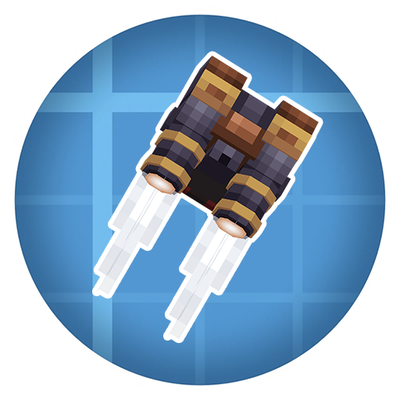
Take to the skies with a Create jetpack, or wear it with an elytra to boost your glide!
 mod
Adds unique zombie variants made in a seamless Vanilla+ style with custom models and tactical abilities.