Minecraft version
Back to mods 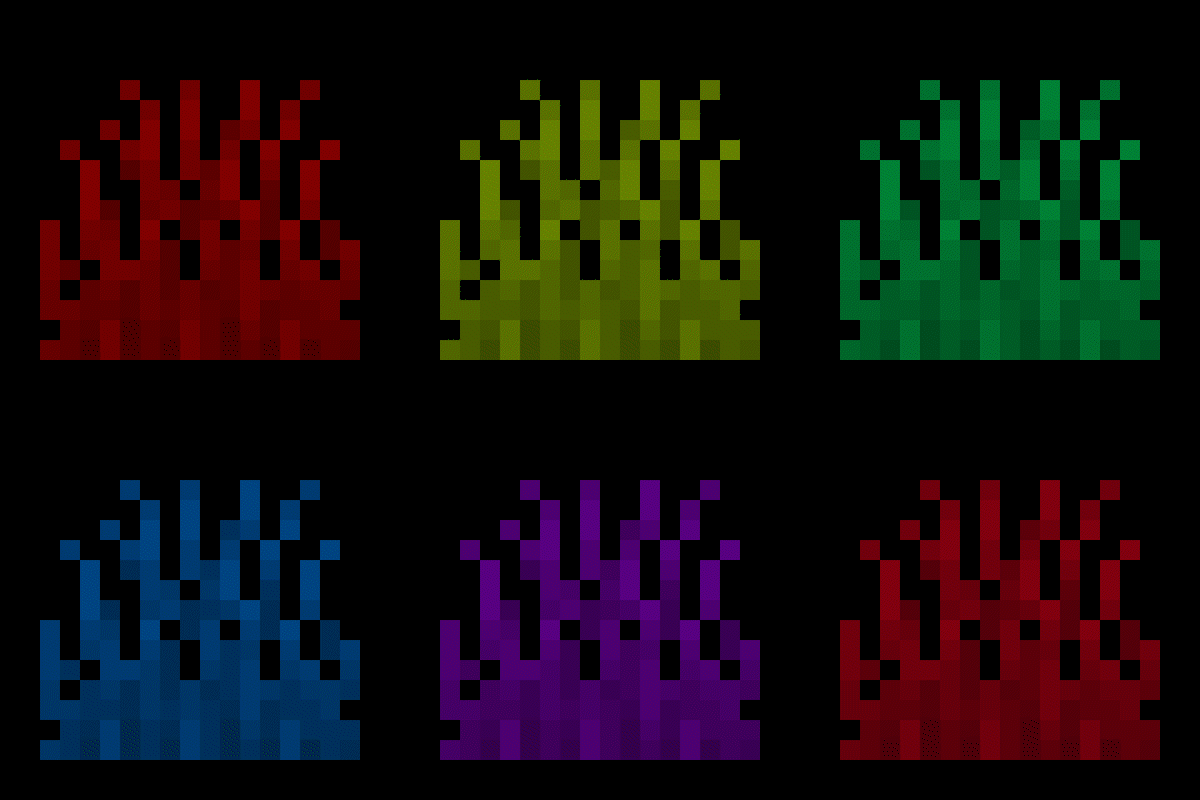
CurseForge · Minecraft mod
Grassidium
Makes plants alive! Grass, flowers, underwater, and modded plants spread and grow dynamically based on their environment.
Choose a version Pick your version below, then grab the matching file.
Quick answer
Which Grassidium release matches 26.3 NeoForge?
Best match for your filters [NeoForge 26.3] v1.2.0
Game version 26.3
Loader NeoForge
Grassidium [NeoForge 26.3] v1.2.0 targets 26.3 with NeoForge. The project page does not say whether this file belongs on the client, dedicated server, or both. No extra mods listed for this file.
Where it goes
Is Grassidium required on the client, server, or both?
The project page does not say whether this file belongs on the client, dedicated server, or both.
Client Source doesn’t say
Dedicated server Source doesn’t say
Loader for this release NeoForge
Required install it here Optional supported, not mandatory Not supported do not install here Source doesn’t say do not assume
The source does not explicitly classify this release as client-only or server-only.
What else does Grassidium [NeoForge 26.3] v1.2.0 need?
[NeoForge 26.3] v1.2.0 on 26.3 NeoForge. Every mod below is checked against that same setup.
This file does not list any required mods. Do not add a library just because a different file uses it.
This file does not list any required or optional mods.
Before you install it
Add Grassidium without breaking your instance.
Built for Grassidium [NeoForge 26.3] v1.2.0 on 26.3 NeoForge. Pick another file and the loader, install side or required mods may change.
- 01
Stick to this file
Use [NeoForge 26.3] v1.2.0. It targets 26.3 with NeoForge; another release may have different loader, side or dependency requirements.
- 02
Bring the mods it needs
This file does not list any required mods. Do not add a library just because a different file uses it.
- 03
Put it on the correct side
The project page does not say whether this file belongs on the client, dedicated server, or both.
- 04
Pick the file you checked
Use the “Get this file” button beside [NeoForge 26.3] v1.2.0. It opens that exact file at the source.
About this project
What does Grassidium add?
Plants spread to nearby blocks depending on light, and by default they do it faster in the rain (land plants only). Small plants like grass, ferns and seagrass can grow into their tall versions, and sea pickles multiply in place. It works underwater too: seagrass, kelp and corals spread on their own.
If too many plants of the same kind are packed together, they stop spreading. Solid blocks stop spreading completely. Fences, iron bars and glass lower the chance by default, and how much is set in the rules below (at 100 they block it fully).
Modded plants work automatically if they use the vanilla plant block tags.
Settings
No config file, everything is a gamerule, so it's per-world. Set it in World Creation → Game Rules (World Updates) or in-game with /gamerule.
| Rule (1.21.1) | Rule (1.21.11+) | Default | What it does |
|---|---|---|---|
| doPlantSpread | do_plant_spread | true | Turns all spreading and growth on/off |
| plantSpreadChance | plant_spread_chance | 3 | Spread chance for regular plants, % |
| flowerSpreadChance | flower_spread_chance | 1 | Spread chance for flowers, % |
| plantGrowthChance | plant_growth_chance | 1 | Chance for small plants to grow tall, % |
| plantSpreadRadius | plant_spread_radius | 3 | Max spread distance in blocks (1-8) |
| plantRainMultiplier | plant_rain_multiplier | 150 | Growth speed in rain, % (150 = 1.5x) |
| plantObstaclePenalty | plant_obstacle_penalty | 50 | Spread penalty through fences/glass, % (100 = fully blocked) |
Project description from CurseForge.
Pick your setup
Grassidium by Minecraft version and loader
Choose the version and loader you play, then open the matching release.
Minecraft version
26.2
1 loader buildMinecraft version
1.21.11
1 loader buildMinecraft version
1.21.10
1 loader buildMinecraft version
1.21.4
1 loader buildMinecraft version
1.21.1
1 loader buildCheck the dependencies, then try the file in a copied instance before changing a world you care about.
Recent files
Grassidium versions and loaders
[NeoForge 26.3] v1.2.0
grassidium-neoforge-1.2.0+26.3.jar
22 Sept 2026
Client Source doesn’t say Server Source doesn’t say Dependencies No extras listed Listed on Release listing
Check the 26.3 · NeoForge setup NeoForge26.3 release
Looking for an older file? The official CurseForge project page is in Resources.
 mod
CurseForge · Minecraft
Color Accurate Maps
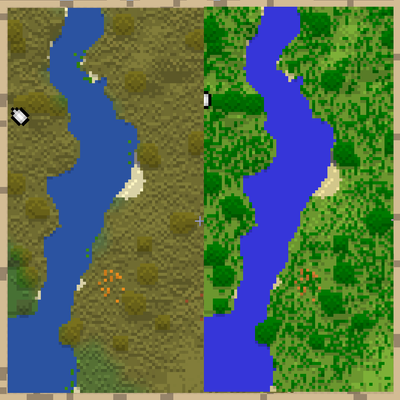
Lightweight Quality of Life mod that give maps a more color accurate to the minecraft world
 mod
CurseForge + Modrinth · Minecraft
Integrated API
The library mod for the Integrated Structures series
 mod
CurseForge · Minecraft
Wild Reaches
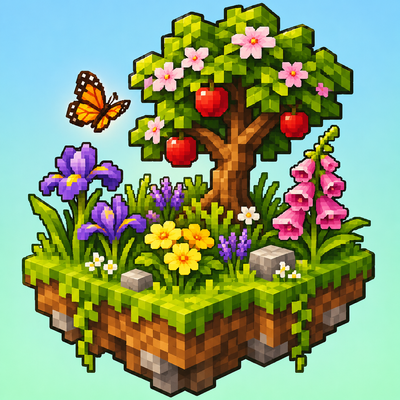
Nature and exploration expansion: new biomes, 30+ flowers, four wood types, butterflies, baskets and wicker crafts. A Forge 1.21.1 port of Terra Incognita. Requires TerraBlender.