Minecraft version
Back to mods 
CurseForge · Minecraft mod
Finescale GUI
Unlock smooth decimal GUI scaling in Minecraft! Replace the limited 1–2–3 GUI sizes with a precise slider for perfect UI sizing on any screen.
Choose a version Pick your version below, then grab the matching file.
Quick answer
Which Finescale GUI release matches 1.20.3?
Best match for your filters finescale-1.20-1.0.0.jar
Game version 1.20.2, 1.20.5, 1.20.1
Loader Fabric
Finescale GUI finescale-1.20-1.0.0.jar targets 1.20.2, 1.20.5, 1.20.1 with Fabric. The project page does not say whether this file belongs on the client, dedicated server, or both. No extra mods listed for this file.
Where it goes
Is Finescale GUI required on the client, server, or both?
The project page does not say whether this file belongs on the client, dedicated server, or both.
Client Source doesn’t say
Dedicated server Source doesn’t say
Loader for this release Fabric
Required install it here Optional supported, not mandatory Not supported do not install here Source doesn’t say do not assume
The source does not explicitly classify this release as client-only or server-only.
What else does Finescale GUI finescale-1.20-1.0.0.jar need?
finescale-1.20-1.0.0.jar on 1.20.3. Every mod below is checked against that same setup.
This file does not list any required mods. Do not add a library just because a different file uses it.
This file does not list any required or optional mods.
Before you install it
Add Finescale GUI without breaking your instance.
Built for Finescale GUI finescale-1.20-1.0.0.jar on 1.20.3. Pick another file and the loader, install side or required mods may change.
- 01
Stick to this file
Use finescale-1.20-1.0.0.jar. It targets 1.20.2, 1.20.5, 1.20.1 with Fabric; another release may have different loader, side or dependency requirements.
- 02
Bring the mods it needs
This file does not list any required mods. Do not add a library just because a different file uses it.
- 03
Put it on the correct side
The project page does not say whether this file belongs on the client, dedicated server, or both.
- 04
Pick the file you checked
Use the “Get this file” button beside finescale-1.20-1.0.0.jar. It opens that exact file at the source.
About this project
What does Finescale GUI add?
FineScale GUI enhances Minecraft’s GUI scaling system by replacing the default step-based options (1, 2, 3, Auto) with a smooth, precise slider that supports decimal values such as 1.1, 1.25, 1.75, and more.
This allows players to fine-tune their interface size for any resolution, monitor size, or personal preference, perfect for ultrawide displays, laptops, high-DPI monitors, and custom setups.
Changes apply instantly with live preview.
Control it in-game using < and >. Can be also configured with mod menu config screen.
Project description from CurseForge.
Pick your setup
Finescale GUI by Minecraft version and loader
Choose the version and loader you play, then open the matching release.
Minecraft version
1.21.10
1 loader buildMinecraft version
1.21.9
1 loader buildMinecraft version
1.21.8
1 loader buildMinecraft version
1.21.6
1 loader buildMinecraft version
1.21.5
1 loader buildMinecraft version
1.21.4
1 loader buildMinecraft version
1.20.6
1 loader buildMinecraft version
1.20.5
1 loader buildMinecraft version
1.20.4
1 loader buildMinecraft version
1.20.3
1 loader buildMinecraft version
1.20.2
1 loader buildShowing the newest 12 of 13 game versions. Older files are in the list below.
Check the dependencies, then try the file in a copied instance before changing a world you care about.
Recent files
Finescale GUI versions and loaders
finescale-1.20-1.0.0.jar
26 Mar 2026
Client Source doesn’t say Server Source doesn’t say Dependencies No extras listed Listed on Release listing
Check the 1.20.3 · Fabric setup 1.20.2Fabric1.20.51.20.1 release
Looking for an older file? The official CurseForge project page is in Resources.
 mod
CurseForge · Minecraft
Toggly
Client-side movement toggles, a customizable HUD, and automatic inventory tool swapping while you mine.
 mod
CurseForge · Minecraft
Arrow, Trident & Pearl Trails
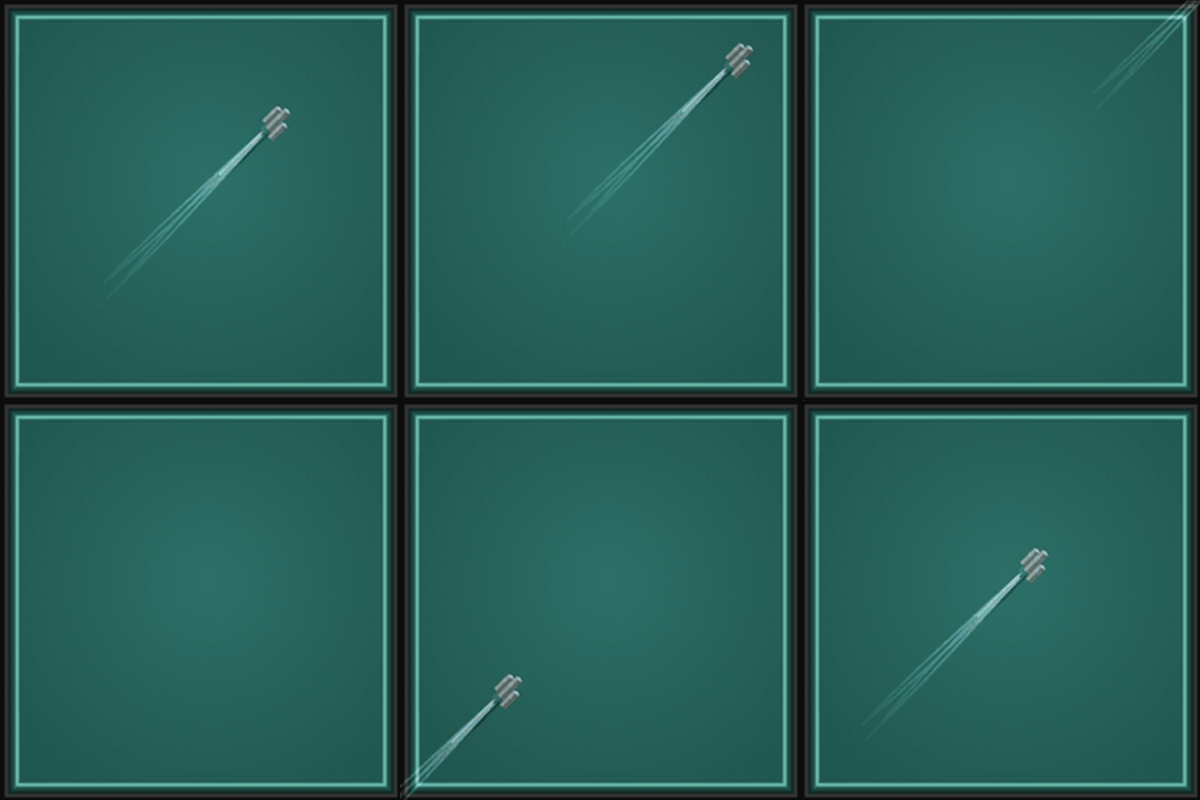
Adds trails to arrows, tridents, and ender pearls
 mod
CurseForge · Minecraft
geential
Instant co-op world hosting, friends & invites hub, custom profile switcher, 3D wardrobe studio (wings, capes, emotes, Mojang & .PNG skin importer), and weak-PC performance booster for Minecraft 1.20.1 (Forge & Fabric).