Minecraft version
Back to mods 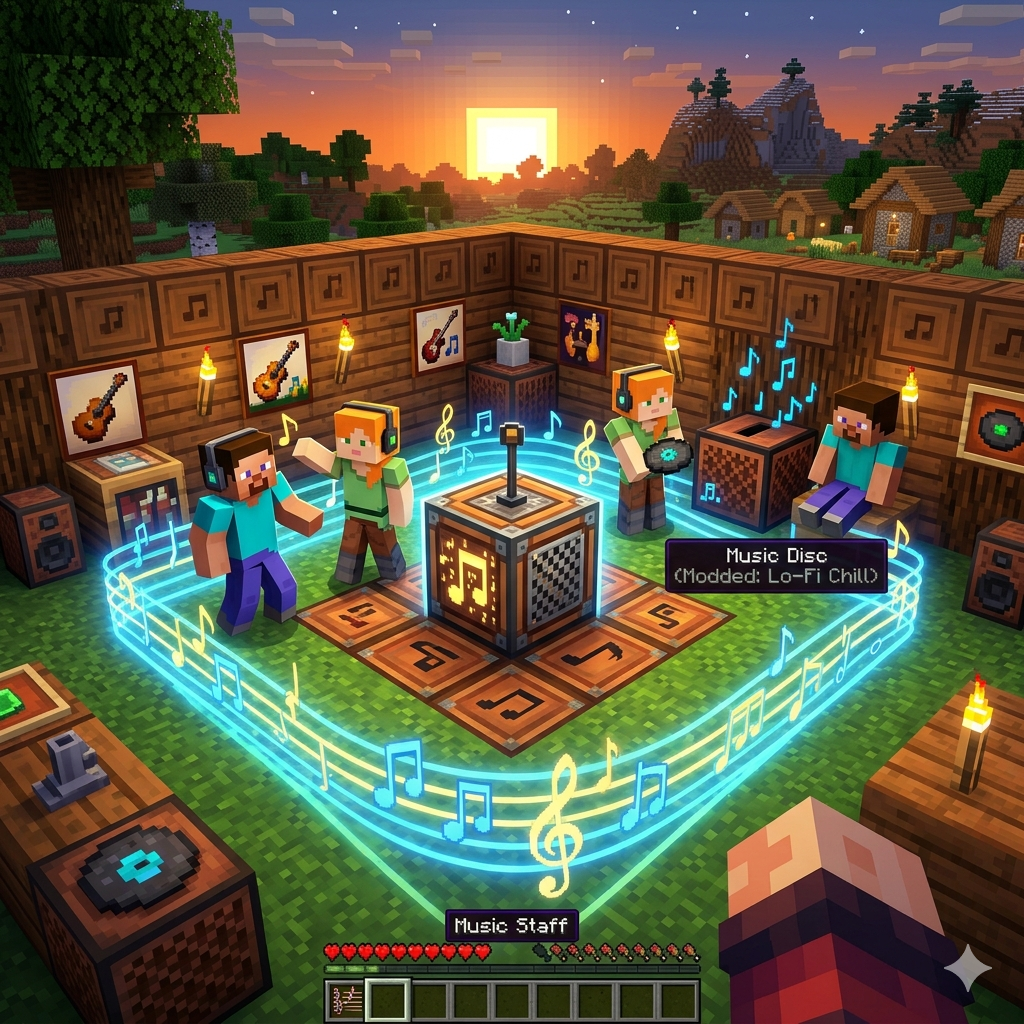
CurseForge · Minecraft mod
Music Area
Create music areas using a stick: Shift + left click for position 1 and lock for position 2. Once defined, left click inside the area to set the video URL. Any player who enters will automatically hear the music.
Choose a version Pick your version below, then grab the matching file.
Quick answer
Which Music Area release should I use?
Latest stable file musicareas-1.3.0.jar
Game version 1.21.1
Loader NeoForge
Music Area musicareas-1.3.0.jar targets 1.21.1 with NeoForge. The project page does not say whether this file belongs on the client, dedicated server, or both. No extra mods listed for this file.
Where it goes
Is Music Area required on the client, server, or both?
The project page does not say whether this file belongs on the client, dedicated server, or both.
Client Source doesn’t say
Dedicated server Source doesn’t say
Loader for this release NeoForge
Required install it here Optional supported, not mandatory Not supported do not install here Source doesn’t say do not assume
The source does not explicitly classify this release as client-only or server-only.
What else does Music Area musicareas-1.3.0.jar need?
musicareas-1.3.0.jar. Change the file and its required mods may change too.
This file does not list any required mods. Do not add a library just because a different file uses it.
This file does not list any required or optional mods.
Before you install it
Add Music Area without breaking your instance.
Built for Music Area musicareas-1.3.0.jar. Pick another file and the loader, install side or required mods may change.
- 01
Stick to this file
Use musicareas-1.3.0.jar. It targets 1.21.1 with NeoForge; another release may have different loader, side or dependency requirements.
- 02
Bring the mods it needs
This file does not list any required mods. Do not add a library just because a different file uses it.
- 03
Put it on the correct side
The project page does not say whether this file belongs on the client, dedicated server, or both.
- 04
Pick the file you checked
Use the “Get this file” button beside musicareas-1.3.0.jar. It opens that exact file at the source.
About this project
What does Music Area add?
Music Zones: Transform Your World with Sound
Music Zones is a mod designed to add an unprecedented layer of immersion to your Minecraft creations. It allows creators and server owners to define physical areas linked to custom music or audio through a simple and straightforward interface.
Key Features
Precise Area Demarcation: Using a basic tool (a stick), you can mark exact coordinates to create an invisible zone where the audio takes over.
External Audio Integration: The mod allows you to link any video/audio URL, removing the limitations of standard Minecraft music discs.
Intuitive Selection System:
Position 1: Shift + Left Click with the stick.
Position 2: Click while guarding to close the area.
Dynamic Configuration: Once the zone is created, a simple left click within the perimeter opens the interface to manage or update the audio link.
How does it change the player experience? This mod transforms Minecraft's static environment into a living, atmospheric world. Upon entering a designated zone, audio automatically begins playing for the player, creating seamless transitions between different environments.
Use examples:
RPG Towns: Walk through the market and hear the bustle of a medieval town, but upon entering the local tavern, the music instantly shifts to a lively folk tune.
Horror Maps: Create "tense" zones where the silence is broken by unsettling ambient sounds the moment the player enters a dark room.
Chill/AFK Zones: Set up your base with lo-fi playlists so any visiting friends can relax while organizing chests.
Music Zones isn't just a technical tool; it's the paintbrush that allows builders to "paint" with sound, giving every corner of the map its own unique personality and theme.
Project description from CurseForge.
Pick your setup
Music Area by Minecraft version and loader
Choose the version and loader you play, then open the matching release.
Check the dependencies, then try the file in a copied instance before changing a world you care about.
Recent files
Music Area versions and loaders
musicareas-1.3.0.jar
11 Mar 2026
Client Source doesn’t say Server Source doesn’t say Dependencies No extras listed Listed on Release listing
Check the 1.21.1 · NeoForge setup 1.21.1NeoForge release
Looking for an older file? The official CurseForge project page is in Resources.