Fusion (Connected Textures) Needed by Multiblock Fluid Tank multiblockfluidtanks-1.0.3-26.2
requiredMatching file found Matched file: Fusion 1.3.16 for NeoForge 26.2
CurseForge · Minecraft mod
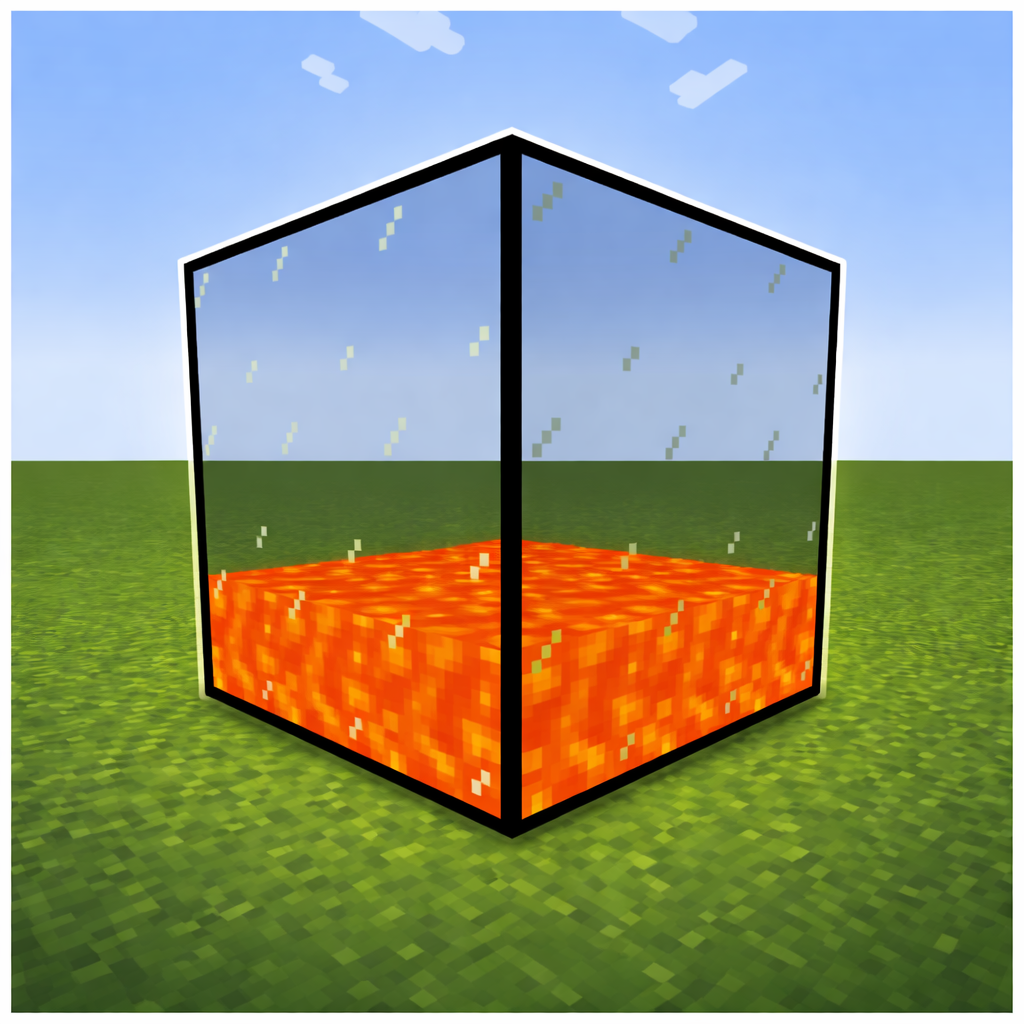
A Multiblock Fluid Tank with three differen sizes. Tanks can have any form or size.
Quick answer
Multiblock Fluid Tank multiblockfluidtanks-1.0.3-26.2 targets 26.2 with NeoForge. The project page does not say whether this file belongs on the client, dedicated server, or both. All 1 required mods have matching files.
Where it goes
The project page does not say whether this file belongs on the client, dedicated server, or both.
The source does not explicitly classify this release as client-only or server-only.
multiblockfluidtanks-1.0.3-26.2. Change the file and its required mods may change too.
Install Fusion (Connected Textures) first. We found matching files for this game-version and loader setup.
We only count dependency files that match this setup. A file for another loader does not fill the gap.
Before you install it
Built for Multiblock Fluid Tank multiblockfluidtanks-1.0.3-26.2. Pick another file and the loader, install side or required mods may change.
Use multiblockfluidtanks-1.0.3-26.2. It targets 26.2 with NeoForge; another release may have different loader, side or dependency requirements.
Install Fusion (Connected Textures) first. We found matching files for this game-version and loader setup.
The project page does not say whether this file belongs on the client, dedicated server, or both.
Use the “Get this file” button beside multiblockfluidtanks-1.0.3-26.2. It opens that exact file at the source.
About this project
Multiblock Fluid Tanks adds simple yet powerful fluid storage to your world. Place tanks next to each other and they automatically connect forming a single, shared storage network of any shape or size.
Three tank sizes — Small, Medium and Large, each with a different fluid capacity
Automatic multiblock — Tanks connect in any direction (up, down, north, south, east, west), forming networks of any shape and size
Shared fluid storage — All connected tanks of the same tier act as one large tank, fluid is distributed evenly from bottom to top
Fluid conflict prevention — Tanks with different fluids cannot be connected, keeping your storage safe
Fluid container support — Fill and empty tanks with buckets or fluid containers from other mods
Light emission — Tanks glow based on the fluid inside (e.g. lava)
GUI — Right-click any tank to see the fluid type, total capacity, network size and flow rate
Fusion (Connected Textures) is required so the tank textures connect seamlessly.
NeoForge — 1.20.4, 1.20.6, 1.21, 1.21.1, 1.21.3, 1.21.4, 1.21.5, 1.21.8, 1.21.10, 1.21.11, 26.1.2, 26.2, 26.3
Forge / NeoForge — 1.20.1
All versions are full releases. You can find what changed in each update in the changelog of the file.
Project description from CurseForge.
Pick your setup
Choose the version and loader you play, then open the matching release.
Showing the newest 12 of 14 game versions. Older files are in the list below.
Check the dependencies, then try the file in a copied instance before changing a world you care about.
Recent files
multiblockfluidtanks-1.0.3.jar
8 Nov 2026
multiblockfluidtanks-1.0.3.jar
8 Nov 2026
multiblockfluidtanks-1.0.3.jar
8 Nov 2026
multiblockfluidtanks-1.0.3.jar
8 Nov 2026
multiblockfluidtanks-1.0.3.jar
8 Nov 2026
multiblockfluidtanks-1.0.3.jar
8 Nov 2026
multiblockfluidtanks-1.0.3.jar
8 Nov 2026
multiblockfluidtanks-1.0.3.jar
8 Nov 2026
multiblockfluidtanks-1.0.3.jar
8 Nov 2026
multiblockfluidtanks-1.0.3.jar
8 Nov 2026
multiblockfluidtanks-1.0.3.jar
8 Nov 2026
multiblockfluidtanks-1.0.3.jar
8 Nov 2026
Looking for an older file? The official CurseForge project page is in Resources.
 mod
Carry 54 slots of extra storage in a Netherite-themed rucksack with a dedicated equipment slot, a visible back model, and easy hotbar access.
 mod
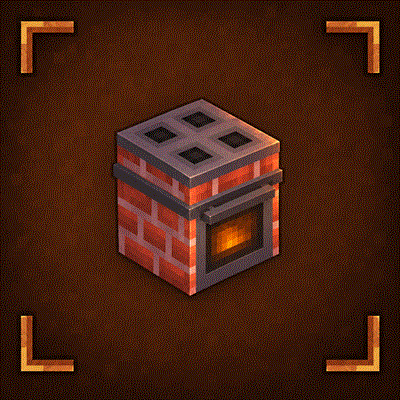
A rustic Cooking for Blockheads addon featuring wooden kitchen furniture and brick ovens.
 mod
Feel the pain!