Changed Needed by Changed Extras changedextras-1.1.5c.jar
requiredMatching file found Matched file: Changed-m1.20.1-v0.15.7-all.jar
CurseForge · Minecraft mod
A "Changed: Minecraft Mod" addon that adds stuff that wont fit in it's theme, example: characters from other verses
Quick answer
Changed Extras changedextras-1.1.5c.jar targets 1.20.1 with Forge. The project page does not say whether this file belongs on the client, dedicated server, or both. All 2 required mods have matching files.
Where it goes
The project page does not say whether this file belongs on the client, dedicated server, or both.
The source does not explicitly classify this release as client-only or server-only.
changedextras-1.1.5c.jar. Change the file and its required mods may change too.
Install Changed, Changed Addon Plus first. We found matching files for this game-version and loader setup. 7 come through another mod in the chain.
7 extra mods were pulled in by other dependencies. Indented rows show who needs each one. We only count dependency files that match this setup. A file for another loader does not fill the gap.
Before you install it
Built for Changed Extras changedextras-1.1.5c.jar. Pick another file and the loader, install side or required mods may change.
Use changedextras-1.1.5c.jar. It targets 1.20.1 with Forge; another release may have different loader, side or dependency requirements.
Install Changed, Changed Addon Plus first. We found matching files for this game-version and loader setup. 7 come through another mod in the chain.
The project page does not say whether this file belongs on the client, dedicated server, or both.
Use the “Get this file” button beside changedextras-1.1.5c.jar. It opens that exact file at the source.
About this project
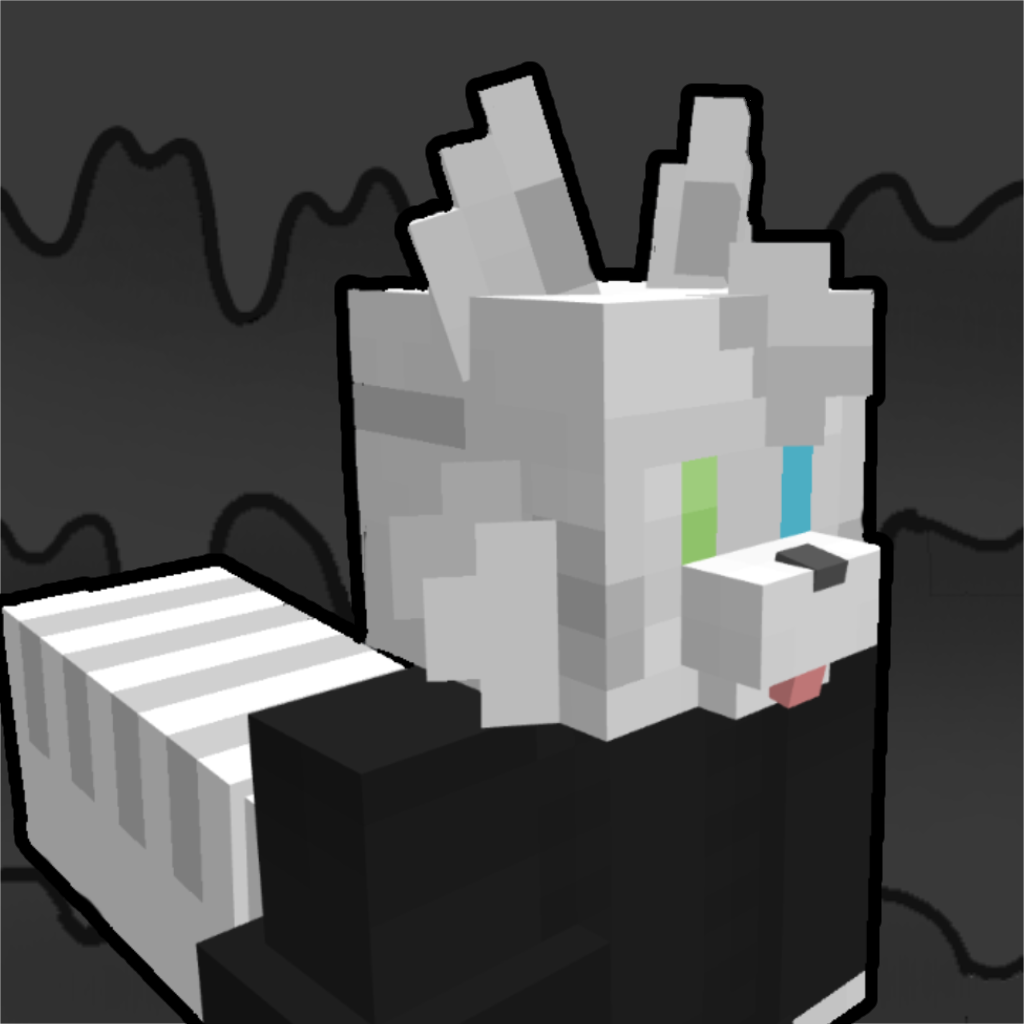


A mod made to add things to the changed mods that don't fit in either the Changed Add-on (@Foxyas) or the Changed: Minecraft Mod (@ltxprogrammer), like characters from other verses.
Currently on the mod, there's an improved AI for the latex creatures, but it comes disabled by default, to enable it, do the following:
I'm planning to add multiple species from other verses that aren't changed, the first example: I added the conekat (Resurgenced) to the add-on, in addition to a cafeteria room in the changed facilities.
You can join my discord and give me suggestions for what to add, either new transfurs, features, structures or other stuff
· New transfurs, like:
None of these features are in the changed mod, or add-on, and they won't since they don't fit in either of them. Since they are characters or species from other verses, related or not to changed and latex, or some extra transfurs that don't have a reason to be in either.
Pretty sloppy, will later be improved and extended.
These features, not fitting in any may be of multiple player's liking, even mine, that's why I made this mod in the first place, to add features that aren't in both mods and probably won't be in.
Project description from CurseForge.
Pick your setup
Choose the version and loader you play, then open the matching release.
Check the dependencies, then try the file in a copied instance before changing a world you care about.
Recent files
20 Sept 2026
20 Sept 2026
19 Sept 2026
12 Sept 2026
11 Sept 2026
4 Sept 2026
1 Sept 2026
changedextras-1.1.2.jar
8 May 2026
changedextras-1.1.1.jar
8 Apr 2026
changedextras-1.0.9b.jar
29 Mar 2026
changedextras-1.0.9.jar
28 Mar 2026
changedextras-1.0.8e.jar
28 Mar 2026
Looking for an older file? The official CurseForge project page is in Resources.
 mod
modEvery mob has the potential to grow stronger, smarter, and more dangerous as they gain levels. With dynamic scaling of health, damage, and special abilities, each encounter becomes a unique challenge that will test your survival skills
 mod
modChunkSmith GUI is a visual add-on for ChunkSmith, letting players handle chunk pre-generation, task management, and progress tracking through a graphical interface.
 mod
modA bizarre creature made of flesh and stone, with cultivation elements awaiting you.