Immersive Messages API Needed by HowToGuide [FABRIC] - 1.0.1
requiredMatching file found Matched file: ImmersiveMessages Fabric 1.0.18 for 1.21.1
CurseForge · Minecraft mod
Make messages appear on your hud or screen, now with textures and items + extra configurable!
Quick answer
HowToGuide [FABRIC] - 1.0.1 targets 1.21.1 with Fabric. The project page does not say whether this file belongs on the client, dedicated server, or both. All 4 required mods have matching files.
Where it goes
The project page does not say whether this file belongs on the client, dedicated server, or both.
The source does not explicitly classify this release as client-only or server-only.
HowToGuide [FABRIC] - 1.0.1. Change the file and its required mods may change too.
Install Immersive Messages API, TxniLib, Caxton, Fabric API first. We found matching files for this game-version and loader setup. 1 comes through another mod in the chain.
1 extra mod was pulled in by another dependency. Indented rows show who needs each one. We only count dependency files that match this setup. A file for another loader does not fill the gap.
Before you install it
Built for HowToGuide [FABRIC] - 1.0.1. Pick another file and the loader, install side or required mods may change.
Use HowToGuide [FABRIC] - 1.0.1. It targets 1.21.1 with Fabric; another release may have different loader, side or dependency requirements.
Install Immersive Messages API, TxniLib, Caxton, Fabric API first. We found matching files for this game-version and loader setup. 1 comes through another mod in the chain.
The project page does not say whether this file belongs on the client, dedicated server, or both.
Use the “Get this file” button beside HowToGuide [FABRIC] - 1.0.1. It opens that exact file at the source.
About this project
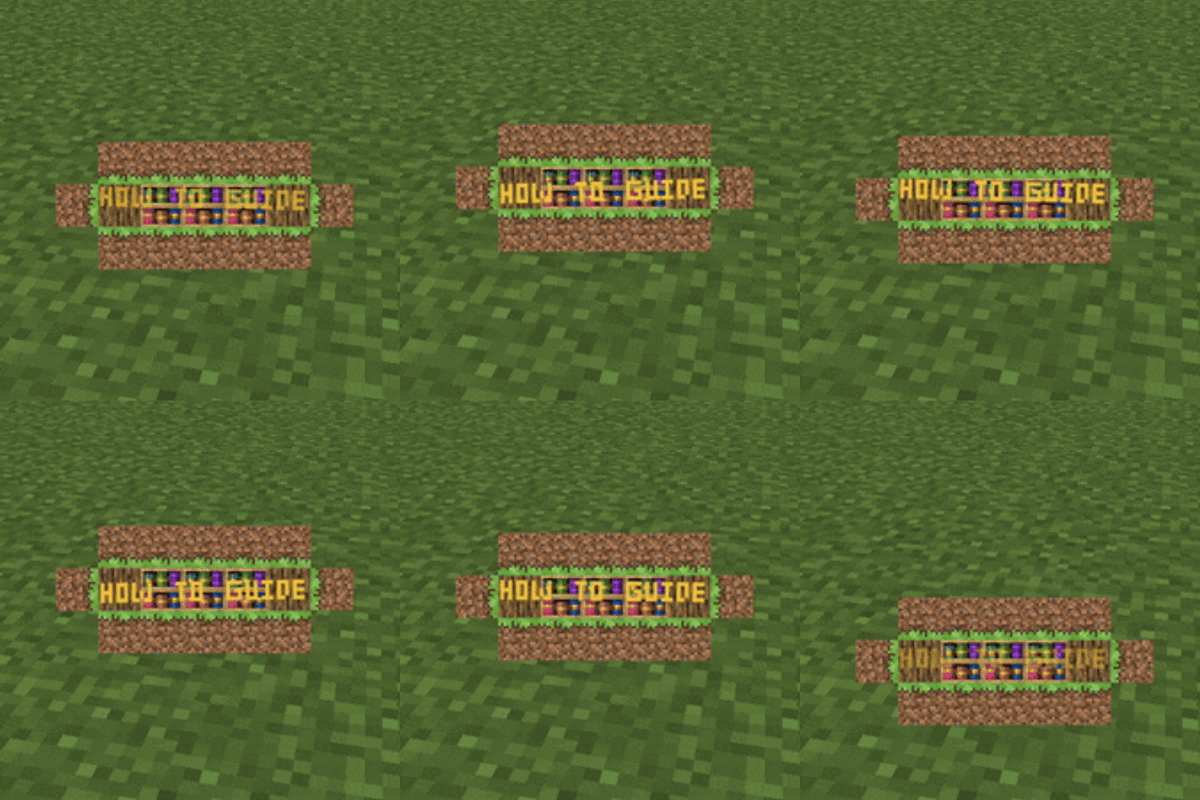
HowToGuide is a server-side and client-side Minecraft mod (available for Fabric and NeoForge) that lets modpack developers send animated popup messages to their players — complete with interactive click actions and conditional logic.
Each popup can be fully customized:
Made easier with Preset Editor (Can be opened via keybinds)
Can be dragged around with Dev GUI (can be opened via keybinds & is able to show up on to of screens)
/howtoguide show — Display a popup to specific players with full options (all popups with hardcoded styles)/howtoguide custom — Display a popup from raw NBT configuration (popup with customizable data)/howtoguide preset — Trigger a named preset from your config/howtoguide clearall — Clear all active popups (optionally filtered by preset)All keybinds are unbound by default — rebind them in Controls settings before use.
Requires Immersive Messages API & Caxton as a dependency.

Project description from CurseForge.
Pick your setup
Choose the version and loader you play, then open the matching release.
Check the dependencies, then try the file in a copied instance before changing a world you care about.
Recent files
howtoguide-fabric-1.0.1.jar
4 Apr 2026
howtoguide-neoforge-1.0.1.jar
4 Apr 2026
howtoguide-fabric-1.0.0.jar
4 Apr 2026
howtoguide-neoforge-1.0.0.jar
4 Apr 2026
Looking for an older file? The official CurseForge project page is in Resources.