Fabric API Needed by menueasy-1.0.0+mc26.3.jar
requiredMatching file found Matched file: [26.3] Fabric API 0.161.0+26.3
CurseForge · Minecraft mod
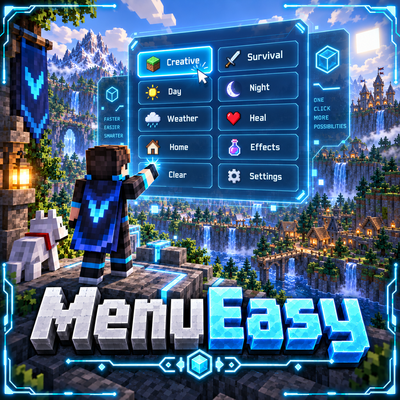
A fast and lightweight in-game utility menu that lets you execute useful commands and actions instantly with a single click.
Quick answer
menueasy-1.0.0+mc26.3.jar targets 26.3 with Fabric. The project page does not say whether this file belongs on the client, dedicated server, or both. All 1 required mods have matching files.
Where it goes
The project page does not say whether this file belongs on the client, dedicated server, or both.
The source does not explicitly classify this release as client-only or server-only.
menueasy-1.0.0+mc26.3.jar. Change the file and its required mods may change too.
Install Fabric API first. We found matching files for this game-version and loader setup.
We only count dependency files that match this setup. A file for another loader does not fill the gap.
Before you install it
Built for menueasy-1.0.0+mc26.3.jar. Pick another file and the loader, install side or required mods may change.
Use menueasy-1.0.0+mc26.3.jar. It targets 26.3 with Fabric; another release may have different loader, side or dependency requirements.
Install Fabric API first. We found matching files for this game-version and loader setup.
The project page does not say whether this file belongs on the client, dedicated server, or both.
Use the “Get this file” button beside menueasy-1.0.0+mc26.3.jar. It opens that exact file at the source.
About this project
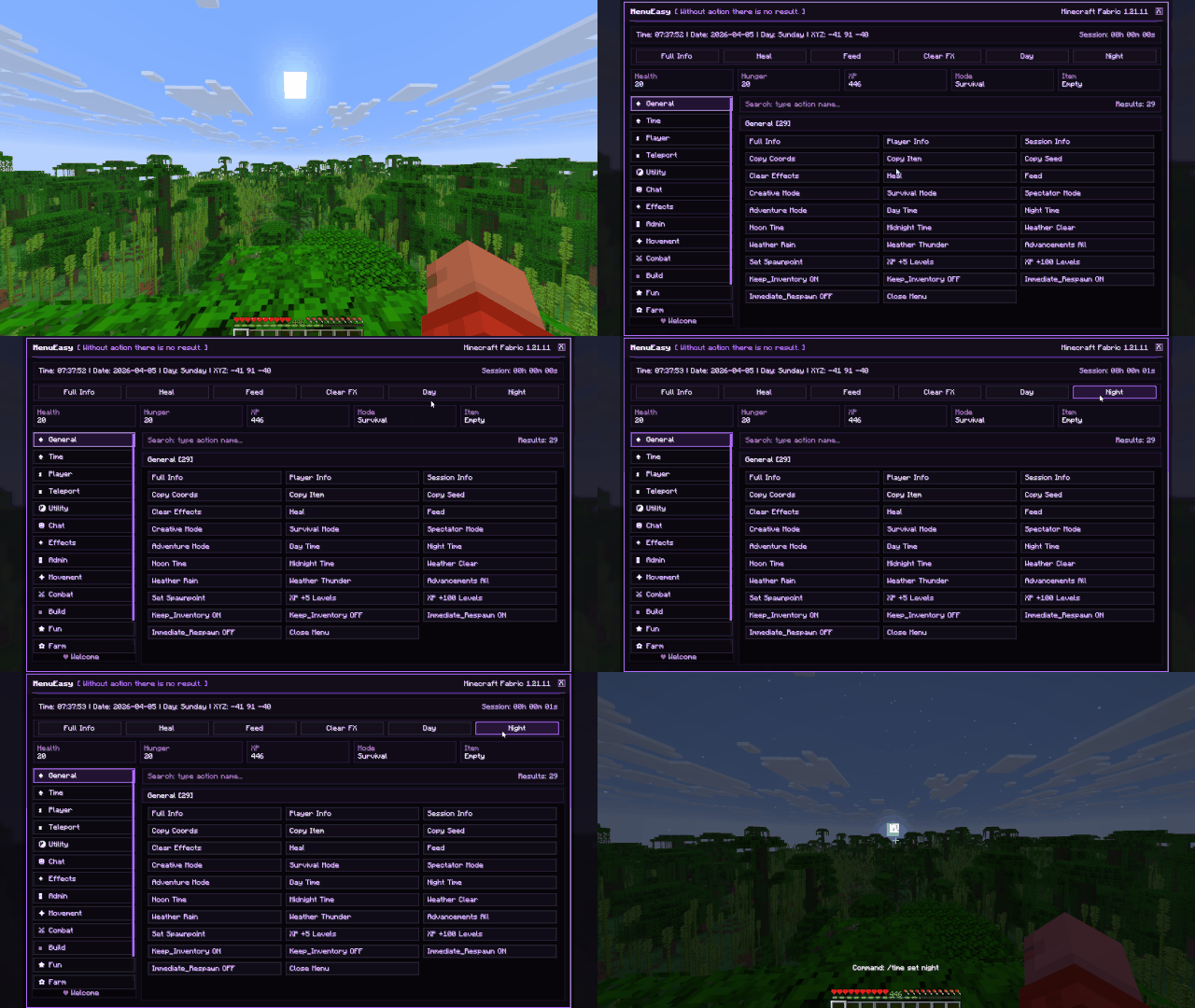
MenuEasy is a fast and lightweight in-game utility menu designed to make common commands and useful actions easier to access.
Instead of repeatedly typing commands into chat, MenuEasy gives you a clean interface where supported actions can be executed with a single click.
The idea is simple:
**Open • Click • Done**
MenuEasy turns supported commands and actions into easy-to-use buttons.
Instead of remembering and typing commands manually, simply open the menu and choose the action you need.
This makes repetitive tasks faster and more comfortable.
Everything is organized inside a dedicated in-game interface.
The menu is designed to be:
No complicated configuration process is required for normal use.
Minecraft commands are powerful, but repeatedly typing them can become inconvenient.
MenuEasy provides a more visual way to access supported actions.
Instead of:
Open Chat → Type Command → Check Syntax → Execute
you can simply use:
Open Menu → Click Action
Some MenuEasy actions use Minecraft commands that require administrator or operator permissions.
In singleplayer, you can enable commands by using:
Esc → Open to LAN → Allow Commands: ON → Start LAN World
Actions that depend on commands will only work when Minecraft allows your player to execute them.
MenuEasy uses a simple and modern interface designed to keep useful actions easy to find.
The visual style focuses on clarity without filling the screen with unnecessary information.
Quick access should feel quick.
MenuEasy focuses on one purpose:
making useful commands and actions easier to access.
It does not try to become a large gameplay overhaul or complicated administration system.
The result is a small utility mod that stays focused on convenience.
MenuEasy is designed as a client-side utility mod.
Its interface runs on the player's client while supported actions interact with Minecraft through the normal command system.
Because of this, command permissions still apply when required.
MenuEasy can be useful when:
It is especially useful for players who prefer buttons and visual controls instead of repeatedly typing commands.
MenuEasy was built around a straightforward idea:
Useful actions should be easy to access.
No command memorization.
No repeated typing.
No unnecessary steps.
Just open the menu and choose what you need.
MenuEasy combines:
Quick Actions • Command Shortcuts • Visual Controls • Fast Access • Clean Interface
The goal is simple:
Turn repetitive commands into quick, comfortable actions.
Project description from CurseForge.
Pick your setup
Choose the version and loader you play, then open the matching release.
Check the dependencies, then try the file in a copied instance before changing a world you care about.
Recent files
15 Sept 2026
4 Apr 2026
Looking for an older file? The official CurseForge project page is in Resources.
 mod
modMakes it so boats don't go extra fast on ice.
 mod
modConnect your storage to the crafting table — CraftLink lets you pipe materials from nearby chests, barrels, shulkers, and hoppers straight into your crafting grid.
 mod
modA helpful client side mod that gives you just a little bit extra info that could be useful to you!
