Minecraft version
Back to mods 
CurseForge · Minecraft mod
Hardcore World Reset
Erases the world and creates a new one each time a player dies.
Choose a version Pick your version below, then grab the matching file.
Quick answer
Which Hardcore World Reset release should I use?
Latest stable file hardcoreworldreset-1.21.1-1.0.3.jar
Game version 1.21, 1.21.1
Loader Fabric
Hardcore World Reset hardcoreworldreset-1.21.1-1.0.3.jar targets 1.21, 1.21.1 with Fabric. The project page does not say whether this file belongs on the client, dedicated server, or both. No extra mods listed for this file.
Where it goes
Is Hardcore World Reset required on the client, server, or both?
The project page does not say whether this file belongs on the client, dedicated server, or both.
Client Source doesn’t say
Dedicated server Source doesn’t say
Loader for this release Fabric
Required install it here Optional supported, not mandatory Not supported do not install here Source doesn’t say do not assume
The source does not explicitly classify this release as client-only or server-only.
What else does Hardcore World Reset hardcoreworldreset-1.21.1-1.0.3.jar need?
hardcoreworldreset-1.21.1-1.0.3.jar. Change the file and its required mods may change too.
This file does not list any required mods. Do not add a library just because a different file uses it.
This file does not list any required or optional mods.
Before you install it
Add Hardcore World Reset without breaking your instance.
Built for Hardcore World Reset hardcoreworldreset-1.21.1-1.0.3.jar. Pick another file and the loader, install side or required mods may change.
- 01
Stick to this file
Use hardcoreworldreset-1.21.1-1.0.3.jar. It targets 1.21, 1.21.1 with Fabric; another release may have different loader, side or dependency requirements.
- 02
Bring the mods it needs
This file does not list any required mods. Do not add a library just because a different file uses it.
- 03
Put it on the correct side
The project page does not say whether this file belongs on the client, dedicated server, or both.
- 04
Pick the file you checked
Use the “Get this file” button beside hardcoreworldreset-1.21.1-1.0.3.jar. It opens that exact file at the source.
About this project
What does Hardcore World Reset add?
26.3 version
This project is discontinued and won't be receiving further updates any time soon.


Manually deleting the world folder every time one of your dumb friends dies in a hardcore sucks, so here it's the mod that does it automatically for you.
Everyone knows that the 1.20.1 is the go-to version when playing modded Minecraft. It broke my heart to realize that no one ever had made a mod that does this for a version this important… So I took matter into my own hands.
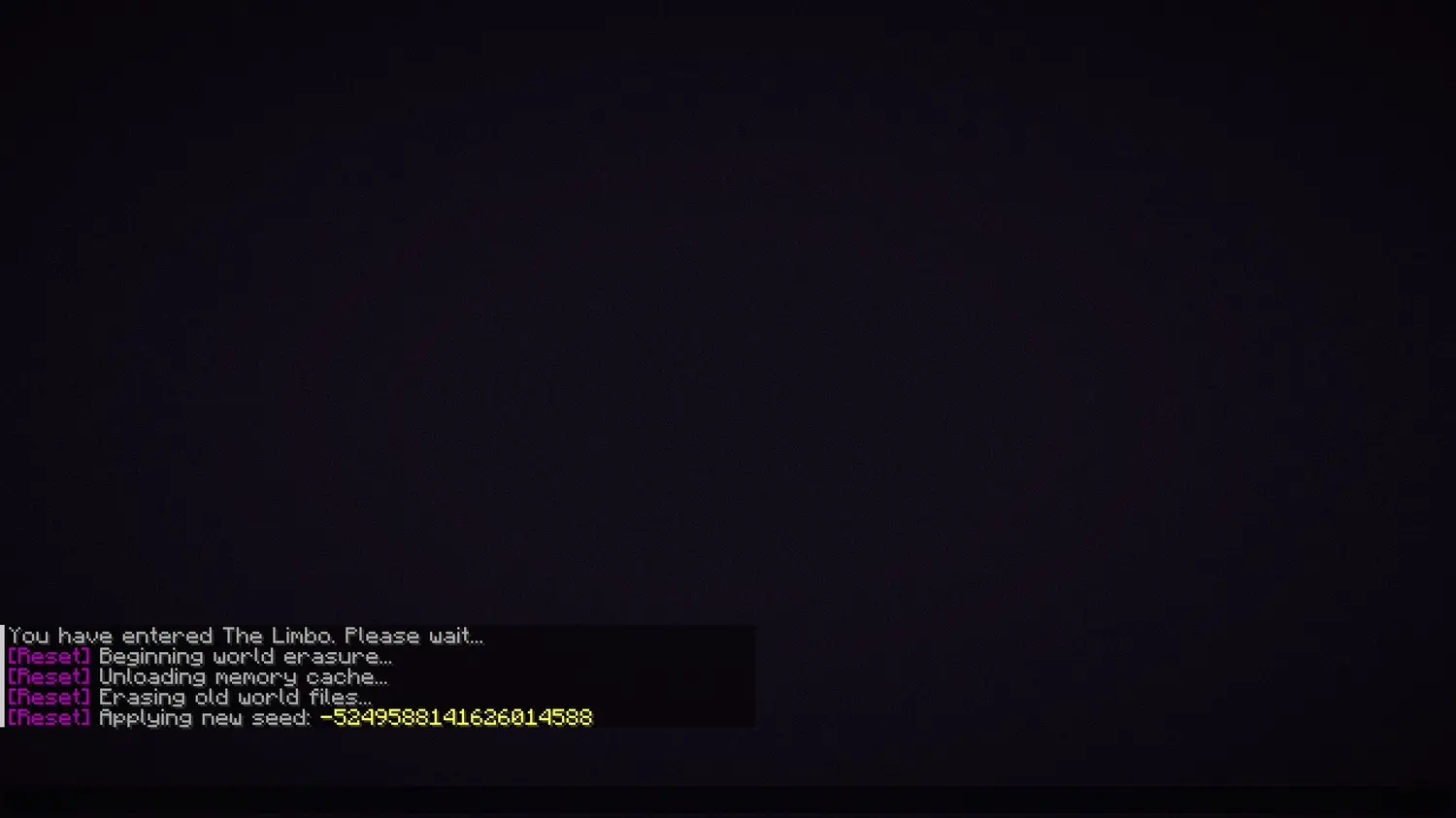
Whenever a player dies a 5-second countdown will start and when it finishes, the world will be automatically erased and reconstructed!
Features
- The world will reset without kicking any players or restarting the server.
- It'll actually wipe region files, entities, POI data, advancements and player statistics, so there's not faking, it is for real erasing your world.
- During the reset, all the players will be safely tucked away in a dimension that I called "The Limbo" in order to succesfully erase the world.
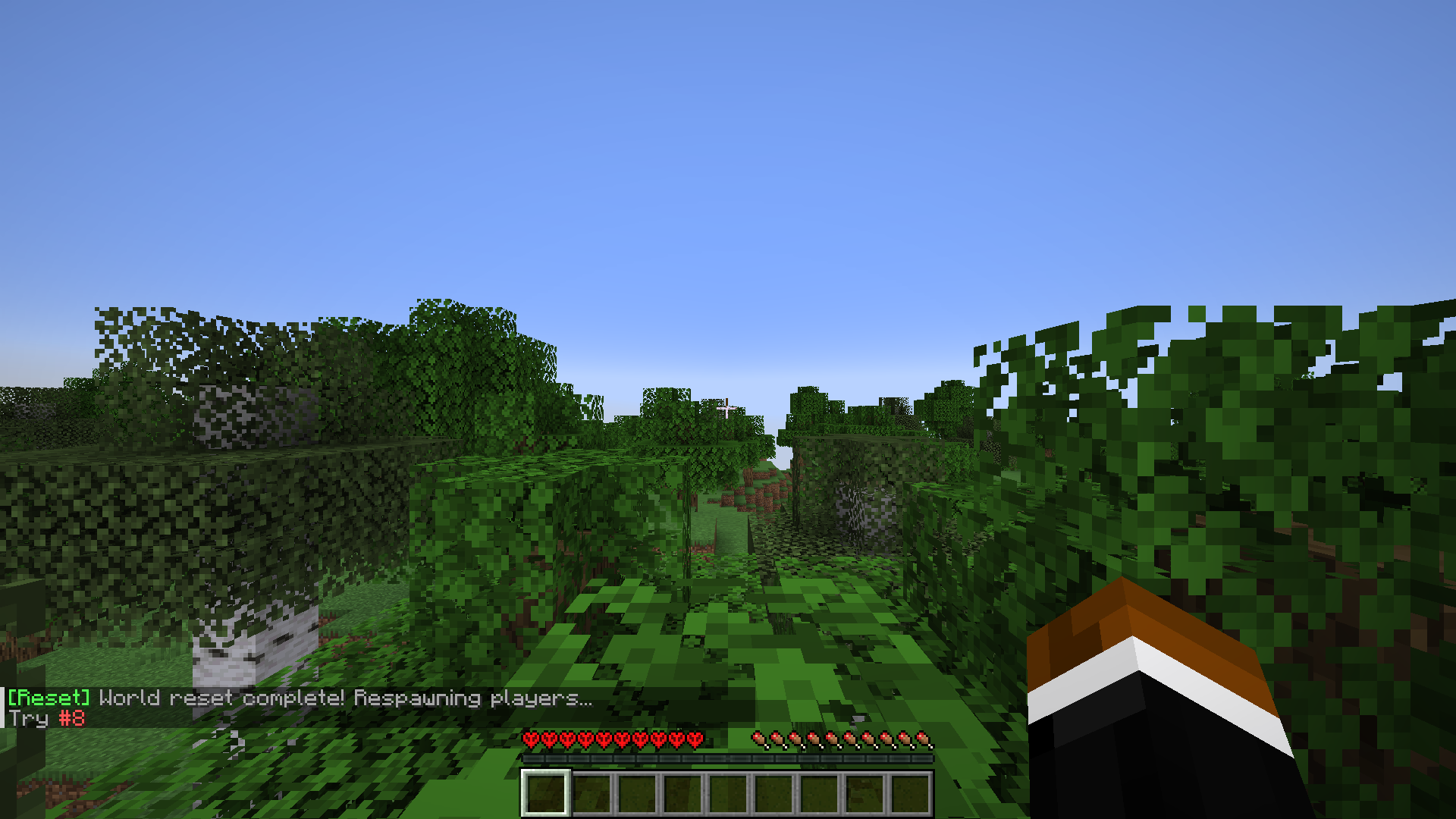
- The mod keeps track of every world reset. Every time you spawn in a new world it will say in the chat how many attempts have you done.
- Multiplayer & mod compatible optimized, the mod was made having specially in mind to play with friends and with mods.
Commands
/hwr on
It enables the mod logic, making deaths trigger a world reset. (It's on by default)
/hwr off
It disables the mod and will instantly cancel any active reset countdowns.
/hwr stopCountdown
It cancels any active reset countdowns without turning off the mod.
(COMMANDS SHOWN BELOW ARE ONLY AVAILABLE FOR THE 1.21.1 VERSION FOR NOW)
/hwr startTimer {minutes}
It starts a backwards timer in minutes, it'll erase the world when the timer ends.
/hwr timeRemaining
It'll say to you how much time do you have before the world gets erased.
/hwr alwaysShowActionBar {true/false}
If true, the action bar of the timer will always show until it ends.
/hwr reuseSameSeed {true/false}
If true, it'll use the same seed of the world you're in in the next restart.
Project description from CurseForge.
Pick your setup
Hardcore World Reset by Minecraft version and loader
Choose the version and loader you play, then open the matching release.
Minecraft version
1.21
1 loader buildMinecraft version
1.20.6
1 loader buildMinecraft version
1.20.5
1 loader buildMinecraft version
1.20.4
1 loader buildMinecraft version
1.20.3
1 loader buildMinecraft version
1.20.2
1 loader buildMinecraft version
1.20.1
1 loader buildMinecraft version
1.20
1 loader buildCheck the dependencies, then try the file in a copied instance before changing a world you care about.
Recent files
Hardcore World Reset versions and loaders
hardcoreworldreset-1.21.1-1.0.3.jar
19 Jun 2026
Client Source doesn’t say Server Source doesn’t say Dependencies No extras listed Listed on Release listing
Check the 1.21.1 · Fabric setup 1.21Fabric1.21.1 release
hardcoreworldreset-1.0.2.jar
21 Apr 2026
Client Source doesn’t say Server Source doesn’t say Dependencies No extras listed Listed on Release listing
Check the 1.21.1 · Fabric setup 1.21Fabric1.21.1 release
BROKEN-hardcoreworldreset-1.0.2.jar
hardcoreworldreset-1.0.2.jar
21 Apr 2026
Client Source doesn’t say Server Source doesn’t say Dependencies No extras listed Listed on Release listing
Check the 1.20.6 · Fabric setup Fabric1.20.51.20.6 release
hardcoreworldreset-1.0.2.jar
21 Apr 2026
Client Source doesn’t say Server Source doesn’t say Dependencies No extras listed Listed on Release listing
Check the 1.20.4 · Fabric setup Fabric1.20.41.20.3 release
hardcoreworldreset-1.0.2.jar
21 Apr 2026
Client Source doesn’t say Server Source doesn’t say Dependencies No extras listed Listed on Release listing
Check the 1.20.2 · Fabric setup 1.20.2Fabric release
hardcoreworldreset-1.0.2.jar
21 Apr 2026
Client Source doesn’t say Server Source doesn’t say Dependencies No extras listed Listed on Release listing
Check the 1.20.1 · Fabric setup Fabric1.20.11.20 release
hardcoreworldreset-1.0.1.jar
16 Apr 2026
Client Source doesn’t say Server Source doesn’t say Dependencies No extras listed Listed on Release listing
Check the 1.21.1 · Fabric setup 1.21Fabric1.21.1 release
BROKEN-hardcoreworldreset-1.0.1.jar
hardcoreworldreset-1.0.1.jar
14 Apr 2026
Client Source doesn’t say Server Source doesn’t say Dependencies No extras listed Listed on Release listing
Check the 1.20.6 · Fabric setup Fabric1.20.51.20.6 release
hardcoreworldreset-1.0.1.jar
14 Apr 2026
Client Source doesn’t say Server Source doesn’t say Dependencies No extras listed Listed on Release listing
Check the 1.20.4 · Fabric setup Fabric1.20.41.20.3 release
hardcoreworldreset-1.0.1.jar
14 Apr 2026
Client Source doesn’t say Server Source doesn’t say Dependencies No extras listed Listed on Release listing
Check the 1.20.2 · Fabric setup 1.20.2Fabric release
hardcoreworldreset-1.0.1.jar
14 Apr 2026
Client Source doesn’t say Server Source doesn’t say Dependencies No extras listed Listed on Release listing
Check the 1.20.1 · Fabric setup Fabric1.20.11.20 release
hardcoreworldreset-1.0.0.jar
8 Apr 2026
Client Source doesn’t say Server Source doesn’t say Dependencies No extras listed Listed on Release listing
Check the 1.20.1 · Fabric setup Fabric1.20.1 release
Looking for an older file? The official CurseForge project page is in Resources.
 mod
CurseForge · Minecraft
Aki's Radio
In game radios! You can create your own!
 mod
CurseForge · Minecraft
Aki's Radio - Chill
Chill genre pack for Aki's Radio - Lo-Fi, Ambient and Chill Electronic
 mod
CurseForge · Minecraft
Aki's Radio - Adventure
Adventure genre pack for Aki's Radio - Orchestral, Medieval and Horror