Minecraft version
Back to mods 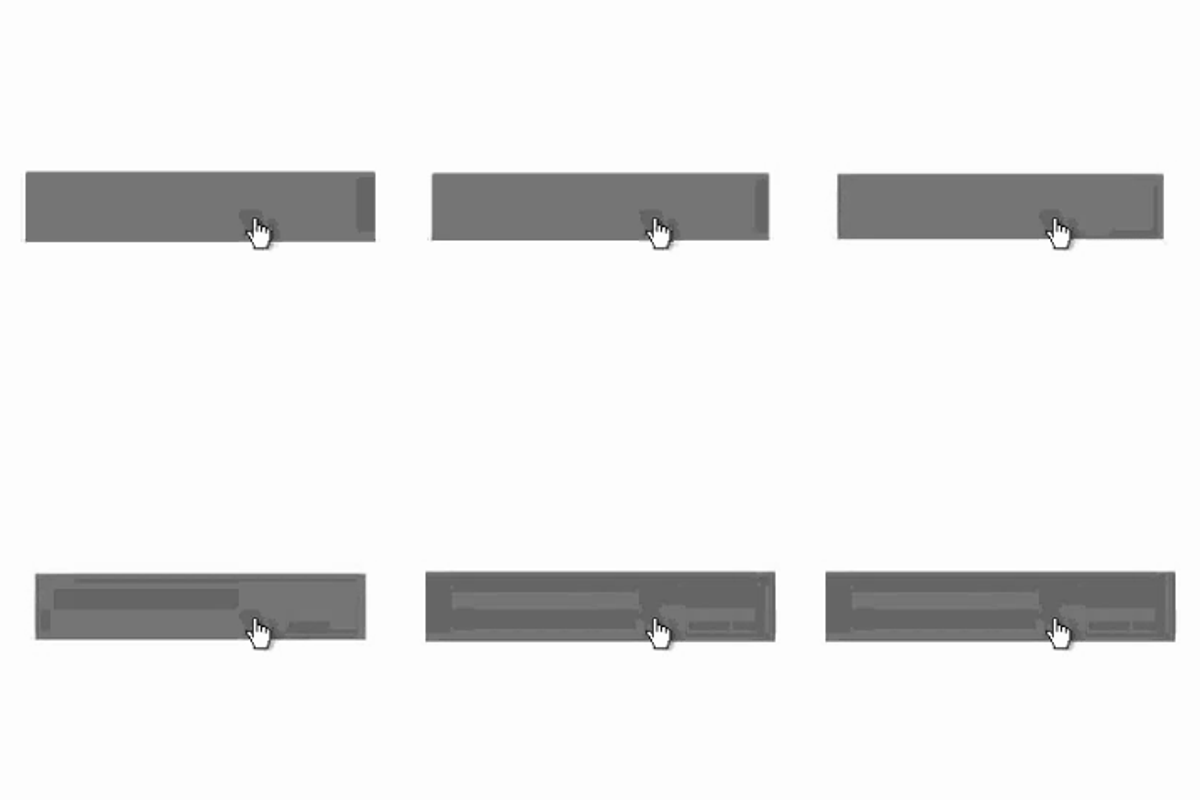
CurseForge · Minecraft mod
Button Animations
Adds satisfying click and hover animations to buttons
Choose a version Pick your version below, then grab the matching file.
Quick answer
Which Button Animations release matches 26.1.2?
Best match for your filters buttonanimations-1.2.0-26.1x.jar
Game version 26.1, 26.1.1, 26.1.2
Loader Fabric
Button Animations buttonanimations-1.2.0-26.1x.jar targets 26.1, 26.1.1, 26.1.2 with Fabric. The project page does not say whether this file belongs on the client, dedicated server, or both. No extra mods listed for this file.
Where it goes
Is Button Animations required on the client, server, or both?
The project page does not say whether this file belongs on the client, dedicated server, or both.
Client Source doesn’t say
Dedicated server Source doesn’t say
Loader for this release Fabric
Required install it here Optional supported, not mandatory Not supported do not install here Source doesn’t say do not assume
The source does not explicitly classify this release as client-only or server-only.
What else does Button Animations buttonanimations-1.2.0-26.1x.jar need?
buttonanimations-1.2.0-26.1x.jar on 26.1.2. Every mod below is checked against that same setup.
This file does not list any required mods. Do not add a library just because a different file uses it.
This file does not list any required or optional mods.
Before you install it
Add Button Animations without breaking your instance.
Built for Button Animations buttonanimations-1.2.0-26.1x.jar on 26.1.2. Pick another file and the loader, install side or required mods may change.
- 01
Stick to this file
Use buttonanimations-1.2.0-26.1x.jar. It targets 26.1, 26.1.1, 26.1.2 with Fabric; another release may have different loader, side or dependency requirements.
- 02
Bring the mods it needs
This file does not list any required mods. Do not add a library just because a different file uses it.
- 03
Put it on the correct side
The project page does not say whether this file belongs on the client, dedicated server, or both.
- 04
Pick the file you checked
Use the “Get this file” button beside buttonanimations-1.2.0-26.1x.jar. It opens that exact file at the source.
About this project
What does Button Animations add?
Button Animations
Button Animations is a lightweight client-side mod that improves how Minecraft buttons feel.
Instead of the default hover outline, buttons smoothly scale up when hovered and ease back down when clicked, creating a cleaner and more responsive UI. The result is subtle, satisfying feedback that makes menus feel more polished without changing their layout or functionality.
Features
- Removes the default button hover outline
- Adds a smooth hover grow animation
- Adds a soft click press-and-bounce effect
- Has a config screen
- Works across Minecraft's standard button-based menus
- Client-side only
Why use it?
Minecraft's default buttons are functional, but a little stiff. Button Animations keeps the vanilla look while making interaction feel more modern and tactile. It is designed to be noticeable without being distracting.
Compatibility
- Fabric
- Client-side only
This mod does not need to be installed on the server.
Notes
Button Animations focuses only on button interaction and visual feedback. It does not add new menus, settings, or gameplay changes. The default keybind for the config is "B".
Project description from CurseForge.
Pick your setup
Button Animations by Minecraft version and loader
Choose the version and loader you play, then open the matching release.
Minecraft version
26.1.1
1 loader buildMinecraft version
26.1
1 loader buildMinecraft version
1.21.11
1 loader buildCheck the dependencies, then try the file in a copied instance before changing a world you care about.
Recent files
Button Animations versions and loaders
buttonanimations-1.2.0-26.1x.jar
2 May 2026
Client Source doesn’t say Server Source doesn’t say Dependencies No extras listed Listed on Release listing
Check the 26.1.2 · Fabric setup Fabric26.126.1.126.1.2 release
buttonanimations-1.1.1-26.1.2.jar
23 Apr 2026
Client Source doesn’t say Server Source doesn’t say Dependencies No extras listed Listed on Release listing
Check the 26.1.2 · Fabric setup Fabric26.1.2 release
buttonanimations-1.1.0-26.1.2.jar
23 Apr 2026
Client Source doesn’t say Server Source doesn’t say Dependencies No extras listed Listed on Release listing
Check the 26.1.2 · Fabric setup Fabric26.1.2 release
buttonanimations-1.0.0-26.1.2.jar
bouncybuttons-1.0.0-26.1.2.jar
23 Apr 2026
Client Source doesn’t say Server Source doesn’t say Dependencies No extras listed Listed on Release listing
Check the 26.1.2 · Fabric setup Fabric26.1.2 release
Looking for an older file? The official CurseForge project page is in Resources.
 mod
CurseForge · Minecraft
Lanterns Belong on Walls
Allows you to place lanterns on walls
 mod
CurseForge · Minecraft
Wooden Shears
Adds Wooden Shears (Forge, NeoForge, Fabric, Quilt)
 mod
CurseForge · Minecraft
Munch - Eating & Drinking Animations
Food gets bitten with every chew and drinks drain as you sip. Works with every food, modded ones included.