[TaCZ] Timeless and Classics Zero Guns Optional for Minimal HUD
optionalNo matching file
CurseForge · Minecraft mod
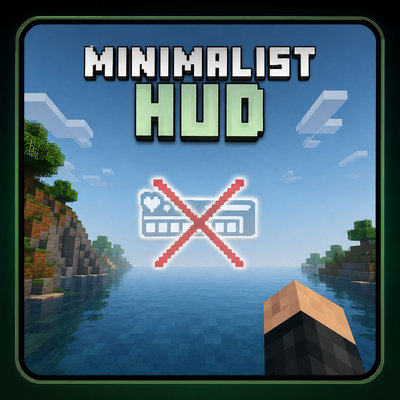
Removes the entire HUD while keeping the player's hand visible for a clean and immersive Minecraft experience
Quick answer
Minimal HUD targets 1.21.1 with NeoForge. The project page does not say whether this file belongs on the client, dedicated server, or both. No extra mods listed for this file.
Where it goes
The project page does not say whether this file belongs on the client, dedicated server, or both.
The source does not explicitly classify this release as client-only or server-only.
Minimal HUD. Change the file and its required mods may change too.
This file does not list any required mods. Do not add a library just because a different file uses it.
We only count dependency files that match this setup. A file for another loader does not fill the gap.
Before you install it
Built for Minimal HUD. Pick another file and the loader, install side or required mods may change.
Use Minimal HUD. It targets 1.21.1 with NeoForge; another release may have different loader, side or dependency requirements.
This file does not list any required mods. Do not add a library just because a different file uses it.
The project page does not say whether this file belongs on the client, dedicated server, or both.
Use the “Get this file” button beside Minimal HUD. It opens that exact file at the source.
About this project
A better alternative to F1.
Minimal HUD removes the entire in-game interface while keeping your hand and held items visible. Enjoy a clean, distraction-free screen without losing immersion.
The default F1 key hides everything—including your hand. Minimal HUD gives you a cleaner option, so you can stay immersed while still feeling connected to the game.
Project description from CurseForge.
Pick your setup
Choose the version and loader you play, then open the matching release.
Check the dependencies, then try the file in a copied instance before changing a world you care about.
Recent files
minimal_hud-1.0.jar
3 Aug 2026
OnlyHand-NeoForge-1.20.1.jar
30 Apr 2026
nohud-1.0.0.jar
30 Apr 2026
examplemod-1.0.0.jar
30 Apr 2026
Looking for an older file? The official CurseForge project page is in Resources.