Mod Menu Optional for pickuphighlight-2.0.0.jar
optionalNo matching file
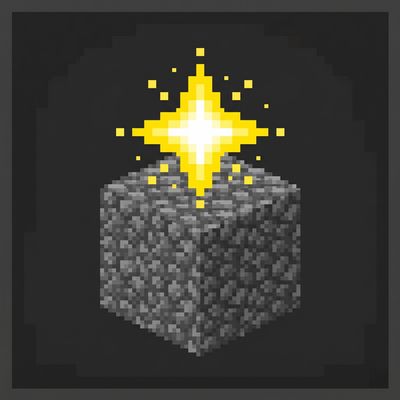
CurseForge · Minecraft mod
Never lose track of newly picked-up items — a golden star marks every new item in your hotbar and inventory.
Quick answer
pickuphighlight-2.0.0.jar targets 26.1, 26.1.1, 26.1.2 with NeoForge. The project page does not say whether this file belongs on the client, dedicated server, or both. 1 required mod needs a matching file.
Where it goes
The project page does not say whether this file belongs on the client, dedicated server, or both.
The source does not explicitly classify this release as client-only or server-only.
pickuphighlight-2.0.0.jar. Change the file and its required mods may change too.
Install Fabric API first, but 1 required mod has no matching file for this setup. Do not mix loader builds to force a match.
We only count dependency files that match this setup. A file for another loader does not fill the gap.
Before you install it
Built for pickuphighlight-2.0.0.jar. Pick another file and the loader, install side or required mods may change.
Use pickuphighlight-2.0.0.jar. It targets 26.1, 26.1.1, 26.1.2 with NeoForge; another release may have different loader, side or dependency requirements.
Install Fabric API first, but 1 required mod has no matching file for this setup. Do not mix loader builds to force a match.
The project page does not say whether this file belongs on the client, dedicated server, or both.
Use the “Get this file” button beside pickuphighlight-2.0.0.jar. It opens that exact file at the source.
About this project
Never lose track of newly picked-up items again. Every new item in your hotbar or inventory gets an animated golden star — plus a count badge showing how many you picked up.
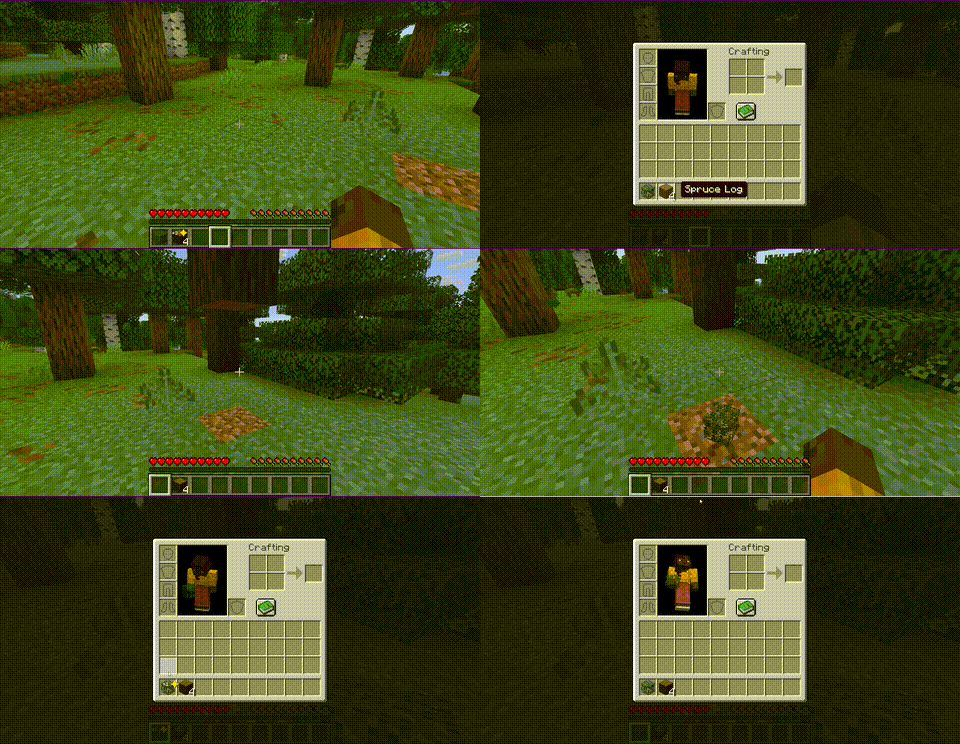
+1, +5, …)Config file: .minecraft/config/pickuphighlight.json
| Option | Default | Description |
|---|---|---|
clearOnHover |
true |
Remove highlight when hovering over the item |
clearOnClose |
true |
Remove all highlights when closing inventory |
clearOnSelect |
true |
Remove highlight when selecting on hotbar |
highlightColor |
0xFFD700 |
Star color (gold by default) |
timeoutSeconds |
0 |
Auto-clear after X seconds (0 = never) |
showCount |
true |
Show count badge next to the star |
If Cloth Config and Mod Menu are installed, you can configure the mod in-game from the Mods screen — no manual file editing needed.
MIT — see LICENSE
Project description from CurseForge.
Pick your setup
Choose the version and loader you play, then open the matching release.
Check the dependencies, then try the file in a copied instance before changing a world you care about.
Recent files
17 May 2026
17 May 2026
17 May 2026
3 May 2026
Looking for an older file? The official CurseForge project page is in Resources.
 mod
This mod adds an Equipment Forge (select a recipe to craft, materials pulled from your inventory) and a Loot Bag (right-click to open, contents defined by data packs).
 mod
A mod adding many configurable features to EMI!
 mod
UI components for Minecraft mods on NeoForge and Fabric. Let your players pick their theme.