Minecraft version
Back to mods 
CurseForge · Minecraft mod
Shut The Noise Up!
Automatically disables loud menu music and the narrator on startup.
Choose a version Pick your version below, then grab the matching file.
Quick answer
Which Shut The Noise Up! release should I use?
Latest stable file shut_the_noise_up-neoforge-26.3-1.0.17.jar
Game version 26.3
Loader NeoForge
Shut The Noise Up! shut_the_noise_up-neoforge-26.3-1.0.17.jar targets 26.3 with NeoForge. The project page does not say whether this file belongs on the client, dedicated server, or both. No extra mods listed for this file.
Where it goes
Is Shut The Noise Up! required on the client, server, or both?
The project page does not say whether this file belongs on the client, dedicated server, or both.
Client Source doesn’t say
Dedicated server Source doesn’t say
Loader for this release NeoForge
Required install it here Optional supported, not mandatory Not supported do not install here Source doesn’t say do not assume
The source does not explicitly classify this release as client-only or server-only.
What else does Shut The Noise Up! shut_the_noise_up-neoforge-26.3-1.0.17.jar need?
shut_the_noise_up-neoforge-26.3-1.0.17.jar. Change the file and its required mods may change too.
This file does not list any required mods. Do not add a library just because a different file uses it.
This file does not list any required or optional mods.
Before you install it
Add Shut The Noise Up! without breaking your instance.
Built for Shut The Noise Up! shut_the_noise_up-neoforge-26.3-1.0.17.jar. Pick another file and the loader, install side or required mods may change.
- 01
Stick to this file
Use shut_the_noise_up-neoforge-26.3-1.0.17.jar. It targets 26.3 with NeoForge; another release may have different loader, side or dependency requirements.
- 02
Bring the mods it needs
This file does not list any required mods. Do not add a library just because a different file uses it.
- 03
Put it on the correct side
The project page does not say whether this file belongs on the client, dedicated server, or both.
- 04
Pick the file you checked
Use the “Get this file” button beside shut_the_noise_up-neoforge-26.3-1.0.17.jar. It opens that exact file at the source.
About this project
What does Shut The Noise Up! add?
Shut The Noise Up! 🔇
Tired of Minecraft blasting loud music or enabling the narrator when starting the game?
Shut The Noise Up! automatically disables menu music and turns off the narrator on startup, giving you a cleaner and quieter experience every time you launch Minecraft.
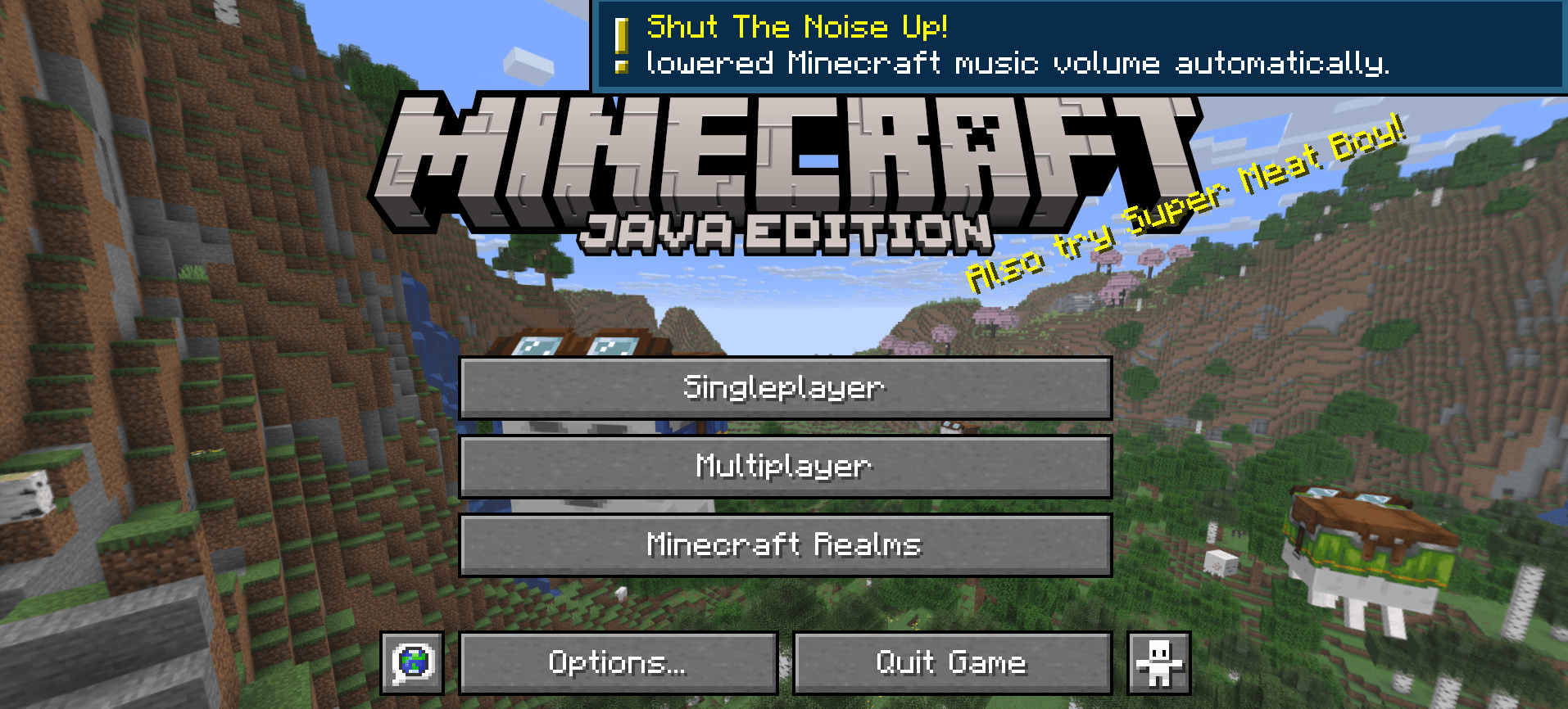
- Client-side only.

Perfect for:
🎮 Modpacks
🛠️ Mod creators & developers
🎧 Players using voice chat or music
⚡ Faster and less annoying startups
✨ Features
Automatically disables menu music
Automatically turns off the narrator
Lightweight and simple
Great for modpacks and development environments
No complicated setup required
🛠️ Why?
Many players and mod creators repeatedly disable the music or narrator while testing mods and modpacks. This mod does it automatically every time you launch the game.


This mod have been created with IntelliJ
❗ NOT AN OFFICIAL MINECRAFT PRODUCT
NOT APPROVED BY OR ASSOCIATED WITH MOJANG OR MICROSOFT
Project description from CurseForge.
Pick your setup
Shut The Noise Up! by Minecraft version and loader
Choose the version and loader you play, then open the matching release.
Minecraft version
26.2
2 loader buildsMinecraft version
26.1.2
2 loader buildsMinecraft version
26.1.1
2 loader buildsMinecraft version
26.1
2 loader buildsMinecraft version
1.21.11
2 loader buildsMinecraft version
1.21.10
2 loader buildsMinecraft version
1.21.8
2 loader buildsMinecraft version
1.21.1
2 loader buildsMinecraft version
1.20.1
3 loader buildsCheck the dependencies, then try the file in a copied instance before changing a world you care about.
Recent files
Shut The Noise Up! versions and loaders
shut_the_noise_up-neoforge-26.3-1.0.17.jar
6 Oct 2026
Client Source doesn’t say Server Source doesn’t say Dependencies No extras listed Listed on Release listing
Check the 26.3 · NeoForge setup NeoForge26.3 release
shut_the_noise_up-fabric-26.3-1.0.17.jar
6 Oct 2026
Client Source doesn’t say Server Source doesn’t say Dependencies No extras listed Listed on Release listing
Check the 26.3 · Fabric setup Fabric26.3 release
shut_the_noise_up-fabric-26.2-1.0.16.jar
18 Jun 2026
Client Source doesn’t say Server Source doesn’t say Dependencies No extras listed Listed on Release listing
Check the 26.2 · Fabric setup Fabric26.2 release
shut_the_noise_up-neoforge-26.2-1.0.16.jar
18 Jun 2026
Client Source doesn’t say Server Source doesn’t say Dependencies No extras listed Listed on Release listing
Check the 26.2 · NeoForge setup NeoForge26.2 release
shut_the_noise_up-neoforge-26.1.2-1.0.8.jar
6 May 2026
Client Source doesn’t say Server Source doesn’t say Dependencies 1 required · 1 unchecked Listed on Release listing
Check the 26.1.2 · NeoForge setup NeoForge26.1.2 release
shut_the_noise_up-neoforge-26.1.1-1.0.7.jar
6 May 2026
Client Source doesn’t say Server Source doesn’t say Dependencies 1 required · 1 unchecked Listed on Release listing
Check the 26.1.1 · NeoForge setup NeoForge26.1.1 release
shut_the_noise_up-neoforge-26.1-1.0.6.jar
6 May 2026
Client Source doesn’t say Server Source doesn’t say Dependencies 1 required · 1 unchecked Listed on Release listing
Check the 26.1 · NeoForge setup NeoForge26.1 release
shut_the_noise_up-neoforge-1.21.11-1.0.5.jar
6 May 2026
Client Source doesn’t say Server Source doesn’t say Dependencies 1 required · 1 unchecked Listed on Release listing
Check the 1.21.11 · NeoForge setup NeoForge1.21.11 release
shut_the_noise_up-neoforge-1.21.10-1.0.4.jar
6 May 2026
Client Source doesn’t say Server Source doesn’t say Dependencies 1 required · 1 unchecked Listed on Release listing
Check the 1.21.10 · NeoForge setup NeoForge1.21.10 release
shut_the_noise_up-neoforge-1.21.8-1.0.3.jar
6 May 2026
Client Source doesn’t say Server Source doesn’t say Dependencies 1 required · 1 unchecked Listed on Release listing
Check the 1.21.8 · NeoForge setup 1.21.8NeoForge release
shut_the_noise_up-neoforge-1.21.1-1.0.2.jar
6 May 2026
Client Source doesn’t say Server Source doesn’t say Dependencies 1 required · 1 unchecked Listed on Release listing
Check the 1.21.1 · NeoForge setup 1.21.1NeoForge release
shut_the_noise_up-fabric-26.1.2-1.0.8.jar
6 May 2026
Client Source doesn’t say Server Source doesn’t say Dependencies 1 required · 1 unchecked Listed on Release listing
Check the 26.1.2 · Fabric setup Fabric26.1.2 release
Looking for an older file? The official CurseForge project page is in Resources.
 mod
mod CurseForge + Modrinth · Minecraft
Simple Greenhouses
A simple, low tech, lag friendly, greenhouse mod.
 mod
mod CurseForge + Modrinth · Minecraft
MCDR-Command-Suggestion
MCDR Command Completion Mod Supporting Parameter Suggestions. 支持参数建议的MCDR命令补全Mod。
 mod
mod CurseForge + Modrinth · Minecraft
MCA: Romantic Expansion
An expansion mod that adds romantic(Player-to-player) interaction features to Minecraft Comes Alive (MCA).