oωo (owo-lib) Needed by Diabolical Potions diabolical_potions-neoforge-1.0.2+1.21.1.jar
requiredMatching file found Matched file: [1.21.1] oωo - neo - 0.12.15.6-beta.1+1.21

CurseForge · Minecraft mod
Attach potions to a belt and use on the go! Wide variety of tinctures!
Quick answer
Diabolical Potions diabolical_potions-neoforge-1.0.2+1.21.1.jar targets 1.21, 1.21.1 with NeoForge. The project page does not say whether this file belongs on the client, dedicated server, or both. All 4 required mods have matching files.
Where it goes
The project page does not say whether this file belongs on the client, dedicated server, or both.
The source does not explicitly classify this release as client-only or server-only.
diabolical_potions-neoforge-1.0.2+1.21.1.jar. Change the file and its required mods may change too.
Install oωo (owo-lib), Accessories, Cloth Config API (Fabric/Forge/NeoForge), Forgified Fabric API first. We found matching files for this game-version and loader setup.
We only count dependency files that match this setup. A file for another loader does not fill the gap.
Before you install it
Built for Diabolical Potions diabolical_potions-neoforge-1.0.2+1.21.1.jar. Pick another file and the loader, install side or required mods may change.
Use diabolical_potions-neoforge-1.0.2+1.21.1.jar. It targets 1.21, 1.21.1 with NeoForge; another release may have different loader, side or dependency requirements.
Install oωo (owo-lib), Accessories, Cloth Config API (Fabric/Forge/NeoForge), Forgified Fabric API first. We found matching files for this game-version and loader setup.
The project page does not say whether this file belongs on the client, dedicated server, or both.
Use the “Get this file” button beside diabolical_potions-neoforge-1.0.2+1.21.1.jar. It opens that exact file at the source.
About this project
Inspired by Diablo's iconic belt system, Diabolical Potions adds a quick-use consumable layer to Minecraft that feels native to the game. Equip an Alchemist's Belt, load it with tinctures, and consume them mid-fight without opening your inventory.
The belt holds up to 4 tinctures or potions and is worn in the accessory slot via Trinkets on Fabric, or Accessories on NeoForge, keeping it off your hotbar entirely.
Loading the belt works like a bundle: drag a tincture or potion over the belt item and drop it in. The belt displays its contents in a persistent HUD on the right of the screen, so you always know what you're carrying.
Using the belt:
Tinctures are alchemical consumables that deliver focused, short-burst effects. They come in three tiers across six types, totaling to sixteen.
Unlike regular potions, tinctures have an optional activation delay (configurable, off by default). If enabled, a freshly crafted tincture needs a moment before it becomes usable, simulating the alchemical process settling.
| Name | Effect |
|---|---|
| Life Tincture | Restores health (default: 20% of max HP, configurable to flat amounts) |
| Gold Tincture | Grants Absorption II hearts as a damage shield |
| Iron Tincture | Applies the Guard effect, adding bonus armor points |
| Snow Tincture | Grants Fire Resistance |
| Flame Tincture | Applies Warmth, protecting against cold biome effects |
| Breath Tincture | Instantly restores a portion of your air supply underwater |
Base tinctures — Reliable, moderate effect. Found in early and mid-game loot, and available from villager trades.
Greater tinctures — Stronger potency and longer duration. Appear in mid-to-late game structures like strongholds, woodland mansions, and nether fortresses.
Corrupted tinctures — Maximum potency with dangerous trade-offs. Carry significant side effects that trigger approximately one in three uses. Found primarily in ancient cities, bastions, and end cities.
Corrupted tinctures are high-risk, high-reward. Each type carries a unique set of drawbacks:
Tinctures generate naturally throughout the vanilla world with drop rates tuned to progression:
Corrupted tinctures appear exclusively in late-game structures. Villager trading provides a supplemental source for base and greater tinctures.
Every effect duration, heal amount, and armor bonus is tunable from an in-game config screen (requires Cloth Config). Notable options:
Fabric: Fabric API, Trinkets, Cloth Config
NeoForge: Accessories, Cloth Config
Optional: ModMenu (Fabric only, for in-game config access)
Project description from CurseForge.
Pick your setup
Choose the version and loader you play, then open the matching release.
Check the dependencies, then try the file in a copied instance before changing a world you care about.
Recent files
10 May 2026
10 May 2026
9 May 2026
9 May 2026
8 May 2026
8 May 2026
Looking for an older file? The official CurseForge project page is in Resources.
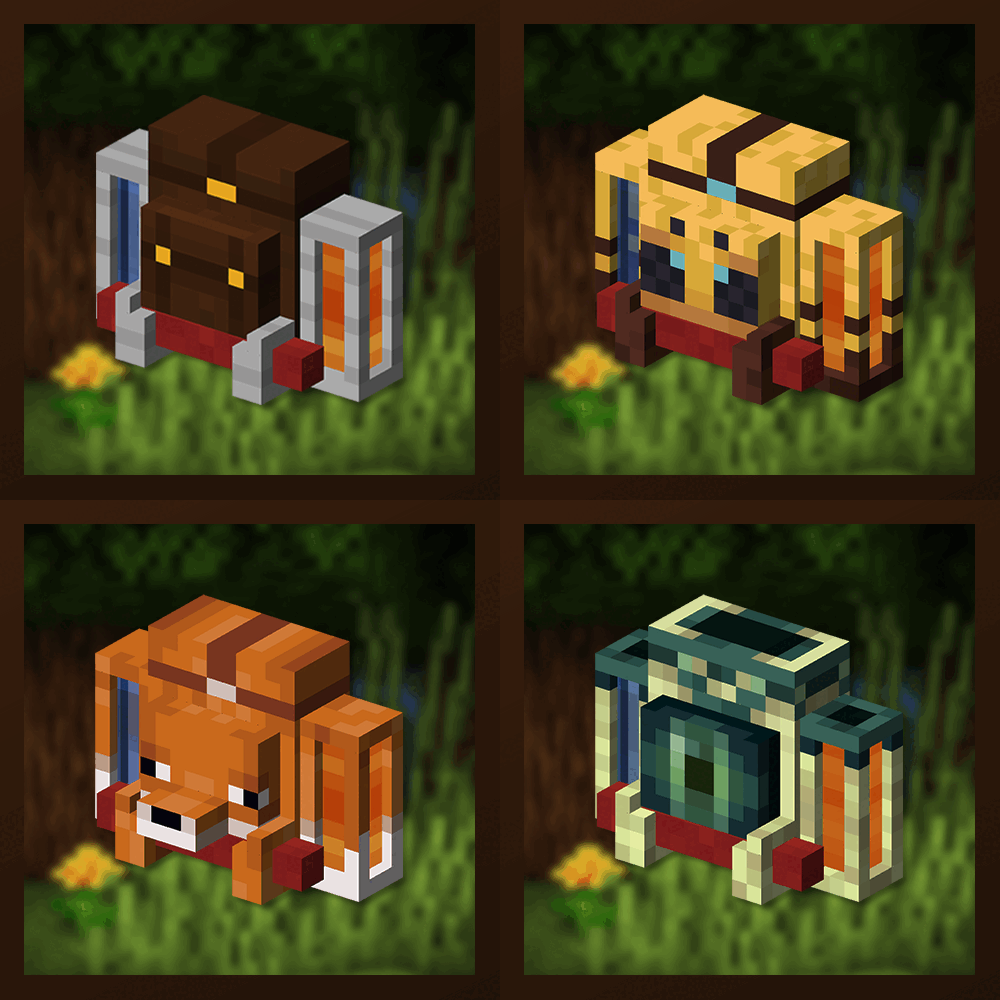 mod
Unique and upgradeable backpacks with customisation, Curios API/Trinkets integration and more!
 mod
Find a Gravity Pearl in a meteor crater, hold it to levitate, or place it on an altar to send nearby players and mobs tumbling through the air.
 mod
The definitive dialogue system