Minecraft version
Back to mods 
CurseForge · Minecraft mod
Apple Skins
Challenge yourself in your Create mod factories with the Apple Skins mod, and automate things you never thought possible!
Choose a version Pick your version below, then grab the matching file.
Quick answer
Which Apple Skins release should I use?
Latest stable file 1.4.0
Game version 1.21.1
Loader NeoForge
Apple Skins 1.4.0 targets 1.21.1 with NeoForge. The project page does not say whether this file belongs on the client, dedicated server, or both. No extra mods listed for this file.
Where it goes
Is Apple Skins required on the client, server, or both?
The project page does not say whether this file belongs on the client, dedicated server, or both.
Client Source doesn’t say
Dedicated server Source doesn’t say
Loader for this release NeoForge
Required install it here Optional supported, not mandatory Not supported do not install here Source doesn’t say do not assume
The source does not explicitly classify this release as client-only or server-only.
What else does Apple Skins 1.4.0 need?
1.4.0. Change the file and its required mods may change too.
This file does not list any required mods. Do not add a library just because a different file uses it.
This file does not list any required or optional mods.
Before you install it
Add Apple Skins without breaking your instance.
Built for Apple Skins 1.4.0. Pick another file and the loader, install side or required mods may change.
- 01
Stick to this file
Use 1.4.0. It targets 1.21.1 with NeoForge; another release may have different loader, side or dependency requirements.
- 02
Bring the mods it needs
This file does not list any required mods. Do not add a library just because a different file uses it.
- 03
Put it on the correct side
The project page does not say whether this file belongs on the client, dedicated server, or both.
- 04
Pick the file you checked
Use the “Get this file” button beside 1.4.0. It opens that exact file at the source.
About this project
What does Apple Skins add?
Apple Skins
Apple Skins is the ultimate apple mod for Minecraft. It adds many apple-themed items and features, all integrating perfectly with Create! And not only that, it makes the game slightly harder, isn't that neat?

Content
The Apple Skins Mod adds a lot of content! Here are just some of the things you can expect from the Apple Skins Mod!
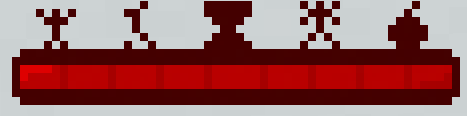
- The Apple Bar! The mod's main feature! Deplete it, and bad things will happen. Fill it, and good things will happen!
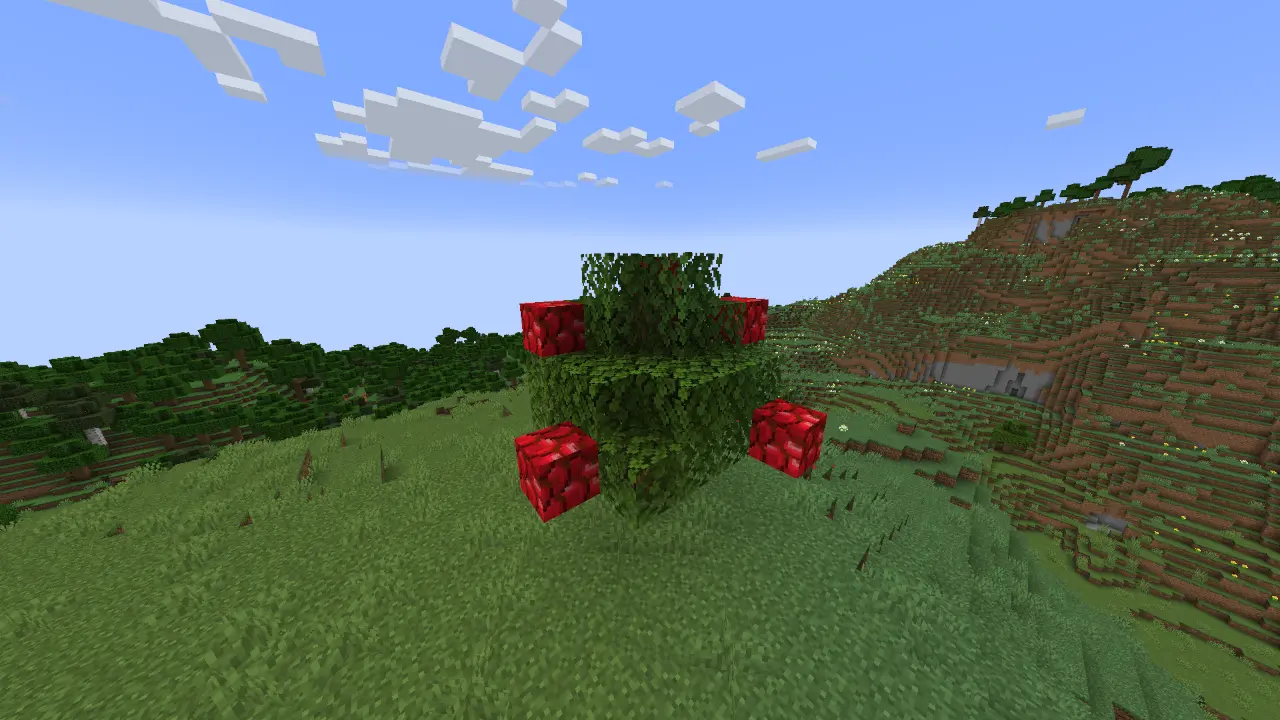
- Apple Trees! Woooooo!! Trees with apples in them!!!
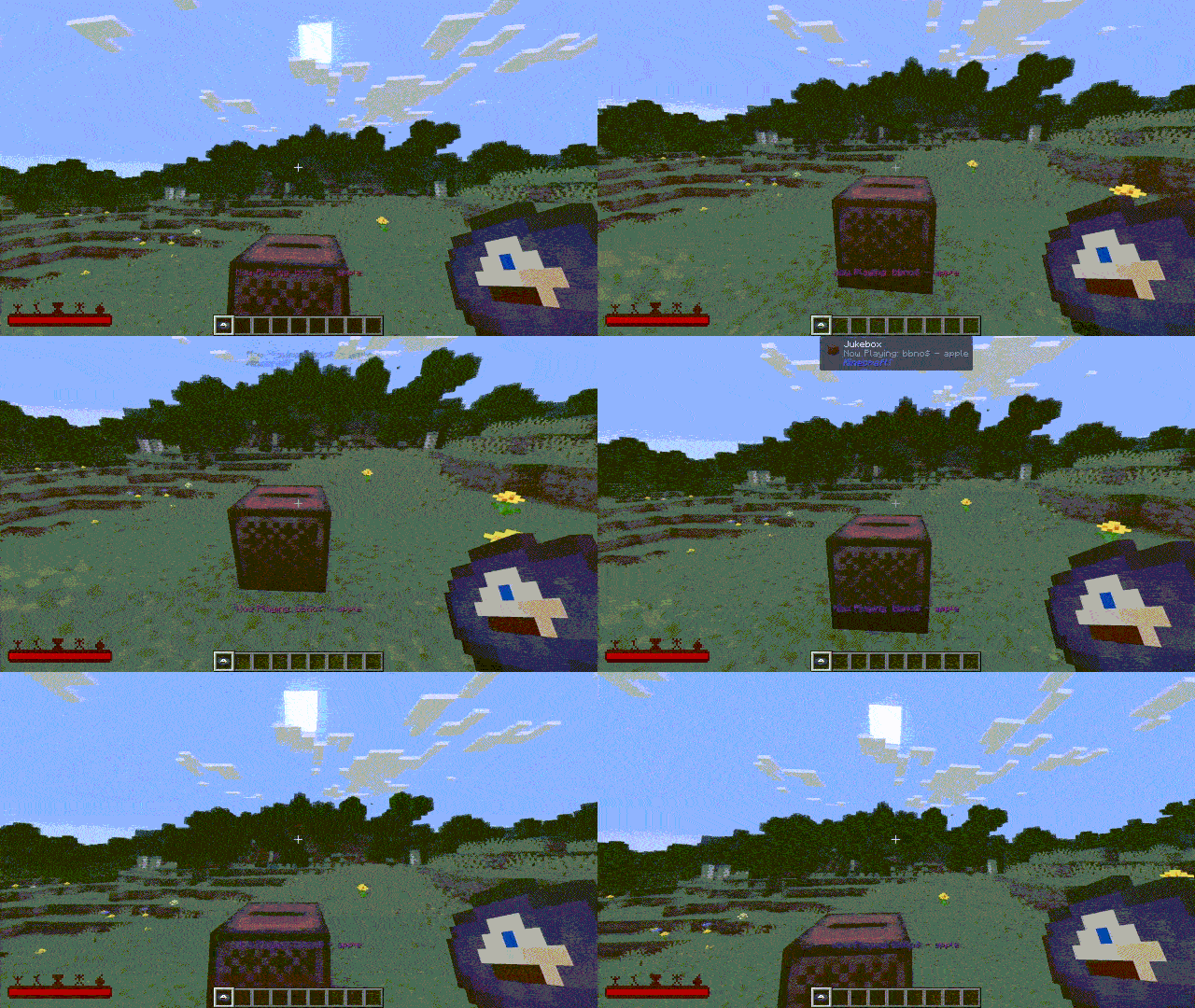
- Music! Beautiful music, created by the most talented musician!
- A Bowl Of Water! Mmmmmm, tasty!!
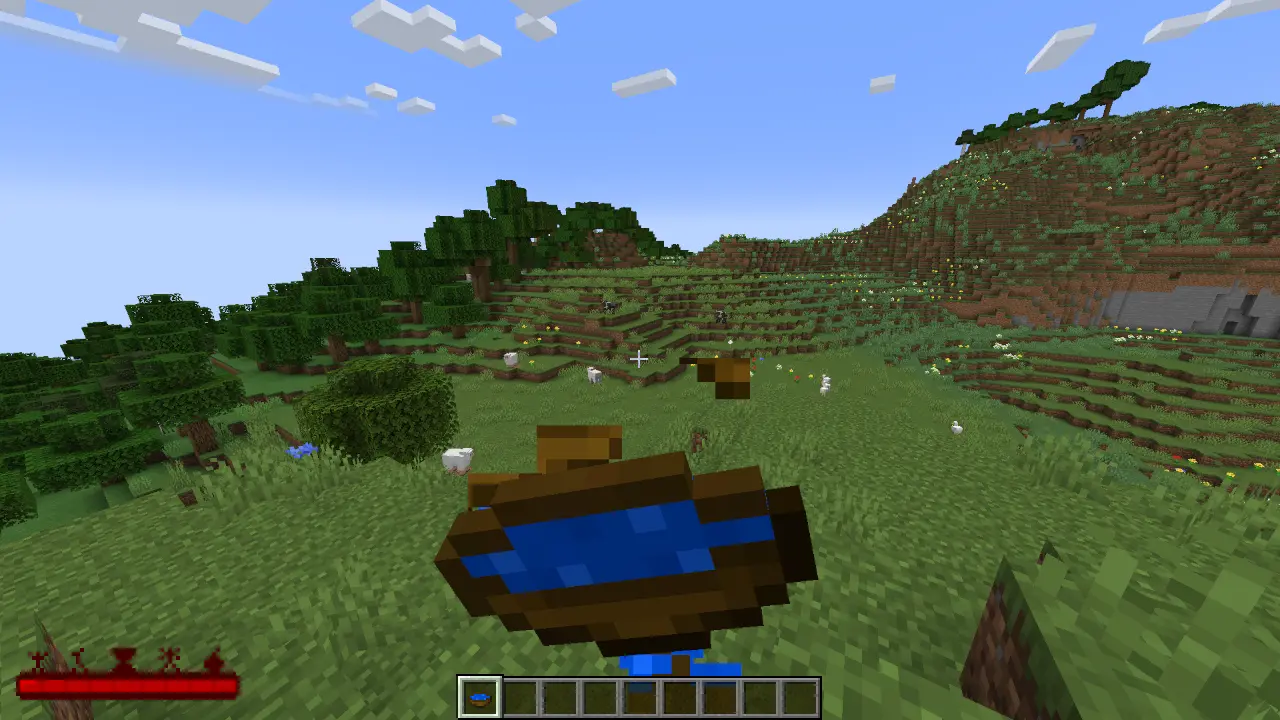
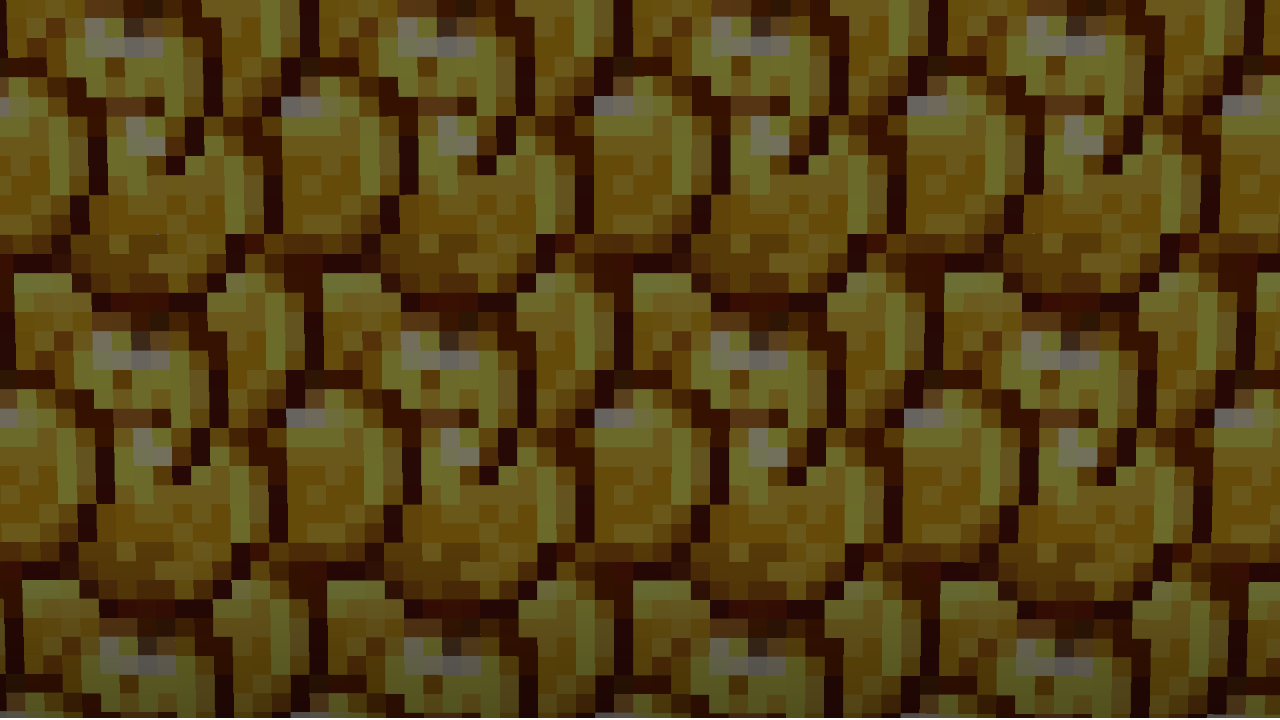
- Abstract Art! Beautiful and pretty!!
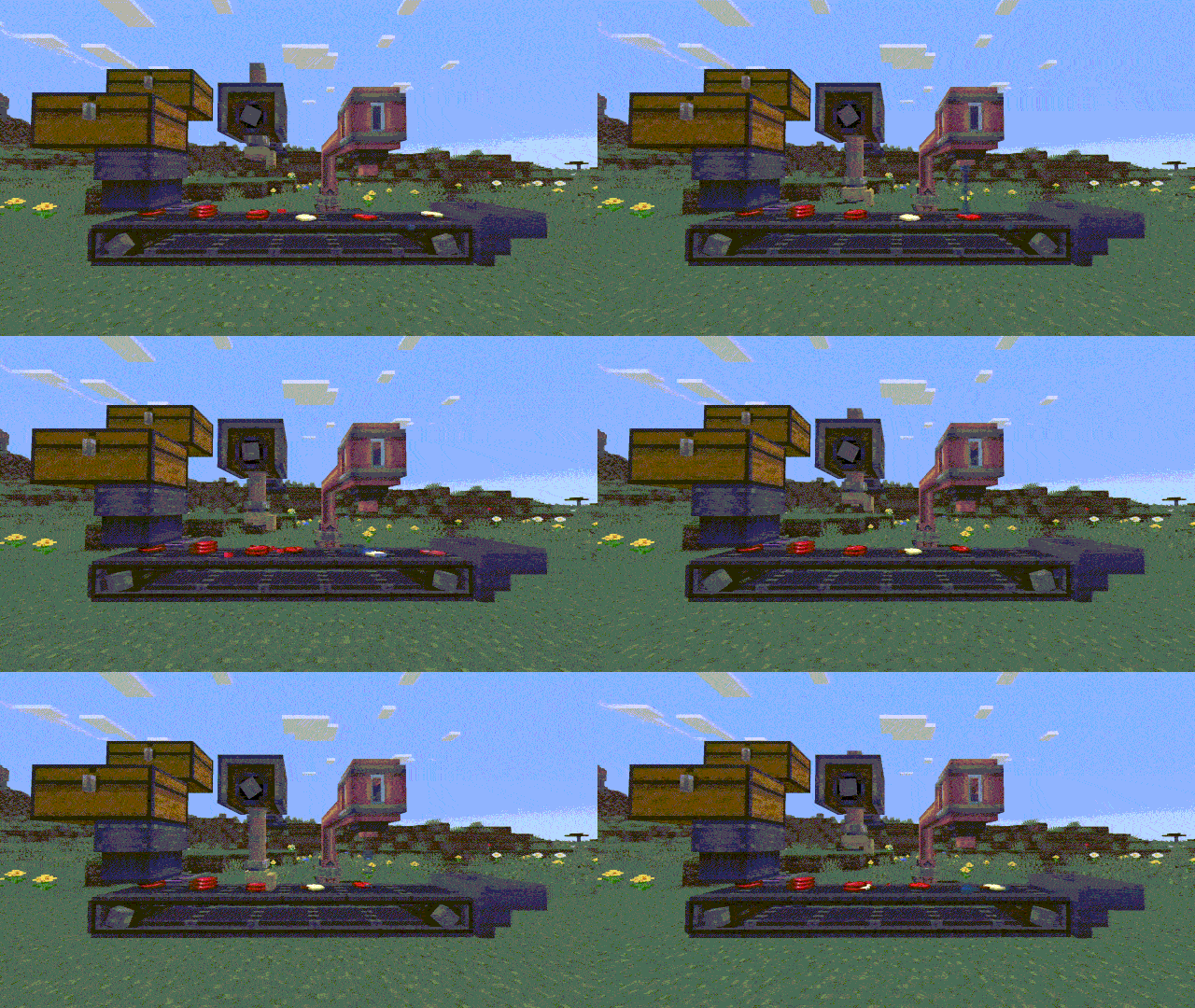
- Full Create Integration! Automate your apples! Make something else make you apples!
- And So Much More! Like so much more you could could spend time on it!
It's A Cool Mod, Isn't it?
Like it's awesome and cool and definitely in your top 2, right? Like real high up there, so much higher than the other mods. Like name another mod that's this good, I'll wait. Oh, you can't? See, that's why this one is the best one.
You downloading it yet?
Come on, please do it…
Will you?
If so, that would be poggies.

Project description from CurseForge.
Pick your setup
Apple Skins by Minecraft version and loader
Choose the version and loader you play, then open the matching release.
Check the dependencies, then try the file in a copied instance before changing a world you care about.
Recent files
Apple Skins versions and loaders
1.4.0
appleskins-1.4.0.jar
11 May 2026
Client Source doesn’t say Server Source doesn’t say Dependencies No extras listed Listed on Release listing
Check the 1.21.1 · NeoForge setup 1.21.1NeoForge release
Looking for an older file? The official CurseForge project page is in Resources.
 mod
CurseForge + Modrinth · Minecraft
Mallard Guard - Immersive Parrying
Mallard guard aims to provide a unique way to experience combat with reactive and immersive parrying. The mod is part of my immersive duckie series created to make a more memorable minecraft experience!
 mod
CurseForge + Modrinth · Minecraft
Adventure Item Names
Unique names for weapons, tools, armour and items found throughout your world.
 mod
CurseForge · Minecraft
CobbleQuests & Expeditions
Send your Pokémon on expeditions, take on guild quests, and unlock portable tools as you level up in Cobblemon.