oωo (owo-lib) Needed by Death Memo deathmemo-1.21.10.jar
requiredMatching file found Matched file: [1.21.10] oωo - neo - 0.12.28
CurseForge · Minecraft mod
A client-side NeoForge mod that automatically saves snapshots of your inventory upon death and allows you to browse them later.
Quick answer
Death Memo deathmemo-1.21.10.jar targets 1.21.10 with NeoForge. The project page does not say whether this file belongs on the client, dedicated server, or both. All 1 required mods have matching files.
Where it goes
The project page does not say whether this file belongs on the client, dedicated server, or both.
The source does not explicitly classify this release as client-only or server-only.
deathmemo-1.21.10.jar. Change the file and its required mods may change too.
Install oωo (owo-lib) first. We found matching files for this game-version and loader setup.
We only count dependency files that match this setup. A file for another loader does not fill the gap.
Before you install it
Built for Death Memo deathmemo-1.21.10.jar. Pick another file and the loader, install side or required mods may change.
Use deathmemo-1.21.10.jar. It targets 1.21.10 with NeoForge; another release may have different loader, side or dependency requirements.
Install oωo (owo-lib) first. We found matching files for this game-version and loader setup.
The project page does not say whether this file belongs on the client, dedicated server, or both.
Use the “Get this file” button beside deathmemo-1.21.10.jar. It opens that exact file at the source.
About this project
A client-side NeoForge mod that automatically saves snapshots of your inventory upon death and allows you to browse them later.
For server operators or singleplayer with cheats enabled, it also provides one‑click item recovery, teleportation to the death location, and experience restoration.
deathmemo/ folder inside the Minecraft game directory, separately for each world/server.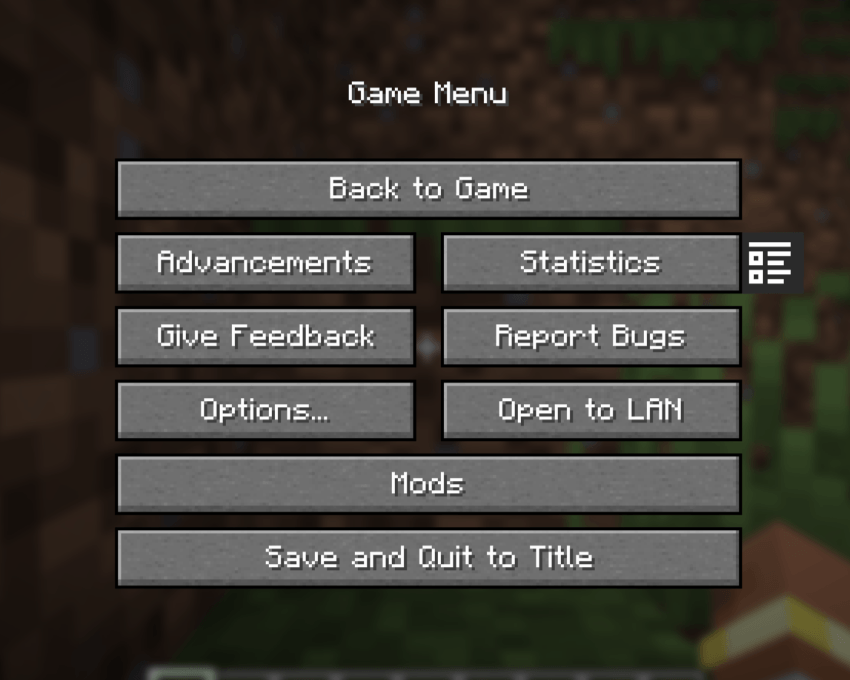
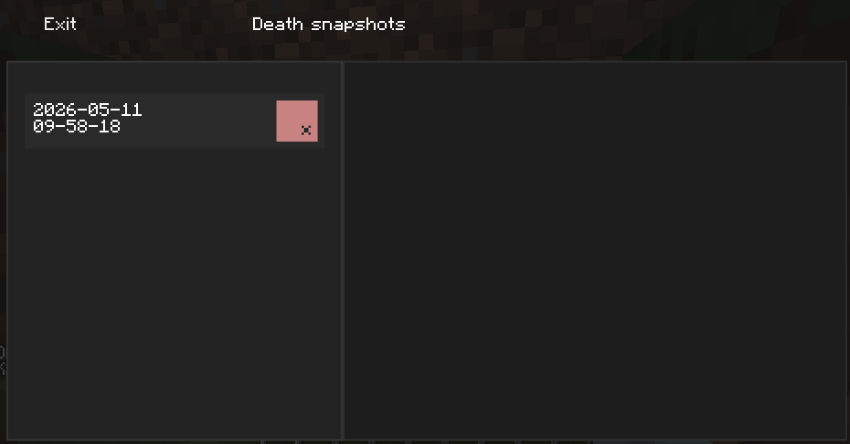
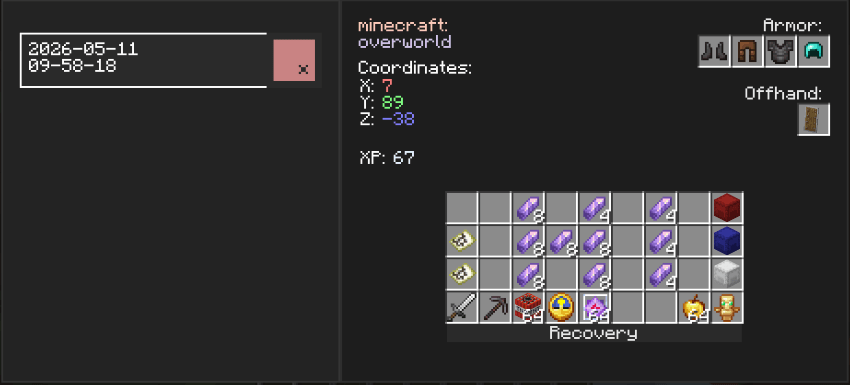
Operator recovery tools (requires permission level 2 or cheats enabled in singleplayer):
Recovery – request all items from the selected snapshot.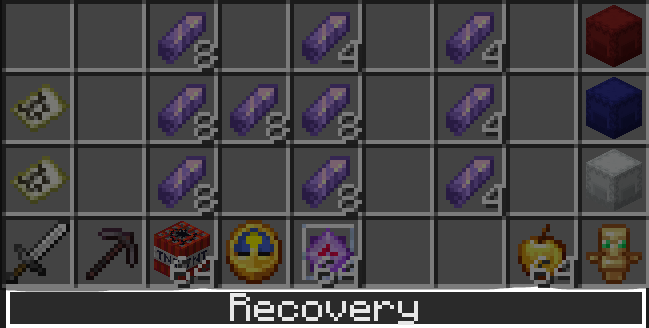
Teleportation – instantly teleport to the death location.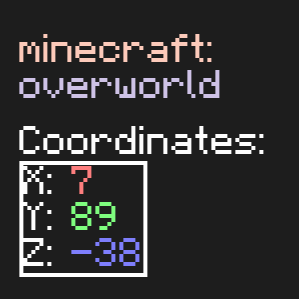
Experience restoration – restore lost experience points.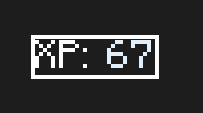
Request a specific item – click on any slot in the history to ask the server to give you that item (if permitted).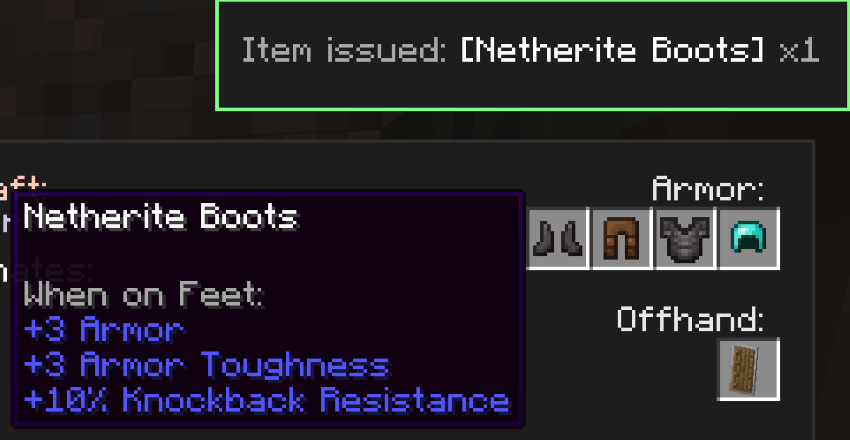
Visual feedback – custom colored toast notifications confirm whether your recovery request was approved or denied.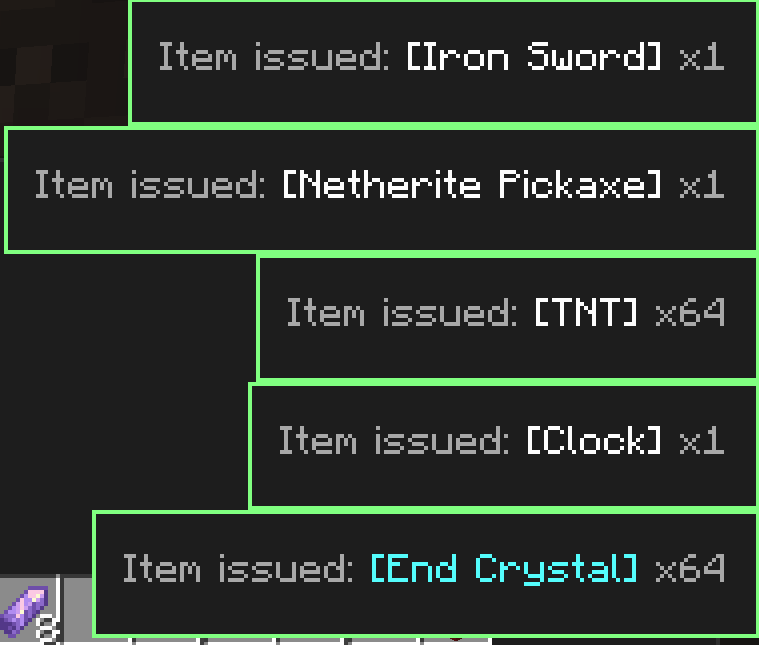
Flexible UI – snapshots can be safely deleted individually.
Client‑server interaction – uses custom packets for secure command execution and item recovery.
deathmemo-*.jar from the Releases section or build from source.mods/ folder.ItemStack.CODEC and saved under deathmemo/<place>/.snapshots_screen.xml) and custom components (HoverAwareFlowLayout, OneLineLabel).RequestItemPayload – the client requests an item.CommandRequestPayload – the client requests a command (teleport/XP).RequestResponsePayload – the server replies with success/failure and a message shown in a toast.This project is distributed under the CC BY-NC 4.0 license.
You are free to use, modify, and distribute it in accordance with the license file.
However, when distributing this project or its derivatives, you must give appropriate credit to the original author (VPKesha a.k.a. MrDemogg).
Commercial use of the code from this project is prohibited without the author’s permission.
Read more
Found a bug or have a suggestion? Feel free to open an issue on the GitHub repository.
Клиентский мод для NeoForge, который автоматически сохраняет снимки вашего инвентаря при смерти и позволяет просматривать их позже.
Для операторов серверов или одиночной игры с включёнными читами также доступно восстановление предметов, телепортация на место гибели и возврат опыта в один клик.
deathmemo/ внутри игровой директории Minecraft отдельно для каждого мира/сервера.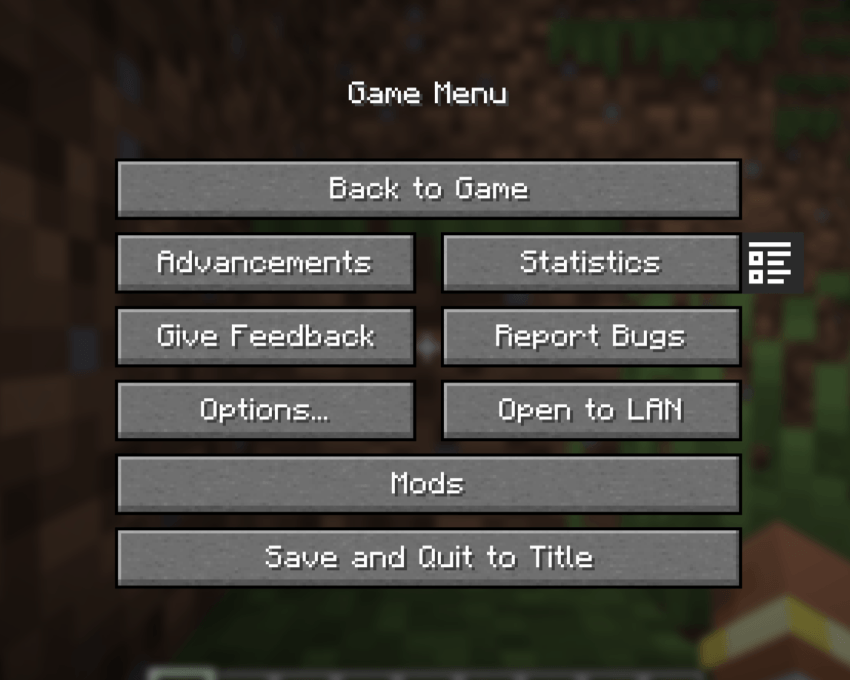
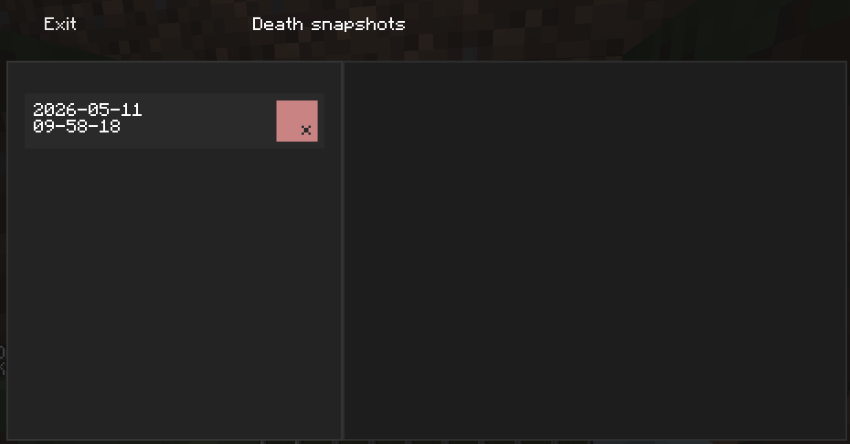
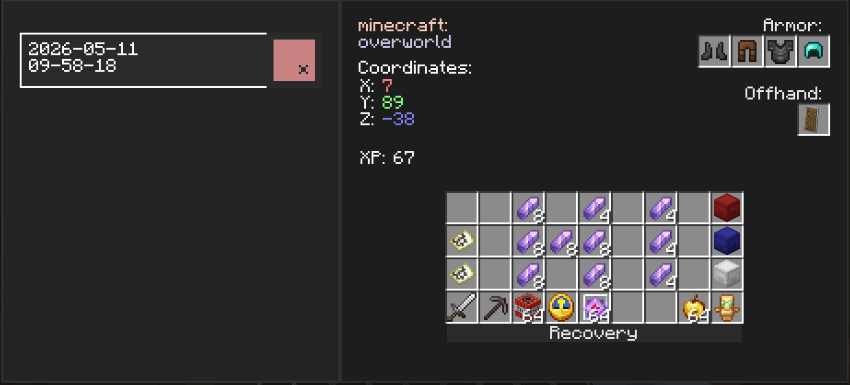
Инструменты восстановления для операторов (требуется уровень прав 2 или включённые читы):
Восстановление – запрос всех предметов из выбранного снимка обратно.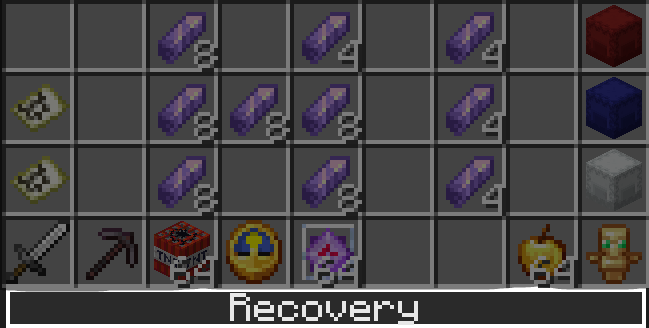
Телепортация – мгновенное перемещение на место смерти.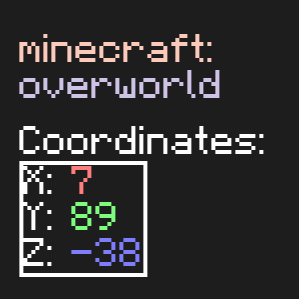
Восстановление опыта – выдача потерянных очков опыта.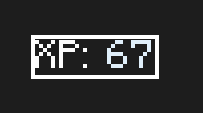
Запрос отдельного предмета – клик по любому слоту в истории отправляет запрос серверу на выдачу конкретного предмета (при наличии прав).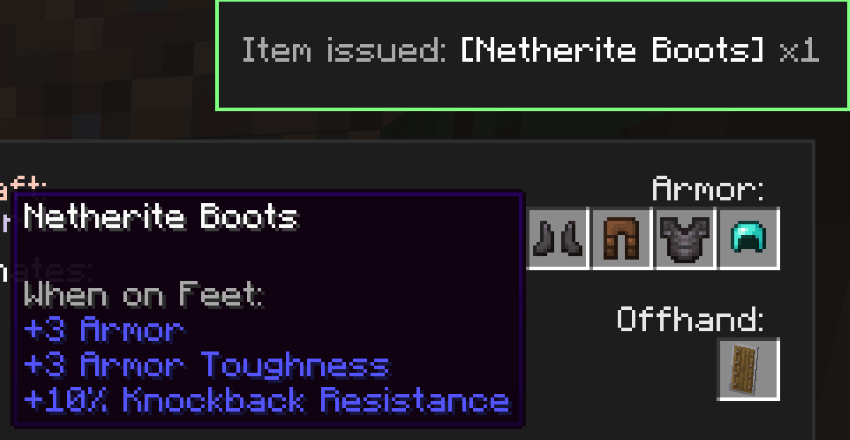
Визуальная обратная связь – кастомные цветные уведомления-тосты подтверждают, одобрен ли ваш запрос на восстановление, или отклонён.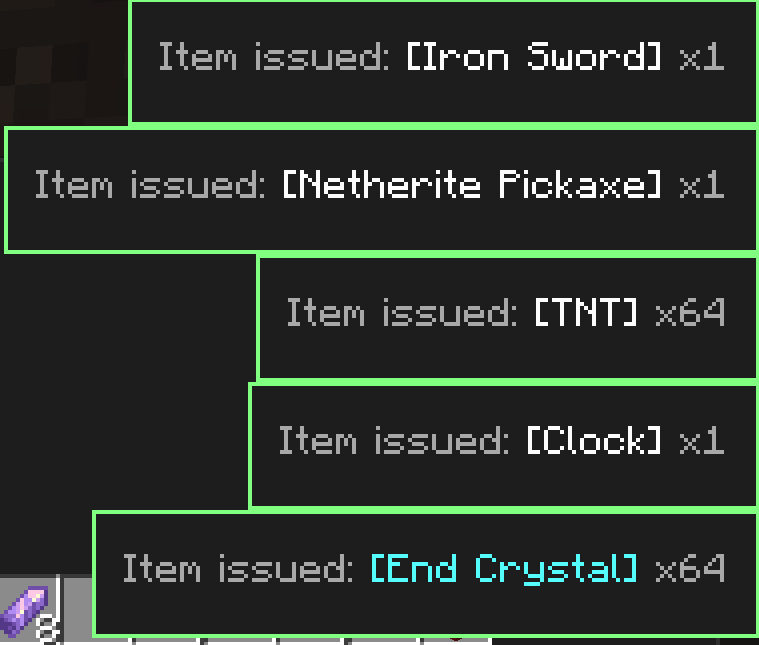
Гибкий интерфейс – снимки можно безопасно удалять по одному.
Клиент-серверное взаимодействие – используются собственные пакеты для безопасного выполнения команд и восстановления предметов.
deathmemo-*.jar из раздела Релизы или соберите из исходников.mods/.ItemStack.CODEC и сохраняются в deathmemo/<место>/.snapshots_screen.xml) и собственные компоненты (HoverAwareFlowLayout, OneLineLabel).RequestItemPayload – клиент запрашивает предмет.CommandRequestPayload – клиент запрашивает выполнение команды (телепортация/опыт).RequestResponsePayload – сервер отвечает успехом/неудачей и сообщением, которое показывается в тосте.Проект распространяется под лицензией CC BY-NC 4.0
Вы можете свободно использовать, менять и распространять его в соответствии с файлом лицензии.
Однако при распространении этого проекта или его производных требуется указание оригинального автора (VPKesha ака MrDemogg)
Коммерческая деятельность с использованием кода из данного проекта запрещена без разрешения автора
Подробнее
Нашли ошибку или есть предложение? Создайте issue в репозитории на GitHub.
Project description from CurseForge.
Pick your setup
Choose the version and loader you play, then open the matching release.
Check the dependencies, then try the file in a copied instance before changing a world you care about.
Recent files
12 May 2026
12 May 2026
12 May 2026
12 May 2026
12 May 2026
12 May 2026
12 May 2026
12 May 2026
Looking for an older file? The official CurseForge project page is in Resources.
 mod
modChanges mods behaviour, in a way to optimize them, fix some issues or extends their functionalities, most of them with configurations. Currectly affects Modular Machinery Reborn, SFM keywords colors, KJS in different ways , Pipez and more!
 mod
modAn expansion mod for TaCZ about better attachment managing.
 mod
modFor slower and more relaxed progression. Aiming for simplicity.