YetAnotherConfigLib Needed by twemoji-26.3-NeoForge-1.1.0.jar
requiredMatching file found Matched file: 3.9.7 for neoforge 26.3

CurseForge · Minecraft mod
Pixelated Twemoji emojis in chat, with a picker, shortcodes, animated emojis, and datapack support.
Quick answer
twemoji-26.3-NeoForge-1.1.0.jar targets 26.3 with NeoForge. The project page does not say whether this file belongs on the client, dedicated server, or both. All 2 required mods have matching files.
Where it goes
The project page does not say whether this file belongs on the client, dedicated server, or both.
The source does not explicitly classify this release as client-only or server-only.
twemoji-26.3-NeoForge-1.1.0.jar. Change the file and its required mods may change too.
Install YetAnotherConfigLib, BaguetteLib first. We found matching files for this game-version and loader setup.
We only count dependency files that match this setup. A file for another loader does not fill the gap.
Before you install it
Built for twemoji-26.3-NeoForge-1.1.0.jar. Pick another file and the loader, install side or required mods may change.
Use twemoji-26.3-NeoForge-1.1.0.jar. It targets 26.3 with NeoForge; another release may have different loader, side or dependency requirements.
Install YetAnotherConfigLib, BaguetteLib first. We found matching files for this game-version and loader setup.
The project page does not say whether this file belongs on the client, dedicated server, or both.
Use the “Get this file” button beside twemoji-26.3-NeoForge-1.1.0.jar. It opens that exact file at the source.
About this project
Adds Pixelated Twitter-style emoji to Minecraft chat, signs, books, and tooltips. Type :name: to insert one.
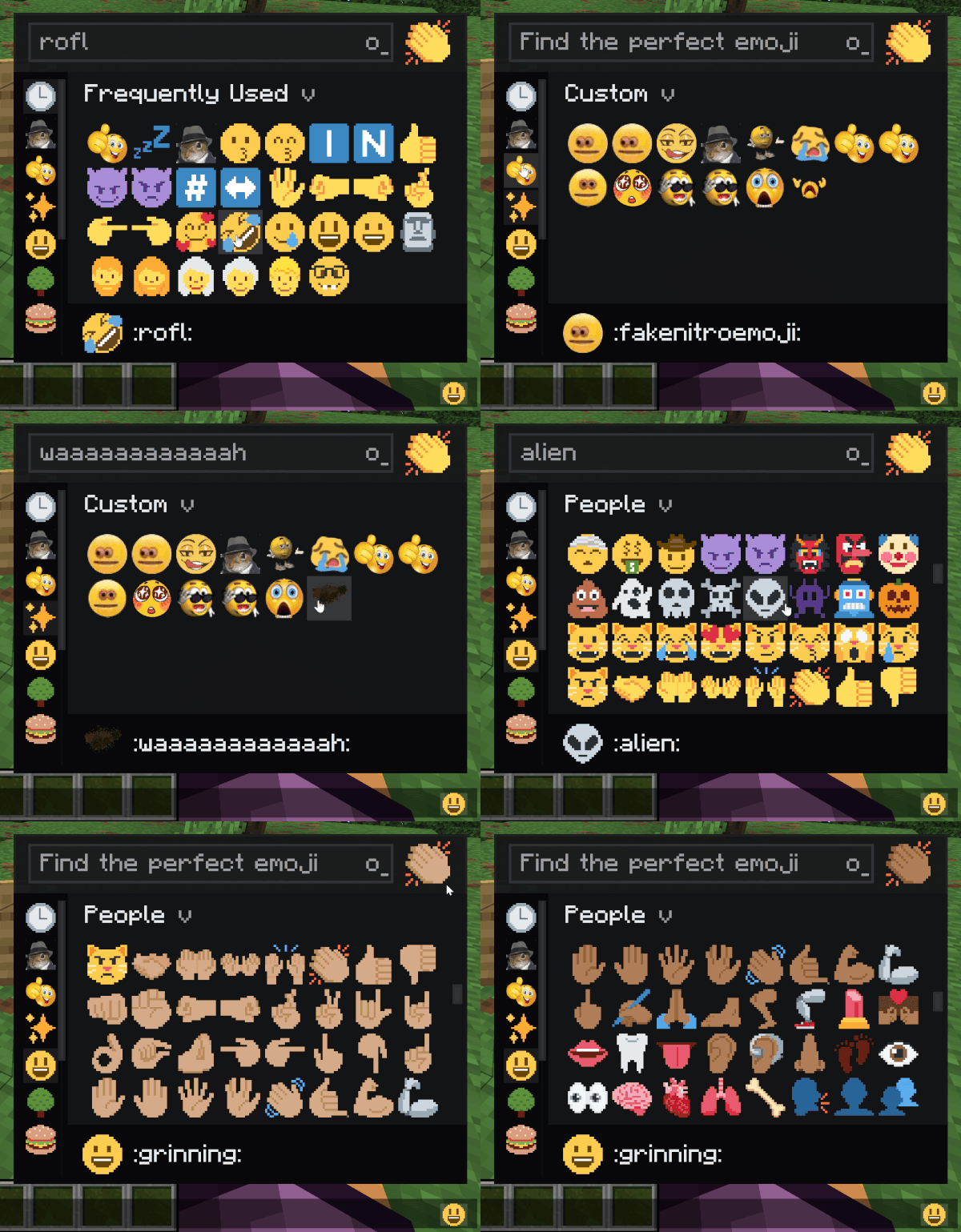
:smile: and it pops in as you close the colon or hit space./twemoji rain <emoji>), works in singleplayer and on servers.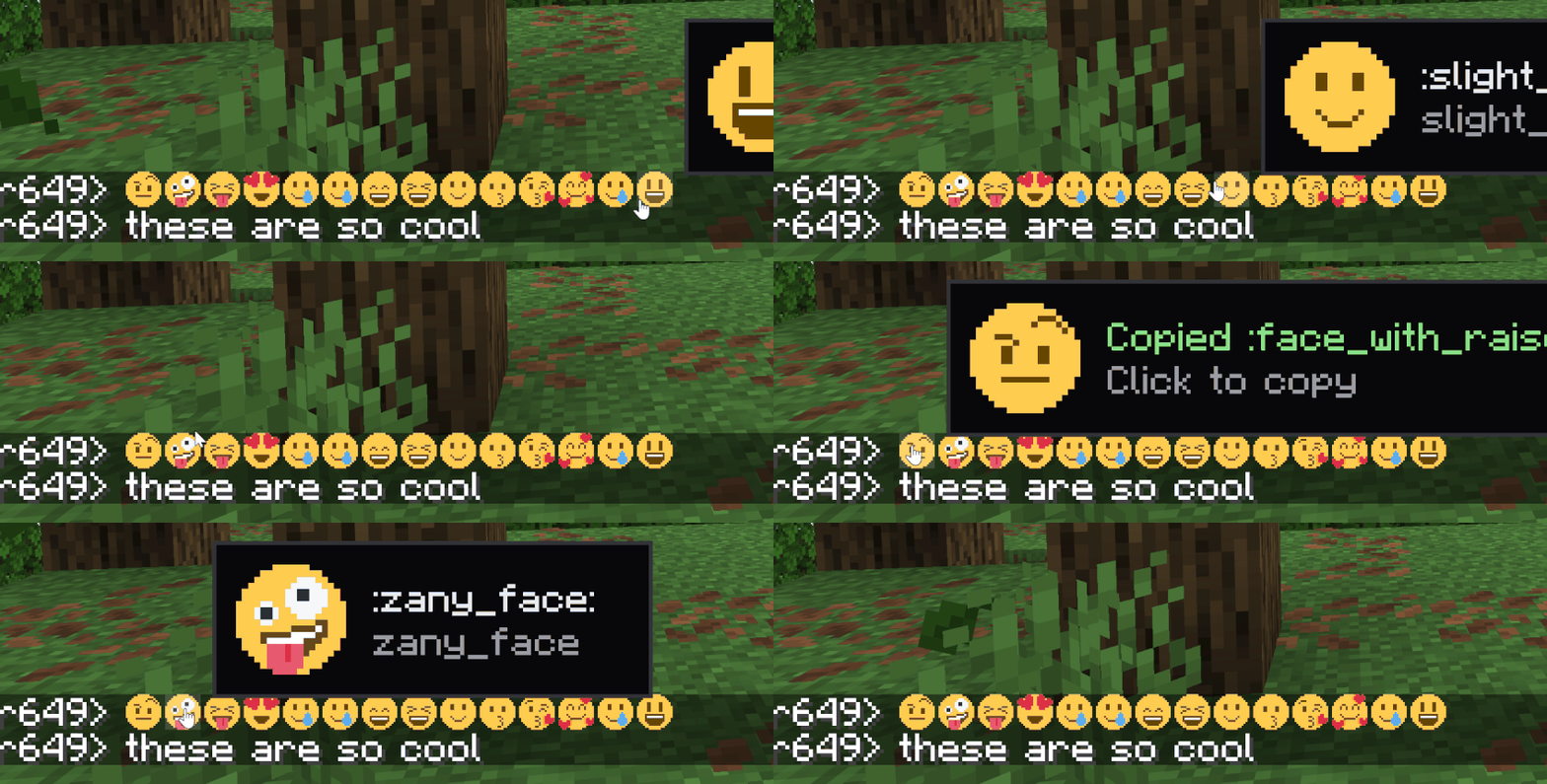
Open chat, type : and start typing the name. A suggestion list appears. Or open the picker with the keybind (rebindable in Controls).
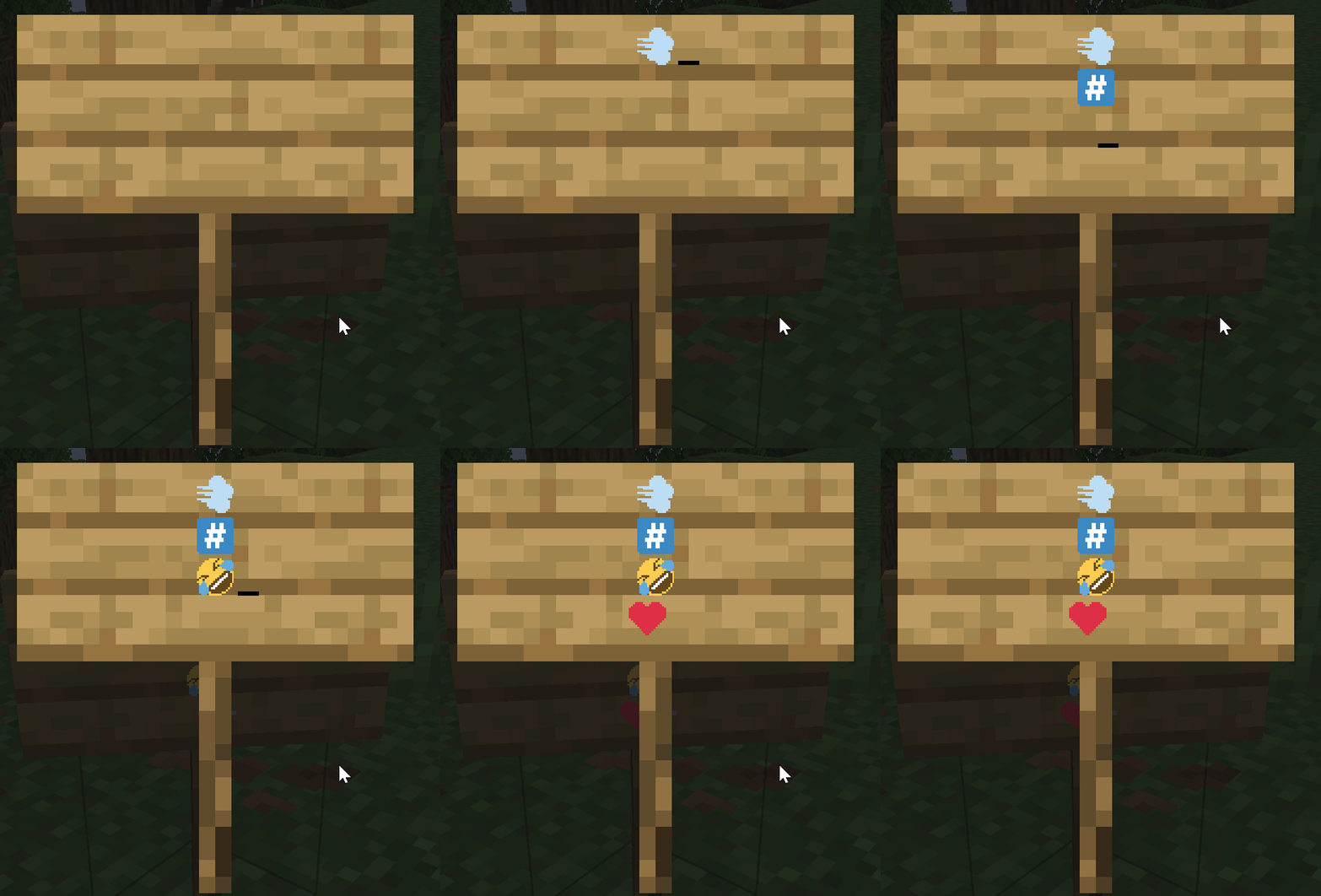
Drop a PNG into a datapack at data/<namespace>/twemoji/emoji/<name>.png. The file name is the shortcode. Static and animated both supported (animated uses the same .png.mcmeta format as vanilla animated textures). Also it has backward compat with emojiful's datpack format
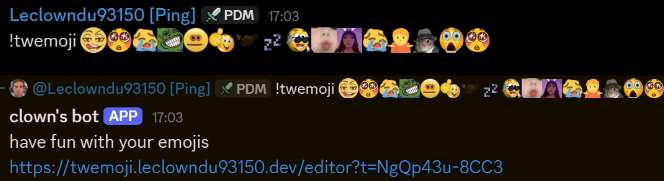
There's also a discord bot and website available in my Discord Server with a built-in datapack editor
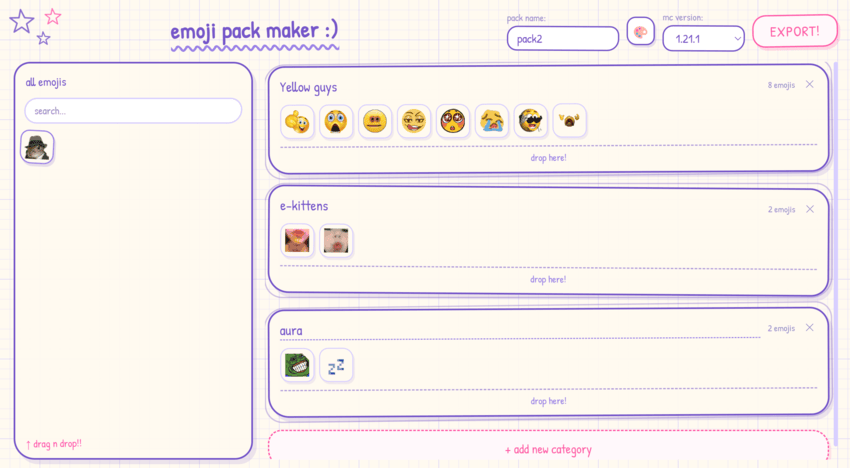
Singleplayer and dedicated servers work the same — the integrated server pushes the set to your client on join.
Full datapack format and examples are in the project README on GitHub.
/twemoji skin <0-5> - set your skin tone (0 = default) can also be done in the picker./twemoji rain <emoji> [seconds] - emoji rain on your screen./twemoji rain <emoji> [seconds] <players> - admins only, trigger rain for someone else./twemoji button <true|false> - show/hide the picker button next to the chat input./twemoji flags <true|false> - toggle regional indicator flag emoji rendering./twemoji render <size> <emoji> - export an emoji to a PNG file./emoji upload <name> <file> - admin command to add a server-wide emoji at runtime.Source code is All Rights Reserved. View and fork for PRs only - no redistribution or derivative works without written permission.
Bundled image assets and shortcode data are CC-BY 4.0:
When redistributing, the asset attribution above must be preserved.
Support on Discord
If you'd like to support me and the development of my mods, I recommend trying out BisectHosting. Use code "project8gbderam" to get 25% off your first month of a gaming server for new customers. They offer 24/7 support and lightning-fast response times, ensuring you're in great hands and providing exceptional assistance for all your gaming needs.

Project description from CurseForge.
Pick your setup
Choose the version and loader you play, then open the matching release.
Check the dependencies, then try the file in a copied instance before changing a world you care about.
Recent files
28 Sept 2026
28 Sept 2026
7 Sept 2026
7 Sept 2026
7 Sept 2026
7 Sept 2026
7 Sept 2026
7 Sept 2026
7 Sept 2026
7 Sept 2026
7 Sept 2026
7 Sept 2026
Looking for an older file? The official CurseForge project page is in Resources.
 mod
This mod lets you edit custom set effects through a visual GUI with intuitive operations.
 mod
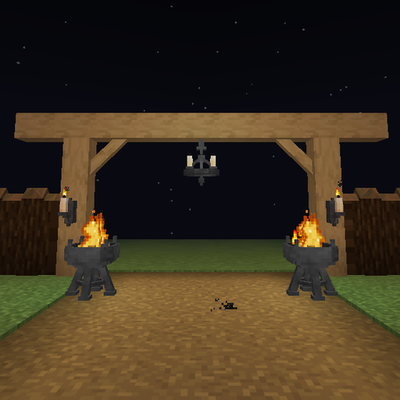
Timber beams, palisades, braces, timber frames and log piles for all 12 wood types, plus braziers, chandeliers, wall sconces and candelabras. Vanilla textures.
 mod
Backpack mod on all versions