LDLib Needed by Easy Block Editor ebe-0.1.6.jar
requiredMatching file found Matched file: LDLib2-1.21.1-2.2.47-neoforge

CurseForge · Minecraft mod
It serves as both a building editor and a building management platform. The core concept: provide an in-game full-screen 3D UI editor, allowing players to design, edit, manage, and share buildings in a non-destructive way.
Quick answer
Easy Block Editor ebe-0.1.6.jar targets 1.21.1 with NeoForge. The project page does not say whether this file belongs on the client, dedicated server, or both. All 1 required mods have matching files.
Where it goes
The project page does not say whether this file belongs on the client, dedicated server, or both.
The source does not explicitly classify this release as client-only or server-only.
ebe-0.1.6.jar. Change the file and its required mods may change too.
Install LDLib first. We found matching files for this game-version and loader setup. 3 come through another mod in the chain.
3 extra mods were pulled in by other dependencies. Indented rows show who needs each one. We only count dependency files that match this setup. A file for another loader does not fill the gap.
Before you install it
Built for Easy Block Editor ebe-0.1.6.jar. Pick another file and the loader, install side or required mods may change.
Use ebe-0.1.6.jar. It targets 1.21.1 with NeoForge; another release may have different loader, side or dependency requirements.
Install LDLib first. We found matching files for this game-version and loader setup. 3 come through another mod in the chain.
The project page does not say whether this file belongs on the client, dedicated server, or both.
Use the “Get this file” button beside ebe-0.1.6.jar. It opens that exact file at the source.
About this project
EasyBlockEditor is a building editor mod for Minecraft NeoForge 1.21.1, inspired by Litematica, developed with the LDLib2 framework.
It serves as both a building editor and a building management platform. The core concept: provide an in-game full-screen 3D UI editor, allowing players to design, edit, manage, and share buildings in a non-destructive way.
.litematic, .schem (Sponge), .nbt (Vanilla Structure), .schematic (Schematica), and native .ebe formatProject description from CurseForge.
Pick your setup
Choose the version and loader you play, then open the matching release.
Check the dependencies, then try the file in a copied instance before changing a world you care about.
Recent files
13 Jun 2026
1 Jun 2026
25 May 2026
ebe-0.1.2-beta.jar
25 May 2026
ebe-0.1.2-beta.jar
24 May 2026
24 May 2026
24 May 2026
Looking for an older file? The official CurseForge project page is in Resources.
 mod
Improved and rebalanced smithing, item repair and enchantment sources. Fully-featured and vanilla friendly.
 mod
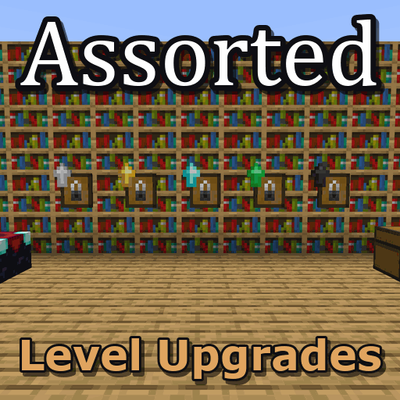
Adds level upgrades that raise a chest, barrel, hopper or shulker box to a better material in place.
 mod
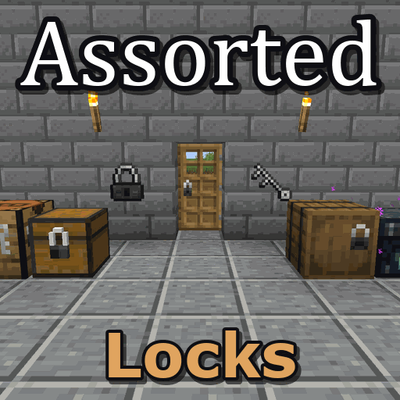
Adds padlocks, keys, key rings and the locksmith workbench to lock doors, chests, barrels, hoppers and shulker boxes, and the other Assorted Storage containers.