Minecraft version
Back to mods 
CurseForge · Minecraft mod
Fast Quit
Leave the Server/World with a custom keybind (REALY FAST) 🎮✨
Choose a version Pick your version below, then grab the matching file.
Quick answer
Which Fast Quit release matches 1.21.2?
Best match for your filters Fast-Quit-1.0.jar
Game version 1.21, 1.21.8, 1.21.5
Loader Fabric
Fast Quit Fast-Quit-1.0.jar targets 1.21, 1.21.8, 1.21.5 with Fabric. The project page does not say whether this file belongs on the client, dedicated server, or both. No extra mods listed for this file.
Where it goes
Is Fast Quit required on the client, server, or both?
The project page does not say whether this file belongs on the client, dedicated server, or both.
Client Source doesn’t say
Dedicated server Source doesn’t say
Loader for this release Fabric
Required install it here Optional supported, not mandatory Not supported do not install here Source doesn’t say do not assume
The source does not explicitly classify this release as client-only or server-only.
What else does Fast Quit Fast-Quit-1.0.jar need?
Fast-Quit-1.0.jar on 1.21.2. Every mod below is checked against that same setup.
This file does not list any required mods. Do not add a library just because a different file uses it.
This file does not list any required or optional mods.
Before you install it
Add Fast Quit without breaking your instance.
Built for Fast Quit Fast-Quit-1.0.jar on 1.21.2. Pick another file and the loader, install side or required mods may change.
- 01
Stick to this file
Use Fast-Quit-1.0.jar. It targets 1.21, 1.21.8, 1.21.5 with Fabric; another release may have different loader, side or dependency requirements.
- 02
Bring the mods it needs
This file does not list any required mods. Do not add a library just because a different file uses it.
- 03
Put it on the correct side
The project page does not say whether this file belongs on the client, dedicated server, or both.
- 04
Pick the file you checked
Use the “Get this file” button beside Fast-Quit-1.0.jar. It opens that exact file at the source.
About this project
What does Fast Quit add?
🚀 Want 25% OFF Your First Server?
Create your own Minecraft server and save 25% on your first month 🌍⚡️
Perfect for playing with friends, testing mods/plugins, or starting a community server 🔥
💖 Using the link above helps support my projects!

🎮✨🚪 Leave the Server/World with a Custom Keybind 🎯⚡
You can quickly exit the current server or world by pressing a custom keybind ⌨️💨
By default, this key is set to "G" 🟢, but you can change it to any key you prefer in the controls/settings menu ⚙️🛠️
How it works: 🧠👇
- 👉 Press G → instantly leave the server or world 🚀🌍❌
- 👉 No need to open menus manually 🙅♂️📂
- 👉 Saves time and makes navigation smoother ⏱️✨🧭
Customization: 🎨🔧
If you don’t like the default key 😅, simply go to your keybind settings ⚙️ and assign a different key that feels more comfortable for you 🖐️💡🎯
Project description from CurseForge.
Pick your setup
Fast Quit by Minecraft version and loader
Choose the version and loader you play, then open the matching release.
Minecraft version
1.21.10
1 loader buildMinecraft version
1.21.9
1 loader buildMinecraft version
1.21.8
1 loader buildMinecraft version
1.21.7
1 loader buildMinecraft version
1.21.6
1 loader buildMinecraft version
1.21.5
1 loader buildMinecraft version
1.21.4
1 loader buildMinecraft version
1.21.3
1 loader buildMinecraft version
1.21.2
1 loader buildMinecraft version
1.21.1
1 loader buildMinecraft version
1.21
1 loader buildCheck the dependencies, then try the file in a copied instance before changing a world you care about.
Recent files
Fast Quit versions and loaders
Fast-Quit-1.0.jar
25 May 2026
Client Source doesn’t say Server Source doesn’t say Dependencies No extras listed Listed on Release listing
Check the 1.21.2 · Fabric setup 1.21Fabric1.21.81.21.5 release
Looking for an older file? The official CurseForge project page is in Resources.
 mod
CurseForge + Modrinth · Minecraft
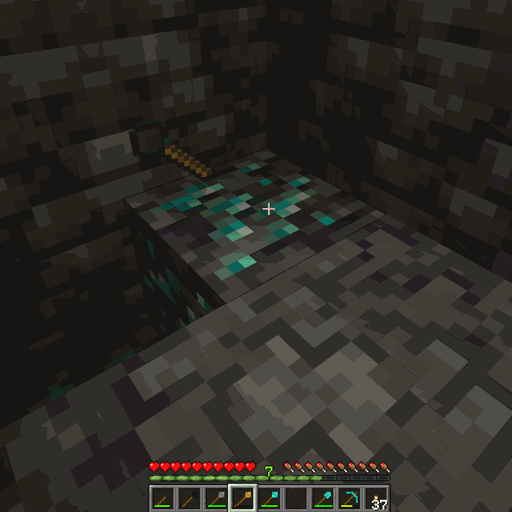
Balanced Ore Detector
Fully configurable Ore Detectors that do not break the balance of the game, and still make prospecting a challenge, without forcing you to hollow out the entire world.
 mod
CurseForge + Modrinth · Minecraft
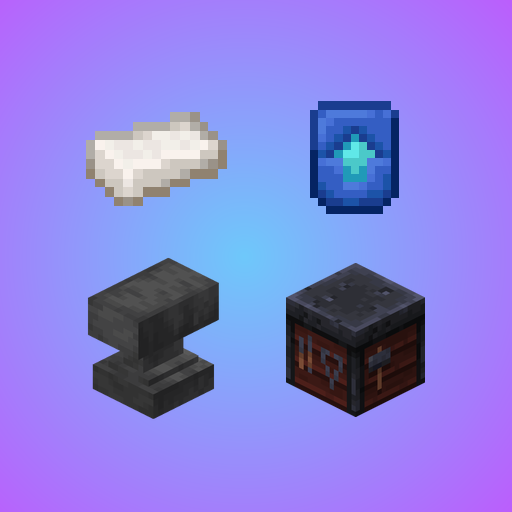
Simple Smithing Overhaul
Improved and rebalanced smithing, item repair and enchantment sources. Fully-featured and vanilla friendly.
 mod
CurseForge · Minecraft
Dot Coin Mod (Fabric)
Adds coin loot to Minecraft