Minecraft version
Back to mods 
CurseForge · Minecraft mod
TexturesToMap
Turn block textures into Minecraft maps for fake blocks, hidden bases, pranks and invisible item frame illusions.
Choose a version Pick your version below, then grab the matching file.
Quick answer
Which TexturesToMap release should I use?
Latest stable file texturetomap-fabric-1.21.11-.jar
Game version 1.21.11
Loader Fabric
TexturesToMap texturetomap-fabric-1.21.11-.jar targets 1.21.11 with Fabric. The project page does not say whether this file belongs on the client, dedicated server, or both. No extra mods listed for this file.
Where it goes
Is TexturesToMap required on the client, server, or both?
The project page does not say whether this file belongs on the client, dedicated server, or both.
Client Source doesn’t say
Dedicated server Source doesn’t say
Loader for this release Fabric
Required install it here Optional supported, not mandatory Not supported do not install here Source doesn’t say do not assume
The source does not explicitly classify this release as client-only or server-only.
What else does TexturesToMap texturetomap-fabric-1.21.11-.jar need?
texturetomap-fabric-1.21.11-.jar. Change the file and its required mods may change too.
This file does not list any required mods. Do not add a library just because a different file uses it.
This file does not list any required or optional mods.
Before you install it
Add TexturesToMap without breaking your instance.
Built for TexturesToMap texturetomap-fabric-1.21.11-.jar. Pick another file and the loader, install side or required mods may change.
- 01
Stick to this file
Use texturetomap-fabric-1.21.11-.jar. It targets 1.21.11 with Fabric; another release may have different loader, side or dependency requirements.
- 02
Bring the mods it needs
This file does not list any required mods. Do not add a library just because a different file uses it.
- 03
Put it on the correct side
The project page does not say whether this file belongs on the client, dedicated server, or both.
- 04
Pick the file you checked
Use the “Get this file” button beside texturetomap-fabric-1.21.11-.jar. It opens that exact file at the source.
About this project
What does TexturesToMap add?
✦ TextureToMap ✦
Turn Minecraft Block Textures Into Maps Instantly!
TextureToMap is a unique Minecraft utility mod that lets you copy block textures directly onto maps. Right-click a block with a map, choose the texture you want, and instantly create a smooth map version of that block texture.
Perfect for fake blocks, hidden bases, secret doors, prank videos, illusion builds, and creative Minecraft tricks.
✨ What Does TextureToMap Do?
Normally, making a fake block with maps is extremely hard. You would need to build huge pixel art by hand, open a map over it, and then place that map inside item frames.
TextureToMap makes that process simple.
How it works:
- Hold a map in your hand.
- Right-click any supported block.
- Choose one of the block's detected textures.
- The texture is copied onto your map.
- Place the map in an item frame to create a fake block effect.
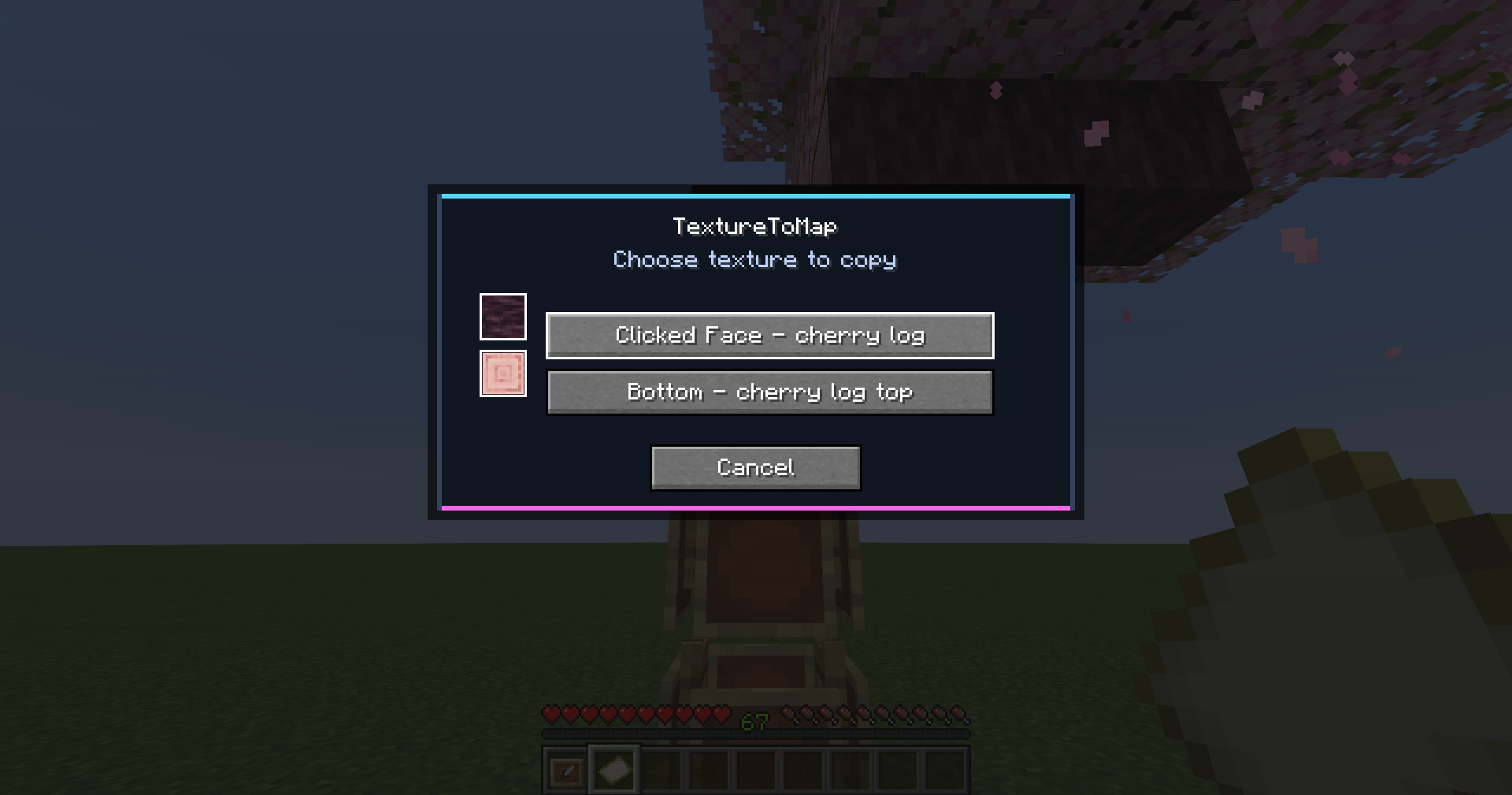
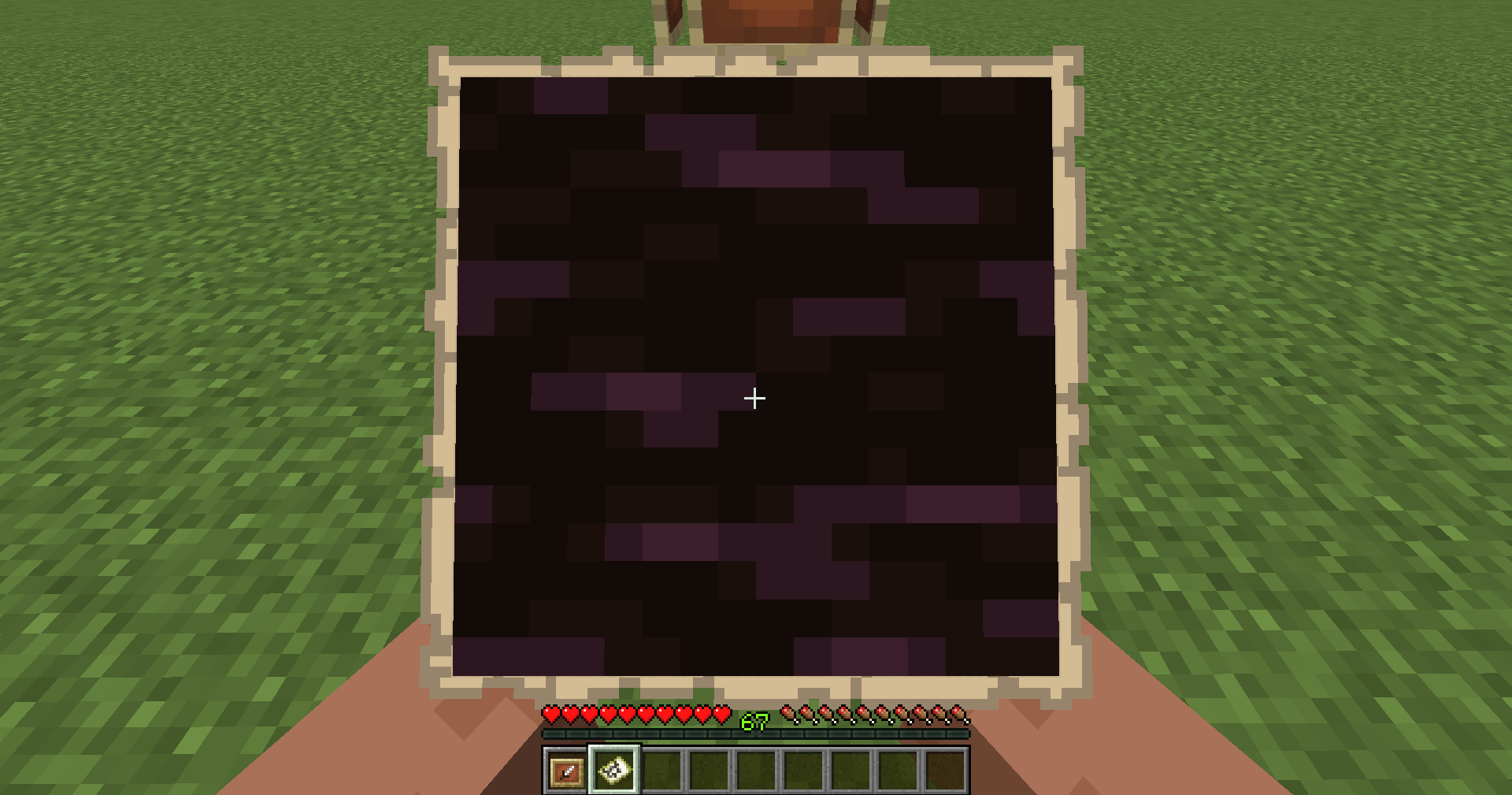
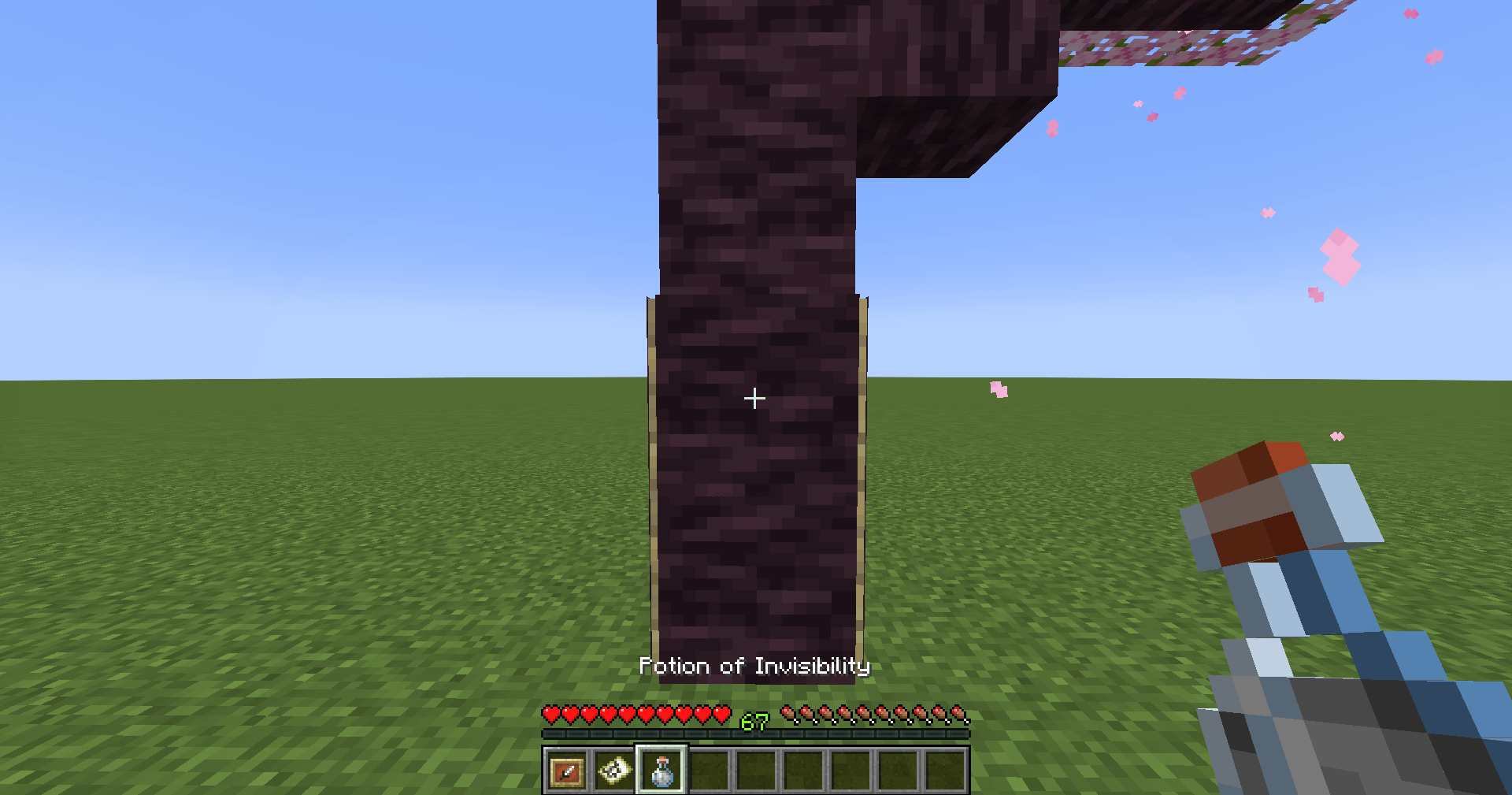
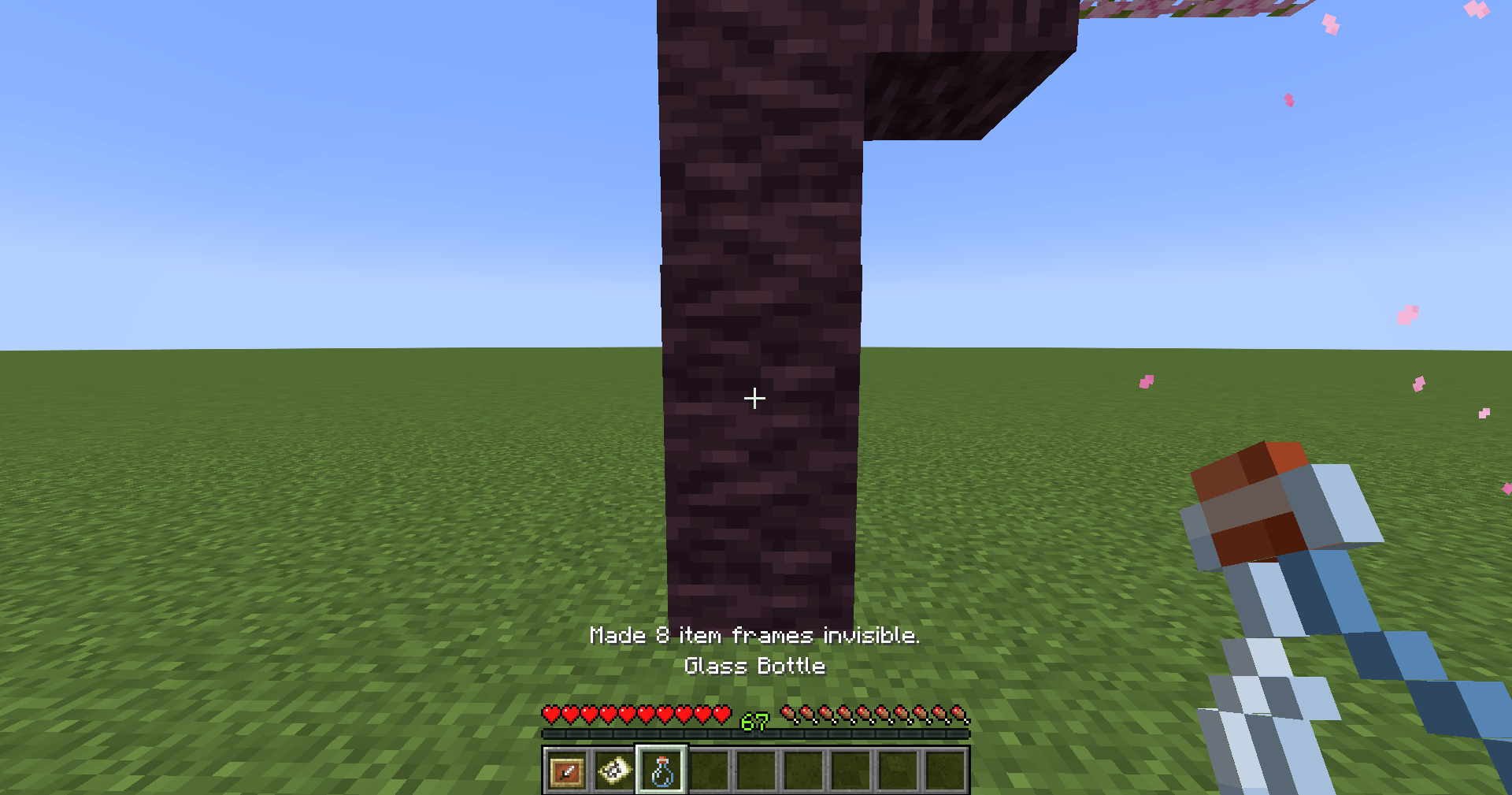
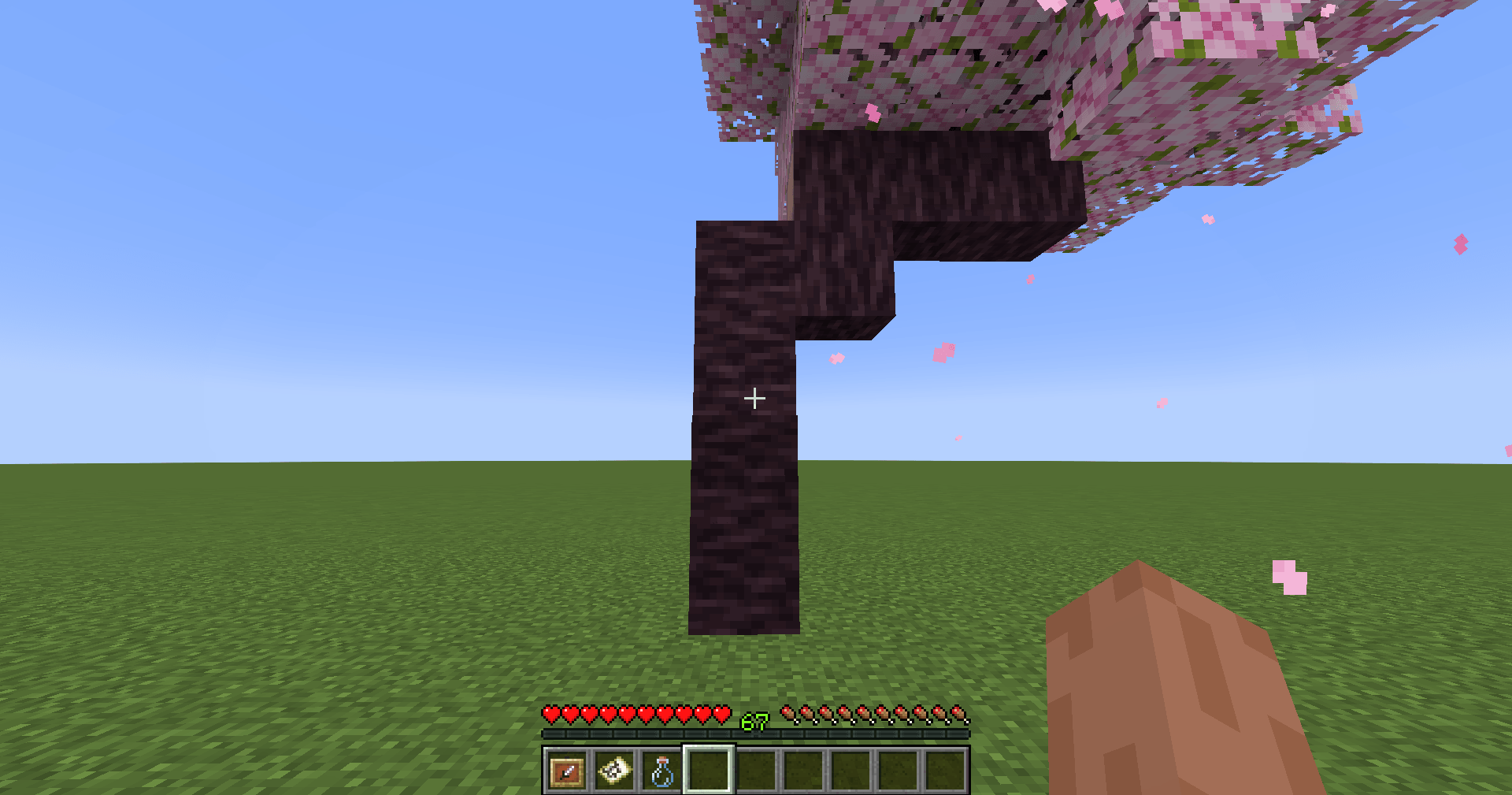
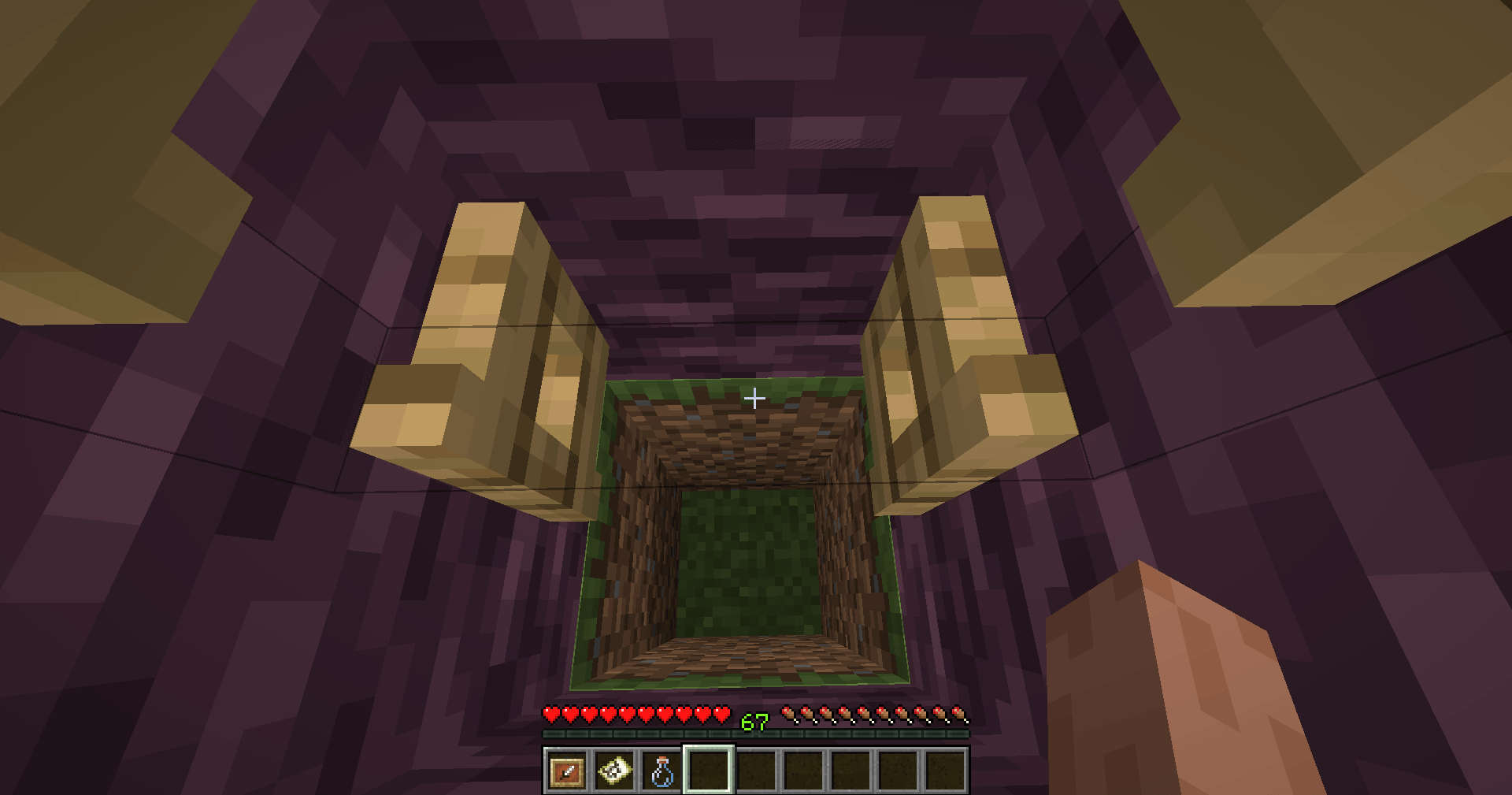
The mod reads block textures and transfers them into maps in a smooth and clean way, making fake surfaces look much more convincing.
🧱 Smooth Texture-To-Map Conversion
TextureToMap is designed to make block textures transfer onto maps as cleanly as possible.
- Block texture detection — The mod reads textures from the block model.
- Texture selection menu — Choose the exact texture area you want.
- HD item frame rendering — Maps can display the selected texture much more smoothly when the mod is installed.
- Great for fake blocks — Build walls, floors, hidden entrances and prank setups.
This makes the texture transition onto maps feel much cleaner and more natural compared to manually creating map pixel art.
🔥 Main Features
- Convert block textures into maps
- Small texture selection menu when right-clicking blocks
- Supports many vanilla blocks
- Can work with many modded blocks that use standard Minecraft block models
- HD texture rendering for better fake block visuals
- Perfect for invisible item frame tricks
- Invisibility potion utility to hide nearby item frames
- Invisible Support Block for survival-friendly fake block setups
- Survival crafting support
- Great for YouTube Shorts, TikTok, prank videos and hidden base builds
🪄 Invisible Item Frame Utility
TextureToMap also makes fake block building easier with a useful invisibility feature.
- Hold an Invisibility Potion.
- Right-click to make nearby item frames invisible.
- If there are no item frames nearby, the potion will not be wasted.
This makes it easier to place your texture maps inside invisible item frames without using commands.
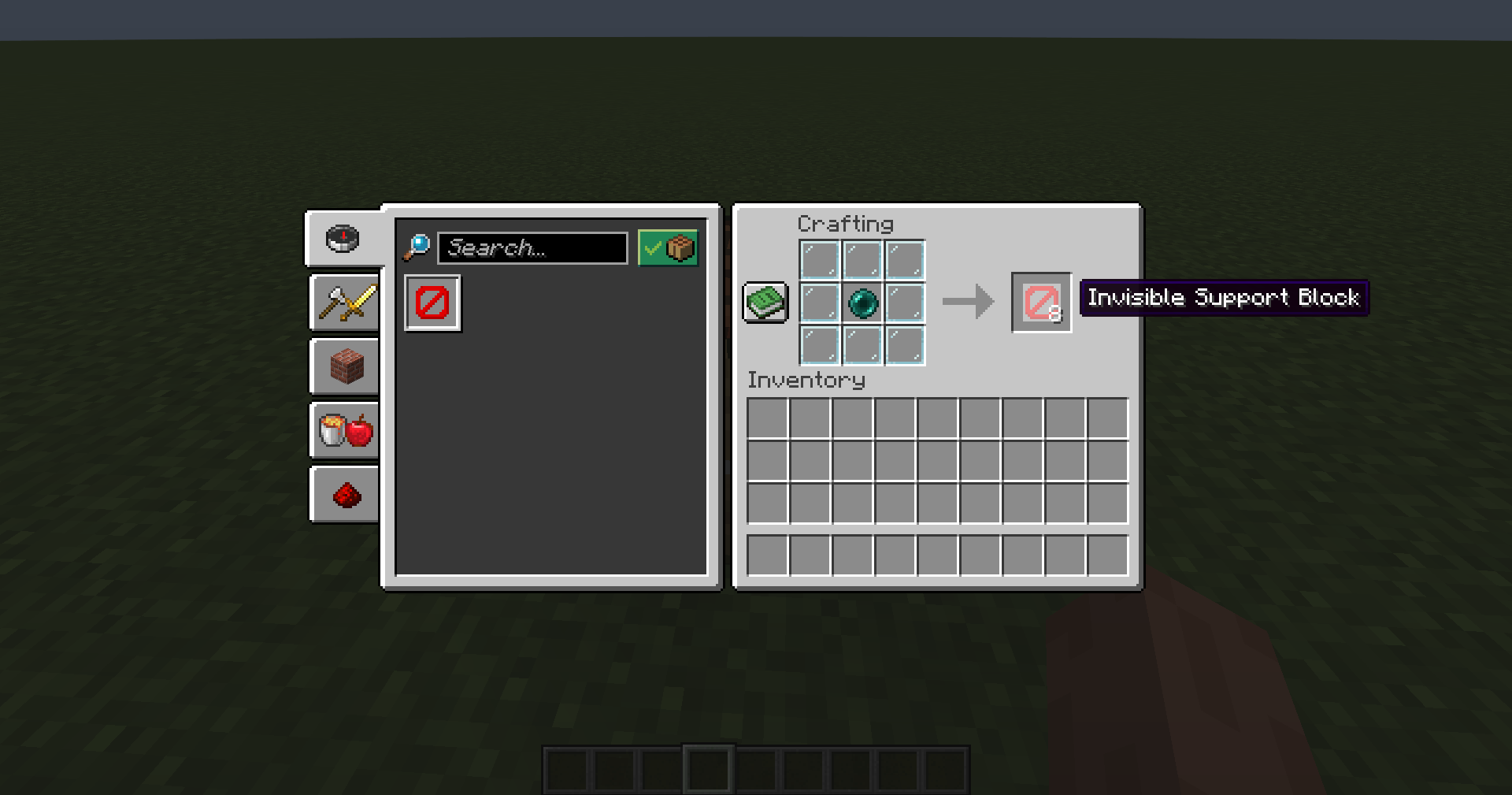
⬛ Invisible Support Block
Some fake block setups need a surface behind the item frame, but normal blocks can ruin the illusion.
TextureToMap adds an Invisible Support Block for this exact reason.
- Invisible in the world
- Solid and placeable
- Useful for item frame map illusions
- Great for glass, open spaces, fake walls and hidden entrances
- Craftable in survival
🎬 Perfect For
- Fake block walls
- Hidden bases
- Secret entrances
- Prank videos
- Fake floors
- Trap builds
- Map illusions
- Creative builds
- Minecraft Shorts and TikToks
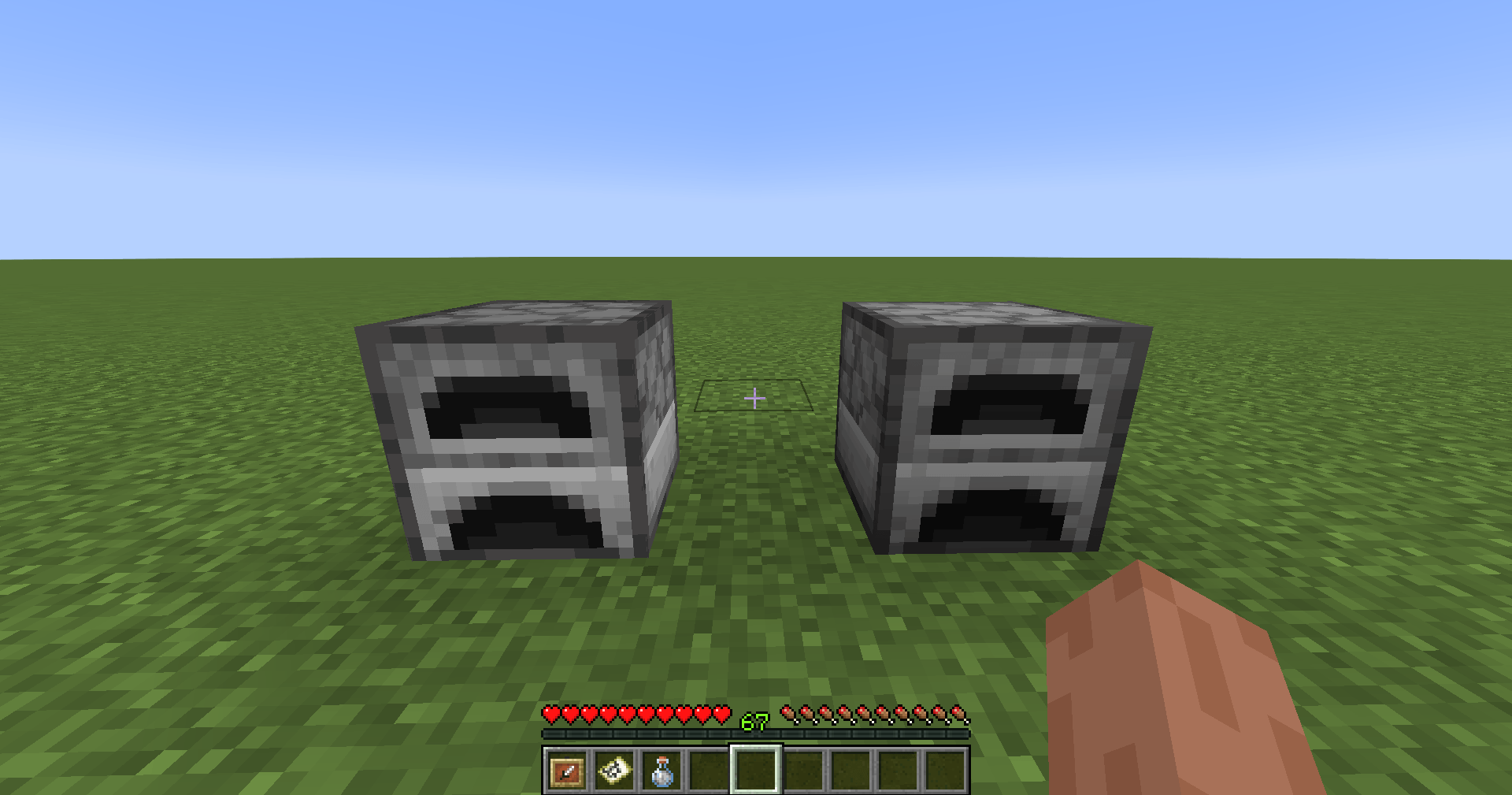
🌍 Modded Block Support
TextureToMap is not only limited to vanilla Minecraft blocks.
It can work with many modded blocks too, as long as they use normal Minecraft block models and textures.
Some complex animated blocks, custom-rendered blocks or special tile entity blocks may not work perfectly yet, but support can improve over time.
🚀 Future Updates
TextureToMap is planned to grow with more features and improvements.
- Better support for modded blocks
- Improved texture detection
- More accurate fake block rendering
- Better survival tools
- More illusion-building features
- More configuration options
This is only the beginning. More fake block and map illusion features may be added in future updates.
💎 Why Use TextureToMap?
Because creating fake block maps manually is slow, difficult and almost impossible for most players.
TextureToMap turns that entire process into a simple right-click system.
Create convincing fake blocks, hide your base, prank your friends, or make impossible-looking Minecraft builds.
Right Click. Choose Texture. Create Illusion.
Welcome to TextureToMap.
Project description from CurseForge.
Pick your setup
TexturesToMap by Minecraft version and loader
Choose the version and loader you play, then open the matching release.
Minecraft version
1.21.1
1 loader buildMinecraft version
1.20.1
2 loader buildsCheck the dependencies, then try the file in a copied instance before changing a world you care about.
Recent files
TexturesToMap versions and loaders
texturetomap-fabric-1.21.11-.jar
23 Jul 2026
Client Source doesn’t say Server Source doesn’t say Dependencies No extras listed Listed on Release listing
Check the 1.21.11 · Fabric setup Fabric1.21.11 release
texturetomap-1.21.1-neoforge-.jar
22 Jul 2026
Client Source doesn’t say Server Source doesn’t say Dependencies No extras listed Listed on Release listing
Check the 1.21.1 · NeoForge setup 1.21.1NeoForge release
texturetomap-fabric-1.20.1-.jar
22 Jul 2026
Client Source doesn’t say Server Source doesn’t say Dependencies No extras listed Listed on Release listing
Check the 1.20.1 · Fabric setup Fabric1.20.1 release
texturetomap-2.0.0.jar
21 Jul 2026
Client Source doesn’t say Server Source doesn’t say Dependencies No extras listed Listed on Release listing
Check the 1.20.1 · Forge setup 1.20.1Forge release
texturetomap-1.0.0.jar
25 May 2026
Client Source doesn’t say Server Source doesn’t say Dependencies No extras listed Listed on Release listing
Check the 1.20.1 · Forge setup 1.20.1Forge release
Looking for an older file? The official CurseForge project page is in Resources.
 mod
CurseForge + Modrinth · Minecraft
Field Guide
Discover Plants, Animals and Monsters with a Spyglass. Collect them all and take notes in your personal Field Guide!
 mod
CurseForge + Modrinth · Minecraft
Actual Shelf Mushrooms
Makes the shelf mushroom an actual shelf!
 mod
CurseForge · Minecraft
Spawn Structures
Sets the default spawn point to be inside a custom structure!