CurseForge · Minecraft mod
Builder's Shulkers
Open your shulker boxes from your inventory, and hold one in your hotbar to place blocks straight from it !
Quick answer
Which Builder's Shulkers release matches 26.2?
Builder's Shulkers builders-shulkers-1.2.4-neoforge-26.2.jar targets 26.2 with NeoForge. The project page does not say whether this file belongs on the client, dedicated server, or both. 1 required mod needs a matching file.
Where it goes
Is Builder's Shulkers required on the client, server, or both?
The project page does not say whether this file belongs on the client, dedicated server, or both.
The source does not explicitly classify this release as client-only or server-only.
What else does Builder's Shulkers builders-shulkers-1.2.4-neoforge-26.2.jar need?
builders-shulkers-1.2.4-neoforge-26.2.jar on 26.2. Every mod below is checked against that same setup.
Install Fabric API first, but 1 required mod has no matching file for this setup. Do not mix loader builds to force a match.
We only count dependency files that match this setup. A file for another loader does not fill the gap.
Before you install it
Add Builder's Shulkers without breaking your instance.
Built for Builder's Shulkers builders-shulkers-1.2.4-neoforge-26.2.jar on 26.2. Pick another file and the loader, install side or required mods may change.
- 01
Stick to this file
Use builders-shulkers-1.2.4-neoforge-26.2.jar. It targets 26.2 with NeoForge; another release may have different loader, side or dependency requirements.
- 02
Bring the mods it needs
Install Fabric API first, but 1 required mod has no matching file for this setup. Do not mix loader builds to force a match.
- 03
Put it on the correct side
The project page does not say whether this file belongs on the client, dedicated server, or both.
- 04
Pick the file you checked
Use the “Get this file” button beside builders-shulkers-1.2.4-neoforge-26.2.jar. It opens that exact file at the source.
About this project
What does Builder's Shulkers add?
Builder's Shulkers lets you use a shulker box's contents without ever placing it down. Open and rearrange one straight from your inventory, and place blocks from a shulker held in your hotbar while you build.
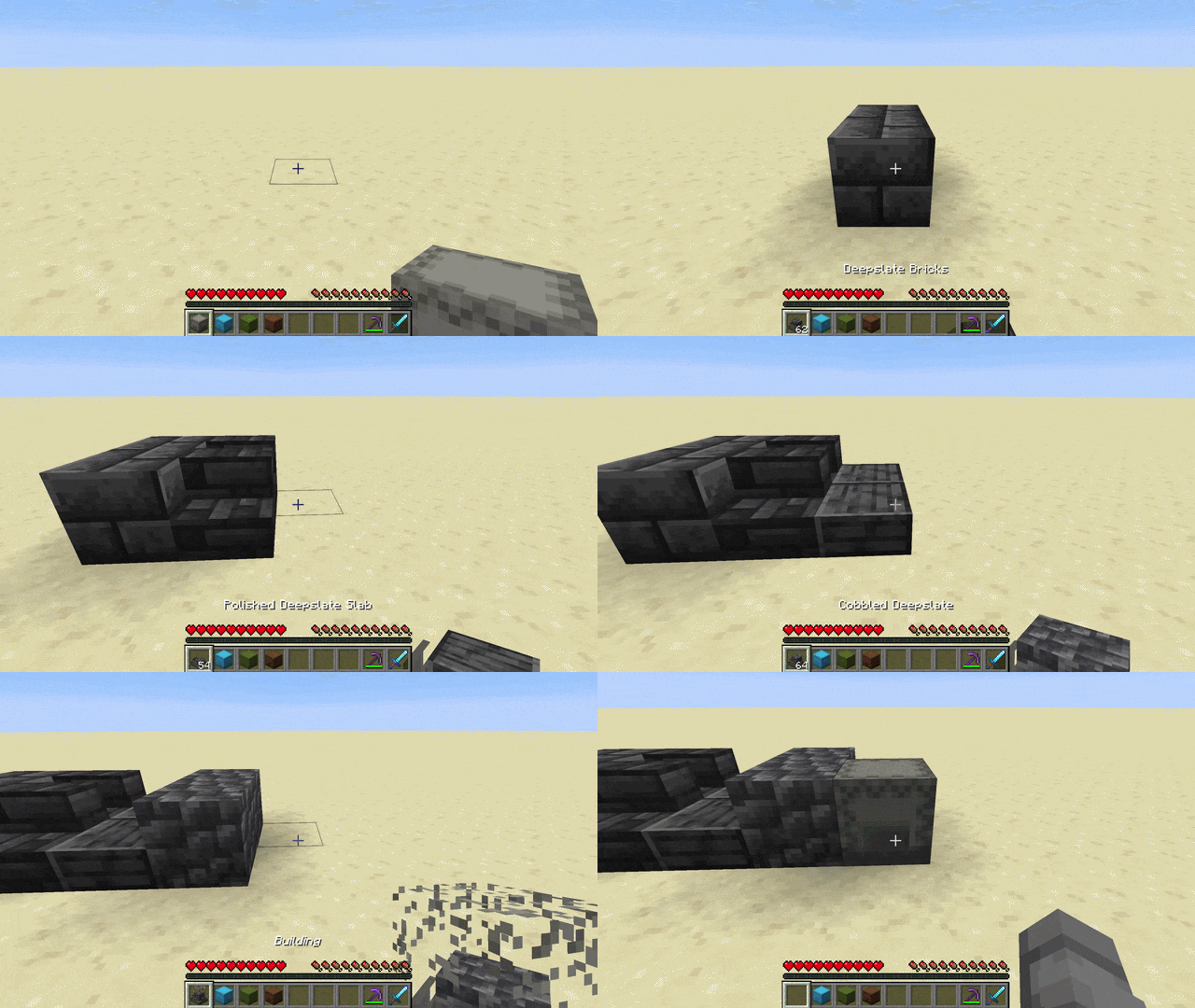
Build straight from your hotbar

- Hold a shulker box in your hotbar and press Ctrl + right-click to enter Pocket-Build mode
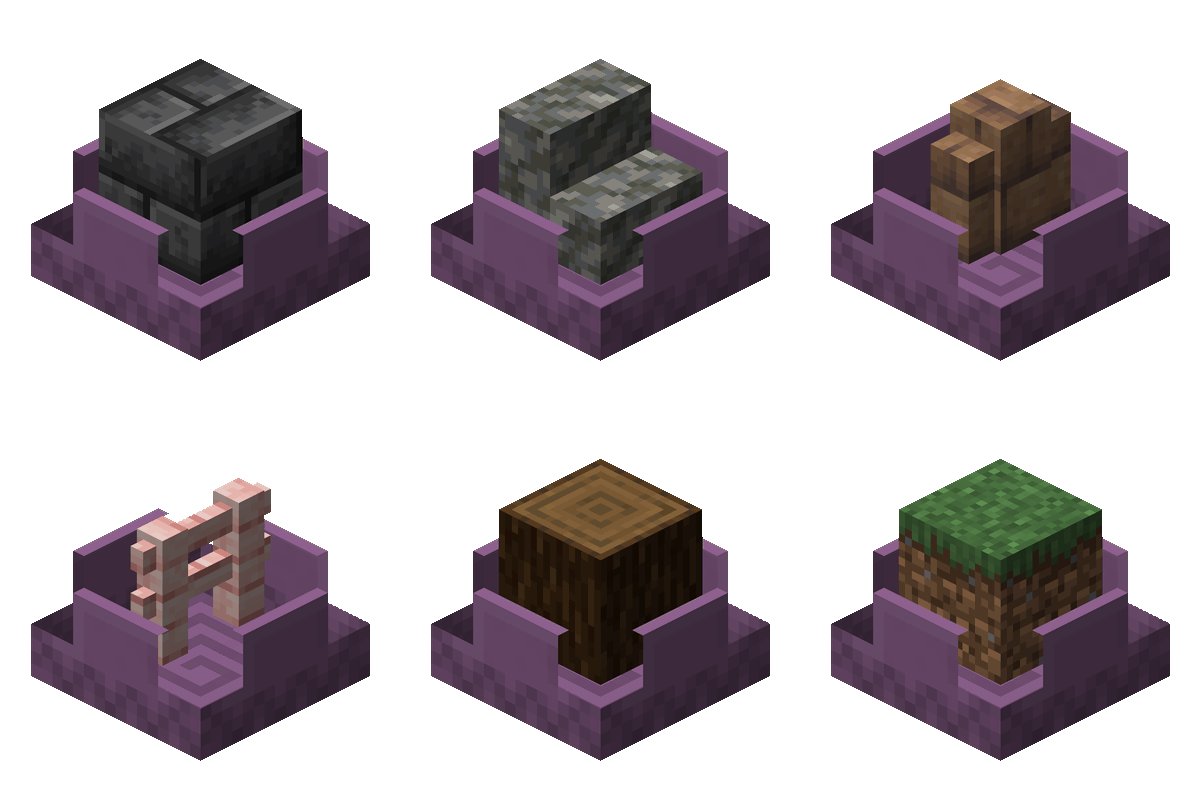
- Scroll the mouse wheel to select the previous/next different block inside the box. Its name and count show by your hotbar, and the box opens with a dissolving lid that reveals the selected block rendered inside it
- Right-click to place that block straight from the box while the box stays in your hand
- Middle-click a block you already have in the box to jump straight to it
- Hold Ctrl to peek at the box's full contents in an overlay above your hotbar
Open shulker boxes from your inventory

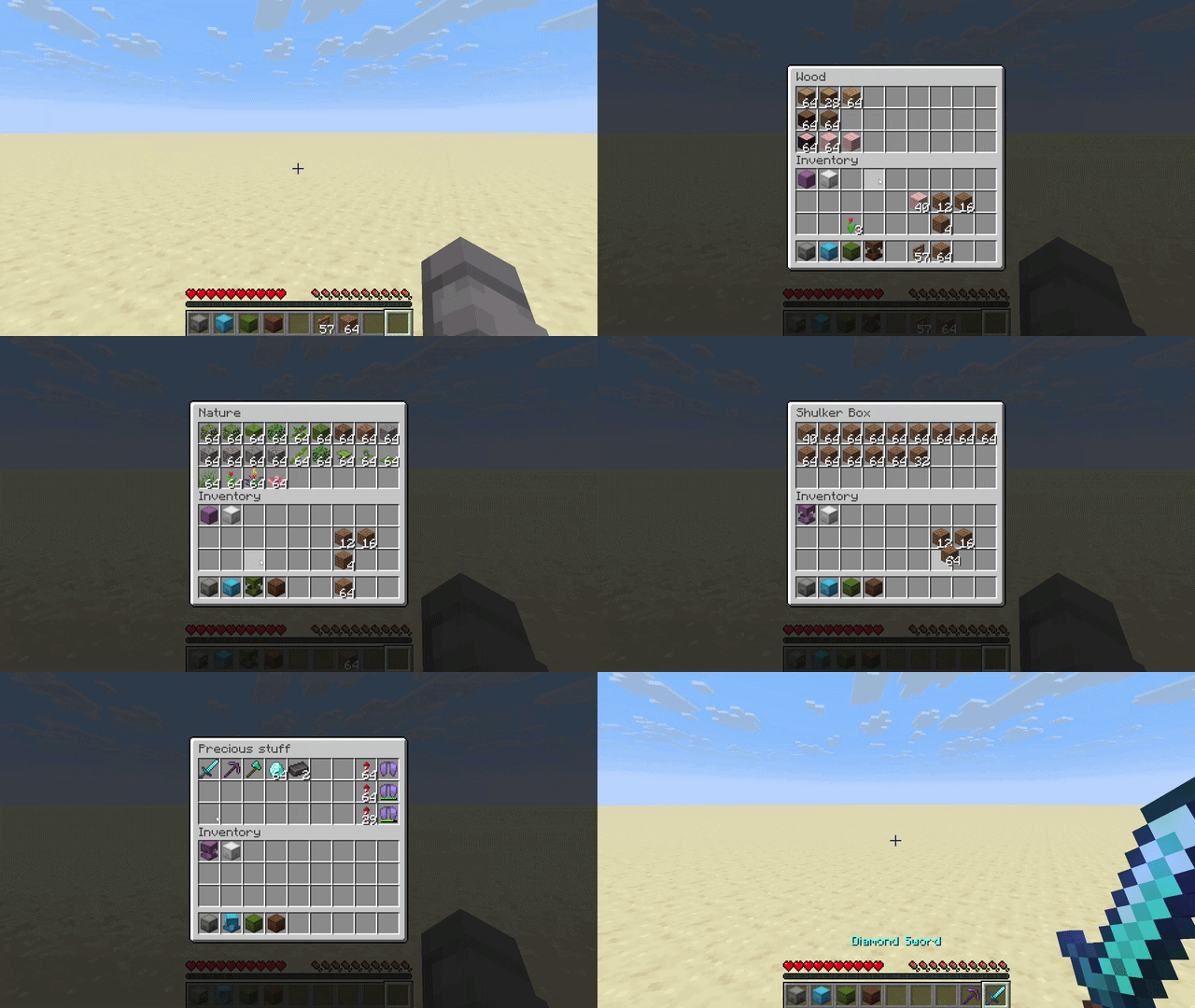
- Right-click a shulker box in your inventory to open it
- Move items in and out with all the usual controls: left and right click, shift-click, drag, hotbar number keys, and drop
- Close it with Escape, or by right-clicking the same shulker again
- While one is open, you can right-click another to switch straight to it
- There are open and close sounds, and the lid smoothly animates
Multiplayer

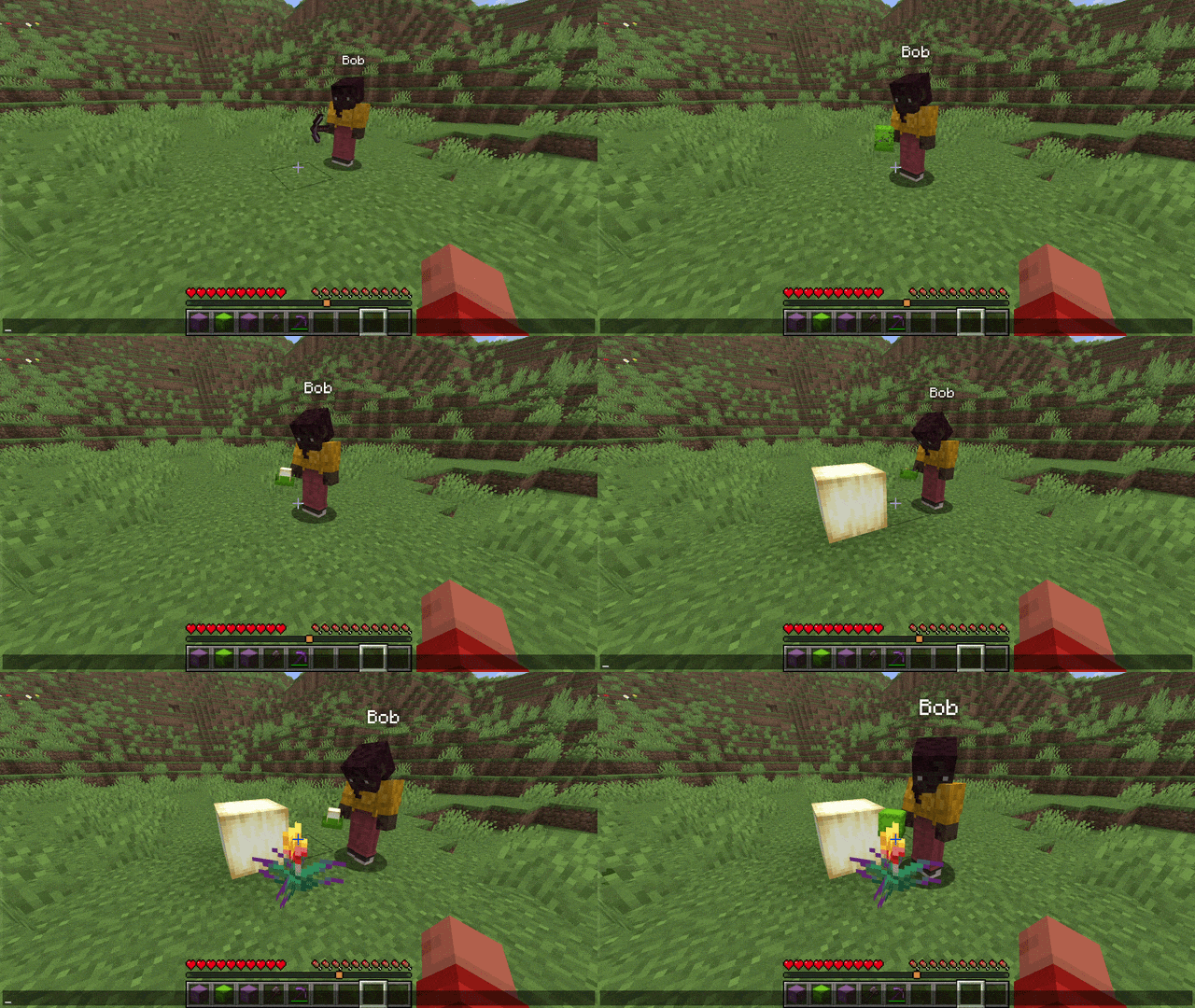
- Works in multiplayer, including the lid animations on shulkers other players hold
- Players without the mod can still join the server normally: they simply do not see the extra animations and sounds
Customization
- Settings screen: Press B (rebindable) to open it and tune the cosmetics: lid animations, the lid effect (dissolve, disappear, or stay solid), the block rendered inside the box and its count, the open/close sounds, and more.
- Custom keybinds: Every control lives in Options -> Controls under "Builder's Shulkers" and can be rebound or unbound: the Pocket-Build hold key (default Left Control), a peek key (default Left Control), and a single-press "Toggle Pocket-Build" (unbound by default) to enter and leave the mode with one button (handy on a controller or on touch).
- Gamerules: Server admins can turn the access from inventory and Pocket-Build features on or off.
Designed to fit in
- Vanilla+: improves shulker handling without changing how the game looks or feels
- Built on the vanilla shulker container (same screen, same data), so it plays nicely with most other mods, and it works with shulker boxes added by other mods
Safe by design
- Everything that moves items is handled by the server, so your items can never be duplicated
Requirements
- Minecraft version between 1.21.9 and 26.3
- Fabric Loader and Fabric API, or Neoforge
Put this mod and Fabric API in your mods folder.
Open source
Builder's Shulkers is open source.
- Code: https://github.com/Moncef-dev/builders-shulkers
- Found a bug or have an idea? Send it here: https://github.com/Moncef-dev/builders-shulkers/issues
Project description from CurseForge.
Pick your setup
Builder's Shulkers by Minecraft version and loader
Choose the version and loader you play, then open the matching release.
26.3
2 loader builds26.2
2 loader builds26.1.2
2 loader builds26.1.1
2 loader builds26.1
2 loader builds1.21.11
2 loader builds1.21.10
2 loader builds1.21.9
2 loader buildsCheck the dependencies, then try the file in a copied instance before changing a world you care about.
Recent files
Builder's Shulkers versions and loaders
builders-shulkers-1.2.4-neoforge-26.2.jar
16 Sept 2026
builders-shulkers-1.2.4-fabric-26.2.jar
16 Sept 2026
builders-shulkers-1.2.3-neoforge-26.2.jar
19 Jul 2026
builders-shulkers-1.2.3-fabric-26.2.jar
19 Jul 2026
builders-shulkers-1.2.2-fabric-26.2.jar
29 Jun 2026
builders-shulkers-1.2.1-fabric-26.2.jar
22 Jun 2026
builders-shulkers-1.2.0-fabric-26.2.jar
21 Jun 2026
builders-shulkers-1.1.5-fabric-26.2.jar
19 Jun 2026
Looking for an older file? The official CurseForge project page is in Resources.